- Advertisement
- Attitude
- Cinematic
- Natural Photography
- Social Media
- ChatGPT
- Gemini
- Google Flow Ai
- Ideogram
- Kling
- Leonardo
- Midjourney
- Nano Banana
- Sora
How to Create a 12-Month Fashion Calendar AI Image Prompt
By photoeditprompts.in · Updated November 15, 2026
Prompt
0
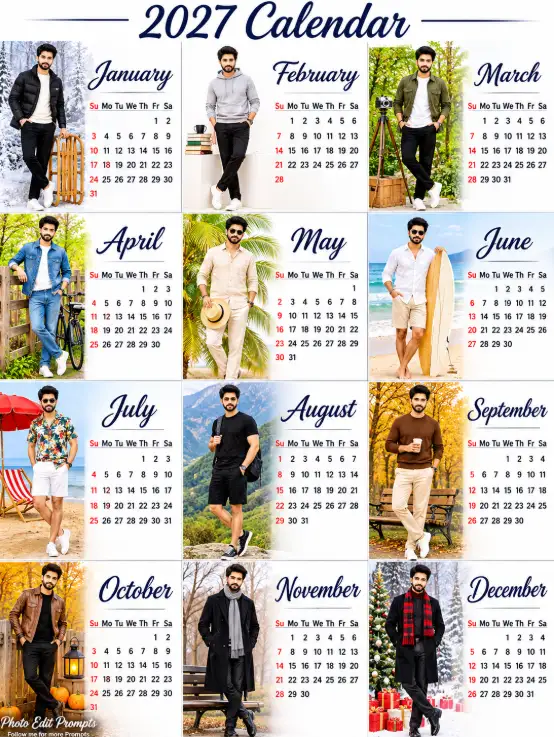
Create a highly detailed, ultra-photorealistic 4×3 grid layout of a 2027 men's fashion calendar. This must look like a premium, perfectly printed physical poster designed by a master professional Photoshop designer, captured with high-end DSLR photography. The image features 12 distinct panels, each representing a month with a stylish young man posing in seasonal attire, accompanied by a calendar grid and cursive month name. Layout & Style:
A flawless, clean white background divided perfectly into 12 equal rectangular panels with razor-sharp, professional-grade grid alignment. Each panel features high-end fashion editorial photography with a distinct seasonal aesthetic (winter, spring, summer, autumn). The month name is written in elegant cursive script at the top or side of each panel, followed by a standard monthly calendar grid with perfectly aligned, legible typography. Panel Details: January (Top Left): Man in a black puffer jacket and white sneakers, standing in a snowy landscape with a wooden sled. Cursive text: "January". February (Top Center): Man in a light grey hoodie and black pants, standing near a stack of books and a cup. Cursive text: "February". March (Top Right): Man in a green utility jacket, white t-shirt, and black pants, standing near a vintage camera and green foliage. Cursive text: "March". April (Middle Left): Man in a denim jacket and jeans, standing next to a bicycle and a wooden fence. Cursive text: "April". May (Middle Center): Man in a beige linen shirt and pants, holding a straw hat, surrounded by palm leaves. Cursive text: "May". June (Middle Right): Man in a white linen shirt and beige shorts, standing on a beach with a surfboard and starfish. Cursive text: "June". July (Bottom Left): Man in a floral Hawaiian shirt and white shorts, on a sandy beach with a red umbrella and beach chair. Cursive text: "July". August (Bottom Center): Man in a black t-shirt and shorts, wearing a backpack, standing in front of a mountainous landscape. Cursive text: "August". September (Bottom Right): Man in a brown sweater and beige pants, holding a coffee cup, standing near a park bench with autumn leaves. Cursive text: "September". October (Bottom Left): Man in a brown leather jacket and black pants, standing with pumpkins and a lantern. Cursive text: "October". November (Bottom Center): Man in a long black coat and scarf, standing near a park bench with bare trees. Cursive text: "November". December (Bottom Right): Man in a black coat and scarf, standing in a snowy scene with wrapped Christmas gifts. Cursive text: "December". Title:
At the very top center, a large, elegant, dark cursive font reads "2027 Calendar" with subtle decorative lines, perfectly kerned and rendered. Photography, Design & Quality:
Ultra-photorealistic 8K UHD. Authentic professional full-frame DSLR appearance (shot on Sony Alpha or Canon EOS). Masterful Photoshop composite design featuring flawless masking, perfect color grading, consistent lighting tailored to each season, and vibrant, true-to-life colors. Incredible sharpness, detailed fabric textures, lifelike facial features, and flawless physical print quality with a slight premium matte paper texture. TEXT OVERLAY:
Add a small, elegant and professional watermark in the bottom-left corner. First line: “Photo Edit Prompts” in clear, pinyon script font white typography. Second line: “Follow me for more Prompts” in smaller, clean white typography. Keep the watermark subtle, refined, legible and unobtrusive, with no box, border or background panel. The watermark must be placed only in the bottom-left corner. Ensure that it does not cover the man's face, body or important visual elements.
Hashtags
- Aspect ratio
- 1:1 (1024×1024)1200×10001200×6281920×1080 (16:9)4:5 (1080×1350)9:16 (1080×1920)
- Quality
- 1080p4K8K
- Prompt type
- Direct prompt
You may also read
More articles →- AI Photo Edit
7 Best Chhath Puja Prompt Ideas for Cinematic AI Portraits
- AI Mobile Wallpapers Free
5 Unique 8K Cinematic Chhath Puja Devotional Portrait Prompts: You must try
- AI Cineatic 8K Video Prompt
Best Ai Love Couple Video Prompt Free Download
- Action Picture Generate Prompts
Diwali AI Video Prompt Download for Creating Festival Greeting Videos
How to use this prompt
- Press Copy prompt to copy the full prompt.
- Open ChatGPT and start a new image.
- Paste the prompt and set the aspect ratio to 1:1 (1024×1024).
- Generate, then adjust a few words to make it your own.
More prompts like this
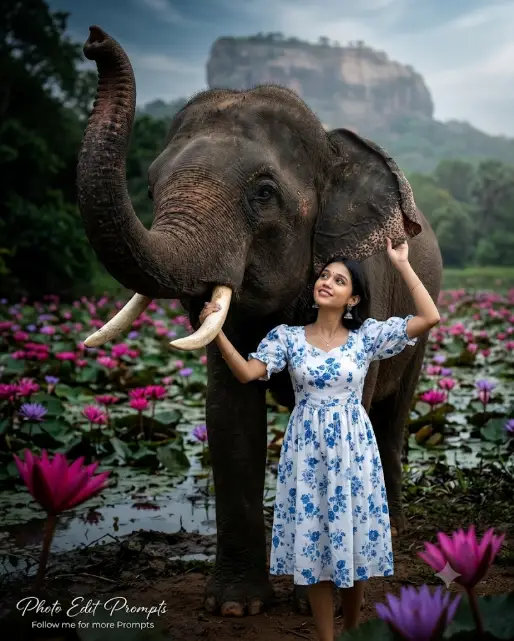
How to Craft the Ultimate Cinematic Elephant AI Image Prompt (opens in a new tab)
photoeditprompts.in
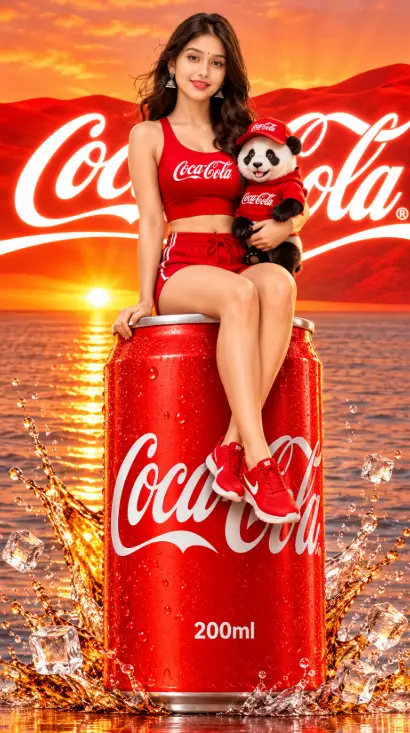
How to Capture the Perfect Coca-Cola Can Image Prompt (opens in a new tab)
photoeditprompts.in
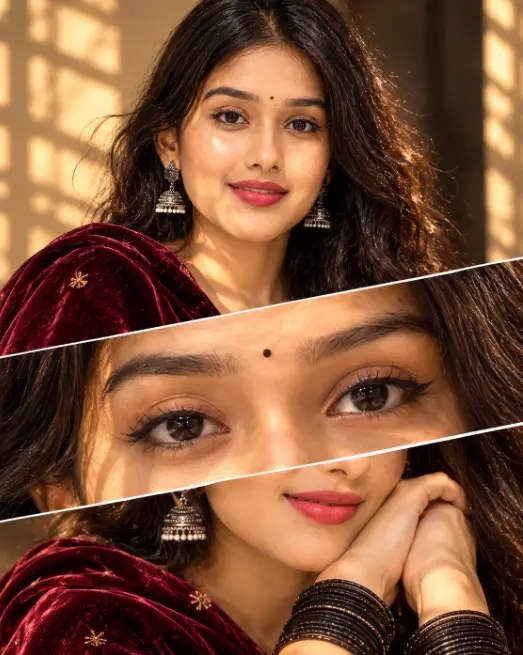
How to Create the Viral 3-Panel Cinematic Portrait Trend Using AI (opens in a new tab)
photoeditprompts.in
How to Create Stunning Layered AI Portraits (opens in a new tab)
photoeditprompts.in
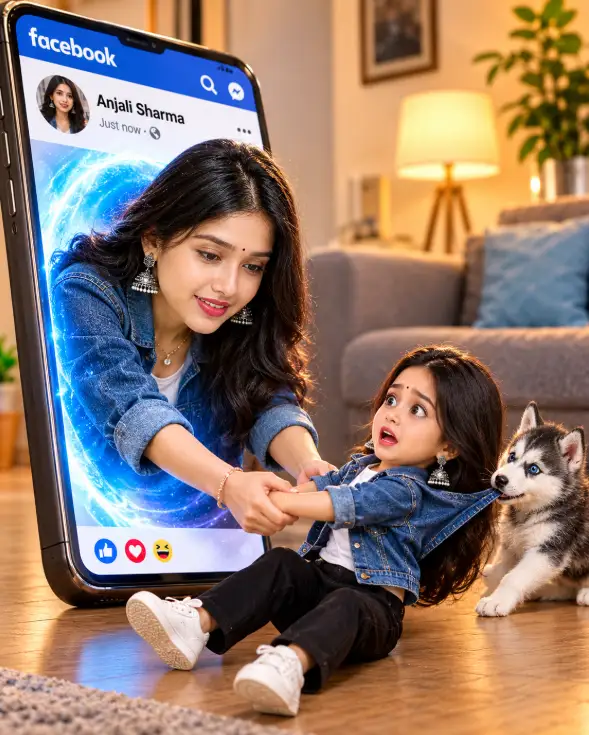
3D Pop-Out Smartphone Portal Prompt (opens in a new tab)
photoeditprompts.in
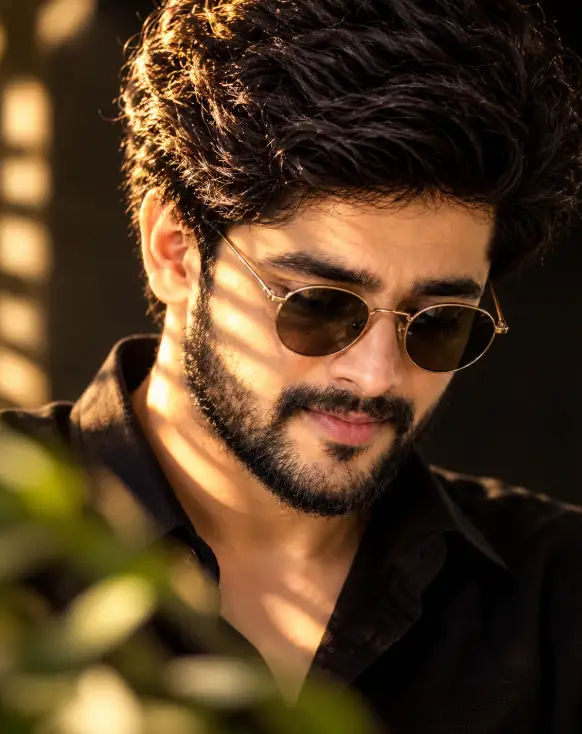
Cinematic Close-Up Portrait Prompt (opens in a new tab)
photoeditprompts.in
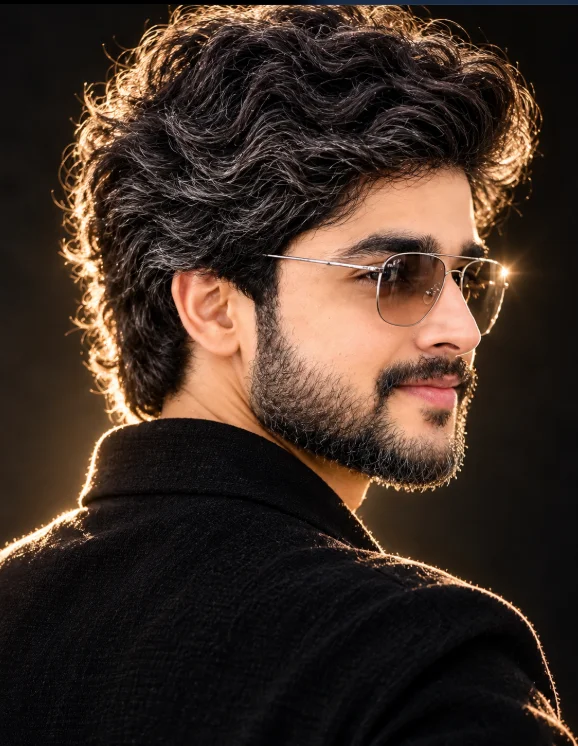
Cinematic Low-Key Portrait Prompt (opens in a new tab)
photoeditprompts.in
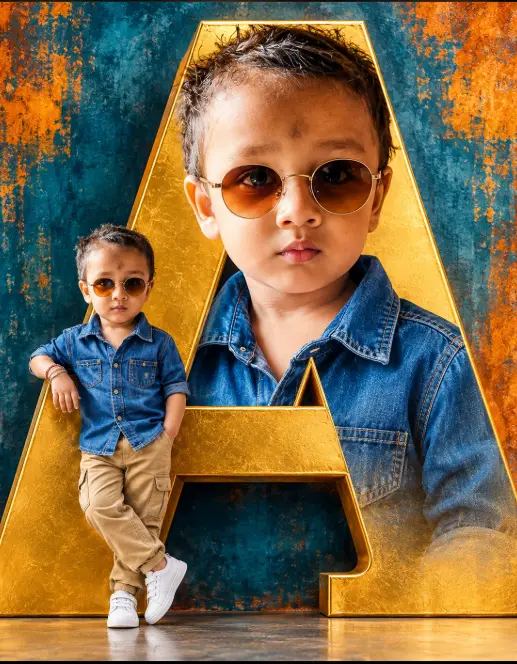
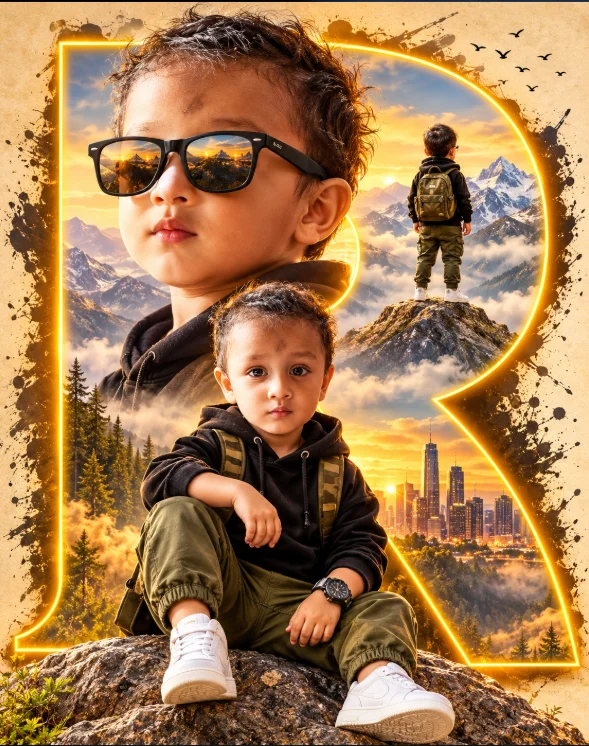
Cinematic Toddler Adventure Poster Prompt (opens in a new tab)
photoeditprompts.in