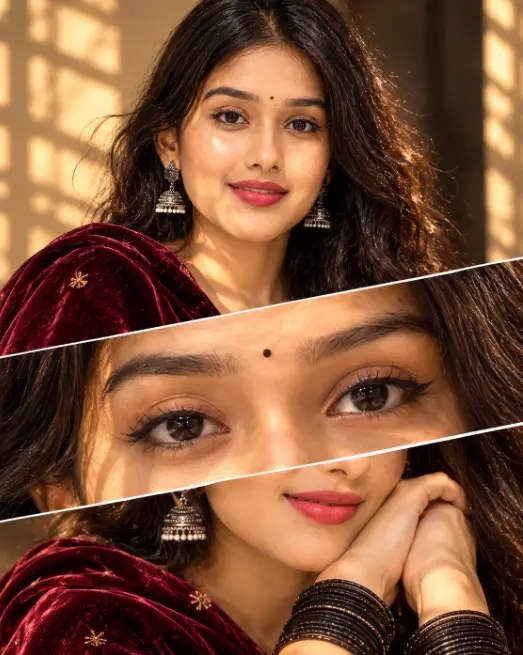
How to Create the Viral 3-Panel Cinematic Portrait Trend Using AI (opens in a new tab)
photoeditprompts.in
Looking for the best image prompt website in India? The Prompt Bank is a growing library of ready-to-copy AI image prompts for Indian festivals, family portraits, couples, weddings, birthdays and social media posts. Every prompt shows the exact words, the AI tool it suits, the aspect ratio and the quality, so you can copy it, paste it into ChatGPT, Gemini, Midjourney, Leonardo or Ideogram and start creating.
Think of it as an ultimate prompt bank for India: browse by occasion such as Diwali, Durga Puja, Navratri, Dussehra, Bihu and Pongal, by AI tool, or by who is in the picture.
photoeditprompts.in
photoeditprompts.in
photoeditprompts.in
photoeditprompts.in
photoeditprompts.in
photoeditprompts.in
photoeditprompts.in
photoeditprompts.in
photoeditprompts.in
photoeditprompts.in
photoeditprompts.in
photoeditprompts.in
photoeditprompts.in
photoeditprompts.in
photoeditprompts.in
photoeditprompts.in
photoeditprompts.in
photoeditprompts.in
photoeditprompts.in
photoeditprompts.in
photoeditprompts.in
photoeditprompts.in
photoeditprompts.in
photoeditprompts.in
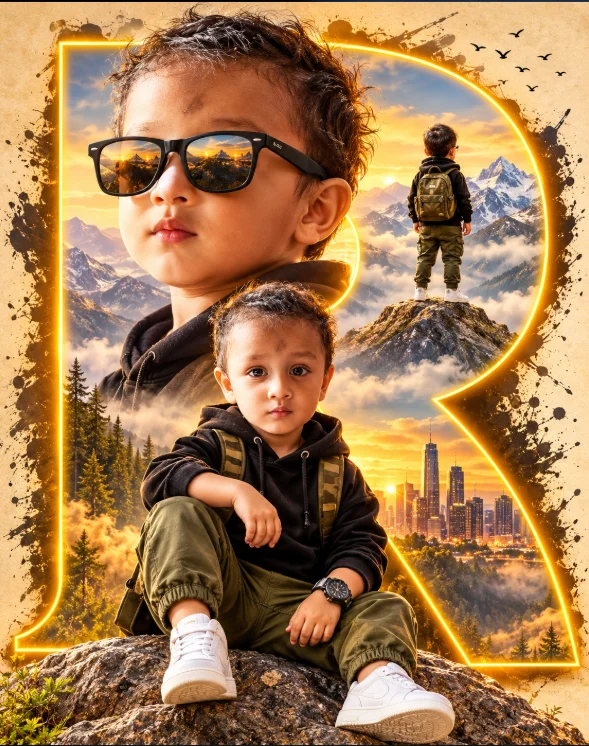
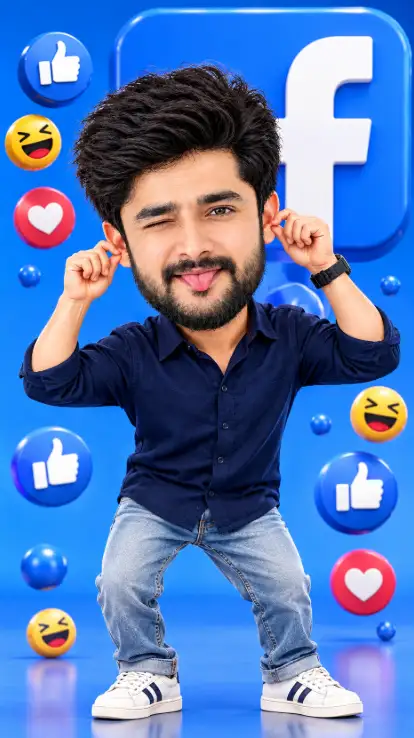
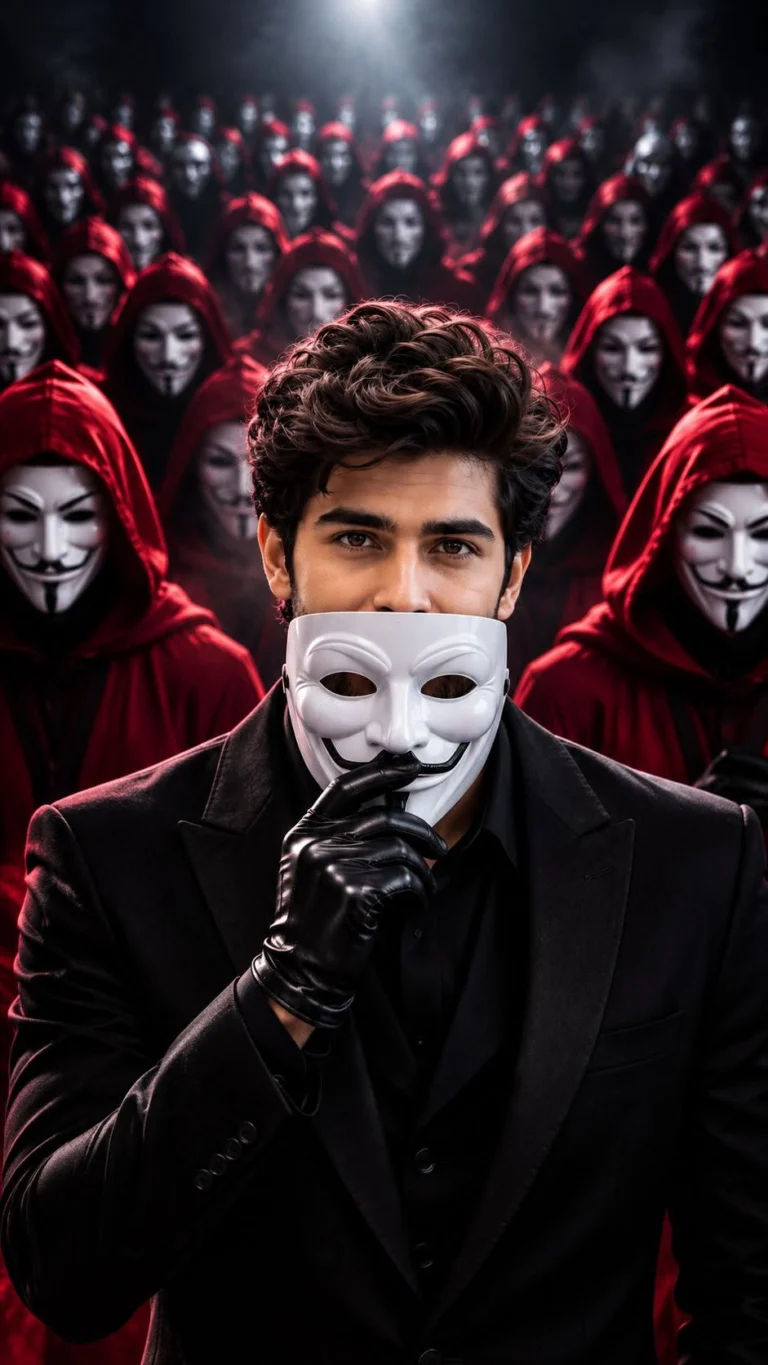
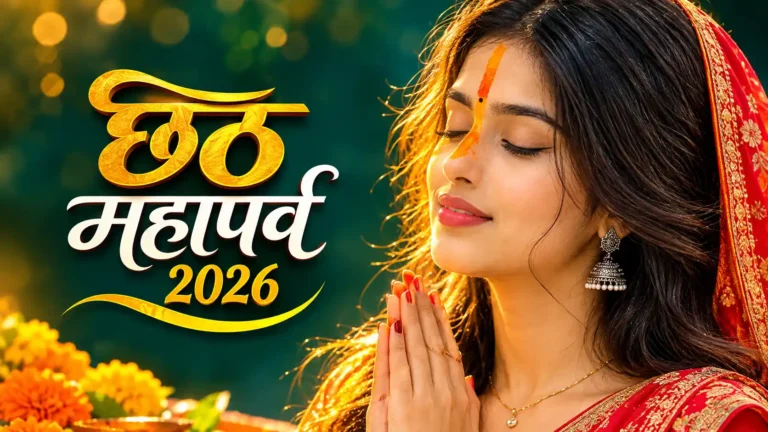
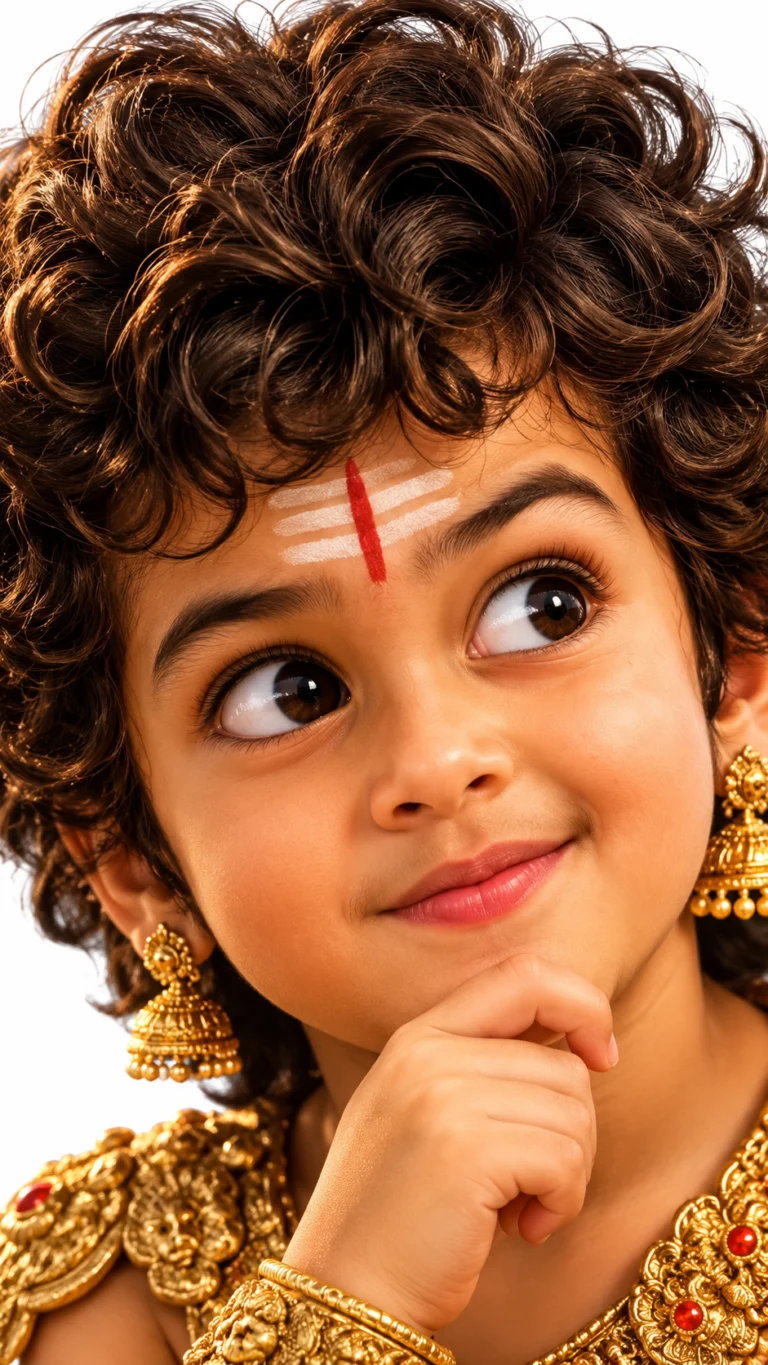
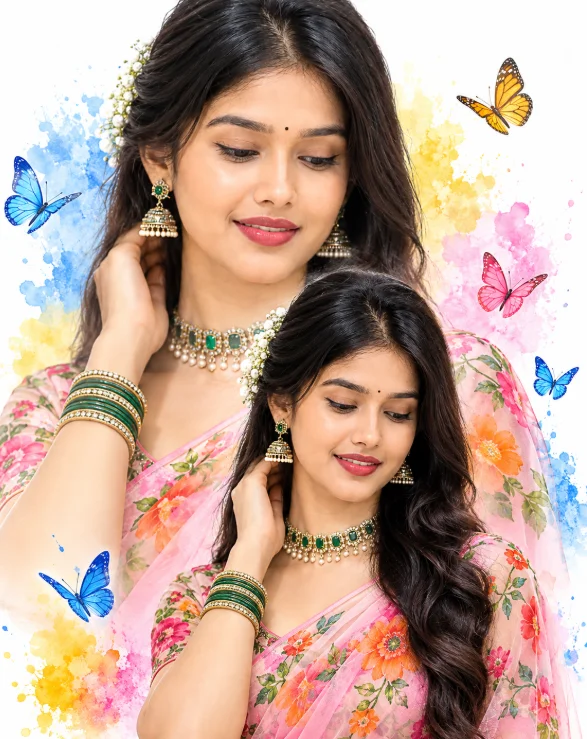
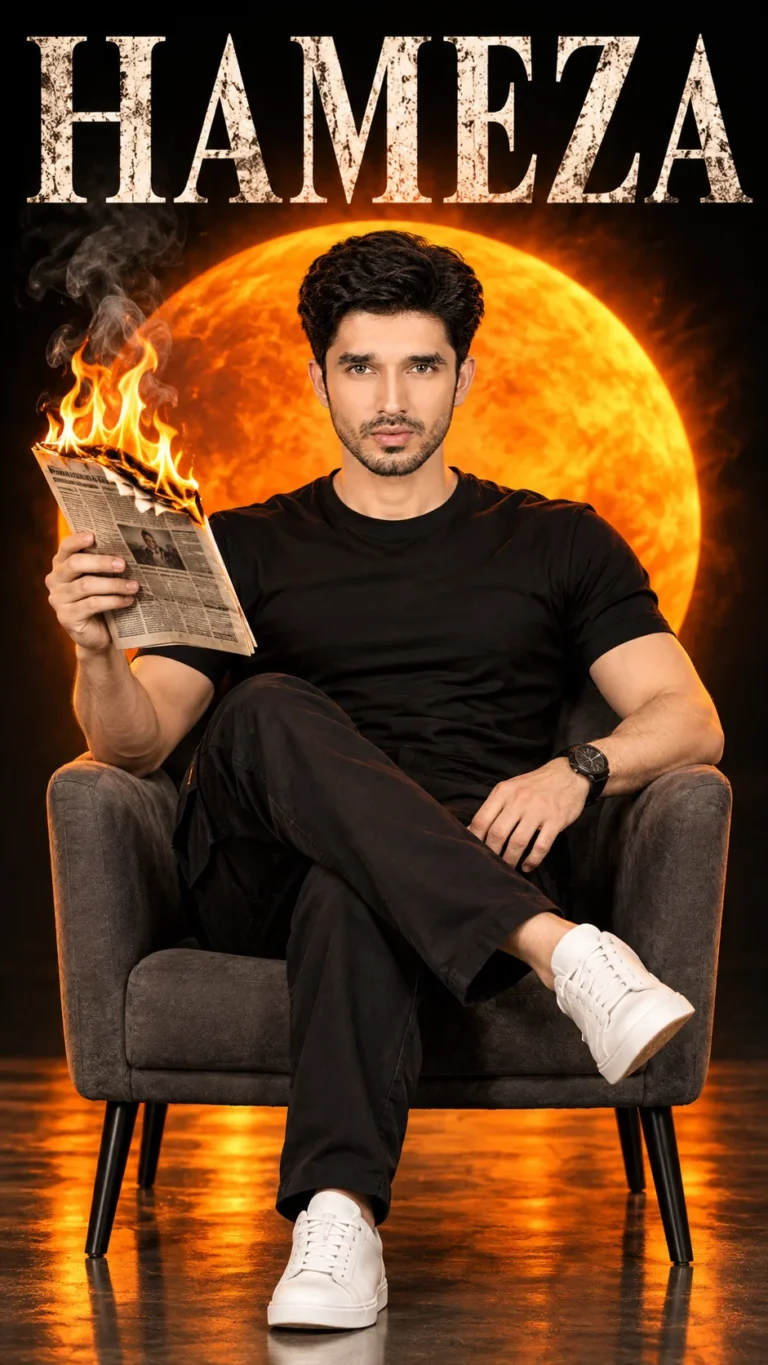
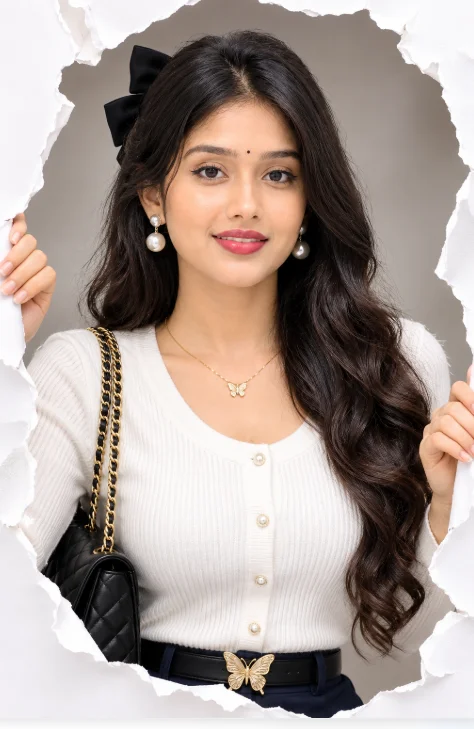
Each example shows the picture and the start of its prompt. Open it to copy the whole prompt.
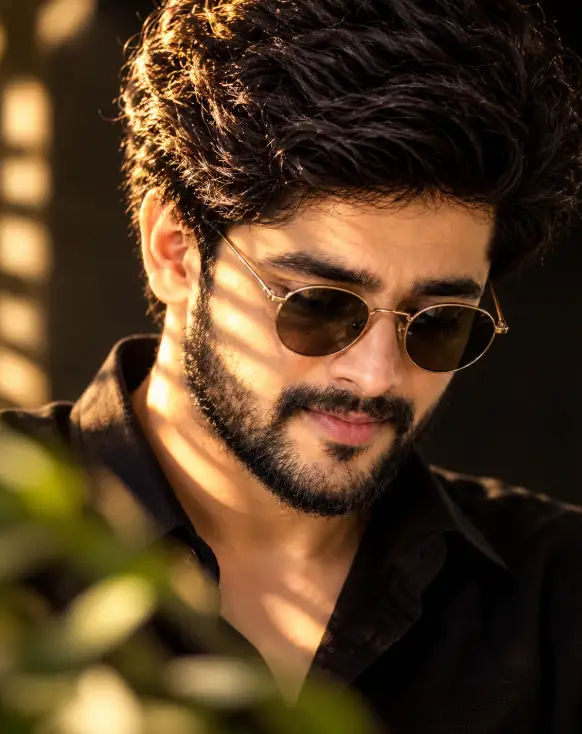
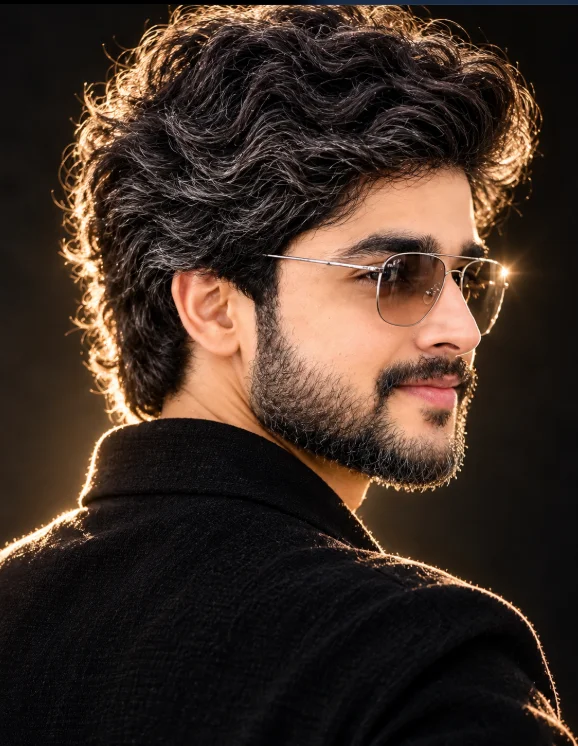
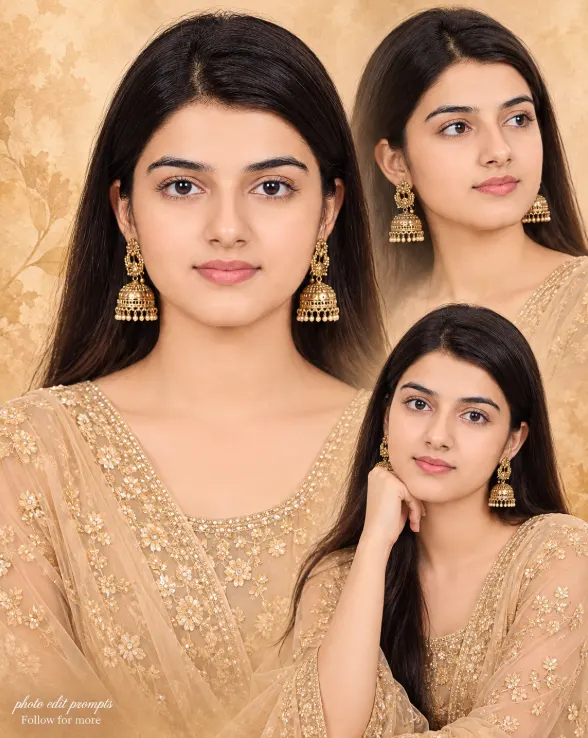
A cinematic 4K photo collage of a beautiful young Indian woman with long, voluminous, messy dark curly hair. She has a warm, gentle smile, a small black bindi, dark expressive eyes with winged eyeliner, and silver oxidis…
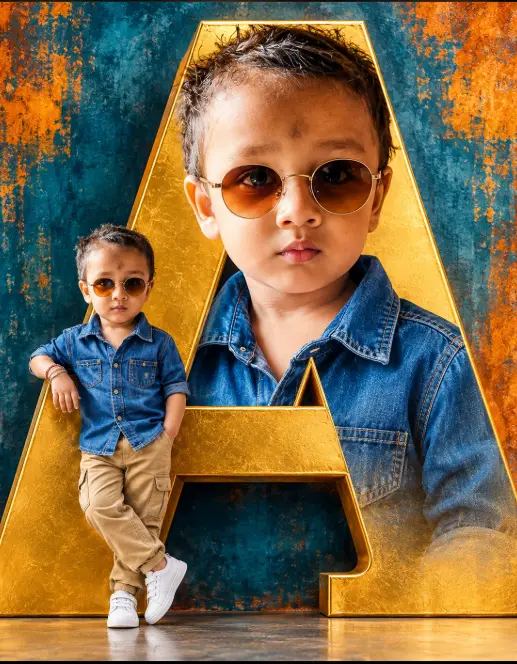
View the full prompt →A creative, hyper-realistic photo composite. In the background is a massive, 3D metallic gold letter "A" standing upright against a heavily textured, grunge-style abstract wall of deep teal blue and burnt orange paint. T…
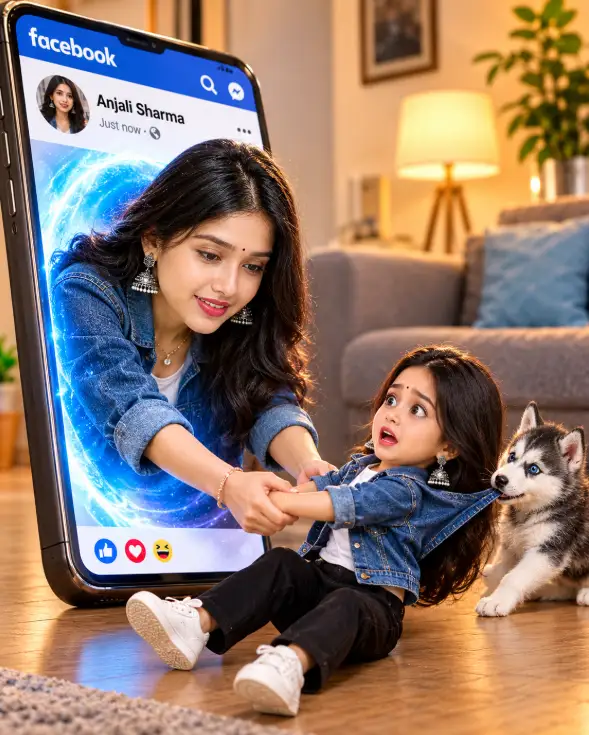
View the full prompt →Create an ultra-realistic cinematic optical illusion in a vertical 4:5 format with a 3D Pop-Out effect. Use the uploaded reference photo as the ONLY source of identity. Faithfully preserve the person's face, age, hair…
View the full prompt →The Prompt Bank is a growing library of AI image prompts that you can copy and paste. Each prompt page shows the full prompt, the AI tool it suits, the aspect ratio and the quality, so you know exactly how to use it.
Open a prompt, press Copy prompt, paste it into your AI tool, choose the aspect ratio shown on the page and generate. You can also press Copy on any card to copy a prompt without opening it.
Prompts are labelled for ChatGPT, Gemini, Midjourney, Leonardo and Ideogram, and video prompts for tools such as Veo, Kling, Runway and Sora. Use the Filters button to see prompts for the tool you use.
Yes. Browse the collections for Diwali, Durga Puja, Kali Puja, Dussehra, Navratri, Bihu, Pongal and Christmas, or use the occasion links near the top of this page.
A direct prompt is plain text that you paste as it is. A structured JSON prompt lists the subject, style, lighting and camera settings as separate fields, which gives some tools more precise control. Every prompt is labelled, and you can filter by prompt type.
A negative prompt lists what you do not want in the picture, such as blur or extra fingers. Tools such as Midjourney, Leonardo and Ideogram support it; ChatGPT and Gemini mostly ignore it.
Use 9:16 for Reels and Shorts, 16:9 (1920×1080) for YouTube thumbnails and wide banners, 4:5 for Instagram posts, 1:1 for profile pictures and 1200×628 for link previews. Each prompt shows its recommended ratio.
Type a word such as wedding or family in the search box, or open Filters and combine platform, occasion, subject, aspect ratio, quality and prompt type.