- Attitude
- Cinematic
- Social Media
- ChatGPT
- Gemini
- Google Flow Ai
- Ideogram
- Kling
- Leonardo
- Midjourney
- Nano Banana
- Sora
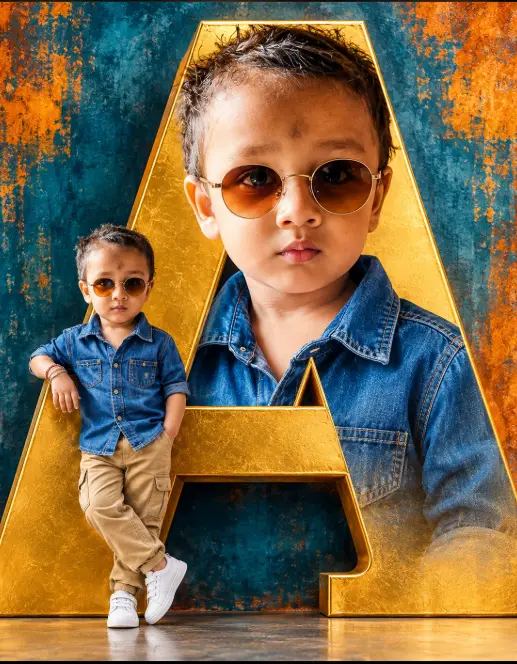
How to Create Stunning Layered AI Portraits
By photoeditprompts.in · Updated November 14, 2026
Prompt
0
A creative, hyper-realistic photo composite. In the background is a massive, 3D metallic gold letter "A" standing upright against a heavily textured, grunge-style abstract wall of deep teal blue and burnt orange paint. The interior of the letter "A" features a giant, close-up portrait of a smiling 6-year-old boy with dark curly hair, wearing round amber sunglasses and a blue denim shirt. Standing on the floor in front of the bottom left leg of the letter "A" is a full-body miniature version of the exact same boy. He is leaning casually with one hand in his pocket, wearing the same sunglasses, a blue denim shirt, khaki pants, and white sneakers. Cinematic studio lighting, vibrant colors, photorealistic, 8k resolution, highly detailed.
Hashtags
- Occasion
- AttitudeCinematicSocial Media
- Aspect ratio
- 1:1 (1024×1024)1200×10001200×6281920×1080 (16:9)4:5 (1080×1350)9:16 (1080×1920)
- Quality
- 1080p4K8K
- Prompt type
- Direct prompt
You may also read
More articles →- AI Photo Edit
7 Best Chhath Puja Prompt Ideas for Cinematic AI Portraits
- AI Mobile Wallpapers Free
5 Unique 8K Cinematic Chhath Puja Devotional Portrait Prompts: You must try
- AI Cineatic 8K Video Prompt
Best Ai Love Couple Video Prompt Free Download
- Action Picture Generate Prompts
Diwali AI Video Prompt Download for Creating Festival Greeting Videos
How to use this prompt
- Press Copy prompt to copy the full prompt.
- Open ChatGPT and start a new image.
- Paste the prompt and set the aspect ratio to 1:1 (1024×1024).
- Generate, then adjust a few words to make it your own.
More prompts like this
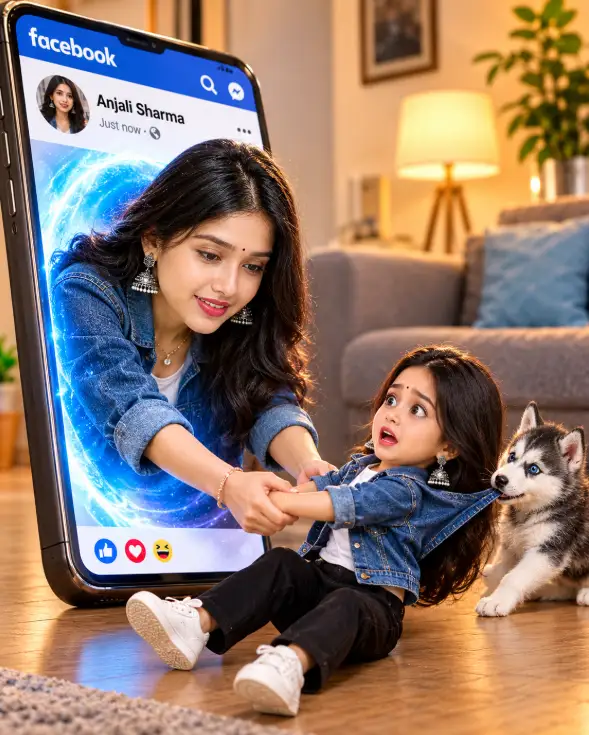
3D Pop-Out Smartphone Portal Prompt (opens in a new tab)
photoeditprompts.in
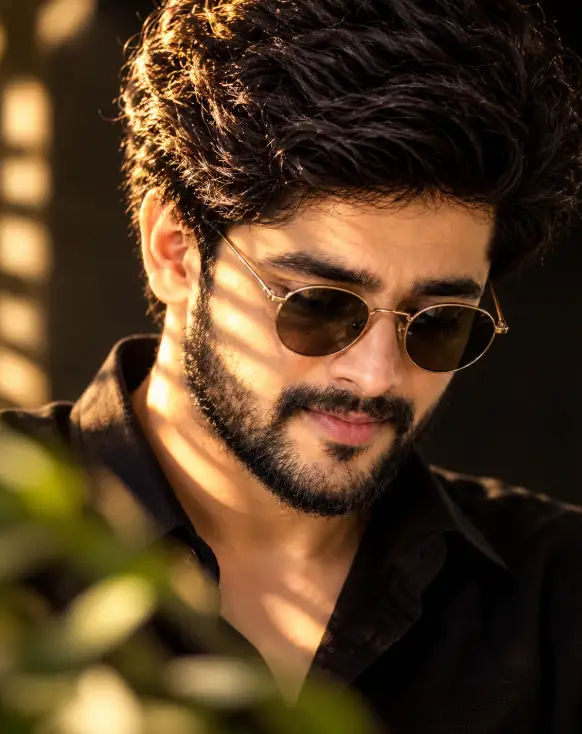
Cinematic Close-Up Portrait Prompt (opens in a new tab)
photoeditprompts.in
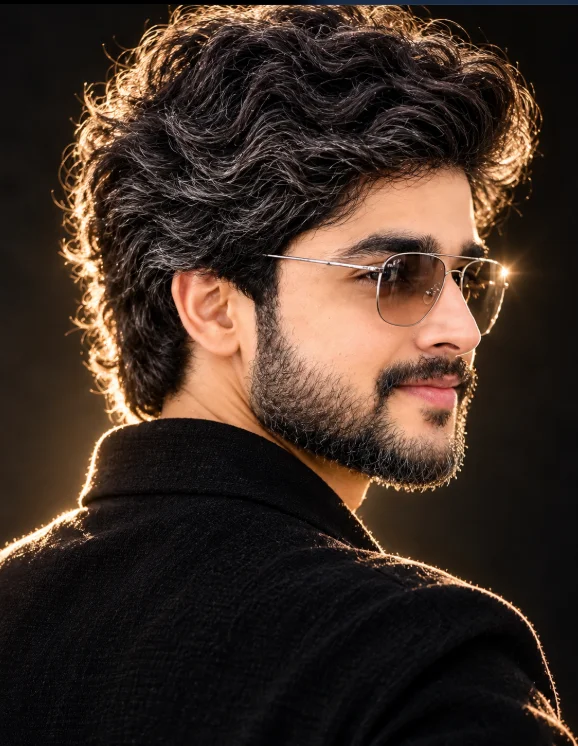
Cinematic Low-Key Portrait Prompt (opens in a new tab)
photoeditprompts.in
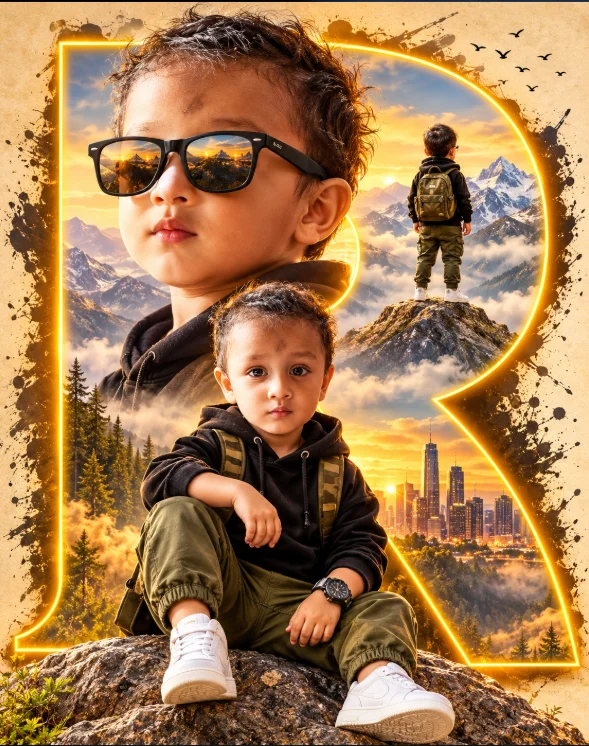
Cinematic Toddler Adventure Poster Prompt (opens in a new tab)
photoeditprompts.in
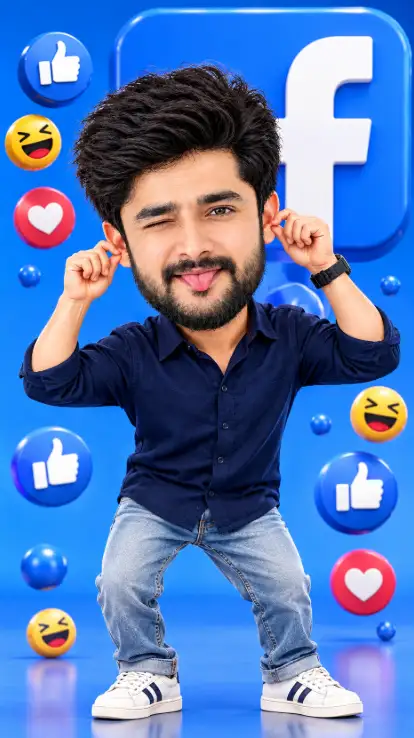
Facebook 3D Cartoon AI Photo Editing Prompt (opens in a new tab)
photoeditprompts.in
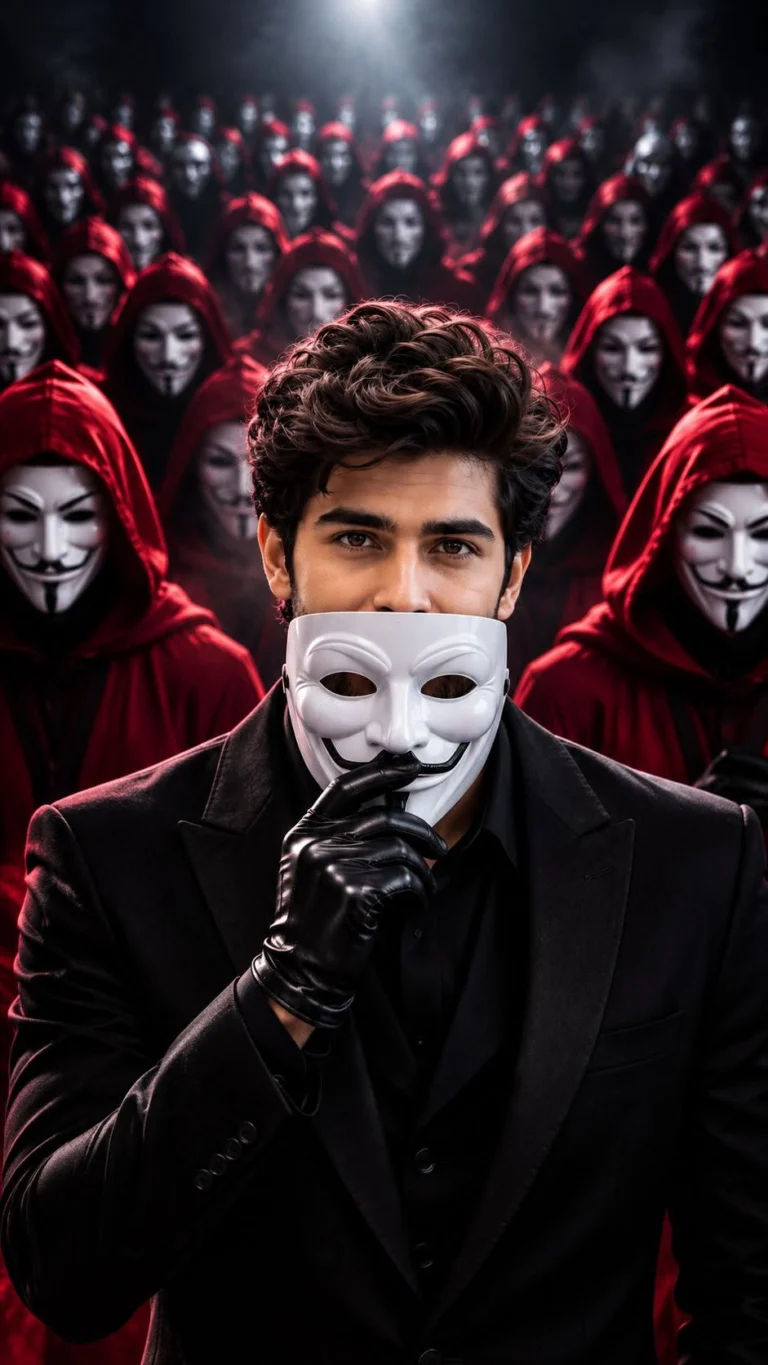
Anonymous Mask AI Photo Editing Prompt 8K Prompt (opens in a new tab)
photoeditprompts.in
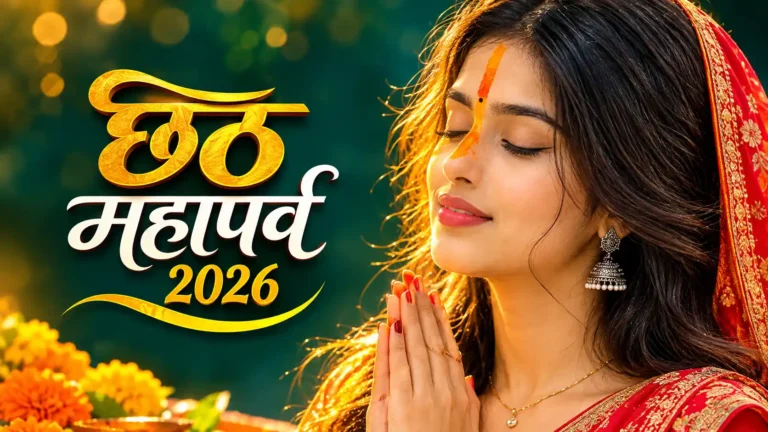
Best Chhath Puja Image for Young Woman (opens in a new tab)
photoeditprompts.in
How to Create a Pixar-Style 3D Boy Character Portrait in AI (opens in a new tab)
photoeditprompts.in