- Action
- Attitude
- Cartoon
- Cinematic
- Social Media
- ChatGPT
- Gemini
- Google Flow Ai
- Ideogram
- Kling
- Leonardo
- Midjourney
- Nano Banana
- Sora
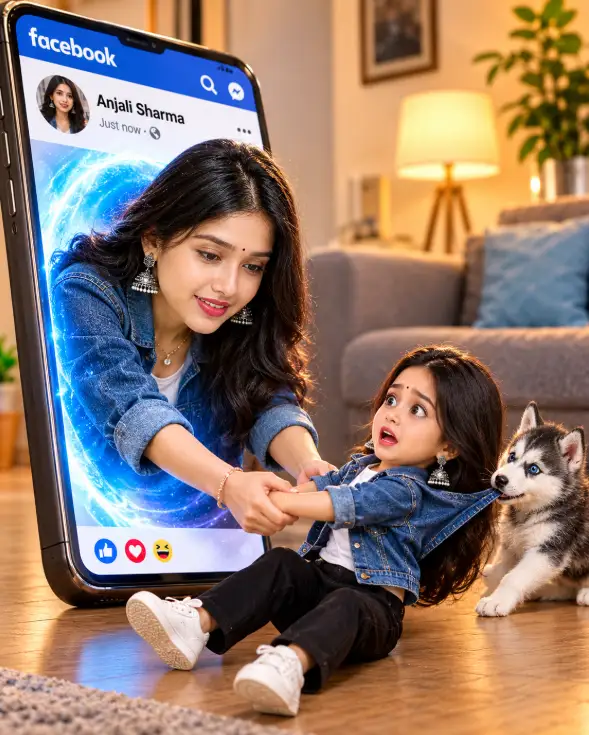
3D Pop-Out Smartphone Portal Prompt
By photoeditprompts.in · Updated November 14, 2026
Prompt
0
Create an ultra-realistic cinematic optical illusion in a vertical 4:5 format with a 3D Pop-Out effect. Use the uploaded reference photo as the ONLY source of identity. Faithfully preserve the person's face, age, hairstyle, skin tone, and natural facial features. A giant smartphone, slightly tilted, is resting on the floor of a modern living room. On its screen, a Facebook post in Portuguese displays the name [PERSON'S NAME] and their profile photo. The adult, photorealistic version of the person emerges from the screen through a luminous blue portal, leaning their body forward. They look directly at their miniature version with their head slightly lowered and a playful smile, while holding both hands and trying to pull the miniature person into the smartphone. The miniature is a 3D chibi version of the same person, with proportions of approximately 2.5 heads tall. They are sitting on the floor, leaning backward and resisting being pulled, with an exaggerated frightened expression while looking at the adult version. Both versions wear a blue denim jacket, white T-shirt, black pants, white sneakers, and elegant accessories. Behind the miniature version, a gray-and-white husky puppy with blue eyes and white paws gently pulls the jacket with its mouth, trying to help. Warm cinematic lighting, natural shadows, realistic reflections, 3D depth, detailed textures, anatomically correct hands, natural interactions, and clothing without distortions. All characters and the smartphone must appear completely within the frame. No extra people, additional text, or watermarks. Format: 4:5 | Quality: 8K | Style: Photorealism | Chibi 3D | 3D Pop-Out Effect
Hashtags
- Aspect ratio
- 1:1 (1024×1024)1200×10001200×6281920×1080 (16:9)4:5 (1080×1350)9:16 (1080×1920)
- Quality
- 1080p4K8K
- Prompt type
- Direct prompt
You may also read
More articles →- AI Photo Edit
7 Best Chhath Puja Prompt Ideas for Cinematic AI Portraits
- AI Mobile Wallpapers Free
5 Unique 8K Cinematic Chhath Puja Devotional Portrait Prompts: You must try
- AI Cineatic 8K Video Prompt
Best Ai Love Couple Video Prompt Free Download
- Action Picture Generate Prompts
Diwali AI Video Prompt Download for Creating Festival Greeting Videos
How to use this prompt
- Press Copy prompt to copy the full prompt.
- Open ChatGPT and start a new image.
- Paste the prompt and set the aspect ratio to 1:1 (1024×1024).
- Generate, then adjust a few words to make it your own.
More prompts like this
How to Create Stunning Layered AI Portraits (opens in a new tab)
photoeditprompts.in
Cinematic Close-Up Portrait Prompt (opens in a new tab)
photoeditprompts.in
Cinematic Low-Key Portrait Prompt (opens in a new tab)
photoeditprompts.in
Cinematic Toddler Adventure Poster Prompt (opens in a new tab)
photoeditprompts.in
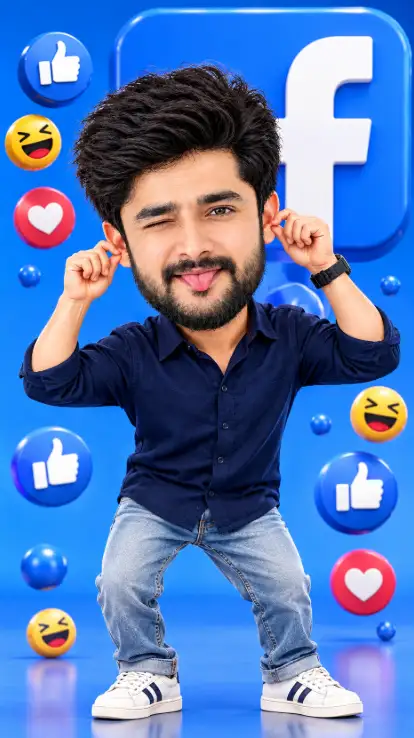
Facebook 3D Cartoon AI Photo Editing Prompt (opens in a new tab)
photoeditprompts.in
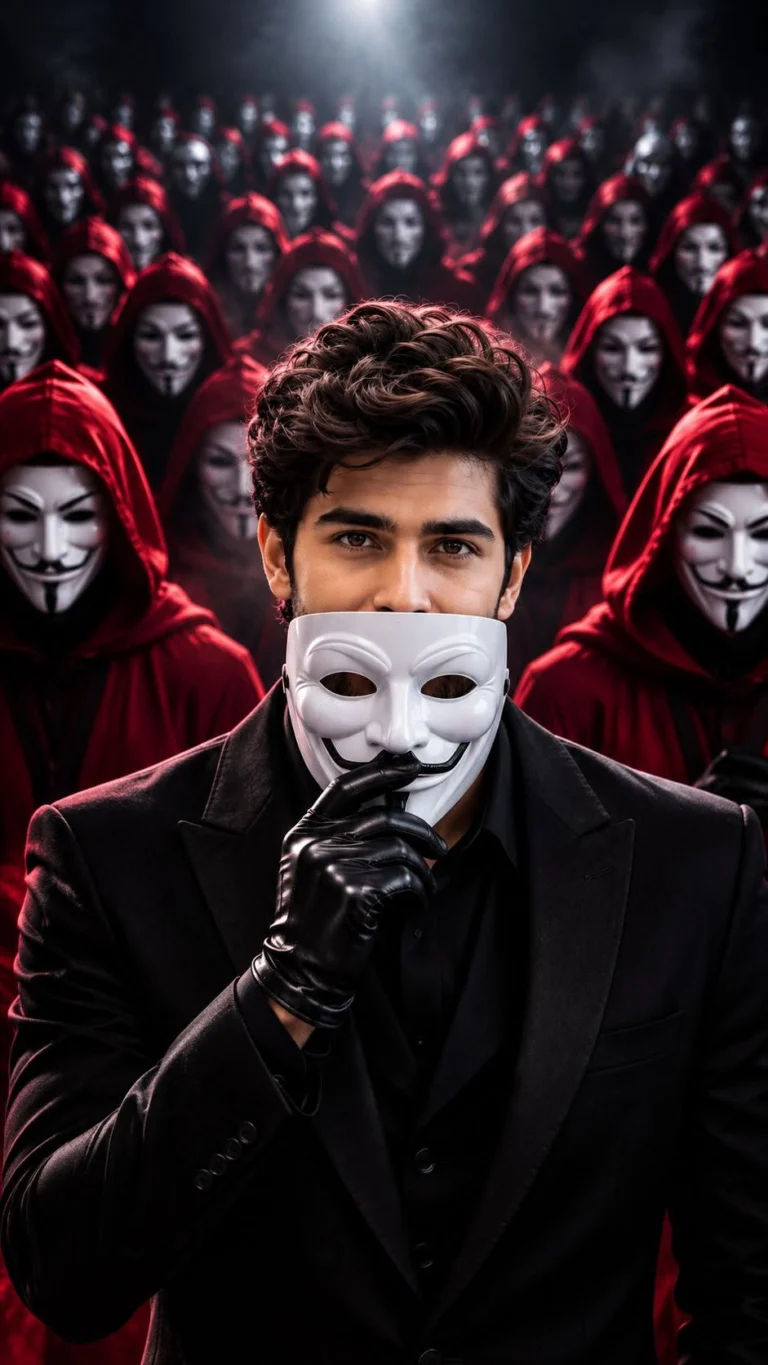
Anonymous Mask AI Photo Editing Prompt 8K Prompt (opens in a new tab)
photoeditprompts.in
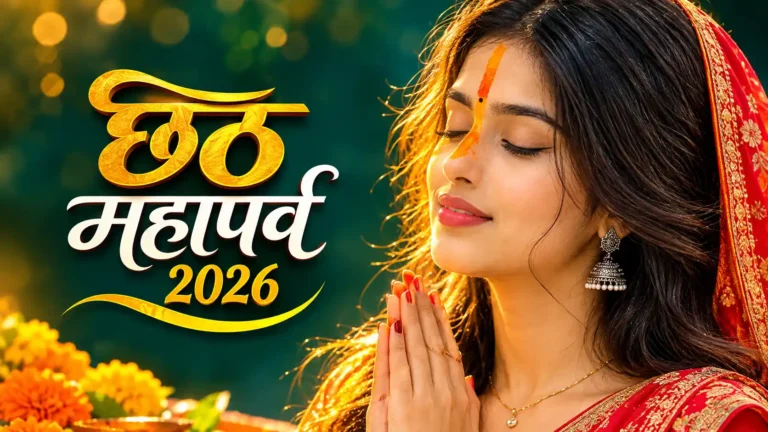
Best Chhath Puja Image for Young Woman (opens in a new tab)
photoeditprompts.in
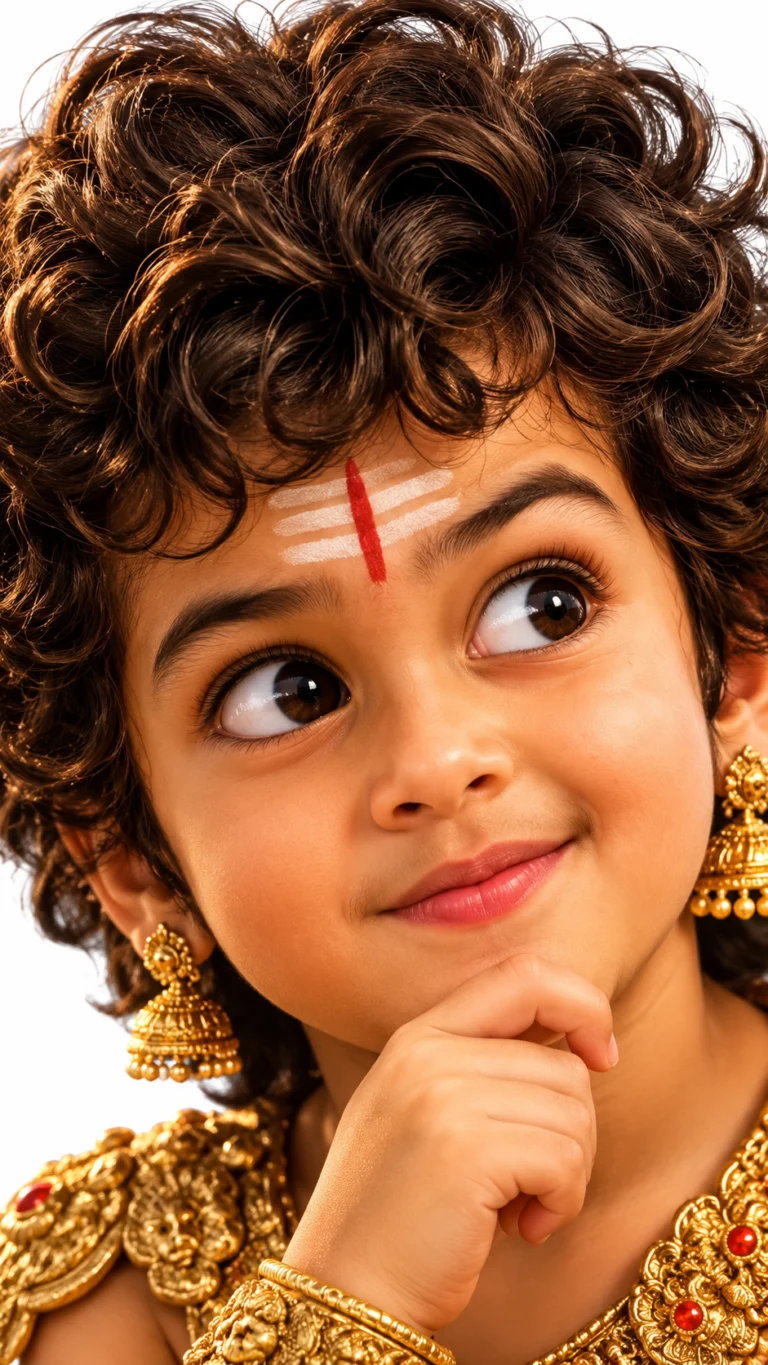
How to Create a Pixar-Style 3D Boy Character Portrait in AI (opens in a new tab)
photoeditprompts.in