- Advertisement
- Attitude
- Cinematic
- Social Media
- ChatGPT
- Gemini
- Google Flow Ai
- Ideogram
- Kling
- Leonardo
- Midjourney
- Nano Banana
- Sora
How to Capture the Perfect Coca-Cola Can Image Prompt
By photoeditprompts.in · Updated November 15, 2026
Prompt
0
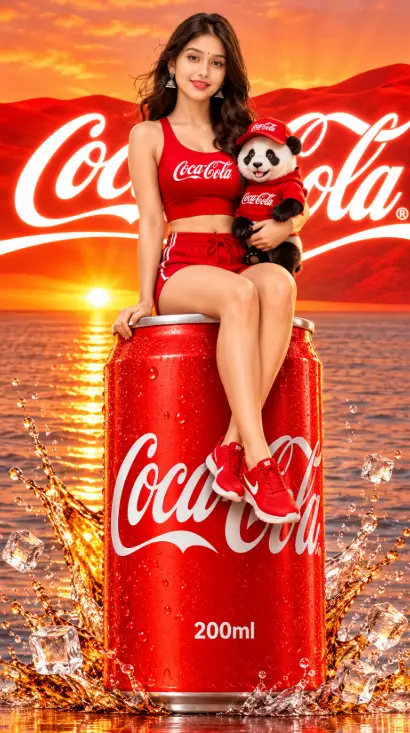
A hyper-realistic, full-body advertising photograph. A woman with shoulder-length light brown hair and a joyful smile sits perched on the top rim of a giant, monumental 200ml red Coca-Cola can (showing the full can from top to bottom, with its silver base standing firmly on the ground). Her legs are dangling down the front. She wears a tight red sports bra crop top, short red athletic shorts, and red sneakers. She is holding a small, realistic panda with her LEFT hand, tucked against her left side. The panda is wearing a red hoodie and a red baseball cap with the Coca-Cola logo. The can has condensation and water droplets. There is a dynamic, crisp, high-speed splash of clear water and golden-brown liquid around the base of the can, with floating ice cubes and distinct water droplets frozen in mid-air. The background is exactly a vibrant sunset over a calm ocean with sun rays reflecting on the water. Above the horizon, there are distinct red rolling hills/dunes. Superimposed over the red hills is a massive, glowing, bright white Coca-Cola logo in cursive script with a white swoosh underline, and a faint registered trademark symbol. The entire scene is bathed in rich red, orange, and golden light. Warm cinematic lighting, low camera angle looking slightly up, vibrant red and gold color palette. –ar 9:16
Hashtags
- Aspect ratio
- 1:1 (1024×1024)1200×10001200×6281920×1080 (16:9)4:5 (1080×1350)9:16 (1080×1920)
- Quality
- 1080p4K8K
- Prompt type
- Direct prompt
You may also read
More articles →- AI Photo Edit
7 Best Chhath Puja Prompt Ideas for Cinematic AI Portraits
- AI Mobile Wallpapers Free
5 Unique 8K Cinematic Chhath Puja Devotional Portrait Prompts: You must try
- AI Cineatic 8K Video Prompt
Best Ai Love Couple Video Prompt Free Download
- Action Picture Generate Prompts
Diwali AI Video Prompt Download for Creating Festival Greeting Videos
How to use this prompt
- Press Copy prompt to copy the full prompt.
- Open ChatGPT and start a new image.
- Paste the prompt and set the aspect ratio to 1:1 (1024×1024).
- Generate, then adjust a few words to make it your own.
More prompts like this
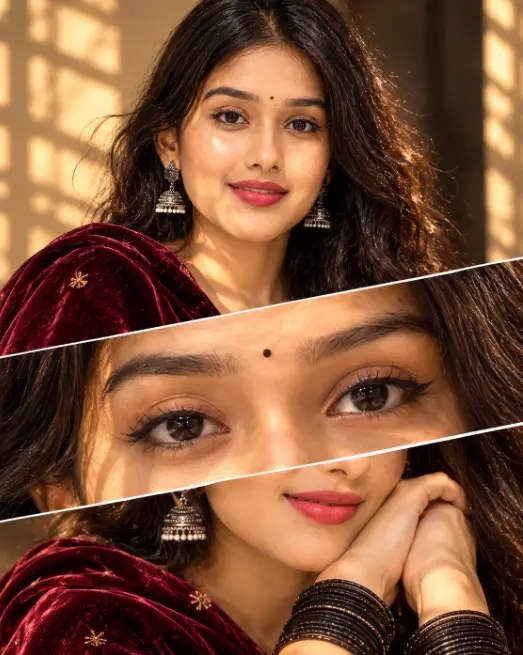
How to Create the Viral 3-Panel Cinematic Portrait Trend Using AI (opens in a new tab)
photoeditprompts.in
How to Create Stunning Layered AI Portraits (opens in a new tab)
photoeditprompts.in
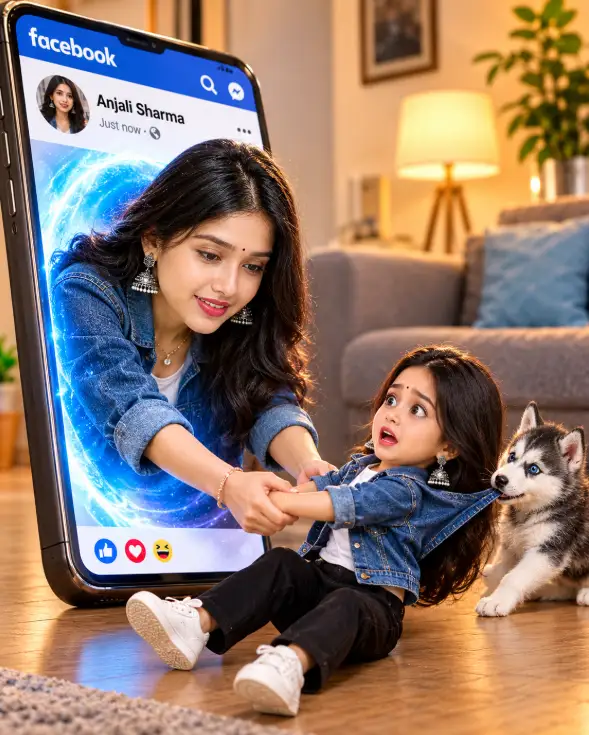
3D Pop-Out Smartphone Portal Prompt (opens in a new tab)
photoeditprompts.in
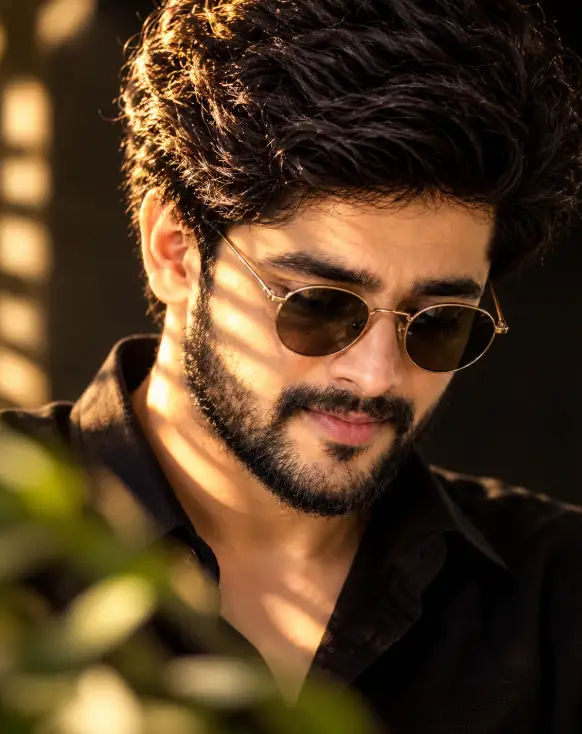
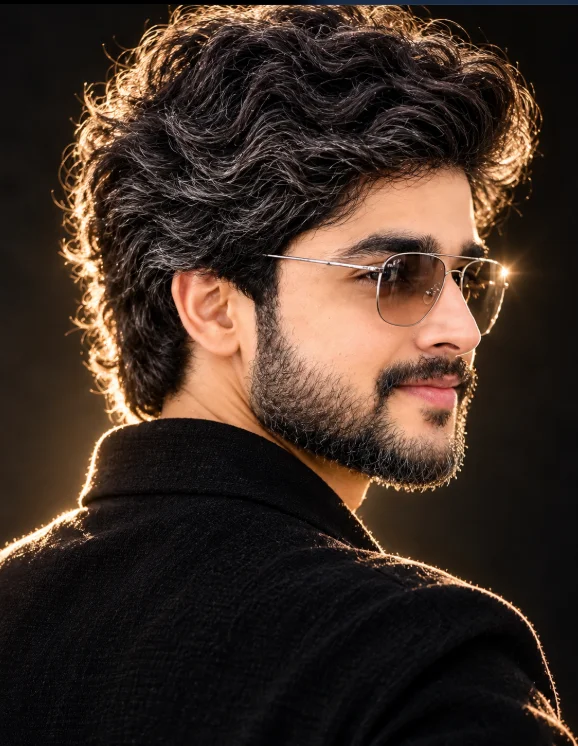
Cinematic Close-Up Portrait Prompt (opens in a new tab)
photoeditprompts.in
Cinematic Low-Key Portrait Prompt (opens in a new tab)
photoeditprompts.in
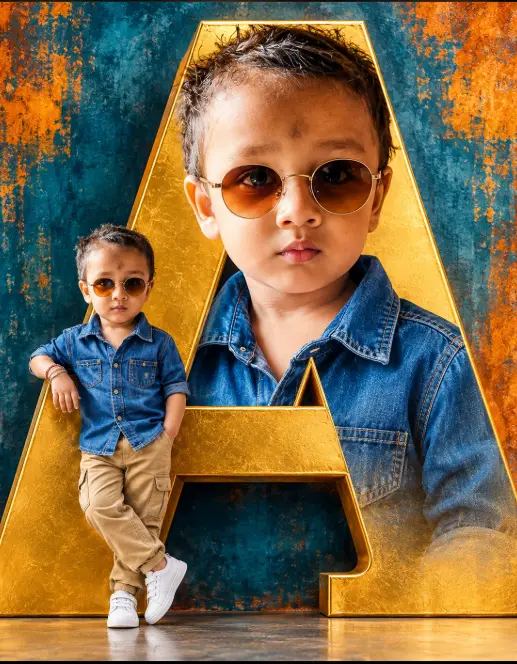
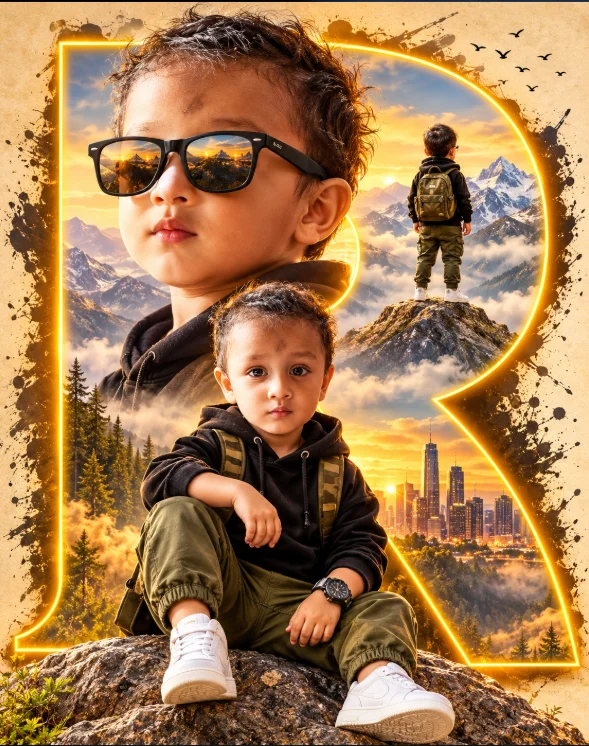
Cinematic Toddler Adventure Poster Prompt (opens in a new tab)
photoeditprompts.in
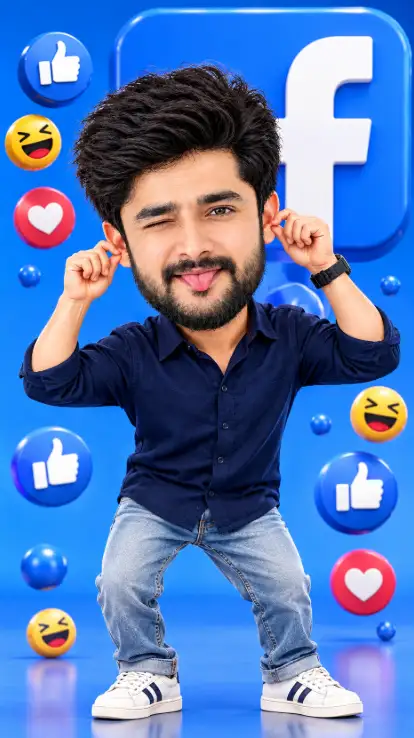
Facebook 3D Cartoon AI Photo Editing Prompt (opens in a new tab)
photoeditprompts.in
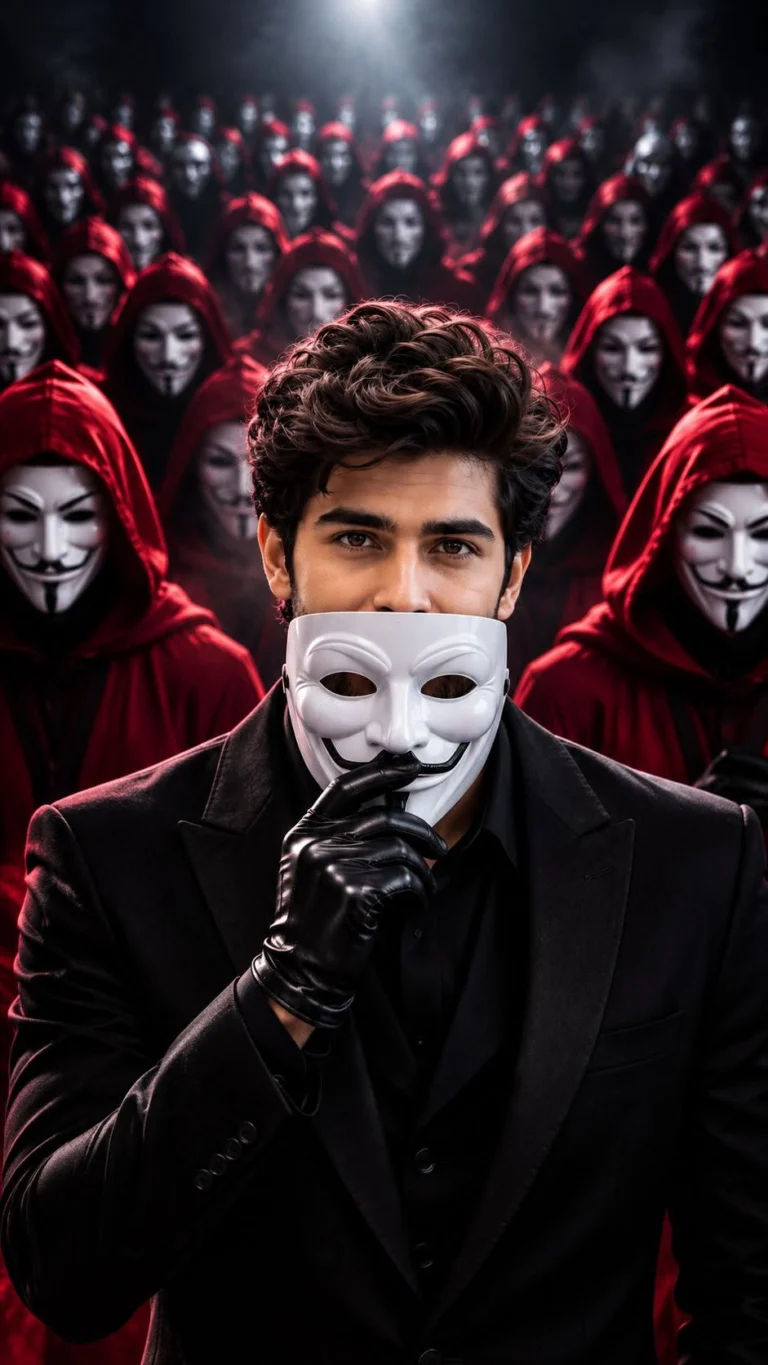
Anonymous Mask AI Photo Editing Prompt 8K Prompt (opens in a new tab)
photoeditprompts.in