- Attitude
- Cinematic
- Natural Photography
- Social Media
- ChatGPT
- Gemini
- Google Flow Ai
- Ideogram
- Kling
- Leonardo
- Midjourney
- Nano Banana
- Sora
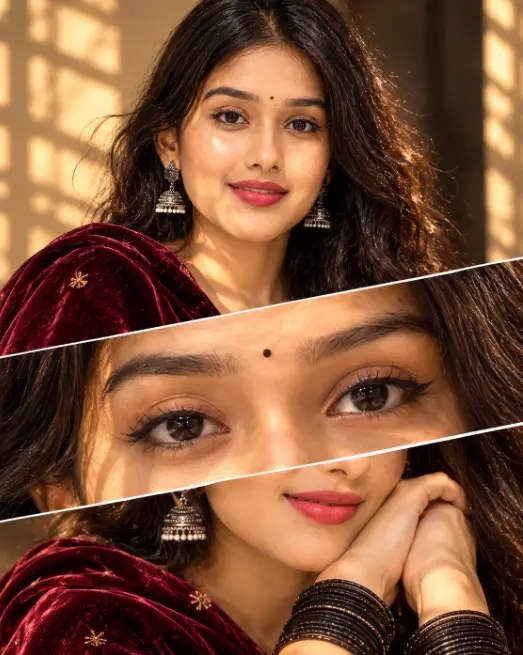
How to Create the Viral 3-Panel Cinematic Portrait Trend Using AI
By photoeditprompts.in · Updated November 14, 2026
Prompt
0
A cinematic 4K photo collage of a beautiful young Indian woman with long, voluminous, messy dark curly hair. She has a warm, gentle smile, a small black bindi, dark expressive eyes with winged eyeliner, and silver oxidised jhumka earrings. She is draped in a rich, dark maroon velvet dupatta. The image is split into three dramatic diagonal panels by thin white lines. Top panel: Her full face smiling softly, warm golden hour sunlight casting intricate window-shadow patterns across her face. Middle panel: An extreme macro close-up of her dark brown eyes and bindi. Bottom panel: A close-up of her hands resting near her face, wearing a stack of black metallic bangles. The lighting is moody, warm, and highly textured. Shot on 85mm lens, 8k resolution, photorealistic, Instagram aesthetic.
Hashtags
- Aspect ratio
- 1:1 (1024×1024)1200×10001200×6281920×1080 (16:9)4:5 (1080×1350)9:16 (1080×1920)
- Quality
- 1080p4K8K
- Prompt type
- Direct prompt
You may also read
More articles →- AI Photo Edit
7 Best Chhath Puja Prompt Ideas for Cinematic AI Portraits
- AI Mobile Wallpapers Free
5 Unique 8K Cinematic Chhath Puja Devotional Portrait Prompts: You must try
- AI Cineatic 8K Video Prompt
Best Ai Love Couple Video Prompt Free Download
- Action Picture Generate Prompts
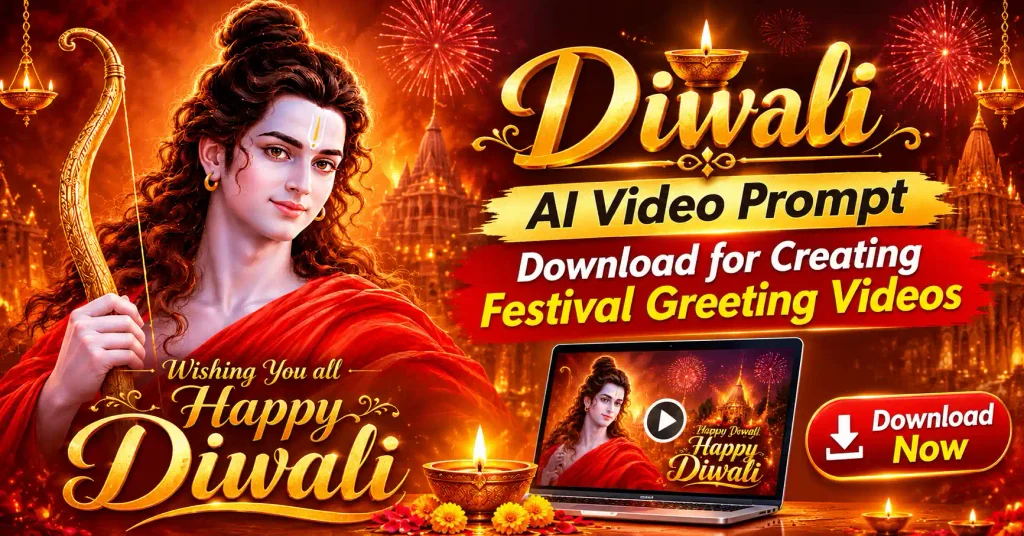
Diwali AI Video Prompt Download for Creating Festival Greeting Videos
How to use this prompt
- Press Copy prompt to copy the full prompt.
- Open ChatGPT and start a new image.
- Paste the prompt and set the aspect ratio to 1:1 (1024×1024).
- Generate, then adjust a few words to make it your own.
More prompts like this
How to Create Stunning Layered AI Portraits (opens in a new tab)
photoeditprompts.in
3D Pop-Out Smartphone Portal Prompt (opens in a new tab)
photoeditprompts.in
Cinematic Close-Up Portrait Prompt (opens in a new tab)
photoeditprompts.in
Cinematic Low-Key Portrait Prompt (opens in a new tab)
photoeditprompts.in
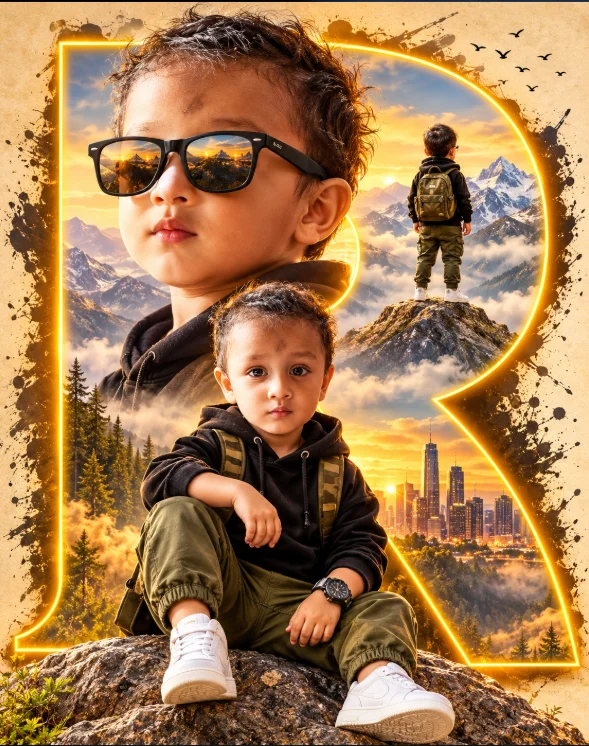
Cinematic Toddler Adventure Poster Prompt (opens in a new tab)
photoeditprompts.in
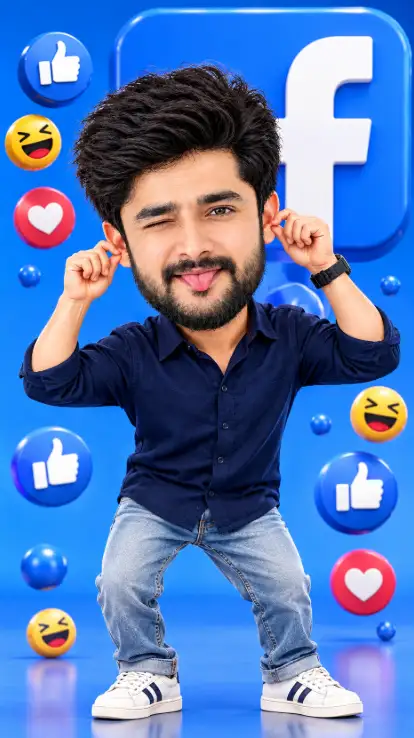
Facebook 3D Cartoon AI Photo Editing Prompt (opens in a new tab)
photoeditprompts.in
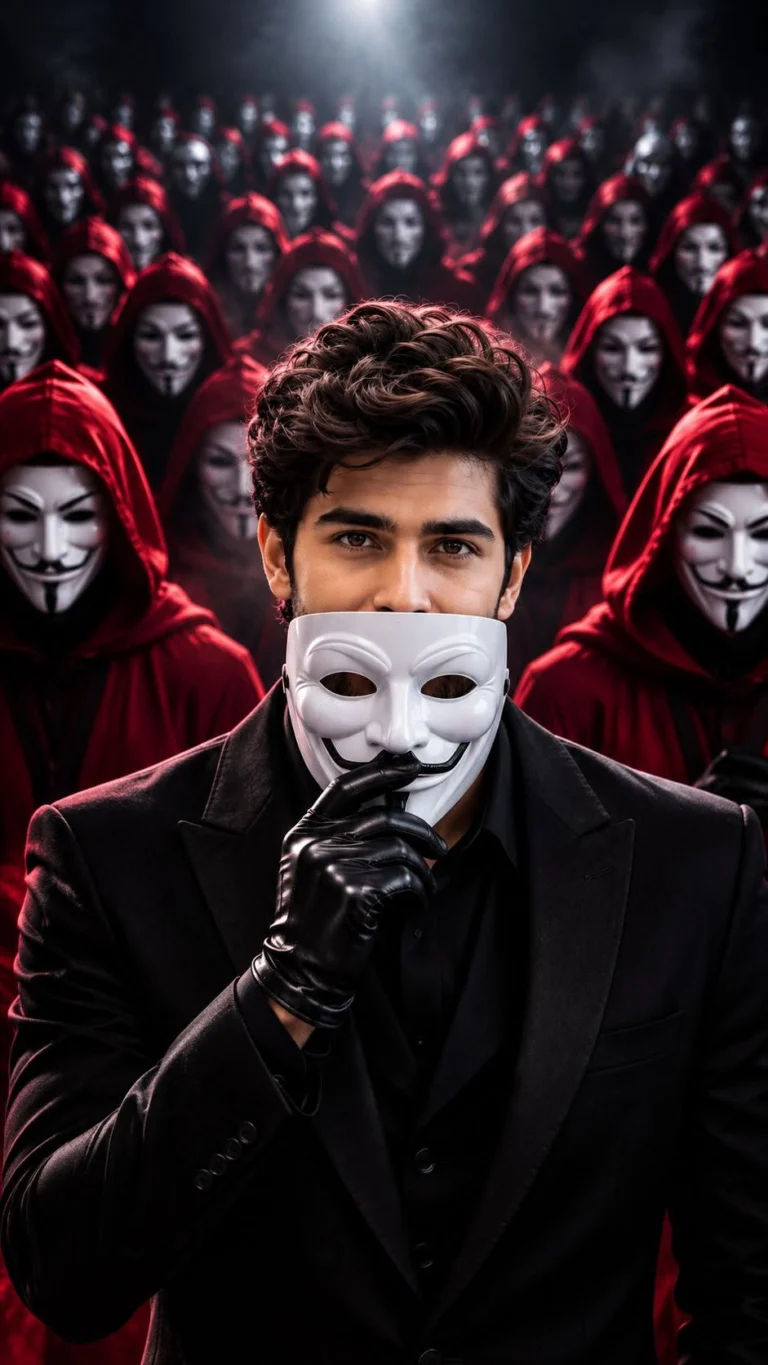
Anonymous Mask AI Photo Editing Prompt 8K Prompt (opens in a new tab)
photoeditprompts.in
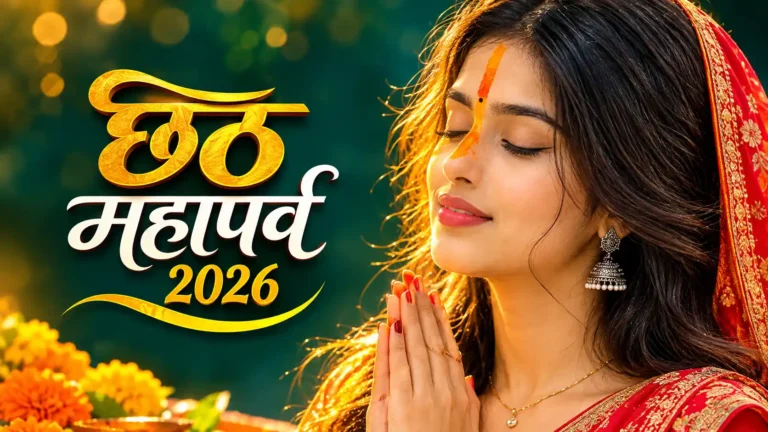
Best Chhath Puja Image for Young Woman (opens in a new tab)
photoeditprompts.in