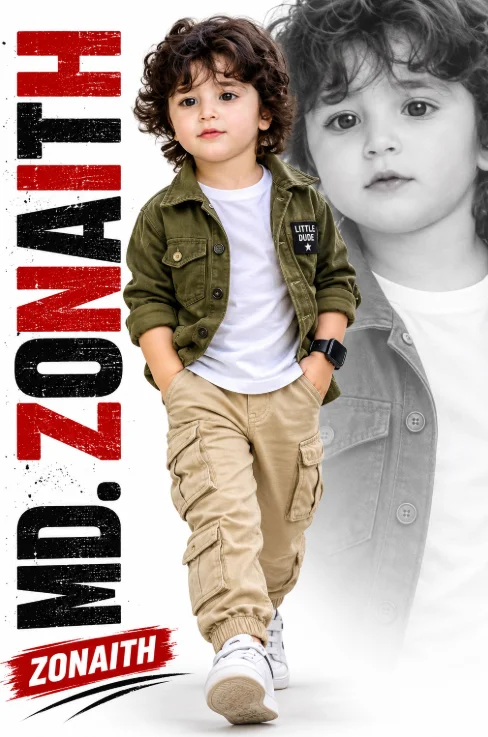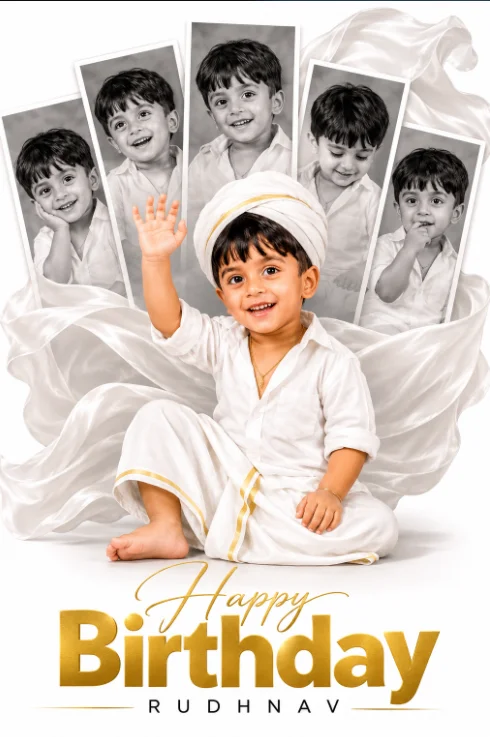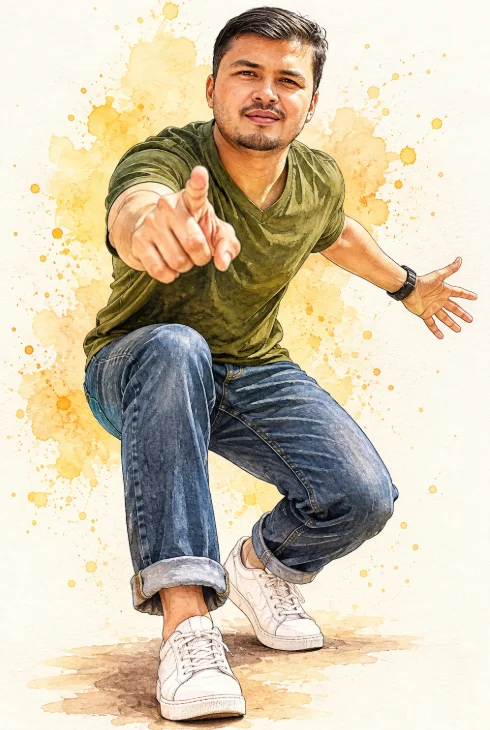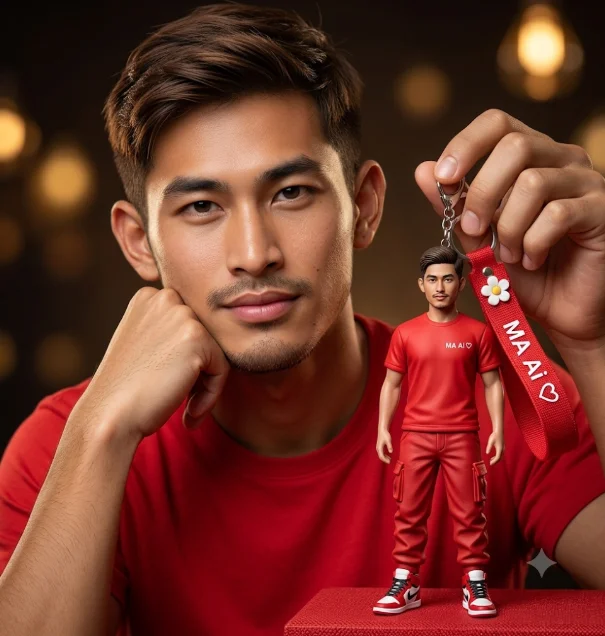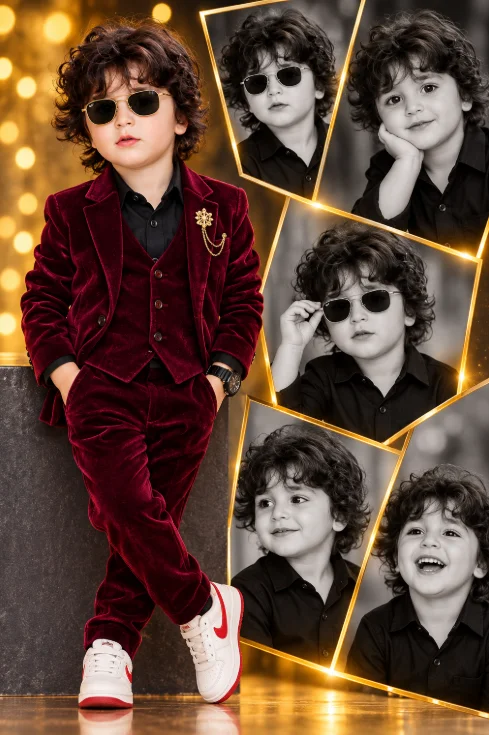
Portrait collage featuring a young toddler boy prompt
By photoeditprompts.in · Updated November 10, 2026
Prompt
0
A vertical, high-end graphic design portrait collage featuring a young toddler boy. Left side (Foreground Subject): The boy is posing confidently, leaning back against a dark gray textured block with his hands in his pockets and his legs crossed at the ankles. He is wearing a luxurious, deep burgundy velvet three-piece suit (jacket, vest, and trousers), a black button-down shirt, a gold brooch on his lapel, a black watch on his wrist, black sunglasses, and white sneakers with red accents. He has curly brown hair. Right side (Background Collage): A large, broken-shard or shattered-glass collage layout framed by thick, glowing gold metallic borders. Inside the shards are five black-and-white portraits of the same boy wearing a black button-down shirt. The top-left shard shows him in sunglasses; top-right shows him resting his chin on his hand smiling; middle shows him adjusting his sunglasses; bottom-left shows a gentle side-profile smile; bottom-right shows a big, joyful laugh. Background & Lighting: The background is a warm, dark, atmospheric gradient with glowing golden bokeh light effects. The floor has warm, reflective lighting. Style: Photorealistic, professional studio photography, luxury aesthetic, high contrast, dramatic lighting.
Hashtags
- Occasion
- CinematicSocial Media
- Subject
- Boy
- Aspect ratio
- 1:1 (1024×1024)1200×10001200×6281920×1080 (16:9)4:5 (1080×1350)9:16 (1080×1920)
- Quality
- 1080p4K8K
- Prompt type
- Direct prompt
You may also read
More articles →- AI Cineatic 8K Video Prompt
Best Ai Love Couple Video Prompt Free Download
- Action Picture Generate Prompts
Diwali AI Video Prompt Download for Creating Festival Greeting Videos
- AI Photo Edit
Best AI Prompts to Restore Old Family Photos in 4K Quality
- AI Photo Edit
15 Best AI Photo Enhancement Prompts to Make Any Photo Look Professional

How to use this prompt
- Press Copy prompt to copy the full prompt.
- Open ChatGPT and start a new image.
- Paste the prompt and set the aspect ratio to 1:1 (1024×1024).
- Generate, then adjust a few words to make it your own.
More prompts like this
Toddler Boy AI Photo Editing Prompt (opens in a new tab)
photoeditprompts.in
Cinematic First Birthday Photo Collage with Flowing Fabric Backdrop (opens in a new tab)
photoeditprompts.in
Dynamic Watercolor & Ink Caricature Illustration with Forced Perspective (opens in a new tab)
photoeditprompts.in
Hyper-Realistic Portrait with Custom Miniature Figurine Keychain (opens in a new tab)
photoeditprompts.in
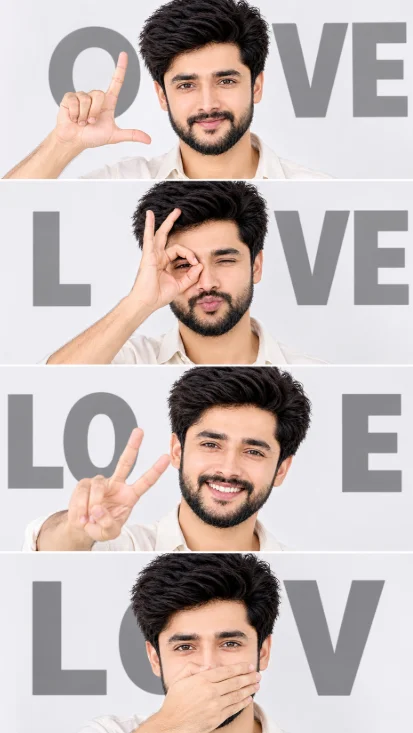
Four-Panel Identity-Preserving Studio Collage (opens in a new tab)
photoeditprompts.in
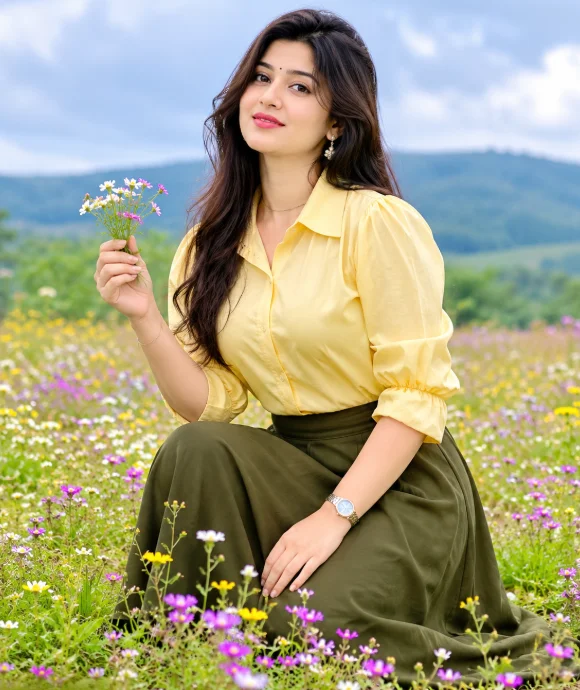
Breathtaking Natural Fashion: Butter Yellow & Olive Meadow Portrait (opens in a new tab)
photoeditprompts.in
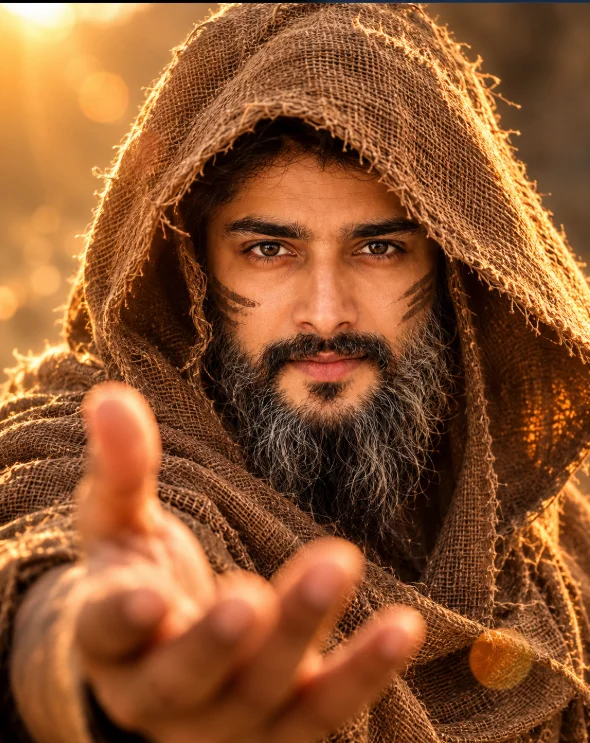
Mystery Warrior Portrait AI Prompt (opens in a new tab)
photoeditprompts.in
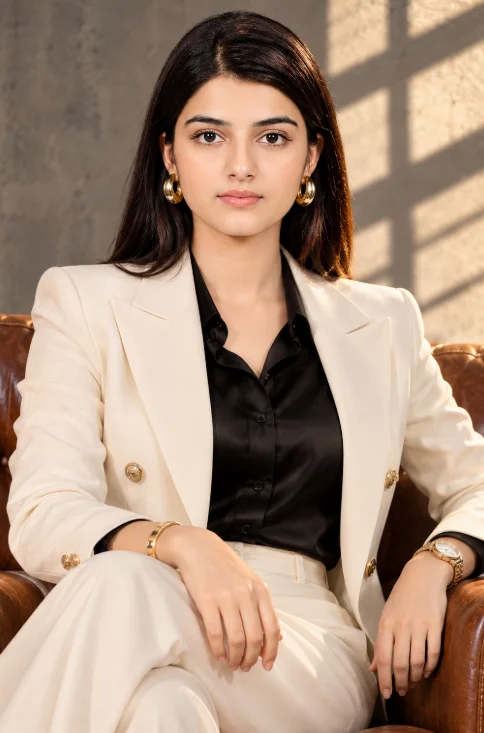
Elegant Blazer Fashion Portrait AI Prompt (opens in a new tab)
photoeditprompts.in