- Attitude
- Cinematic
- Life Style
- Social Media
- ChatGPT
- Gemini
- Google Flow Ai
- Ideogram
- Kling
- Leonardo
- Midjourney
- Nano Banana
- Sora
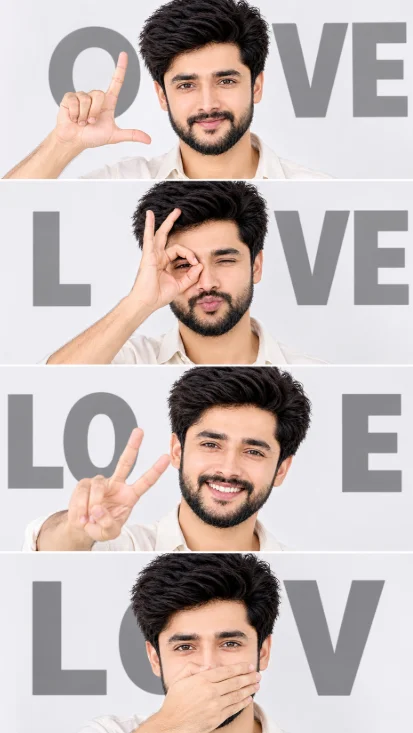
Four-Panel Identity-Preserving Studio Collage
By photoeditprompts.in · Updated November 8, 2026
Prompt
0
Create an ultra-realistic vertical 9:16 collage consisting of FOUR horizontal photographic panels, exactly matching the reference image's composition, poses, hand gestures, expressions, camera angles, clothing, and lighting. IDENTITY PRESERVATION – EXTREMELY IMPORTANT: Use the uploaded personal photo as the ONLY identity reference. All four panels MUST feature the exact same person. Preserve 100% of his original facial features, face shape, eyes, nose, lips, eyebrows, jawline, skin tone, hairstyle, and all unique identity details. Absolutely NO facial modifications, beautification, or identity changes. FOUR PANELS: 1. Making an L shape with thumb and index finger beside the face, with a confident playful smile. Gray text "OVE" in the background. 2. Forming a circle with thumb and index finger around one eye, with puckered lips. Gray letters "L" and "VE". 3. Smiling broadly with teeth visible, making a peace sign (V) toward the camera. Gray letters "LO" and "E". 4. Covering the mouth horizontally with one hand, eyes looking directly at the camera. Gray text "LOV". STYLE: Clean white/light-gray studio background, off-white button-up shirt, soft professional lighting, natural skin texture, realistic hands and fingers, bold oversized gray typography, thin white separators between panels, sharp facial details, professional editorial photography. STRICT RULE: The uploaded personal photo determines the person's identity. The reference image determines the composition and poses. All four portraits must depict the exact same person without changing his facial identity.
Hashtags
- Aspect ratio
- 1:1 (1024×1024)1200×10001200×6281920×1080 (16:9)4:5 (1080×1350)9:16 (1080×1920)
- Quality
- 1080p4K8K
- Prompt type
- Direct prompt
You may also read
More articles →- Action Picture Generate Prompts
Diwali AI Video Prompt Download for Creating Festival Greeting Videos
- AI Photo Edit
Best AI Prompts to Restore Old Family Photos in 4K Quality
- AI Photo Edit
15 Best AI Photo Enhancement Prompts to Make Any Photo Look Professional
- AI Cineatic 8K Video Prompt
How to Create a Dhanteras Wish Video with Your Own Photo and Name Using AI
How to use this prompt
- Press Copy prompt to copy the full prompt.
- Open ChatGPT and start a new image.
- Paste the prompt and set the aspect ratio to 1:1 (1024×1024).
- Generate, then adjust a few words to make it your own.
More prompts like this
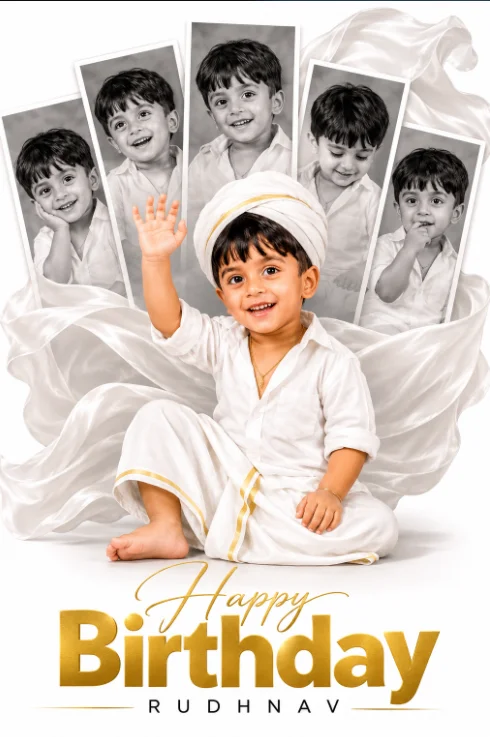
Cinematic First Birthday Photo Collage with Flowing Fabric Backdrop (opens in a new tab)
photoeditprompts.in
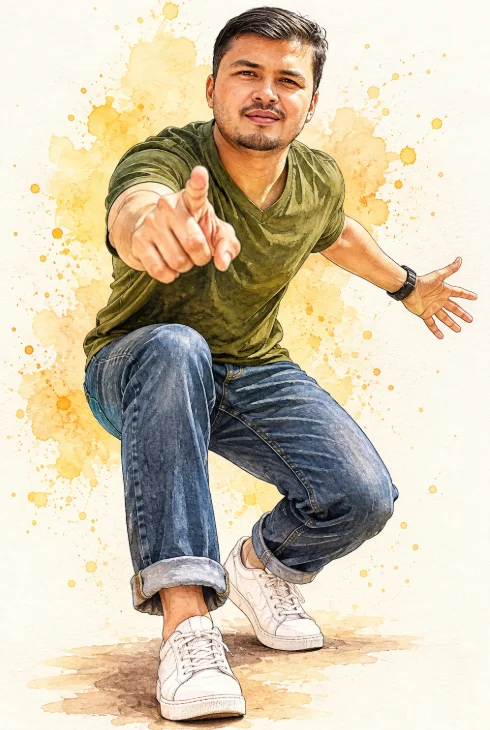
Dynamic Watercolor & Ink Caricature Illustration with Forced Perspective (opens in a new tab)
photoeditprompts.in
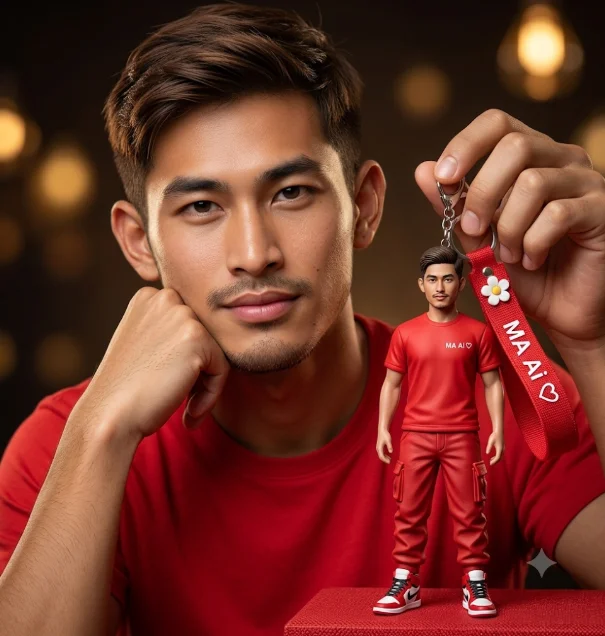
Hyper-Realistic Portrait with Custom Miniature Figurine Keychain (opens in a new tab)
photoeditprompts.in
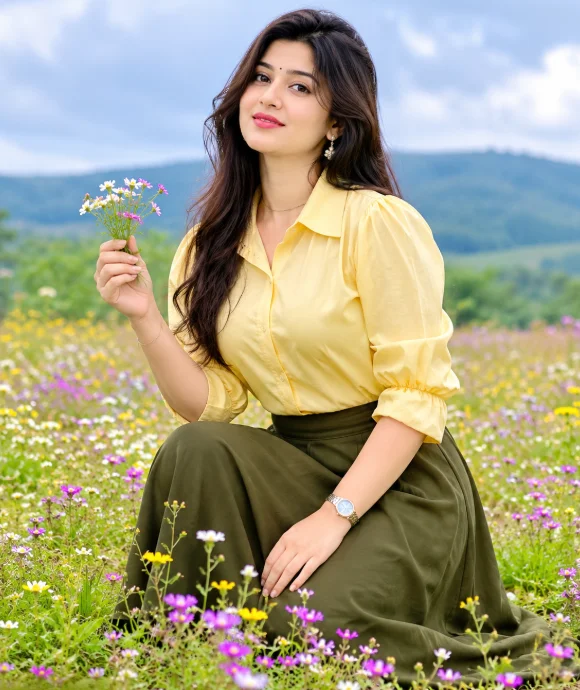
Breathtaking Natural Fashion: Butter Yellow & Olive Meadow Portrait (opens in a new tab)
photoeditprompts.in
Mystery Warrior Portrait AI Prompt (opens in a new tab)
photoeditprompts.in
Elegant Blazer Fashion Portrait AI Prompt (opens in a new tab)
photoeditprompts.in
Red Hat Summer Fashion Portrait AI Prompt (opens in a new tab)
photoeditprompts.in
Cinematic Walking Man AI Photo Editing Prompt (opens in a new tab)
photoeditprompts.in