- Attitude
- Cinematic
- Fashion
- Life Style
- Social Media
- Travel
- ChatGPT
- Gemini
- Google Flow Ai
- Ideogram
- Kling
- Leonardo
- Midjourney
- Nano Banana
- Sora
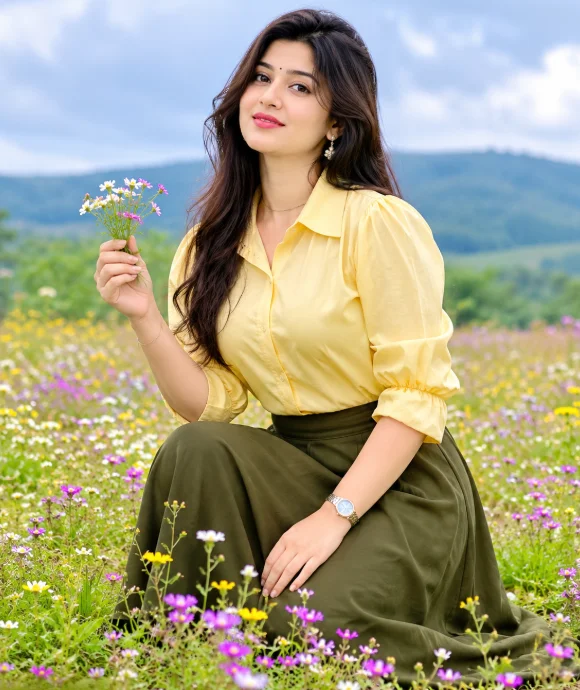
Breathtaking Natural Fashion: Butter Yellow & Olive Meadow Portrait
By Welcome to photo editing prompts! Generate your own masterpiece · Updated November 8, 2026
Prompt
0
Create a breathtaking natural fashion photograph of an adult woman wearing a modest butter-yellow cotton blouse with delicate gathered sleeves, paired with a beautifully tailored deep-olive ankle-length skirt and understated accessories. Pose: kneeling gracefully on one knee in a flower meadow, torso upright, one hand gently lifting a small cluster of wildflowers while the other rests naturally on her thigh. Her face is clearly visible as she looks softly towards the camera. Environment: expansive meadow filled with tiny colourful wildflowers, distant rolling hills and soft atmospheric clouds. Diffused daylight, subtle facial fill and balanced exposure. Camera: Canon EOS R5, 50mm f/1.4 lens, eye-level environmental composition with flowers in the foreground. Butter yellow, olive, violet and fresh green palette, vibrant yet natural editorial finish. 4:5 vertical. Preserve reference identity and proportions. No direct harsh sunlight, excessive saturation, distorted hands or revealing clothes. Add a small, elegant and professional watermark in the bottom-left corner. First line: “photo edit prompts” in clear, pinyon script font white typography. Second line: “Follow me for more” in smaller, clean white typography. Keep the watermark subtle, refined, legible and unobtrusive, with no box, border or background panel. The watermark must be placed only in the bottom-left corner. Ensure that it does not cover the woman's face, body or important visual elements.
Hashtags
- Aspect ratio
- 1:1 (1024×1024)1200×10001200×6281920×1080 (16:9)4:5 (1080×1350)9:16 (1080×1920)
- Quality
- 1080p4K8K
- Prompt type
- Direct prompt
You may also read
More articles →- AI Photo Edit
Best AI Prompts to Restore Old Family Photos in 4K Quality
- AI Photo Edit
15 Best AI Photo Enhancement Prompts to Make Any Photo Look Professional
- AI Cineatic 8K Video Prompt
How to Create a Dhanteras Wish Video with Your Own Photo and Name Using AI
- AI Cineatic 8K Video Prompt
Wedding Cinematic 8K Video Prompt
How to use this prompt
- Press Copy prompt to copy the full prompt.
- Open ChatGPT and start a new image.
- Paste the prompt and set the aspect ratio to 1:1 (1024×1024).
- Generate, then adjust a few words to make it your own.
More prompts like this
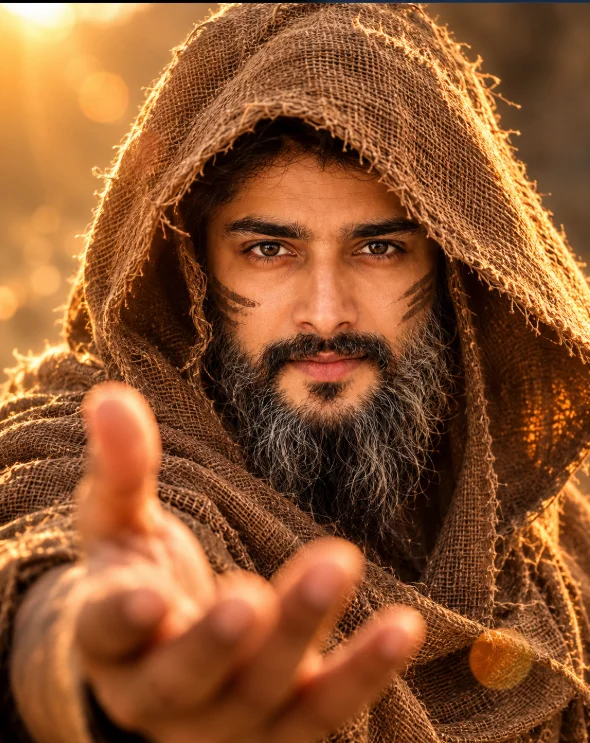
Mystery Warrior Portrait AI Prompt (opens in a new tab)
Welcome to photo editing prompts! Generate your own masterpiece
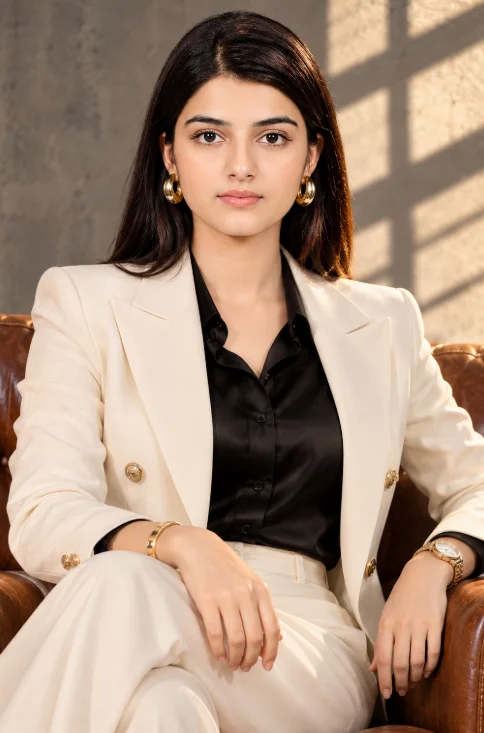
Elegant Blazer Fashion Portrait AI Prompt (opens in a new tab)
photoeditprompts.in
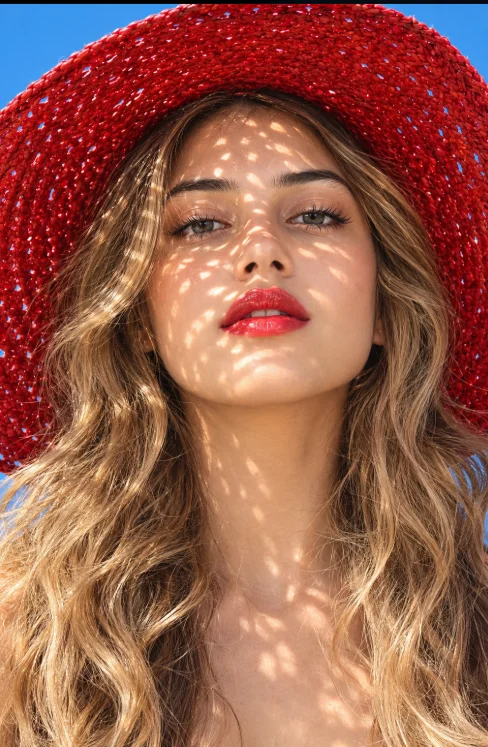
Red Hat Summer Fashion Portrait AI Prompt (opens in a new tab)
photoeditprompts.in
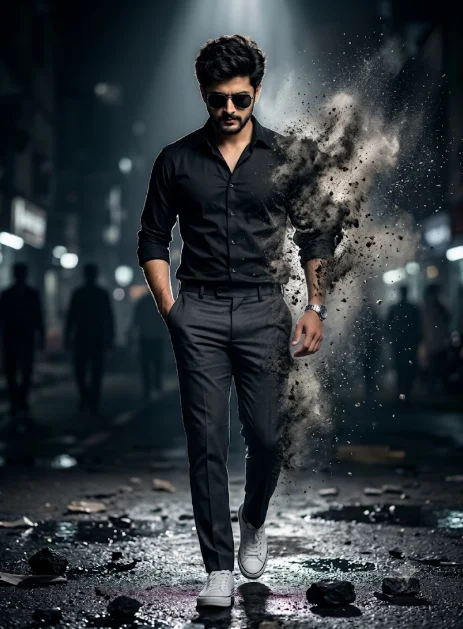
Cinematic Walking Man AI Photo Editing Prompt (opens in a new tab)
photoeditprompts.in
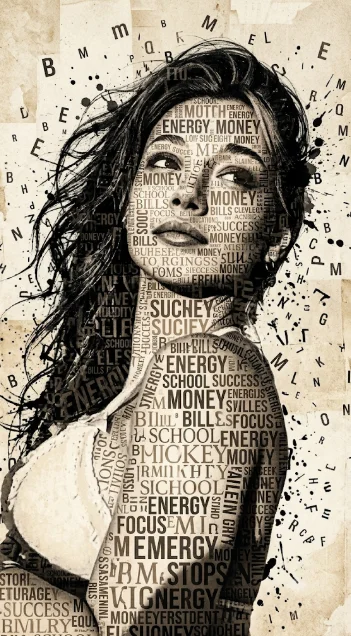
Girl striking typographic portrait prompt (opens in a new tab)
photoeditprompts.in
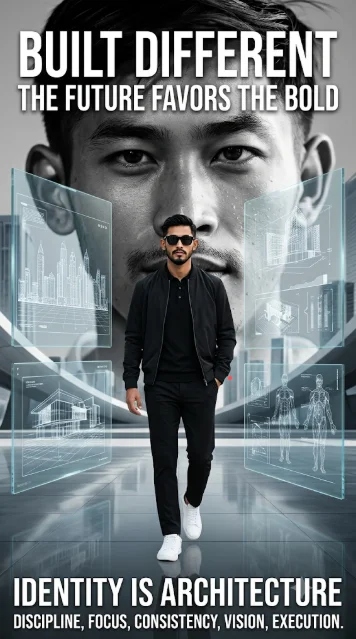
Futuristic Editorial Poster with Bold Typography Prompt (opens in a new tab)
Welcome to photo editing prompts! Generate your own masterpiece
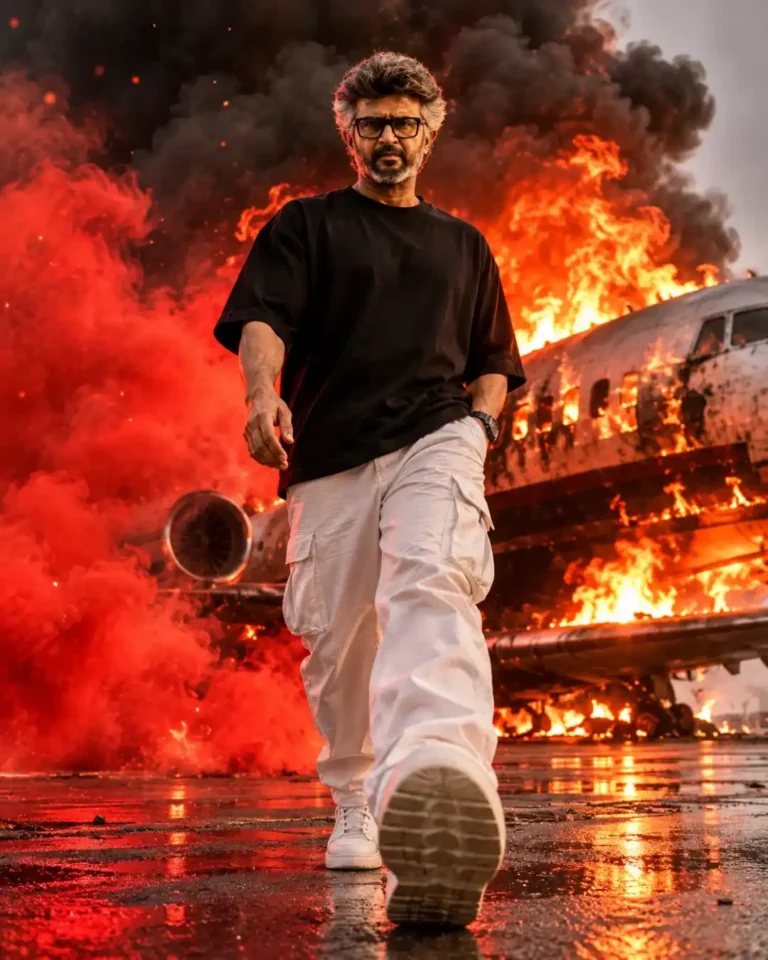
Cinematic Fire Explosion Man Portrait AI Photo Editing Prompt – 8K Realistic Action Poster (opens in a new tab)
photoeditprompts.in
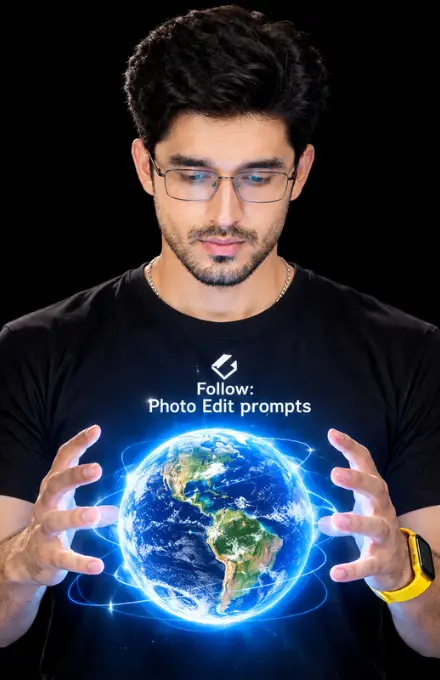
Glowing Holographic Earth AI Portrait Prompt (opens in a new tab)
photoeditprompts.in