- Attitude
- Cartoon
- Cinematic
- Social Media
- ChatGPT
- Gemini
- Google Flow Ai
- Ideogram
- Kling
- Leonardo
- Midjourney
- Nano Banana
- Sora
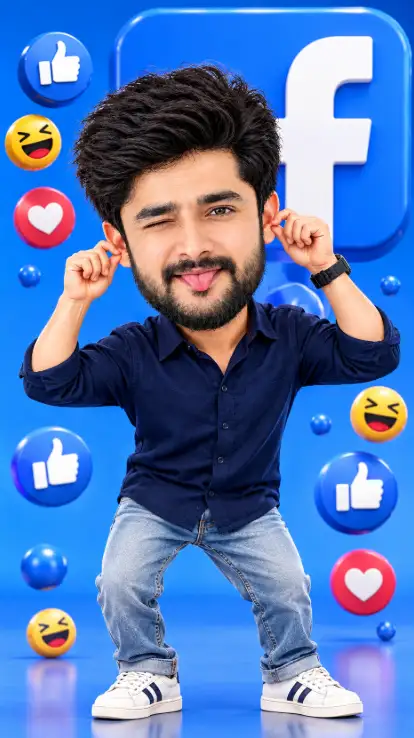
Facebook 3D Cartoon AI Photo Editing Prompt
By photoeditprompts.in · Updated November 13, 2026
Prompt
0
Create a premium-quality 3D cartoon collectible portrait using my uploaded photo as the sole and exact facial reference. Maintain my original facial identity, hairstyle, and outfit without changing any recognizable features. Character Design: Transform me into an irresistibly cute, oversized BIG-HEAD 3D cartoon character with a tiny 2–2.5-head-tall body. Give me adorable chubby cheeks and an exaggerated, hilarious facial expression. One eye should be tightly closed in a playful wink, my tongue should stick out, and both hands should pull my ears to create a funny, mischievous pose. Facebook-Themed Environment: Create a vibrant Facebook-blue (#1877F2) 3D studio with a massive Facebook logo as the central background element. Surround the character with floating 3D Like, Love, and Haha reaction icons, adding a lively social-media-inspired atmosphere. 3D Art Style: Premium Pixar-inspired 3D collectible toy aesthetic, charming cartoon proportions, expressive character design, smooth yet realistic skin textures, finely detailed hair and clothing, vibrant colors, professional studio-quality rendering, cinematic lighting, soft shadows, and beautiful depth. Composition: Full-body character portrait, centered framing, dynamic playful pose, visually balanced Facebook-themed background, and polished 3D presentation. Output Quality: Ultra-detailed, high-resolution 3D render, vertical 9:16 aspect ratio. Important Restrictions: Preserve the original facial identity and outfit. No facial distortion, no unwanted changes to hairstyle, no extra fingers, no malformed hands, no duplicate body parts, no text overlays, and no watermarks.
Hashtags
- Aspect ratio
- 1:1 (1024×1024)1200×10001200×6281920×1080 (16:9)4:5 (1080×1350)9:16 (1080×1920)
- Quality
- 1080p4K8K
- Prompt type
- Direct prompt
You may also read
More articles →- AI Photo Edit
7 Best Chhath Puja Prompt Ideas for Cinematic AI Portraits
- AI Mobile Wallpapers Free
5 Unique 8K Cinematic Chhath Puja Devotional Portrait Prompts: You must try
- AI Cineatic 8K Video Prompt
Best Ai Love Couple Video Prompt Free Download
- Action Picture Generate Prompts
Diwali AI Video Prompt Download for Creating Festival Greeting Videos
How to use this prompt
- Press Copy prompt to copy the full prompt.
- Open ChatGPT and start a new image.
- Paste the prompt and set the aspect ratio to 1:1 (1024×1024).
- Generate, then adjust a few words to make it your own.
More prompts like this
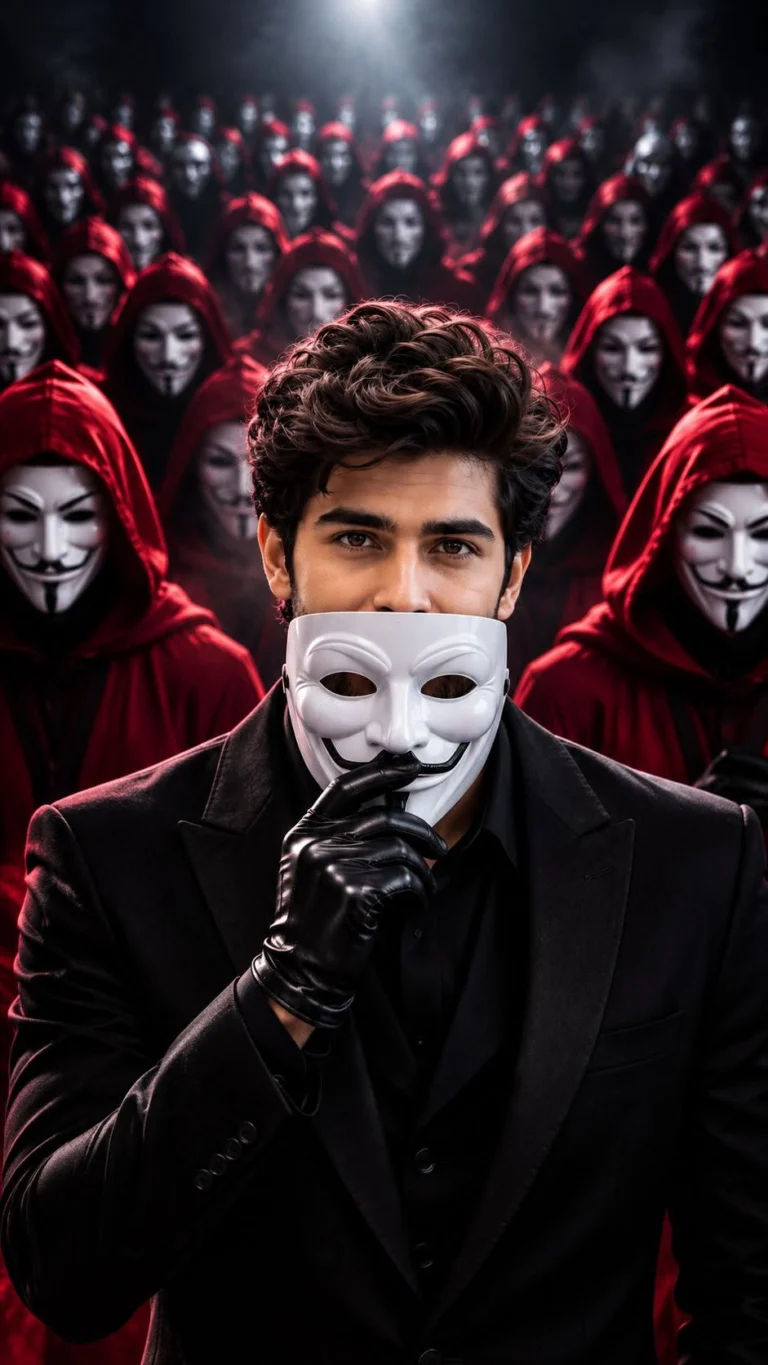
Anonymous Mask AI Photo Editing Prompt 8K Prompt (opens in a new tab)
photoeditprompts.in
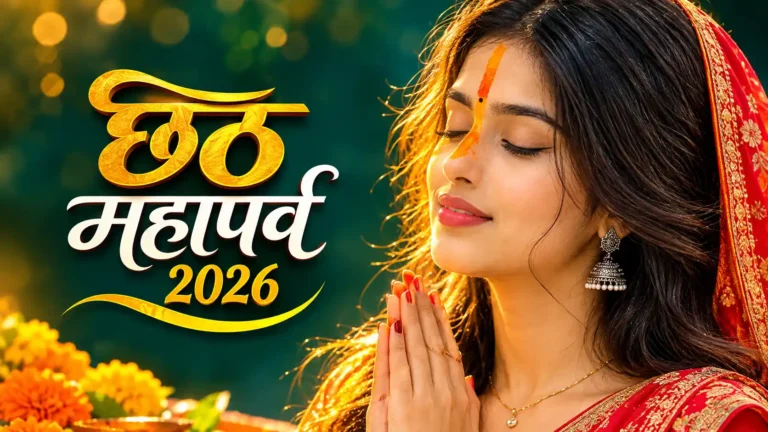
Best Chhath Puja Image for Young Woman (opens in a new tab)
photoeditprompts.in
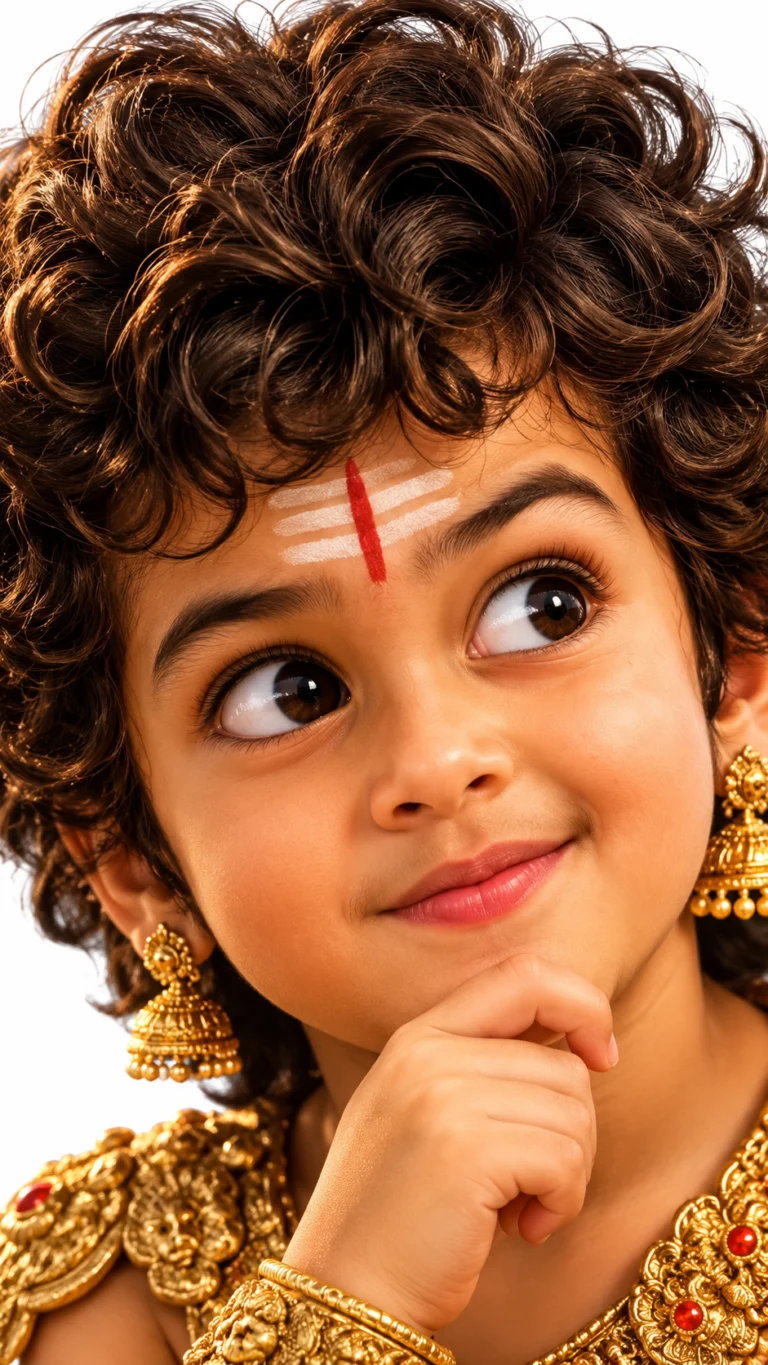
How to Create a Pixar-Style 3D Boy Character Portrait in AI (opens in a new tab)
photoeditprompts.in
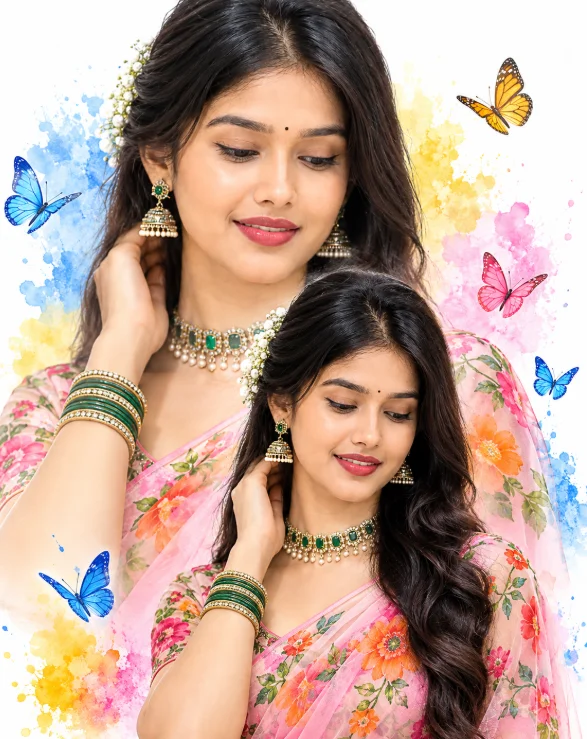
Double-Exposure Saree Portrait with Watercolor Butterflies (opens in a new tab)
photoeditprompts.in
How to Create a Cinematic Movie Poster in AI (opens in a new tab)
photoeditprompts.in
How to Create a 3D Paper Tear Effect Portrait in AI (opens in a new tab)
photoeditprompts.in
Italian Luxury Menswear Photoshoot Prompt with Maserati (opens in a new tab)
photoeditprompts.in
Girl’s cinematic digital composite artwork prompt (opens in a new tab)
photoeditprompts.in