- Attitude
- Cinematic
- Social Media
- ChatGPT
- Gemini
- Google Flow Ai
- Ideogram
- Kling
- Leonardo
- Midjourney
- Nano Banana
- Sora
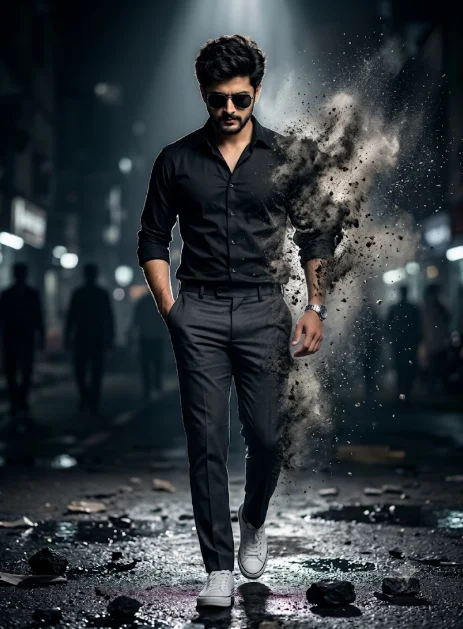
Cinematic Walking Man AI Photo Editing Prompt
By photoeditprompts.in · Updated November 8, 2026
Prompt
0
A cinematic, full-body shot of a young man walking confidently toward the camera. He has short dark tousled hair, stubble, and wears black aviator sunglasses. He is looking sharply downward. His pose is exact: left hand tucked in his front pocket, right arm swinging forward. He wears a fitted black button-down shirt (sleeves rolled up), dark grey dress pants, a silver watch on his left wrist, and white canvas sneakers. A dramatic, gritty plume of ashy, particulate smoke is erupting directly from his right torso and arm, making it look as though his body is disintegrating and dissolving into dark, swirling ash and dust. The smoke wraps tightly around his body with a rough, granular texture, not fluffy white clouds. The background is a moody, blurry urban street at night with shadowy silhouettes of people. The ground is wet, reflective, and covered in scattered chunks of debris and rocks. Dramatic, high-contrast lighting with a strong rim light illuminating the dust particles. Shallow depth of field, photorealistic, 8k, cinematic photography.
Hashtags
- Occasion
- AttitudeCinematicSocial Media
- Aspect ratio
- 1:1 (1024×1024)1200×10001200×6281920×1080 (16:9)4:5 (1080×1350)9:16 (1080×1920)
- Quality
- 1080p4K8K
- Prompt type
- Direct prompt
You may also read
More articles →- AI Photo Edit
Best AI Prompts to Restore Old Family Photos in 4K Quality
- AI Photo Edit
15 Best AI Photo Enhancement Prompts to Make Any Photo Look Professional
- AI Cineatic 8K Video Prompt
How to Create a Dhanteras Wish Video with Your Own Photo and Name Using AI
- AI Cineatic 8K Video Prompt
Wedding Cinematic 8K Video Prompt
How to use this prompt
- Press Copy prompt to copy the full prompt.
- Open ChatGPT and start a new image.
- Paste the prompt and set the aspect ratio to 1:1 (1024×1024).
- Generate, then adjust a few words to make it your own.
More prompts like this
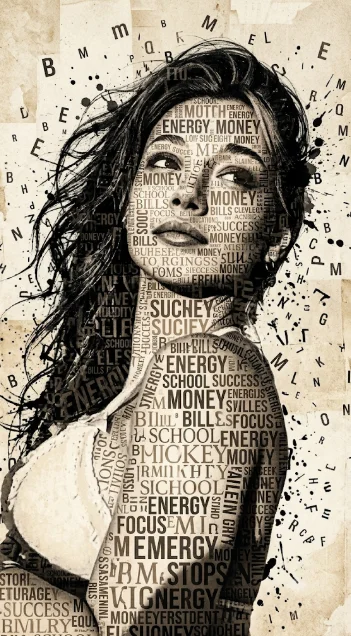
Girl striking typographic portrait prompt (opens in a new tab)
photoeditprompts.in
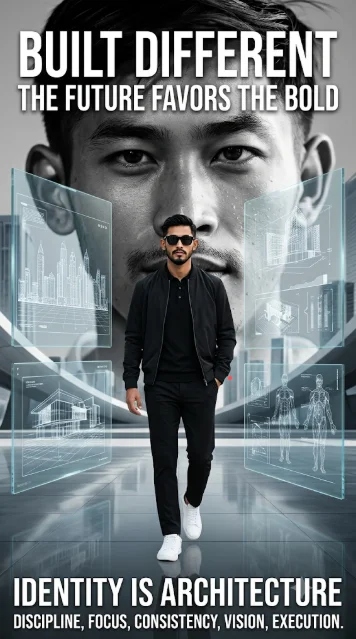
Futuristic Editorial Poster with Bold Typography Prompt (opens in a new tab)
Welcome to photo editing prompts! Generate your own masterpiece
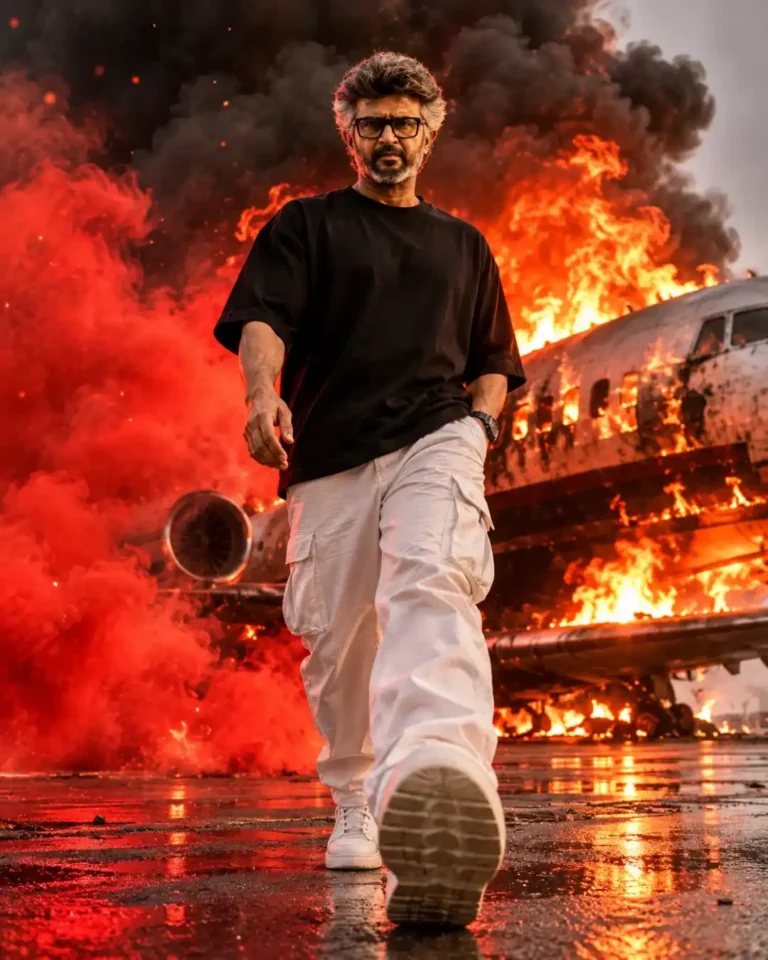
Cinematic Fire Explosion Man Portrait AI Photo Editing Prompt – 8K Realistic Action Poster (opens in a new tab)
photoeditprompts.in
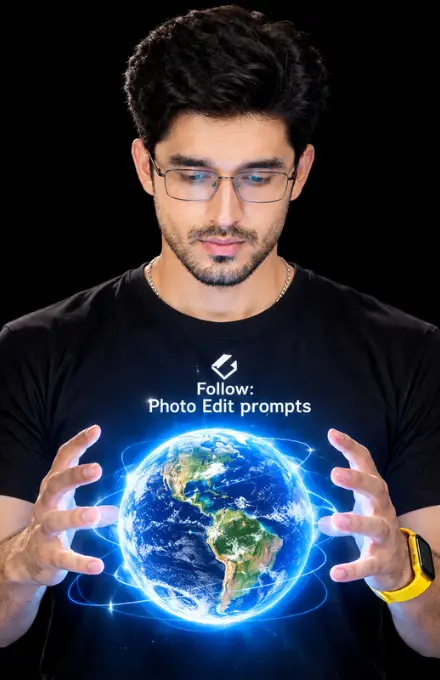
Glowing Holographic Earth AI Portrait Prompt (opens in a new tab)
photoeditprompts.in
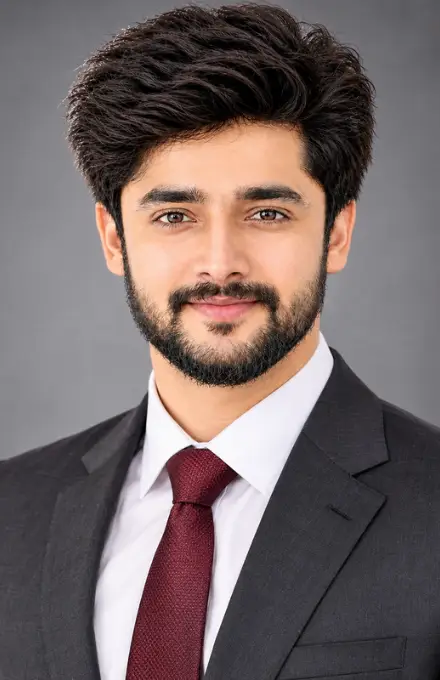
Ultra-Realistic Professional Corporate Headshot AI Photo Editing Prompt (opens in a new tab)
photoeditprompts.in
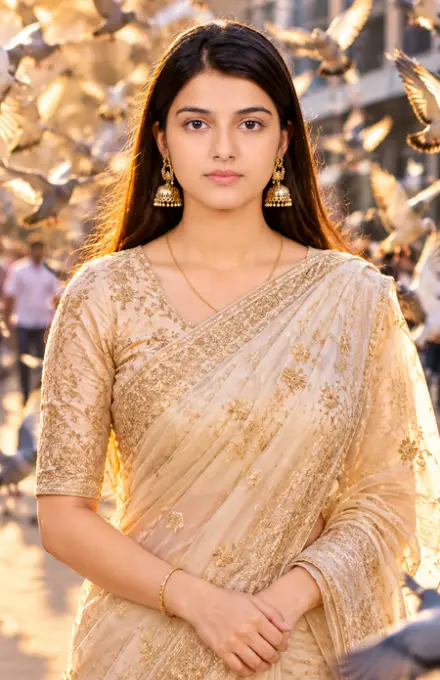
Woman outdoor cinematic photograph prompt (opens in a new tab)
photoeditprompts.in
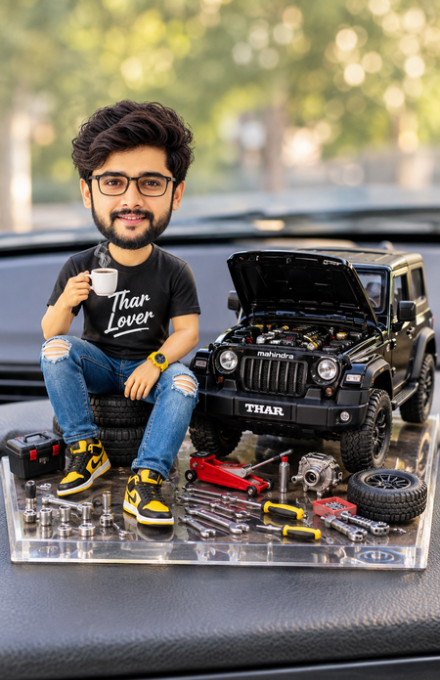
Create Your Own Miniature Mahindra Thar Lover Bobblehead Prompt (opens in a new tab)
photoeditprompts.in
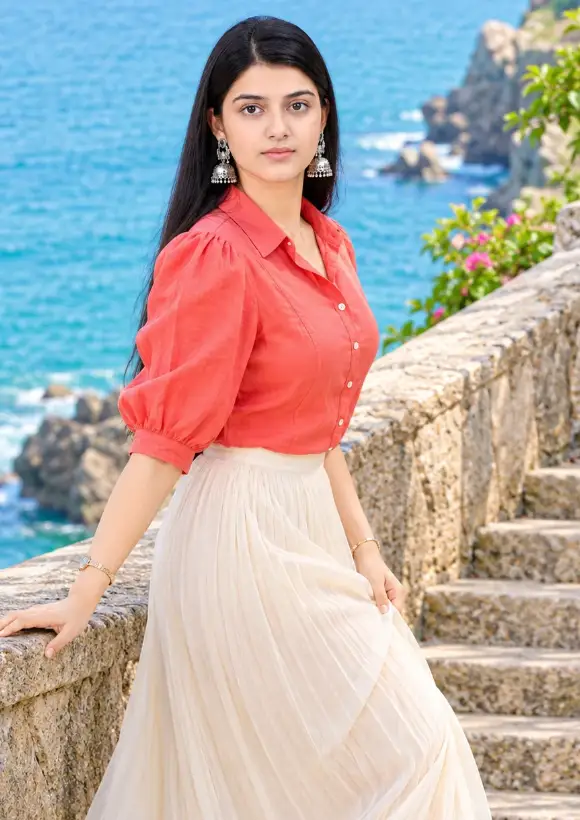
Luxury Coastal Fashion AI Prompt (opens in a new tab)
photoeditprompts.in