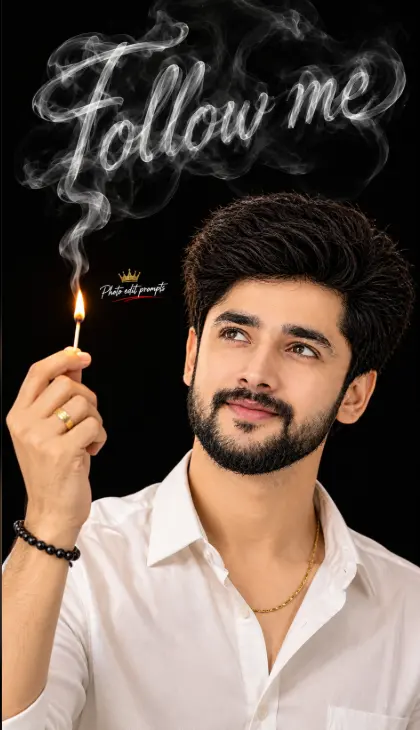
Cinematic 4K Smoke Name Portrait Prompt for Gemini AI
By photoeditprompts.in · Updated November 26, 2026
Prompt
0
Create an ultra-realistic cinematic 4K DSLR portrait using the uploaded reference image. Recreate the same pose, facial expression, hairstyle, outfit, hand position, lighting, background, and smoke typography as closely as possible. Pose & Composition: Create a vertical chest-up portrait of a young man positioned slightly to the right of the center. He is holding a small lit matchstick between his fingers with his raised hand on the left side of the image. His head is slightly tilted upward, and he is looking toward the smoke lettering above him with a thoughtful, calm expression. Keep the same hand position, head angle, body posture, and framing as the reference. Face & Expression: Preserve the reference person's facial identity, face shape, eyes, eyebrows, nose, lips, beard, moustache, hairstyle, and natural skin texture. His expression is serious, thoughtful, and relaxed, with his eyes looking upward toward the smoke. Maintain realistic facial details and natural proportions. Hair: Short, thick, dark hair with a textured, slightly messy top, naturally styled with volume and subtle strands. Keep the same haircut and hair direction as the reference. Outfit: He is wearing a white button-down shirt with the sleeves rolled up to the forearms. The shirt is slightly open at the collar, showing a gold chain necklace around his neck. Preserve the same shirt style, fabric folds, collar shape, and natural fit. Accessories: A gold chain necklace, a gold ring on one finger, and a black beaded bracelet around his wrist. Keep the same accessories, positions, and details. Match & Smoke: A small matchstick is held upright between the fingers, with a tiny warm flame. Soft white-gray smoke rises from it and curls dramatically across the upper part of the image, forming the word “Follow me” in large flowing cursive smoke lettering. The smoke should look delicate, realistic, wispy, and naturally flowing, with layered translucent curves and fine details against the black background. Make the lettering readable while keeping its appearance like real smoke. Signature Text: Near the center-left, beneath the smoke lettering, add a small elegant signature reading “Photo edit prompts” in white handwritten calligraphy, with a tiny gold crown above it and a subtle red curved underline. Keep it small and tasteful, matching the reference. Background: A completely dark black studio background with no visible objects, scenery, or distractions. The black background should provide strong contrast against the white smoke, face, and shirt. Lighting: Cinematic low-key lighting with soft warm light illuminating the face from the front-left. Add subtle highlights on the hair, cheekbones, fingers, gold chain, and white shirt. Maintain deep shadows and dramatic contrast without losing facial details. Photography Style: Ultra-realistic DSLR portrait, cinematic dark photography, 85mm lens look, shallow depth of field, sharp facial focus, realistic skin texture, detailed smoke trails, luxury editorial photography, dramatic black background, warm color grading, photorealistic 4K quality. Aspect Ratio: 9:16 vertical portrait. Keep the same face, upward gaze, same pose, white shirt, gold chain, ring, bracelet, match position, smoke lettering, signature placement, black background, and lighting. Do not add any extra people, text, logos, or watermarks.
Hashtags
- Occasion
- CinematicSocial Media
- Aspect ratio
- 1:1 (1024×1024)1200×10001200×6281920×1080 (16:9)4:5 (1080×1350)9:16 (1080×1920)
- Quality
- 1080p4K8K
- Prompt type
- Direct prompt
You may also read
More articles →- AI Cineatic 8K Video Prompt
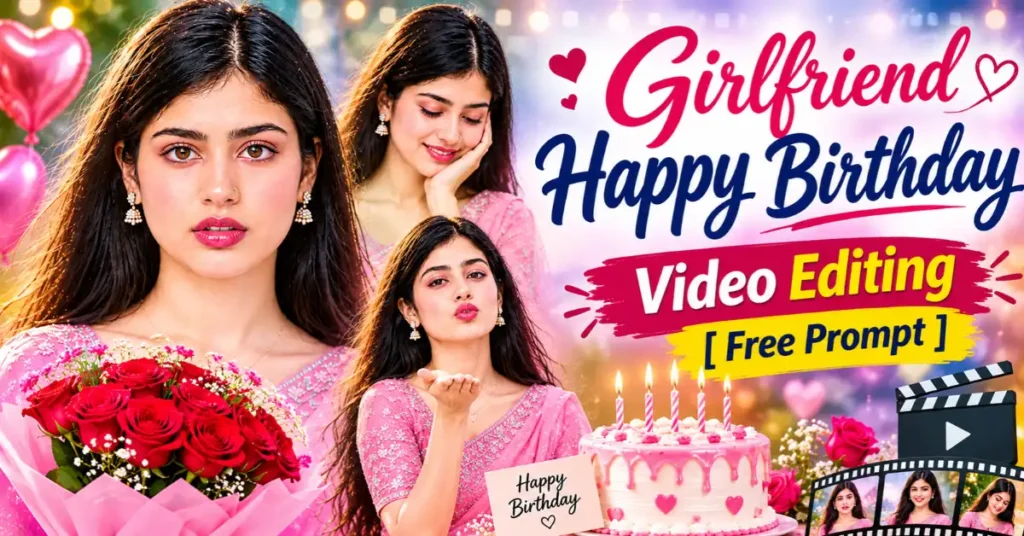
Girlfriend happy birthday video editing
- AI Cineatic 8K Video Prompt
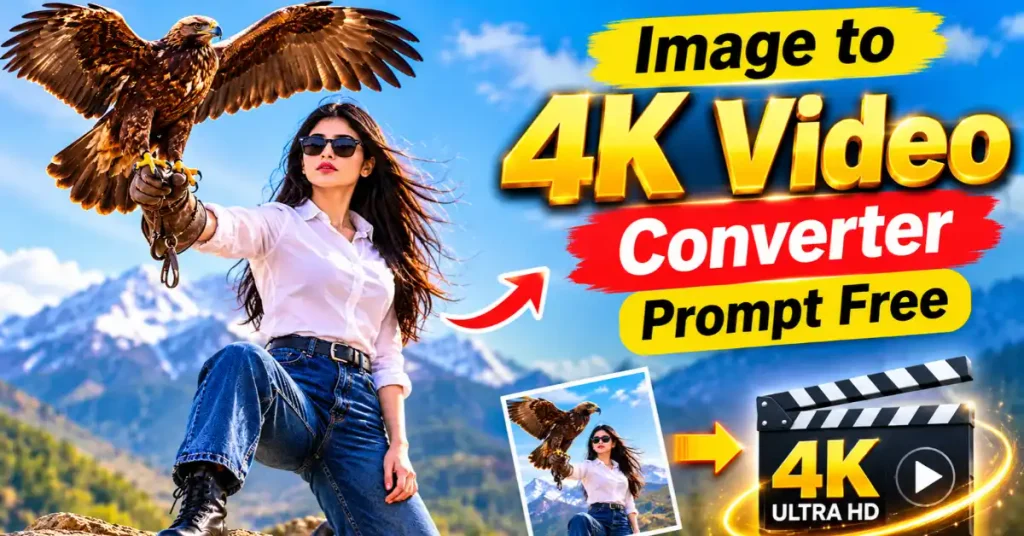
Image to 4k Video Converter Prompt Free
- AI Mobile Wallpapers Free
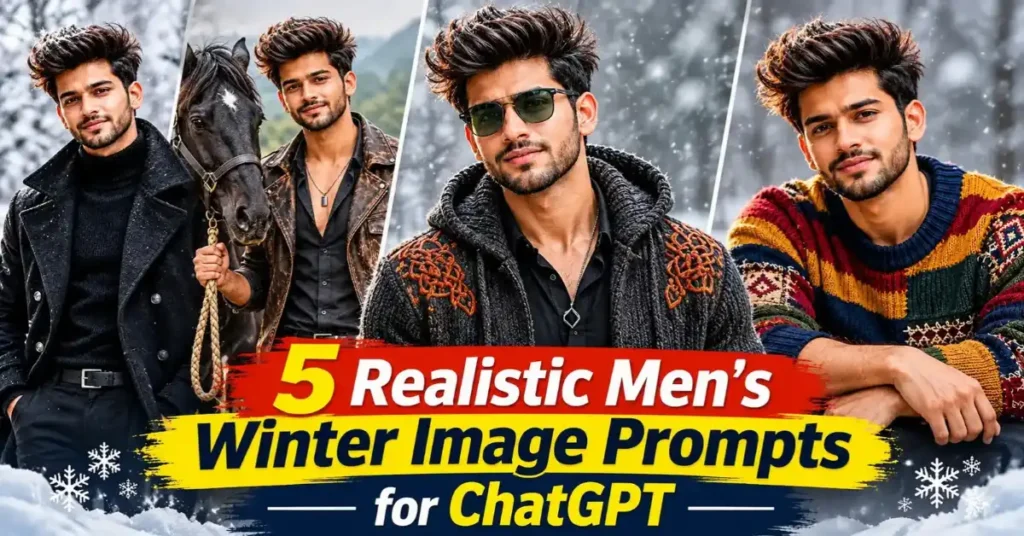
5 Realistic Men’s Winter Image Prompts for ChatGPT (Free & Easy)
- Action Picture Generate Prompts
7 Ultimate Tips for Creating the Perfect New Photo Image Prompt for Men
How to use this prompt
- Press Copy prompt to copy the full prompt.
- Open ChatGPT and start a new image.
- Paste the prompt and set the aspect ratio to 1:1 (1024×1024).
- Generate, then adjust a few words to make it your own.
More prompts like this
Manga Comic Action Portrait Prompt for Gemini AI (opens in a new tab)
photoeditprompts.in
AI Bridal Portrait Collage Prompt for Gemini (opens in a new tab)
photoeditprompts.in
Omar Stylish Portrait Prompt for Gemini AI (opens in a new tab)
photoeditprompts.in
Same Close-Up Couple Portrait AI Prompt in 4K (opens in a new tab)
photoeditprompts.in
Rainy Road Girl AI Photo Prompt (opens in a new tab)
photoeditprompts.in
Kids Portrait Collage AI Prompt (opens in a new tab)
photoeditprompts.in
Cinematic 4K Portrait White Outfit Dove AI Photo Prompt (opens in a new tab)
photoeditprompts.in
Golden Halo 4K DSLR Beige Suit AI Photo Prompt (opens in a new tab)
photoeditprompts.in