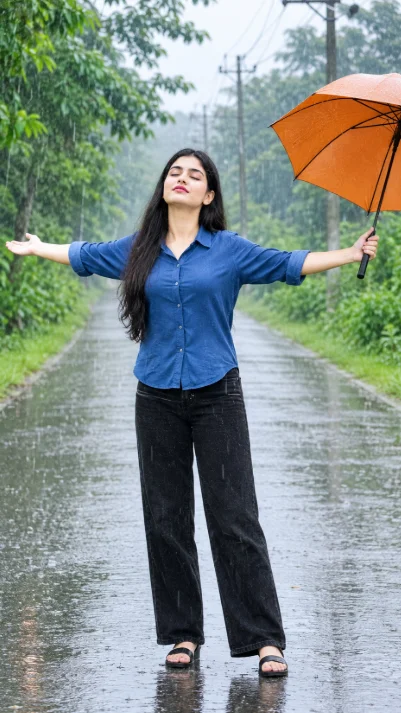
Rainy Road Girl AI Photo Prompt
By photoeditprompts.in · Updated November 23, 2026
Prompt
0
Create an ultra-realistic 4K DSLR photograph using the uploaded reference image. Recreate the exact same scene with a girl as the subject instead of a boy. Preserve the original composition, pose, camera angle, background, lighting, rain, umbrella placement, and color grading. SUBJECT:
A young girl standing in the middle of a rainy road, with natural facial features, realistic skin texture, and a relaxed expression. Use the uploaded girl's face as the identity reference if provided. EXACT POSE:
Recreate the exact same pose as the reference image. She stands in the middle of the wet road with both arms stretched wide open horizontally. Her left arm extends fully toward the left side, while her right hand holds an open orange-brown umbrella toward the right side of the frame. Her head is slightly tilted upward, eyes gently closed or looking upward, with a peaceful expression. Keep the same arm angles, hand positions, body posture, leg placement, stance, and head tilt. She stands straight with both feet slightly apart, facing the camera. OUTFIT:
She is wearing the same style of blue button-down shirt, with sleeves rolled up to the forearms, paired with black jeans and simple dark sandals. Keep the shirt blue, jeans black, and the outfit casual. The shirt should have natural fabric folds and a relaxed fit. Do not change the clothing colors. UMBRELLA:
Keep the same open orange-brown umbrella held in her right hand. Maintain the exact umbrella position, angle, size, canopy shape, handle, visible ribs, and color. The umbrella is tilted outward toward the right side of the image. BACKGROUND:
Recreate the exact same rural road surrounded by lush green trees, bushes, grass, and roadside vegetation. The road stretches straight into the distance, creating a central vanishing point behind the girl. Keep the same roadside electric poles, wires, distant greenery, misty pale blue-gray sky, and natural perspective. Do not add buildings, vehicles, or extra people. RAIN & ROAD:
Maintain the same rainy atmosphere, wet asphalt road, puddles, reflective surface, subtle raindrops, and soft reflections beneath her feet. The road should appear freshly soaked, with natural water reflections and a realistic rainy-day ambience. LIGHTING & COLOR GRADING:
Preserve the original lighting exactly: soft overcast daylight, cool rainy atmosphere, natural vibrant greens, muted blue-gray sky, realistic skin tones, gentle shadows, and balanced exposure. No dramatic sunset, no dark storm, no artificial cinematic color shift. CAMERA & COMPOSITION:
Vertical 9:16 portrait, full-body framing, same camera angle, same distance, same perspective, same subject size, same centered placement, same crop, and same depth of field as the reference image. Professional DSLR photography, 85mm lens look, realistic natural textures, sharp subject, softly blurred distant background, high-resolution 4K photorealism. STRICT IMAGE MATCH:
Only change the main subject from a boy to a girl. Keep the same pose, same blue shirt, same black jeans, same umbrella, same road, same trees, same electric poles, same rain, same background, same lighting, same camera angle, and same color grading. Do not redesign or reinterpret the original scene. No pose changes, no arm position changes, no umbrella changes, no background replacement, no extra objects, no extra people, no cartoon effects, no artificial skin smoothing, no text, no watermark.
Hashtags
- Occasion
- CinematicSocial Media
- Aspect ratio
- 1:1 (1024×1024)1200×10001200×6281920×1080 (16:9)4:5 (1080×1350)9:16 (1080×1920)
- Quality
- 1080p4K8K
- Prompt type
- Direct prompt
You may also read
More articles →- AI Cineatic 8K Video Prompt
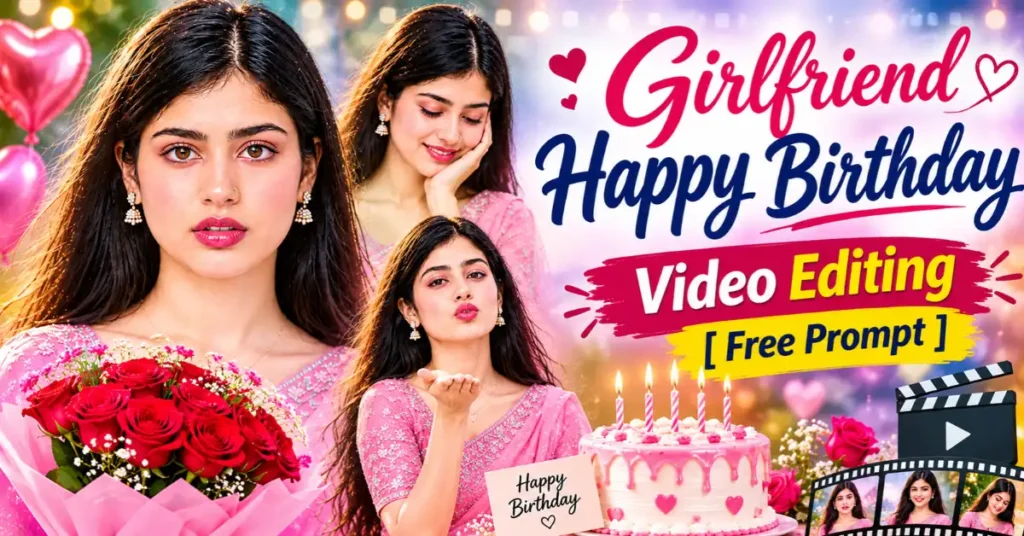
Girlfriend happy birthday video editing
- AI Cineatic 8K Video Prompt
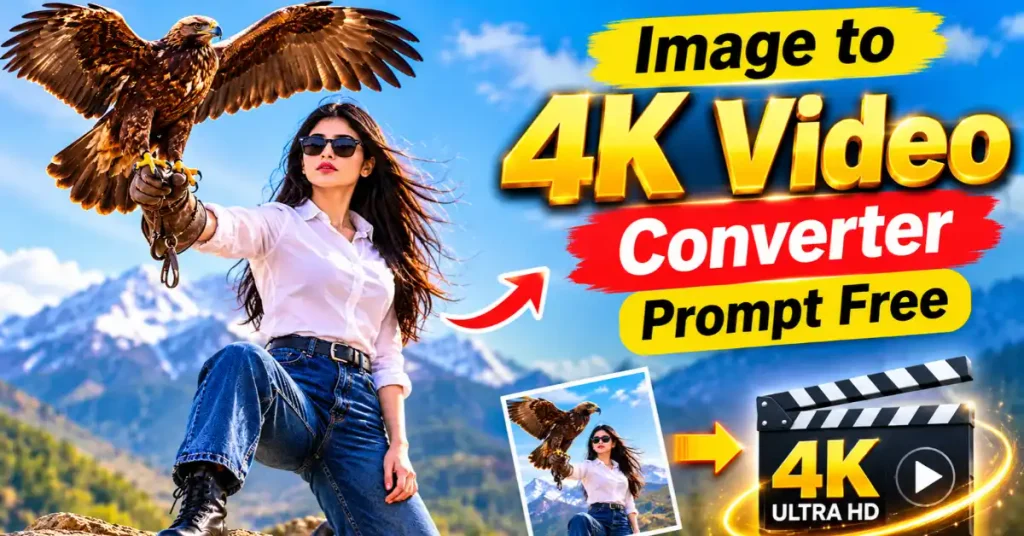
Image to 4k Video Converter Prompt Free
- AI Mobile Wallpapers Free
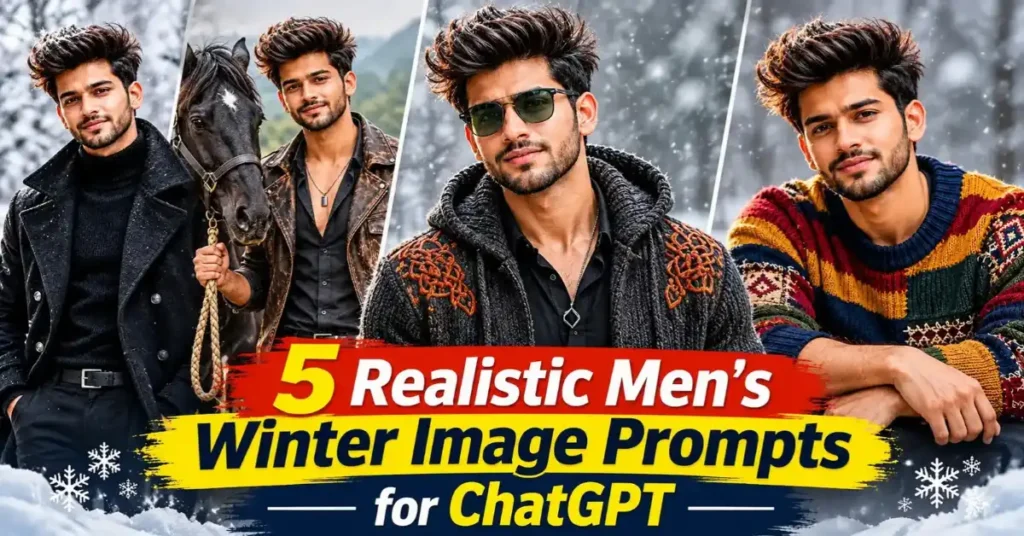
5 Realistic Men’s Winter Image Prompts for ChatGPT (Free & Easy)
- Action Picture Generate Prompts
7 Ultimate Tips for Creating the Perfect New Photo Image Prompt for Men
How to use this prompt
- Press Copy prompt to copy the full prompt.
- Open ChatGPT and start a new image.
- Paste the prompt and set the aspect ratio to 1:1 (1024×1024).
- Generate, then adjust a few words to make it your own.
More prompts like this
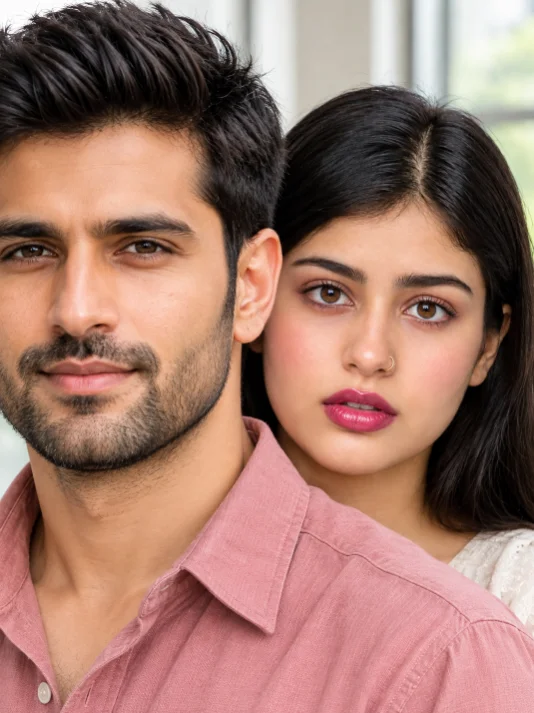
Same Close-Up Couple Portrait AI Prompt in 4K (opens in a new tab)
photoeditprompts.in
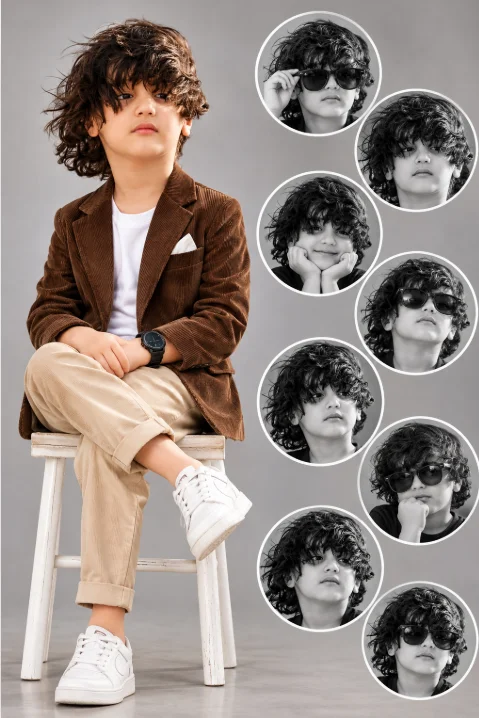
Kids Portrait Collage AI Prompt (opens in a new tab)
photoeditprompts.in
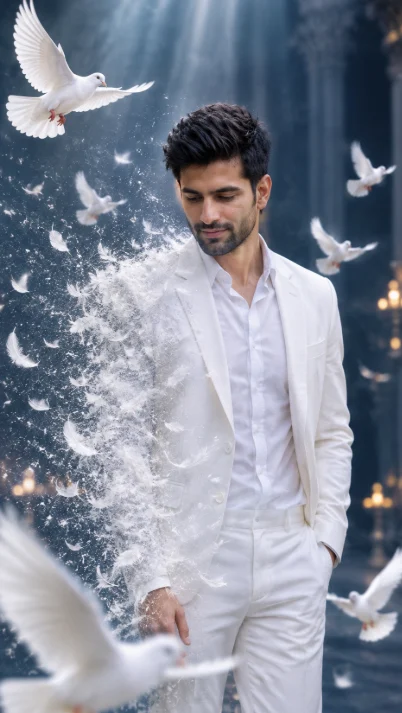
Cinematic 4K Portrait White Outfit Dove AI Photo Prompt (opens in a new tab)
photoeditprompts.in
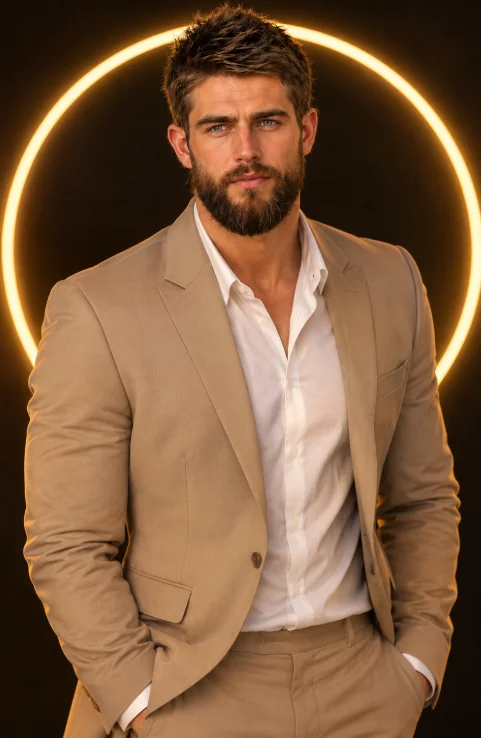
Golden Halo 4K DSLR Beige Suit AI Photo Prompt (opens in a new tab)
photoeditprompts.in
Brown Leather Jacket AI Prompt | Same Pose & Face 4K Prompt (opens in a new tab)
photoeditprompts.in
4K Romantic Couple 3 Pose AI Prompt (opens in a new tab)
photoeditprompts.in
Cute Boy AI Garden Portrait Prompt (opens in a new tab)
photoeditprompts.in
2026 New Year Futuristic Clock AI Photo Prompt (opens in a new tab)
photoeditprompts.in