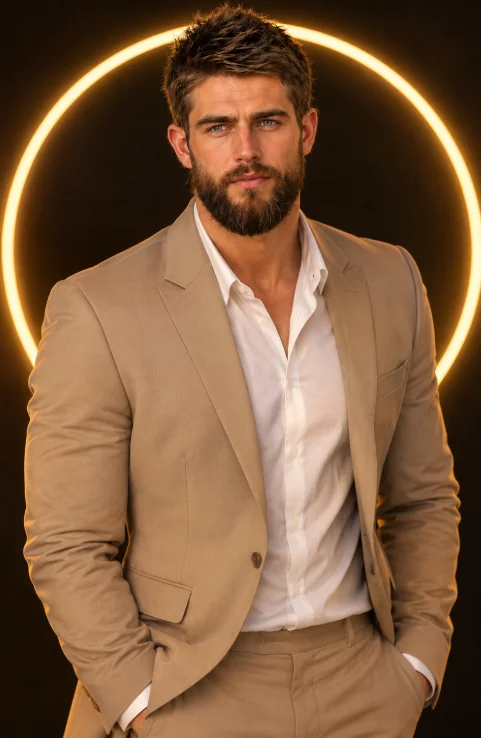
Golden Halo 4K DSLR Beige Suit AI Photo Prompt
By photoeditprompts.in · Updated November 23, 2026
Prompt
0
Create an ultra-realistic, cinematic 4K DSLR portrait using the uploaded reference image. Recreate the original photo as closely as possible without changing or redesigning anything. IDENTITY: Preserve 100% of the uploaded person's facial identity, face shape, eyes, nose, lips, jawline, hairstyle, skin tone, and natural facial expression. Keep the same calm, serious, confident look and the exact direction of his gaze. POSE: Maintain the exact same standing pose as the reference image. The man is standing with his body slightly angled, looking toward the right side of the frame. Both hands are casually placed inside his trouser pockets. Keep the same shoulder position, head angle, body posture, and relaxed stance. OUTFIT: Keep the exact same beige/tan formal suit, including the fitted blazer, matching trousers, lapels, pocket details, fabric texture, and natural folds. Underneath, he wears the same white shirt with the collar open and no tie. Do not change the outfit, its colors, or styling. BACKGROUND: Recreate the same dark black-brown studio background with a large circular golden LED light ring positioned directly behind the subject. The ring should create a beautiful glowing halo effect around his head and shoulders. Keep the same circular shape, position, size, golden color, glow intensity, and background darkness. No additional objects or scenery. LIGHTING: Match the exact lighting of the reference photo. Soft cinematic key light illuminates the face and beige suit, while the golden circular light creates warm rim lighting around the subject. Maintain the same shadow direction, light intensity, highlights, contrast, ambient darkness, and warm golden atmosphere. COLOR GRADING: Preserve the original warm cinematic color grading, rich dark tones, golden amber glow, neutral beige suit, natural skin tones, soft highlights, and balanced shadows. No color changes, no excessive saturation, no cool-toned filters. CAMERA AND COMPOSITION: Keep the same camera angle, perspective, subject position, camera distance, vertical framing, crop, and body proportions as the reference. Medium full-body portrait, eye-level perspective, professional DSLR photography, 85mm portrait lens, shallow depth of field, sharp facial details, realistic fabric texture, cinematic HDR, photorealistic 4K quality. STRICT REFERENCE MATCH: Same pose, same face, same facial expression, same hairstyle, same beige suit, same white shirt, same background, same glowing golden circle, same lighting, same shadows, same camera angle, same composition, and same color grading. Only enhance image resolution, clarity, and realistic photographic details. Do not alter the face, do not change the pose, do not change the suit, do not replace the background, do not move the golden circle, do not change the lighting, do not change the camera angle, no artificial skin smoothing, no distorted hands, no extra fingers, no text, no watermark.
Hashtags
- Occasion
- CinematicSocial Media
- Aspect ratio
- 1:1 (1024×1024)1200×10001200×6281920×1080 (16:9)4:5 (1080×1350)9:16 (1080×1920)
- Quality
- 1080p4K8K
- Prompt type
- Direct prompt
You may also read
More articles →- AI Cineatic 8K Video Prompt
Girlfriend happy birthday video editing
- AI Cineatic 8K Video Prompt
Image to 4k Video Converter Prompt Free
- AI Mobile Wallpapers Free
5 Realistic Men’s Winter Image Prompts for ChatGPT (Free & Easy)
- Action Picture Generate Prompts
7 Ultimate Tips for Creating the Perfect New Photo Image Prompt for Men
How to use this prompt
- Press Copy prompt to copy the full prompt.
- Open ChatGPT and start a new image.
- Paste the prompt and set the aspect ratio to 1:1 (1024×1024).
- Generate, then adjust a few words to make it your own.
More prompts like this
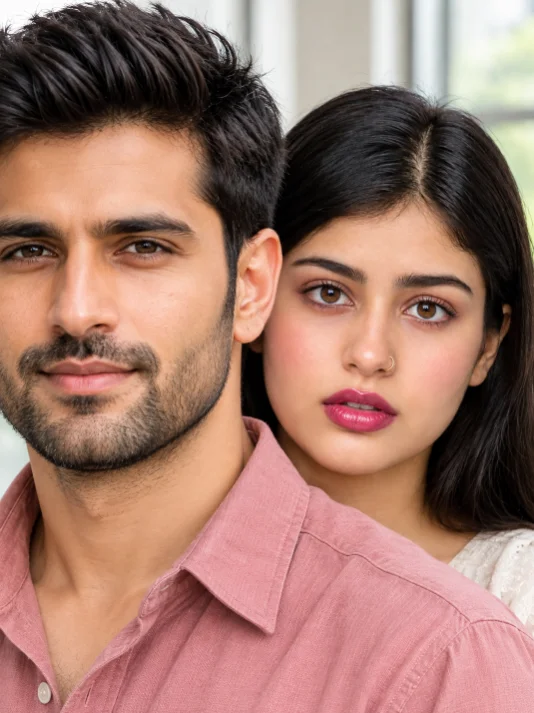
Same Close-Up Couple Portrait AI Prompt in 4K (opens in a new tab)
photoeditprompts.in
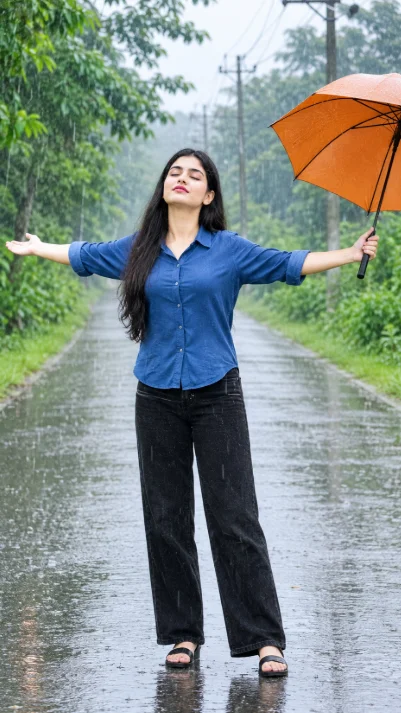
Rainy Road Girl AI Photo Prompt (opens in a new tab)
photoeditprompts.in
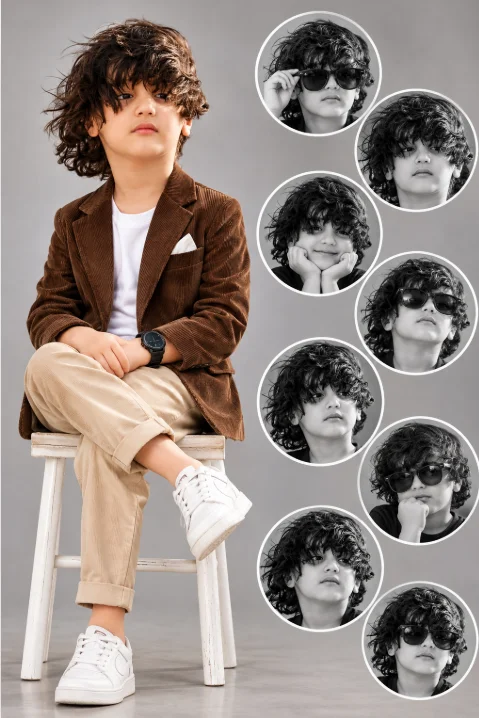
Kids Portrait Collage AI Prompt (opens in a new tab)
photoeditprompts.in
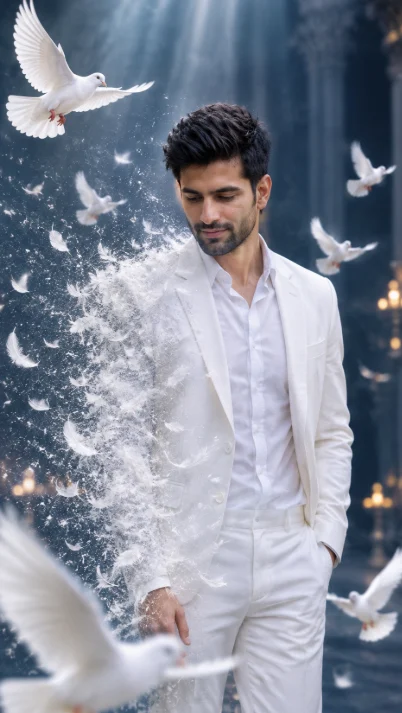
Cinematic 4K Portrait White Outfit Dove AI Photo Prompt (opens in a new tab)
photoeditprompts.in
Brown Leather Jacket AI Prompt | Same Pose & Face 4K Prompt (opens in a new tab)
photoeditprompts.in
4K Romantic Couple 3 Pose AI Prompt (opens in a new tab)
photoeditprompts.in
Cute Boy AI Garden Portrait Prompt (opens in a new tab)
photoeditprompts.in
2026 New Year Futuristic Clock AI Photo Prompt (opens in a new tab)
photoeditprompts.in