- Attitude
- Cinematic
- Social Media
- ChatGPT
- Gemini
- Google Flow Ai
- Ideogram
- Kling
- Leonardo
- Midjourney
- Nano Banana
- Sora
Manga Comic Action Portrait Prompt for Gemini AI
By photoeditprompts.in · Updated November 26, 2026
Prompt
0
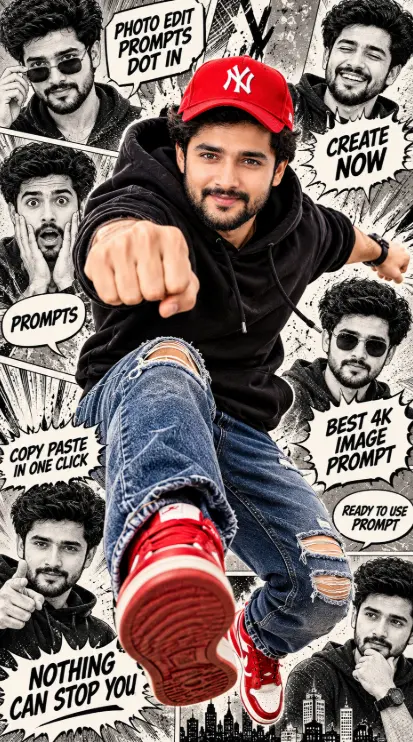
Create an ultra-realistic 4K cinematic action portrait using the uploaded reference photo. Recreate the same MAN with the same facial identity, moustache, expression, red baseball cap, black hoodie, ripped blue jeans, red sneakers, and dynamic jumping pose. The image should look like a real photograph blended into a high-energy black-and-white manga comic collage. Main Subject & Pose: Place the man in the center of the frame in an exaggerated action pose, as if jumping forward toward the camera. His body is tilted forward with one knee raised high toward the lens. One arm is extended toward the camera with a closed fist, creating an extreme foreshortening effect. His other arm is stretched backward for balance. The pose should look energetic, playful, powerful, and dynamic, with the closest sneaker appearing very large because of the perspective. Face & Identity: Preserve the exact facial identity of the uploaded person, including face shape, eyes, nose, moustache, hairstyle, skin tone, and natural facial details. Maintain the same serious yet playful expression. Keep his face sharp, realistic, and recognizable. Clothing: He is wearing a bright red baseball cap with a white NY-style logo, a black oversized hoodie with visible fabric folds and drawstrings, loose distressed blue jeans with ripped knees, and red-and-white sneakers. Preserve the same clothing colors, style, and details. Perspective & Camera: Use an extreme low-angle wide-lens perspective with the camera positioned close to the subject's feet. The front shoe should dominate the lower foreground, while his fist projects toward the viewer. Use dramatic depth, realistic motion, and a dynamic action-photography composition. Comic Collage Background: Surround the central full-color photographic subject with a dense black-and-white manga comic collage. Use multiple irregular comic panels containing illustrated versions of the same man showing different funny, surprised, confident, laughing, and action expressions. Include manga speed lines, ink splashes, torn paper edges, halftone dots, bold black outlines, sketch textures, dramatic impact marks, and layered comic panel borders. Speech Bubbles & Text: Add bold comic-style speech bubbles with these exact phrases:
“PHOTO EDIT PROMPTS DOT IN”
“CREATE NOW”
“PROMPTS”
“BEST 4K IMAGE PROMPT”
“COPY PASTE IN ONE CLICK”
“READY TO USE PROMPT”
“NOTHING CAN STOP YOU” Use bold uppercase lettering, playful comic typography, irregular speech bubbles, and dynamic placement throughout the background. Keep the text readable, correctly spelled, and integrated naturally into the manga panels. Color & Contrast: Keep the central person in full realistic color, with a vivid red cap, black hoodie, blue denim, and red sneakers. The entire background collage should remain mostly black and white with high contrast, making the central subject stand out strongly. Lighting: Bright, dramatic studio-style lighting on the central subject, realistic shadows on the clothing, subtle highlights on the face and sneakers, and strong separation from the monochrome comic background. Style: Photorealistic central subject, Japanese manga comic art, streetwear action poster, extreme wide-angle perspective, dynamic jumping pose, high-energy editorial collage, 4K detail, sharp facial features, realistic fabric textures, bold graphic design. Aspect Ratio: 9:16 vertical portrait. Keep the same person, same face, same red cap, same black hoodie, same ripped jeans, same red shoes, same jumping pose, same fist perspective, same comic panels, same speech bubbles, and same overall layout as the reference. Do not add any logos other than the cap logo shown in the reference. Do not add watermarks.
Hashtags
- Occasion
- AttitudeCinematicSocial Media
- Aspect ratio
- 1:1 (1024×1024)1200×10001200×6281920×1080 (16:9)4:5 (1080×1350)9:16 (1080×1920)
- Quality
- 1080p4K8K
- Prompt type
- Direct prompt
You may also read
More articles →- AI Cineatic 8K Video Prompt
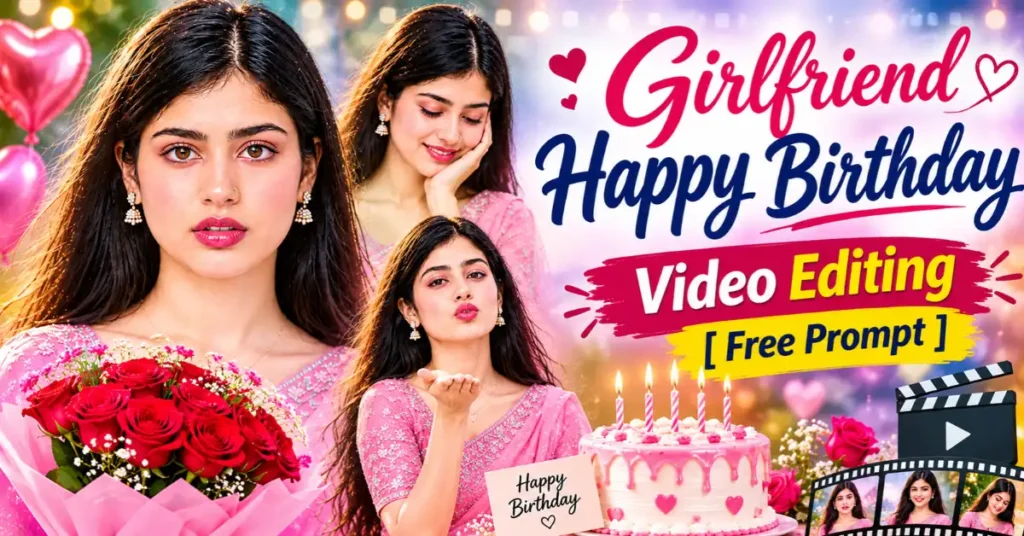
Girlfriend happy birthday video editing
- AI Cineatic 8K Video Prompt
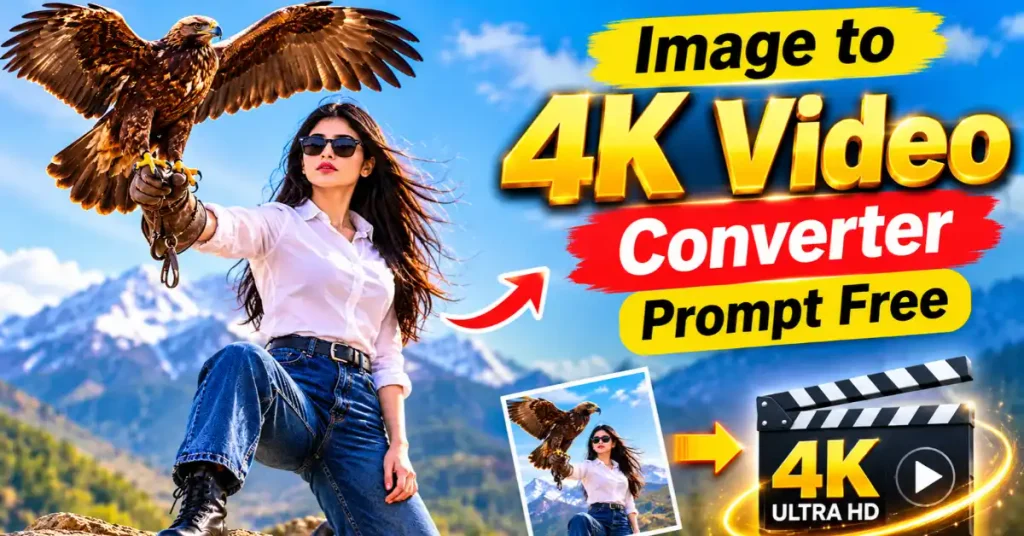
Image to 4k Video Converter Prompt Free
- AI Mobile Wallpapers Free
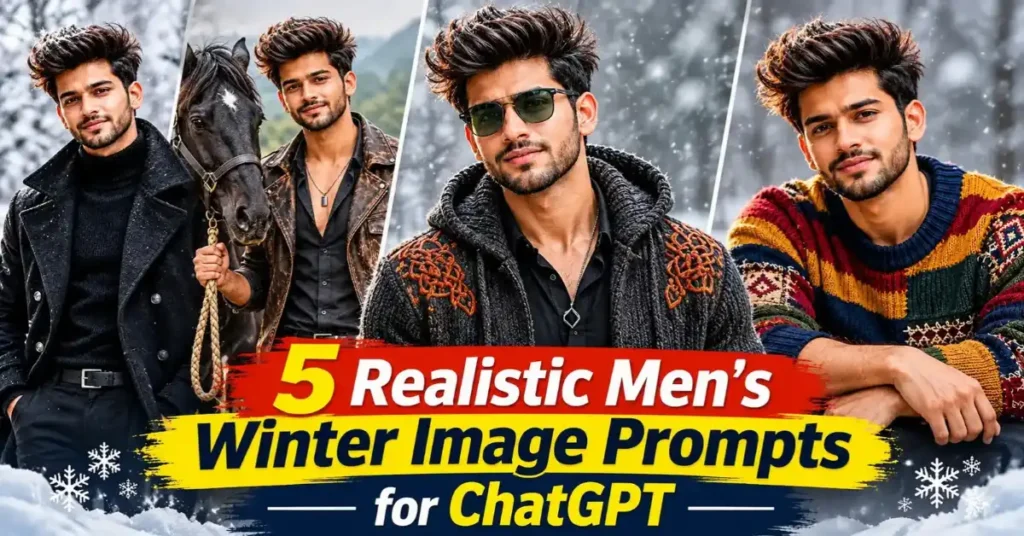
5 Realistic Men’s Winter Image Prompts for ChatGPT (Free & Easy)
- Action Picture Generate Prompts
7 Ultimate Tips for Creating the Perfect New Photo Image Prompt for Men
How to use this prompt
- Press Copy prompt to copy the full prompt.
- Open ChatGPT and start a new image.
- Paste the prompt and set the aspect ratio to 1:1 (1024×1024).
- Generate, then adjust a few words to make it your own.
More prompts like this
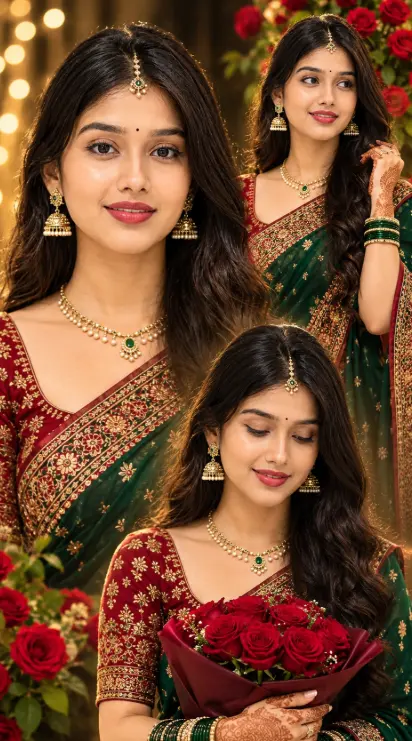
AI Bridal Portrait Collage Prompt for Gemini (opens in a new tab)
photoeditprompts.in
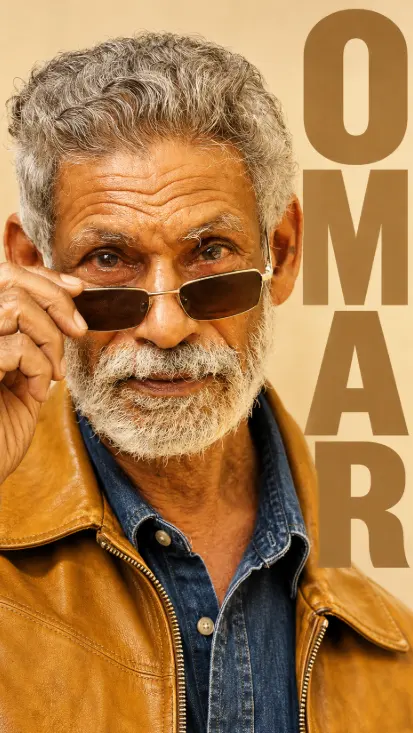
Omar Stylish Portrait Prompt for Gemini AI (opens in a new tab)
photoeditprompts.in
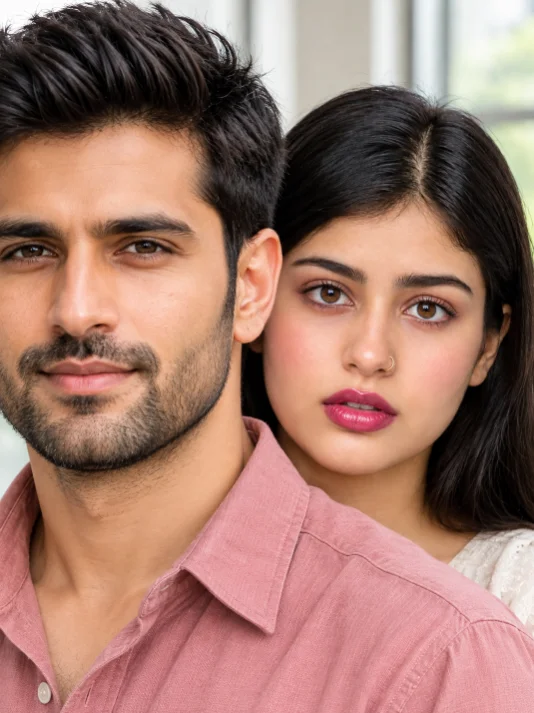
Same Close-Up Couple Portrait AI Prompt in 4K (opens in a new tab)
photoeditprompts.in
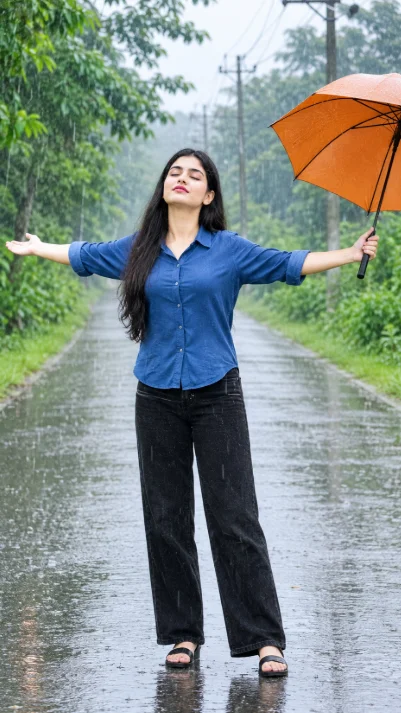
Rainy Road Girl AI Photo Prompt (opens in a new tab)
photoeditprompts.in
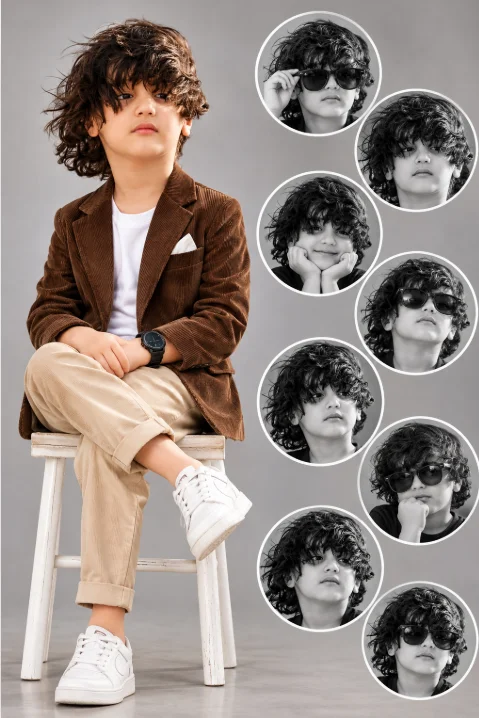
Kids Portrait Collage AI Prompt (opens in a new tab)
photoeditprompts.in
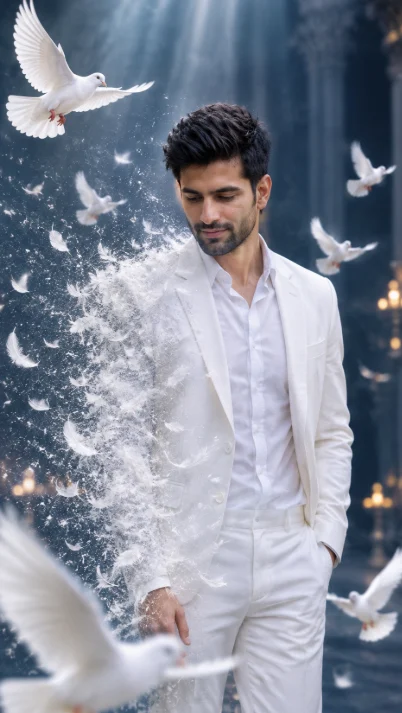
Cinematic 4K Portrait White Outfit Dove AI Photo Prompt (opens in a new tab)
photoeditprompts.in
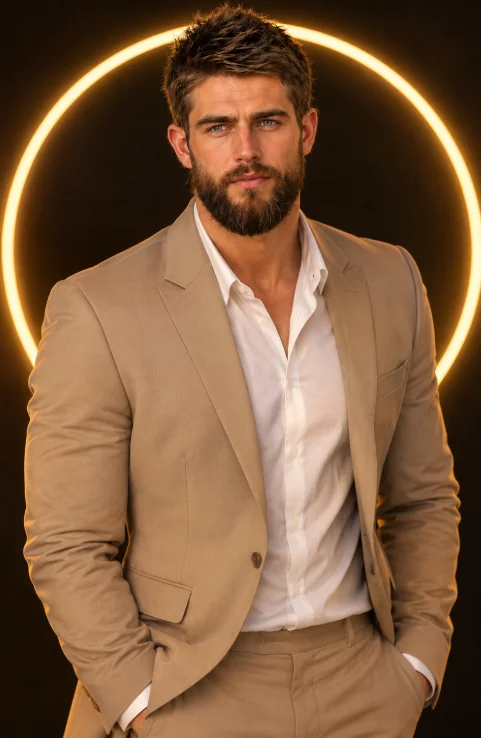
Golden Halo 4K DSLR Beige Suit AI Photo Prompt (opens in a new tab)
photoeditprompts.in
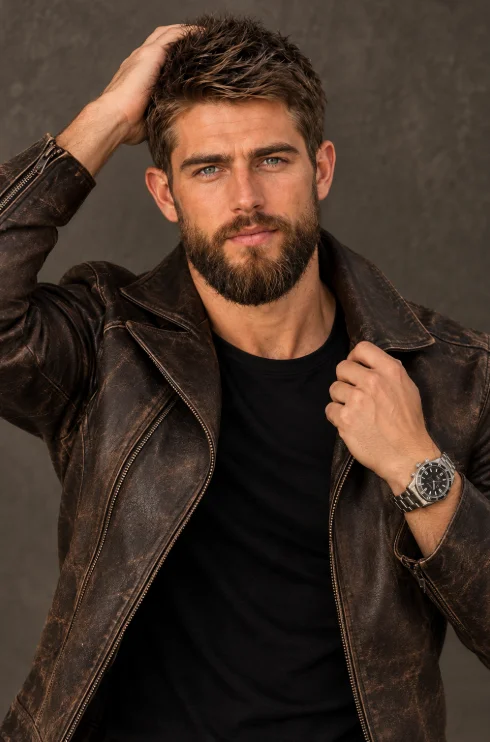
Brown Leather Jacket AI Prompt | Same Pose & Face 4K Prompt (opens in a new tab)
photoeditprompts.in