- Attitude
- Cinematic
- Social Media
- ChatGPT
- Gemini
- Google Flow Ai
- Ideogram
- Kling
- Leonardo
- Midjourney
- Nano Banana
- Sora
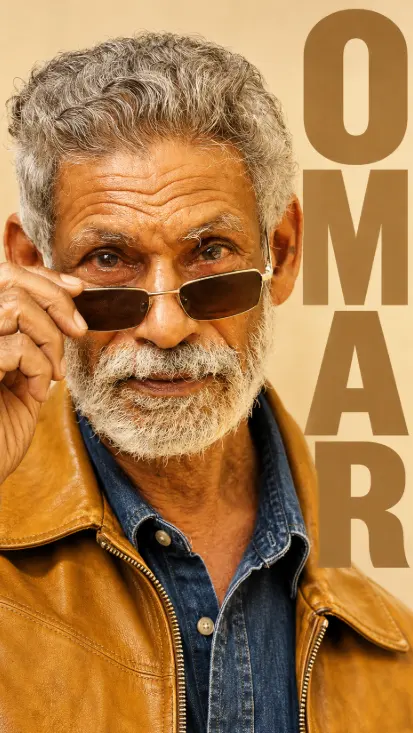
Omar Stylish Portrait Prompt for Gemini AI
By photoeditprompts.in · Updated November 26, 2026
Prompt
0
Create an ultra-realistic, cinematic 4K DSLR fashion portrait using the uploaded reference photo. Recreate the image as closely as possible, preserving the same pose, facial expression, clothing, sunglasses, lighting, framing, background, and typography layout. Pose & Composition: Create a close-up vertical fashion portrait of a mature man, framed from the chest up. His face is turned slightly toward the camera with a confident, calm expression. He is wearing rectangular dark-tinted sunglasses and gently holding the left side of the sunglasses with one hand, slightly lowering them to reveal his eyes and look directly at the camera. His fingers should be naturally positioned around the frame, creating the same stylish pose. Keep the portrait tightly cropped, with the man's face dominating the left two-thirds of the frame and large typography occupying the right side. Face & Expression: Preserve the reference face, facial structure, hairstyle, natural skin texture, facial proportions, salt-and-pepper beard and moustache, and subtle confident expression. His eyes should be visible above the lowered sunglasses, with a sharp, relaxed gaze. Maintain realistic wrinkles, beard texture, and natural facial details. Clothing: He is wearing a mustard-brown leather jacket with realistic leather texture, stitching, folds, lapels, and subtle worn details. Underneath, he wears a dark blue denim shirt with a visible collar and natural denim texture. Keep the exact layered outfit, colors, and styling as shown in the reference image. Sunglasses: Gold-tone metal rectangular sunglasses with dark brown tinted lenses, slim metallic frame, realistic reflections, and a slightly lowered position on the nose. Preserve the same angle and hand placement. Typography & Layout: On the right side of the portrait, place the word “OMAR” in very large, bold, uppercase geometric sans-serif letters, stacked vertically in four separate rows: O, M, A, R. Use a warm beige/taupe color matching the background. The letters should be oversized, tightly arranged, and partially cropped by the composition, creating a modern luxury fashion editorial design. The typography must remain clean, sharp, and correctly spelled as OMAR. Background: Minimal, clean, warm ivory/beige studio background. Smooth, flat tone without distracting objects. The right typography should blend elegantly with the background while remaining clearly visible. Lighting: Soft, warm studio lighting coming from the front-left, illuminating the face evenly. Natural highlights on the forehead, cheeks, nose, sunglasses, and leather jacket. Subtle shadows around the face and neck, with realistic light falloff. Maintain the same warm color grading and balanced contrast as the reference. Photography Style: Premium editorial fashion photography, ultra-realistic DSLR portrait, 85mm lens look, shallow depth of field, sharp focus on eyes and face, highly detailed beard strands, realistic leather and denim textures, cinematic warm color grading, natural skin texture, sophisticated magazine-cover aesthetic, photorealistic, 4K resolution. Aspect Ratio: 9:16 vertical portrait. Do not change the pose, hand placement, sunglasses position, clothing, facial expression, lighting direction, text placement, typography style, or overall composition. Avoid extra text, logos, watermarks, or decorative elements.
Hashtags
- Occasion
- AttitudeCinematicSocial Media
- Aspect ratio
- 1:1 (1024×1024)1200×10001200×6281920×1080 (16:9)4:5 (1080×1350)9:16 (1080×1920)
- Quality
- 1080p4K8K
- Prompt type
- Direct prompt
You may also read
More articles →- AI Cineatic 8K Video Prompt
Girlfriend happy birthday video editing
- AI Cineatic 8K Video Prompt
Image to 4k Video Converter Prompt Free
- AI Mobile Wallpapers Free
5 Realistic Men’s Winter Image Prompts for ChatGPT (Free & Easy)
- Action Picture Generate Prompts
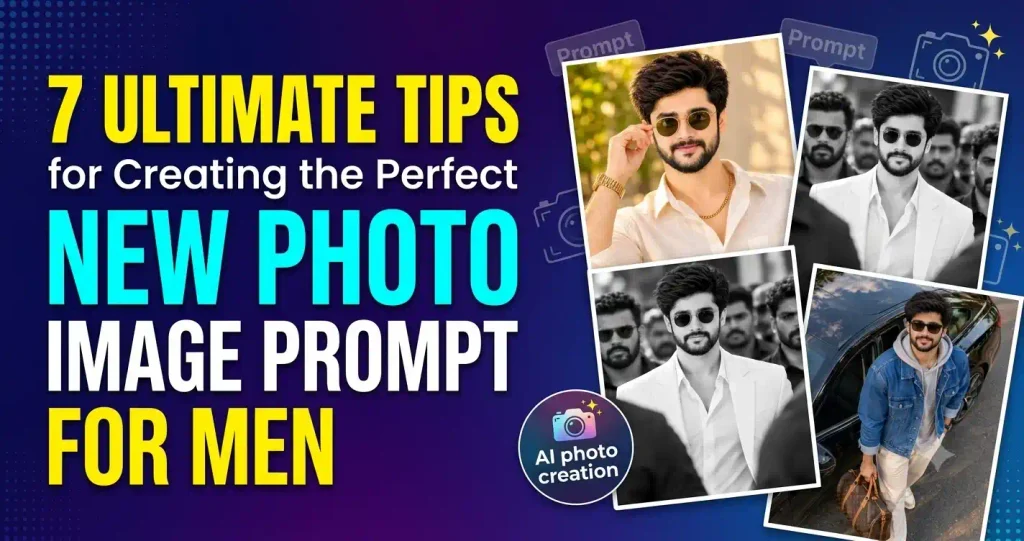
7 Ultimate Tips for Creating the Perfect New Photo Image Prompt for Men
How to use this prompt
- Press Copy prompt to copy the full prompt.
- Open ChatGPT and start a new image.
- Paste the prompt and set the aspect ratio to 1:1 (1024×1024).
- Generate, then adjust a few words to make it your own.
More prompts like this
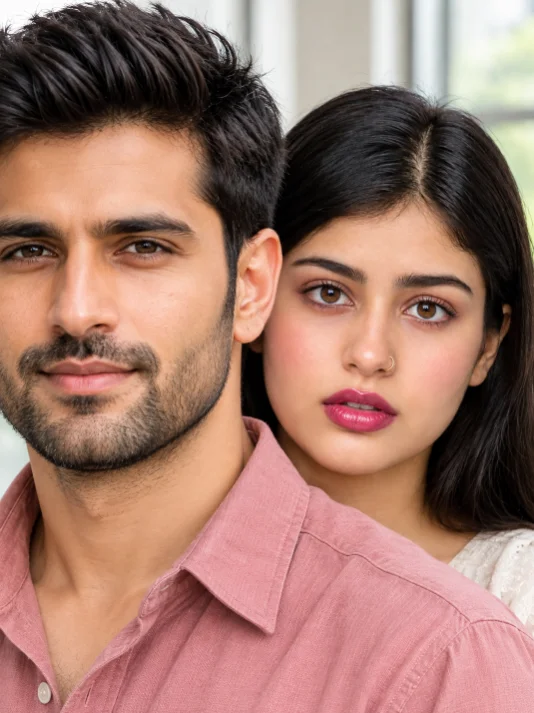
Same Close-Up Couple Portrait AI Prompt in 4K (opens in a new tab)
photoeditprompts.in
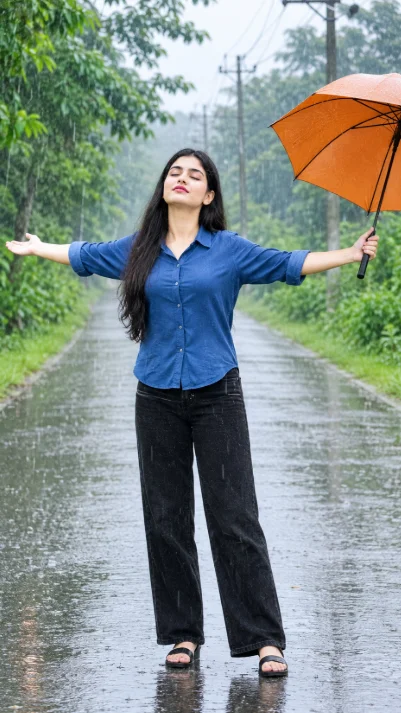
Rainy Road Girl AI Photo Prompt (opens in a new tab)
photoeditprompts.in
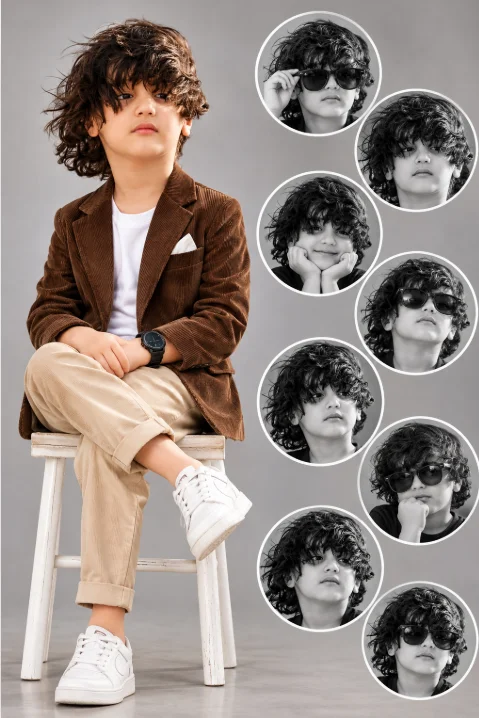
Kids Portrait Collage AI Prompt (opens in a new tab)
photoeditprompts.in
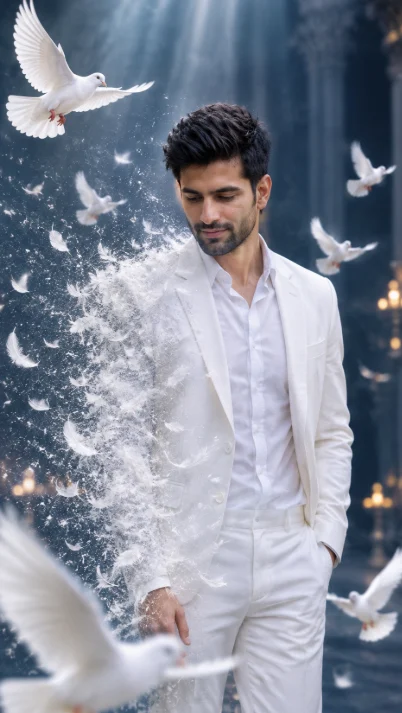
Cinematic 4K Portrait White Outfit Dove AI Photo Prompt (opens in a new tab)
photoeditprompts.in
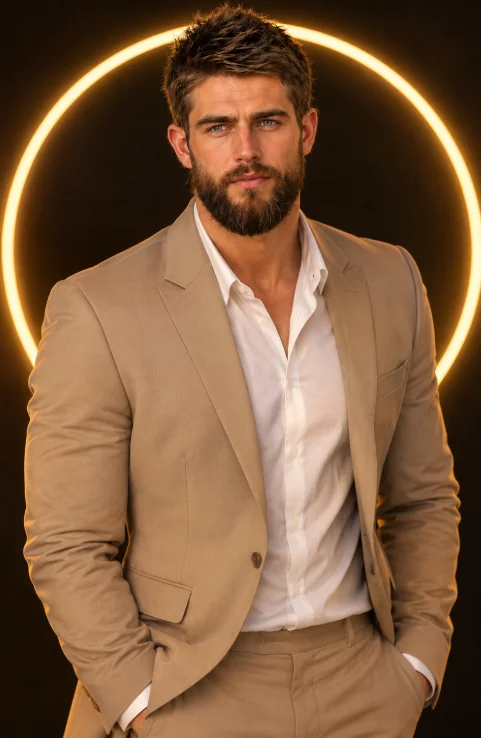
Golden Halo 4K DSLR Beige Suit AI Photo Prompt (opens in a new tab)
photoeditprompts.in
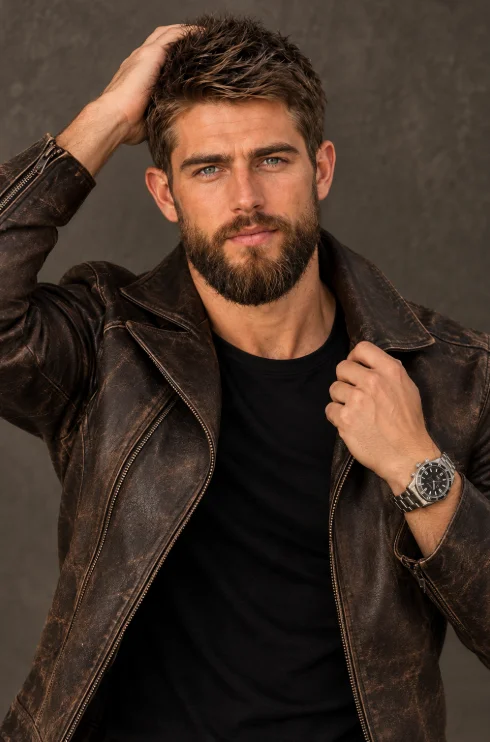
Brown Leather Jacket AI Prompt | Same Pose & Face 4K Prompt (opens in a new tab)
photoeditprompts.in
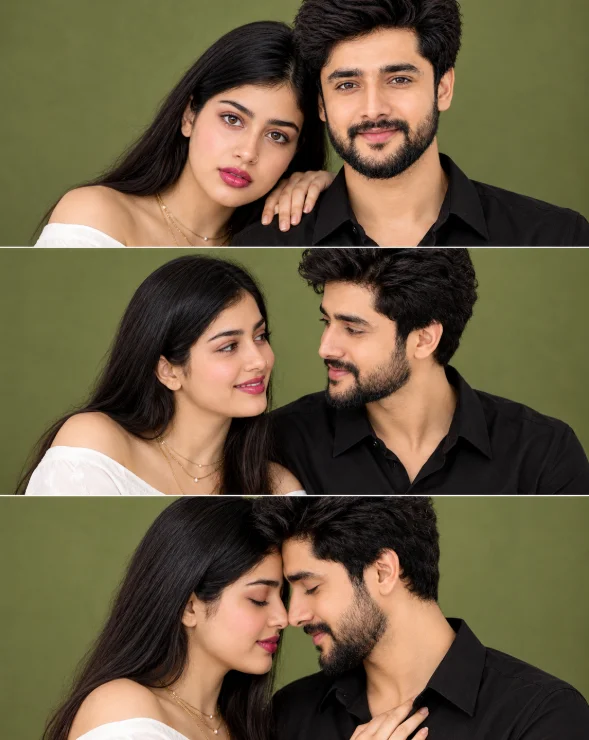
4K Romantic Couple 3 Pose AI Prompt (opens in a new tab)
photoeditprompts.in
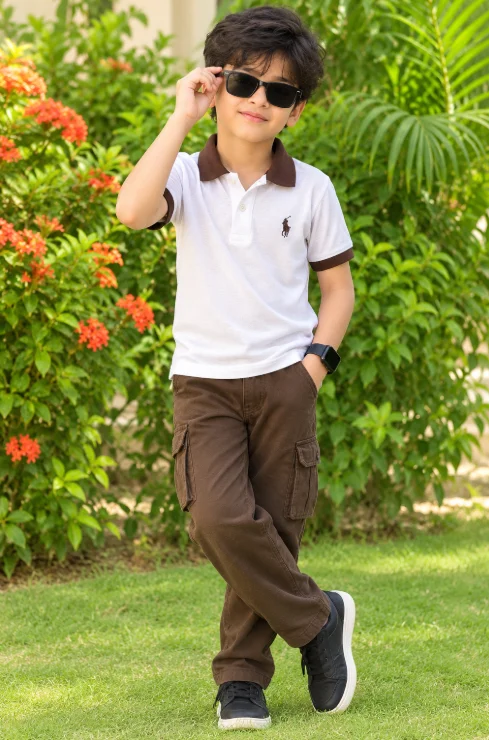
Cute Boy AI Garden Portrait Prompt (opens in a new tab)
photoeditprompts.in