- Action
- Attitude
- Cartoon
- Cinematic
- Social Media
- ChatGPT
- Gemini
- Google Flow Ai
- Ideogram
- Kling
- Leonardo
- Midjourney
- Nano Banana
- Sora
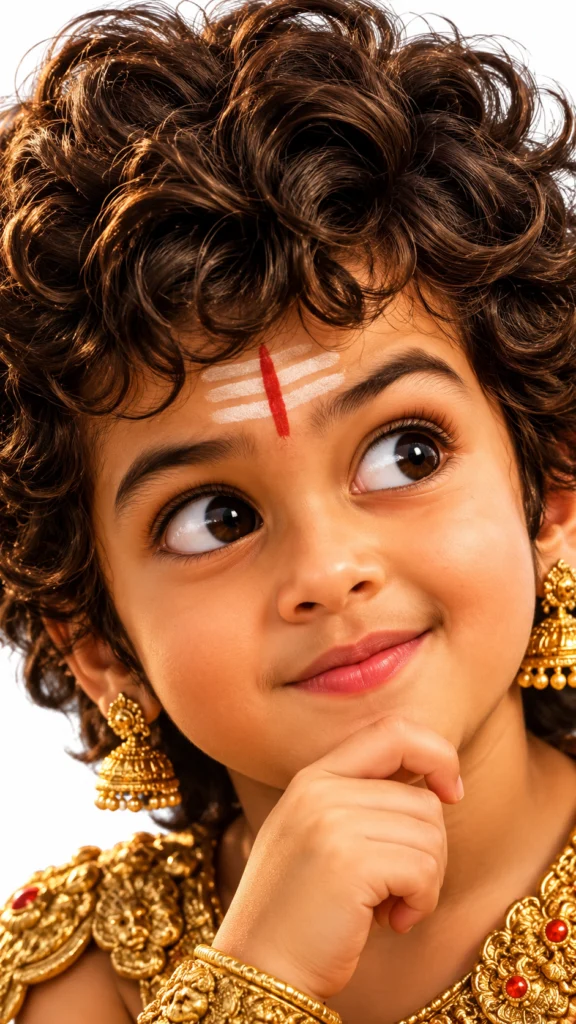
How to Create a Pixar-Style 3D Boy Character Portrait in AI
By photoeditprompts.in · Updated November 12, 2026
Prompt
0
A dramatic, macro-style extreme close-up of a charming and mischievous 3D-animated young boy. He features highly stylized, exaggerated facial proportions including a thick, voluminous mop of dark brown curly hair, warm caramel-toned skin, bold expressive eyebrows, massive glossy brown eyes, a soft rounded nose, and naturally full lips. The rendering is a premium, Pixar-quality 3D design with photorealistic elements, highlighting ultra-detailed individual hair strands, lifelike skin textures, and soft subsurface scattering. Illuminated by cinematic studio lights that cast warm highlights and gentle shadows against a pristine, pure white backdrop. He wears a playful, inquisitive expression. The shot mimics macro portrait photography with an ultra-sharp focal point, smooth glossy surface materials, and high-end CGI standards. The composition is vertical with the face intentionally cropped at the edges for a dramatic effect. 8K resolution. Strictly exclude logos, text, glasses, eyewear, or watermarks. –ar 9:16 –v 7 –style raw –s 250
Hashtags
- Aspect ratio
- 1:1 (1024×1024)1200×10001200×6281920×1080 (16:9)4:5 (1080×1350)9:16 (1080×1920)
- Quality
- 1080p4K8K
- Prompt type
- Direct prompt
You may also read
More articles →- AI Mobile Wallpapers Free
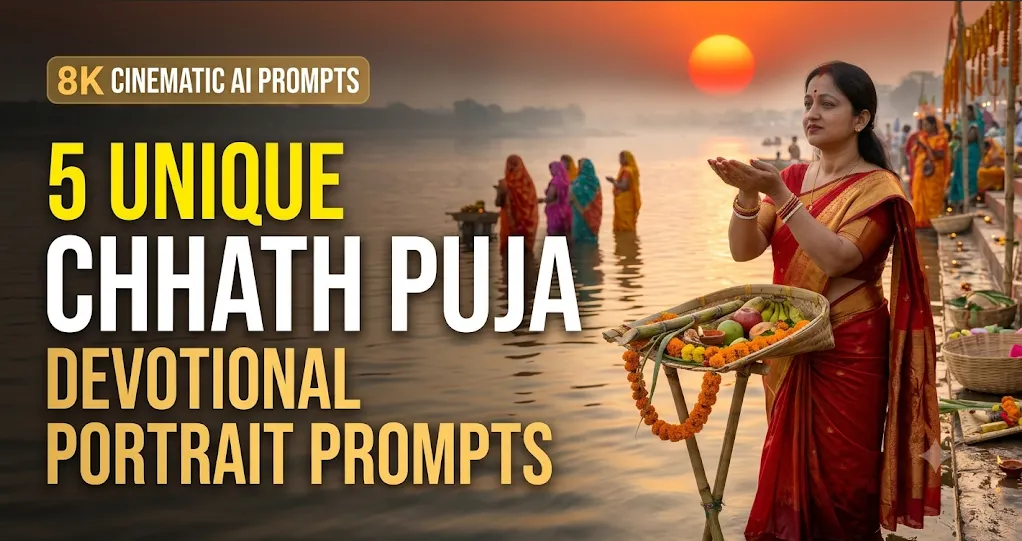
5 Unique 8K Cinematic Chhath Puja Devotional Portrait Prompts: You must try
- AI Cineatic 8K Video Prompt
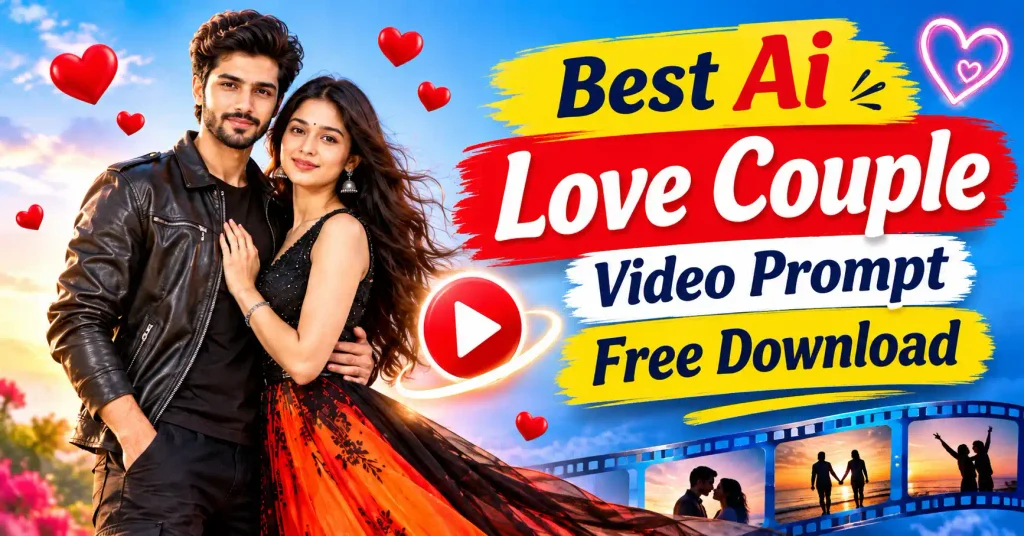
Best Ai Love Couple Video Prompt Free Download
- Action Picture Generate Prompts
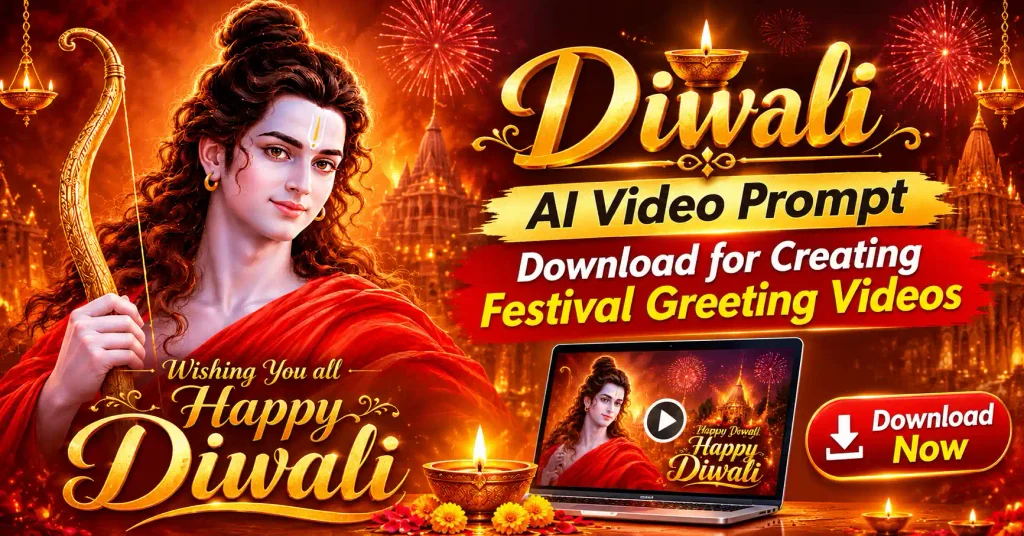
Diwali AI Video Prompt Download for Creating Festival Greeting Videos
- AI Photo Edit
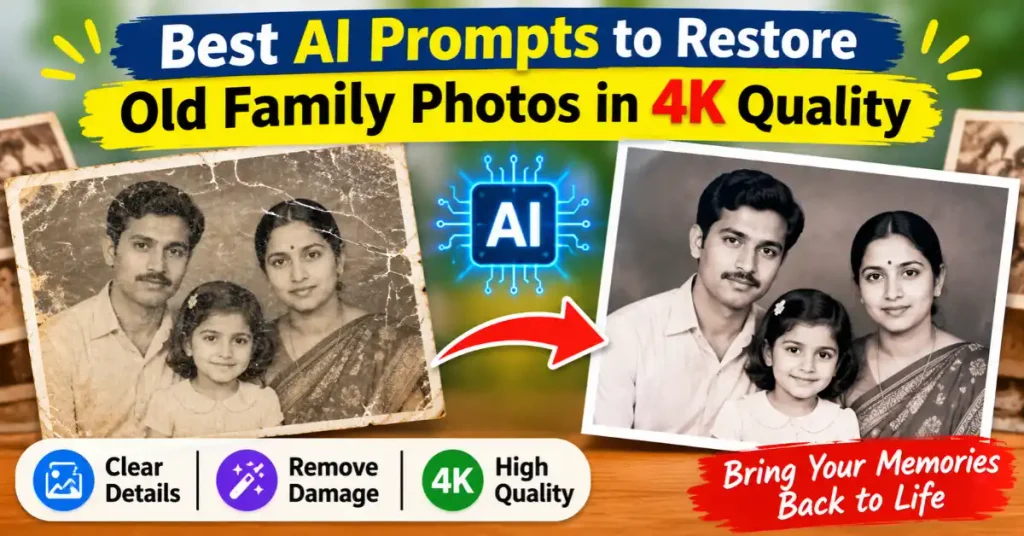
Best AI Prompts to Restore Old Family Photos in 4K Quality
How to use this prompt
- Press Copy prompt to copy the full prompt.
- Open ChatGPT and start a new image.
- Paste the prompt and set the aspect ratio to 1:1 (1024×1024).
- Generate, then adjust a few words to make it your own.
More prompts like this
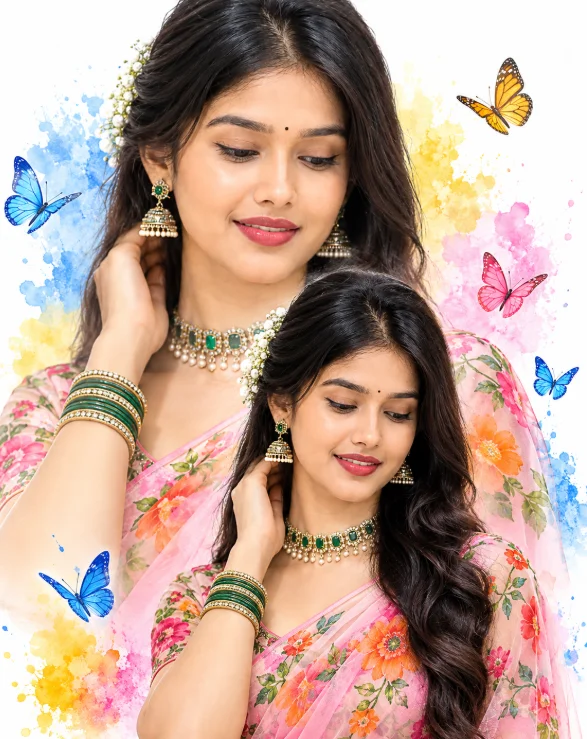
Double-Exposure Saree Portrait with Watercolor Butterflies (opens in a new tab)
photoeditprompts.in
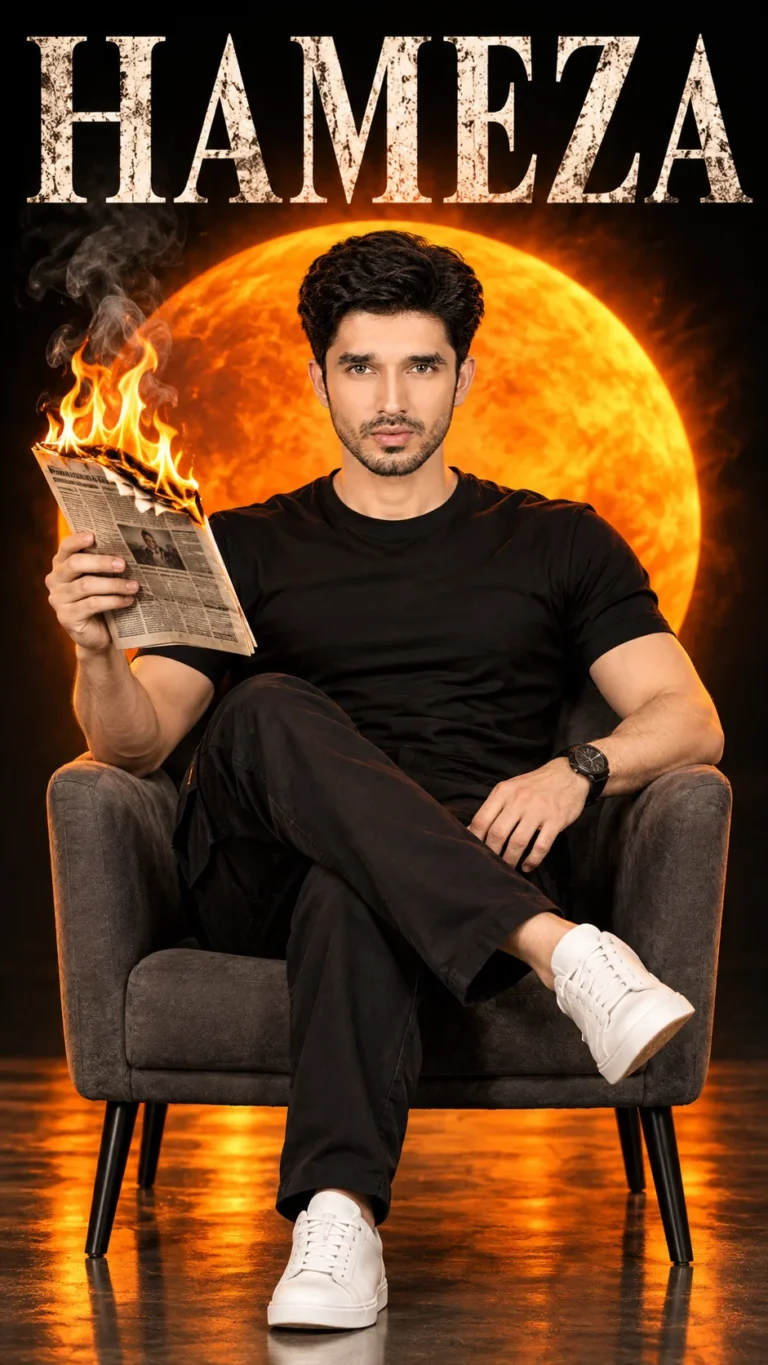
How to Create a Cinematic Movie Poster in AI (opens in a new tab)
photoeditprompts.in
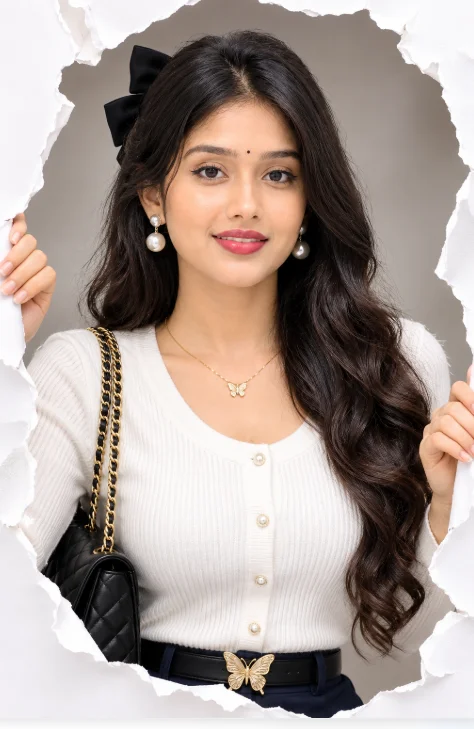
How to Create a 3D Paper Tear Effect Portrait in AI (opens in a new tab)
photoeditprompts.in
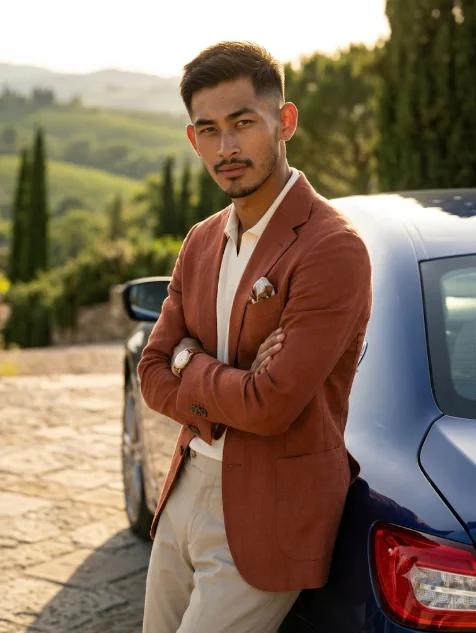
Italian Luxury Menswear Photoshoot Prompt with Maserati (opens in a new tab)
photoeditprompts.in
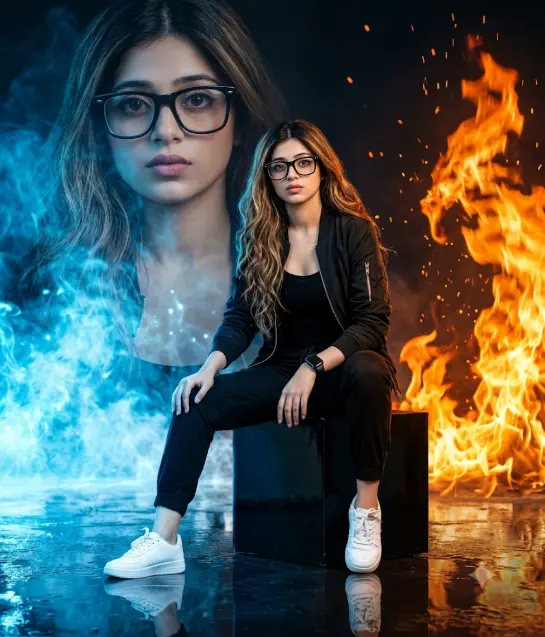
Girl’s cinematic digital composite artwork prompt (opens in a new tab)
photoeditprompts.in
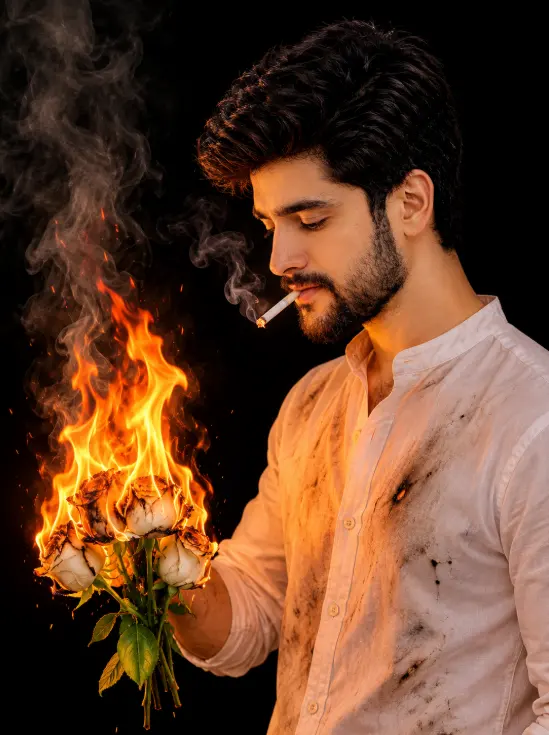
Burning White Roses Man Portrait Gemini AI Prompt (opens in a new tab)
photoeditprompts.in
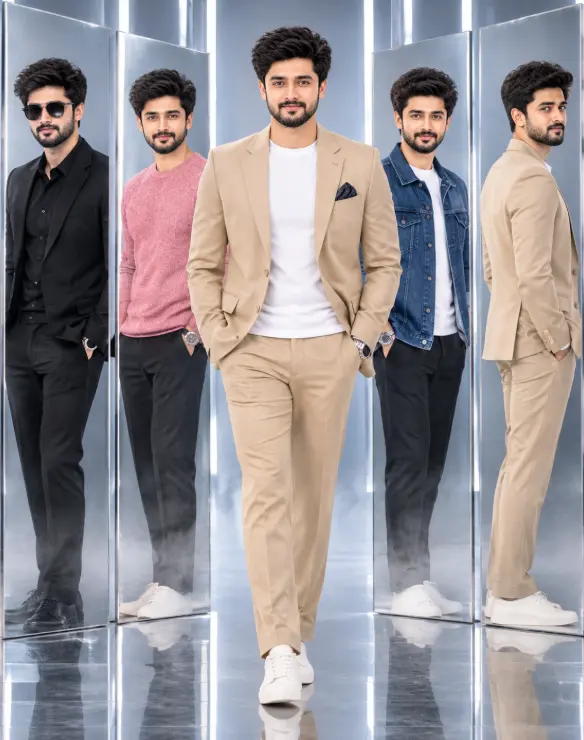
Premium 3D Fashion Editorial: One Identity, Five Looks – A Photorealistic Studio Concept (opens in a new tab)
photoeditprompts.in
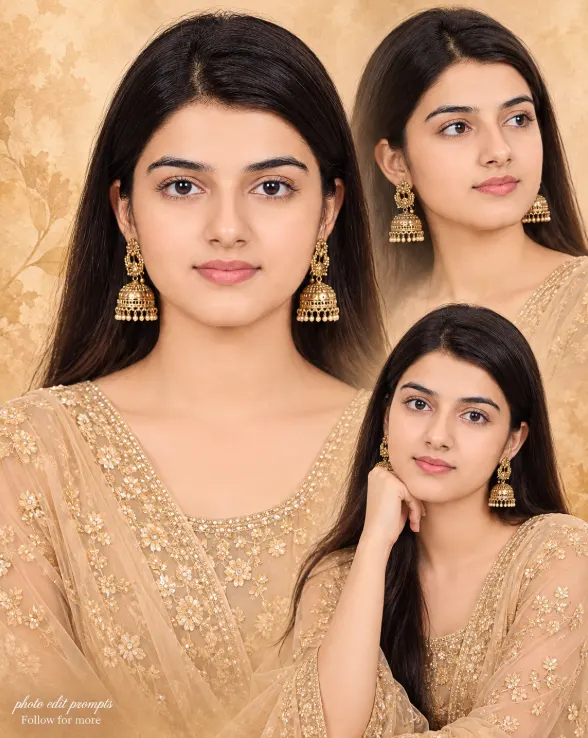
Woman fine-art fashion portrait prompt (opens in a new tab)
photoeditprompts.in