- Action
- Attitude
- Cinematic
- Social Media
- ChatGPT
- Gemini
- Google Flow Ai
- Ideogram
- Kling
- Leonardo
- Midjourney
- Nano Banana
- Sora
How to Create a Cinematic Movie Poster in AI
By photoeditprompts.in · Updated November 12, 2026
Prompt
0
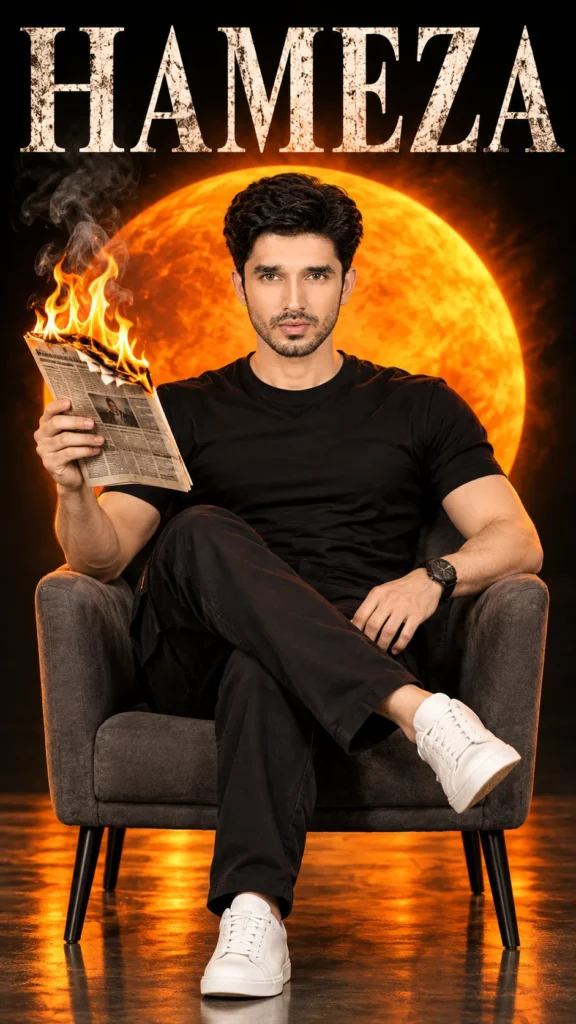
A cinematic movie poster portrait. A handsome man with short dark brown hair and light stubble, featuring the exact same facial features and intense, calm expression, looking directly at the camera. He is wearing the exact same outfit: a fitted black t-shirt, black cargo pants, and pristine white sneakers. He has the exact same black wristwatch on his left wrist. He is sitting in a dark grey armchair with black legs, legs crossed, holding a newspaper that is actively burning with orange flames and smoke in his right hand. The background is the exact same: a massive, glowing orange circular sun against a pitch-black backdrop, with a glossy floor showing the same warm orange reflections and shadows. The full figure is visible, and the entire white sneakers are completely within the frame, with empty floor space below the shoes so they are not cut off by the bottom edge of the canvas. Across the top background is the text "HAMEZA" in a large, classic, elegant serif font family (like Trajan Pro or Times New Roman), with a distressed, weathered, textured white finish and sharp, precise letterforms. Same camera angle (straight-on, eye-level), same dramatic studio lighting, hyper-realistic, 8k, photorealistic. –ar 9:16
Hashtags
- Aspect ratio
- 1:1 (1024×1024)1200×10001200×6281920×1080 (16:9)4:5 (1080×1350)9:16 (1080×1920)
- Quality
- 1080p4K8K
- Prompt type
- Direct prompt
You may also read
More articles →- AI Mobile Wallpapers Free
5 Unique 8K Cinematic Chhath Puja Devotional Portrait Prompts: You must try
- AI Cineatic 8K Video Prompt
Best Ai Love Couple Video Prompt Free Download
- Action Picture Generate Prompts
Diwali AI Video Prompt Download for Creating Festival Greeting Videos
- AI Photo Edit
Best AI Prompts to Restore Old Family Photos in 4K Quality
How to use this prompt
- Press Copy prompt to copy the full prompt.
- Open ChatGPT and start a new image.
- Paste the prompt and set the aspect ratio to 1:1 (1024×1024).
- Generate, then adjust a few words to make it your own.
More prompts like this
How to Create a 3D Paper Tear Effect Portrait in AI (opens in a new tab)
photoeditprompts.in
Italian Luxury Menswear Photoshoot Prompt with Maserati (opens in a new tab)
photoeditprompts.in
Girl’s cinematic digital composite artwork prompt (opens in a new tab)
photoeditprompts.in
Burning White Roses Man Portrait Gemini AI Prompt (opens in a new tab)
photoeditprompts.in
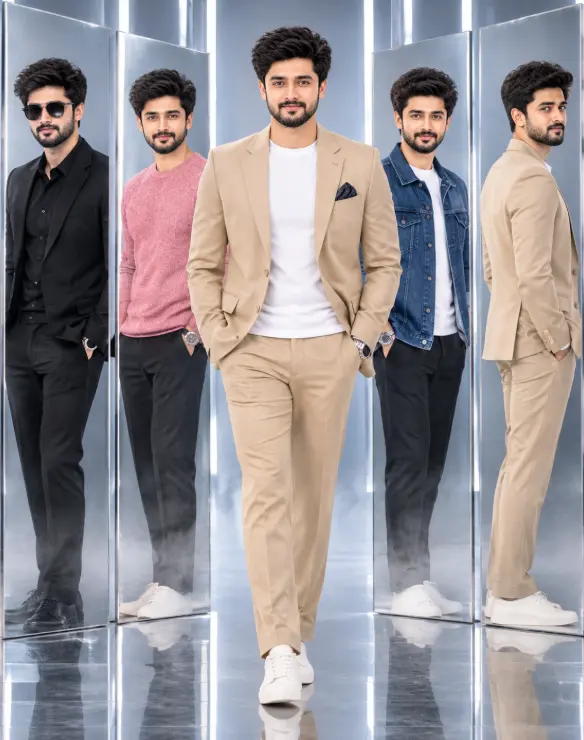
Premium 3D Fashion Editorial: One Identity, Five Looks – A Photorealistic Studio Concept (opens in a new tab)
photoeditprompts.in
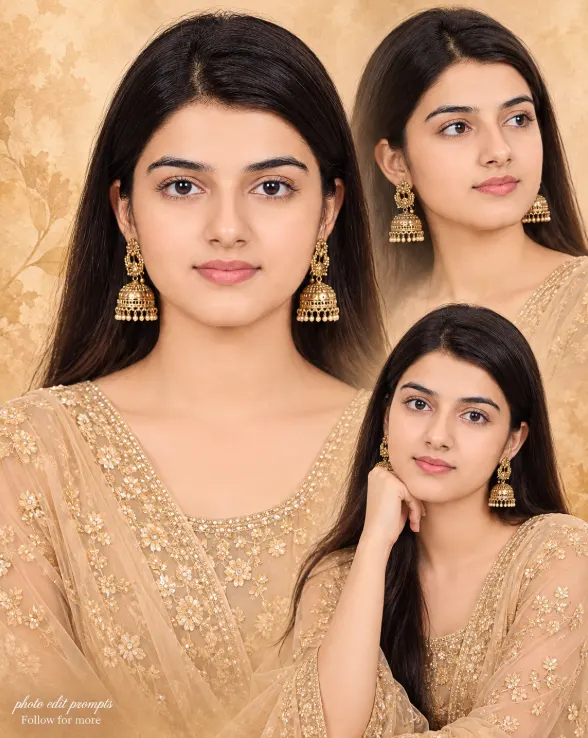
Woman fine-art fashion portrait prompt (opens in a new tab)
photoeditprompts.in
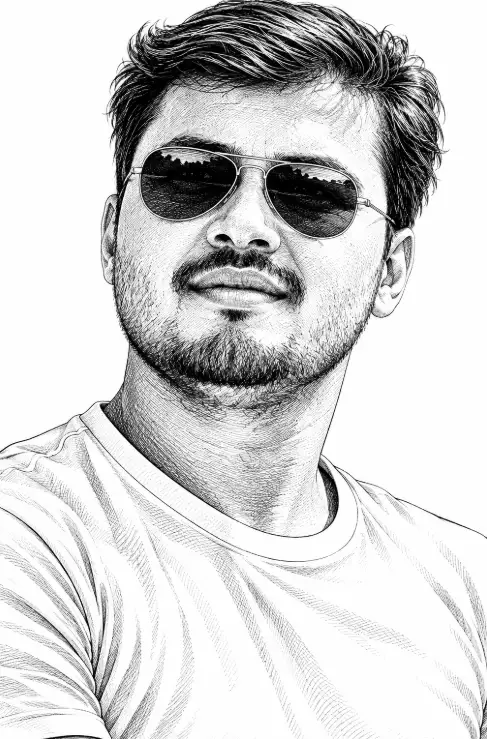
AI Black and White Engraving Portrait Prompt for Men with Aviator Sunglasses (opens in a new tab)
photoeditprompts.in
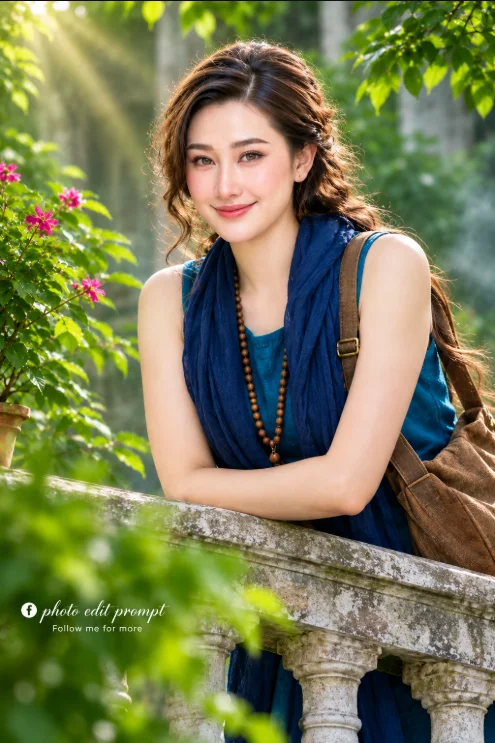
Natural portrait for lovely woman prompt (opens in a new tab)
photoeditprompts.in