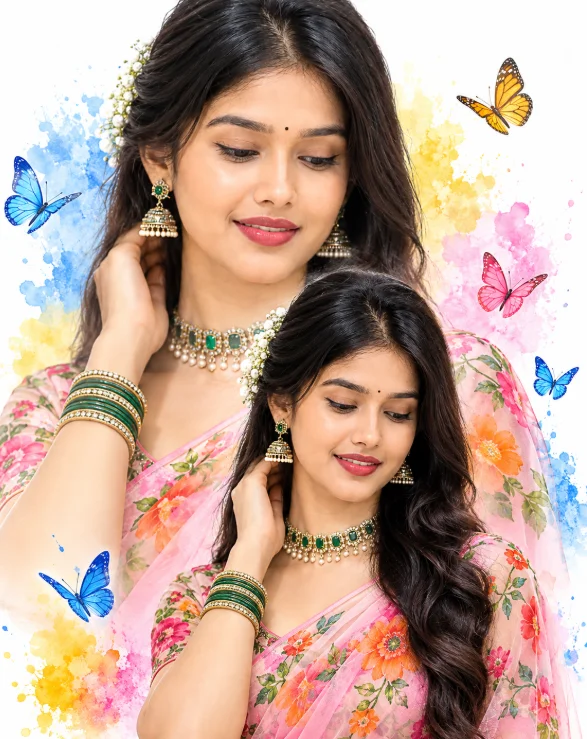
Double-Exposure Saree Portrait with Watercolor Butterflies
By photoeditprompts.in · Updated November 12, 2026
Prompt
0
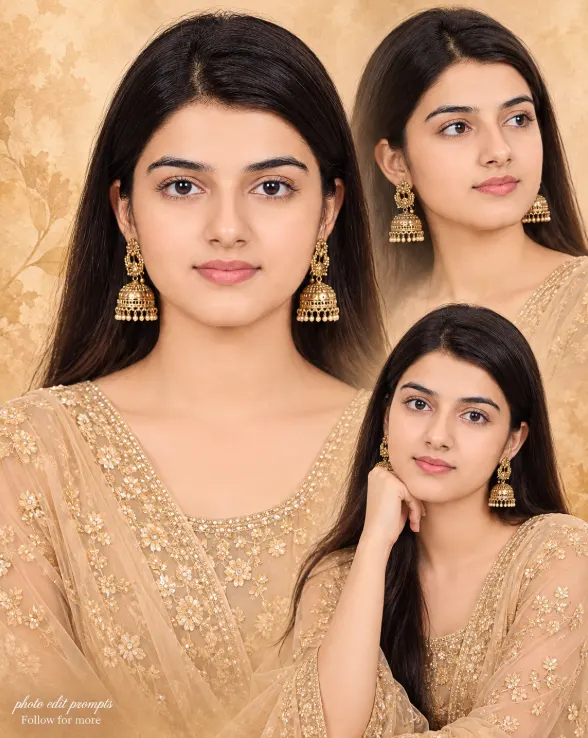
A 4:5 ultra-realistic artistic fashion collage. Preserve the person’s exact facial identity, bone structure, skin tone, and natural features with 100% accuracy, 4K detail. Show the same woman twice: a large faded waist-up portrait in the background and a smaller three-quarter portrait in the lower center. She wears a sheer LIGHT PINK saree with vibrant green and orange floral patterns, matching blouse, emerald-gold choker, jhumka earrings, and bangles. Dark wavy half-up hair decorated with white flowers, a small black bindi, head tilted down with a gentle smile, eyes looking down. Pure white background with colorful blue, yellow, and pink watercolor splashes and delicate realistic blue, yellow, and pink butterflies. Bright high-key studio lighting, soft shadows, vivid colors, realistic fabric and jewelry, seamless double-exposure blending, dreamy Indian fashion editorial, photorealistic 4K. Keep both portraits consistent. No identity changes, distorted faces, extra people, dark background, text, logos, or watermark. –ar 4:5
Hashtags
- Occasion
- CinematicSocial Media
- Aspect ratio
- 1:1 (1024×1024)1200×10001200×6281920×1080 (16:9)4:5 (1080×1350)9:16 (1080×1920)
- Quality
- 1080p4K8K
- Prompt type
- Direct prompt
You may also read
More articles →- AI Mobile Wallpapers Free
5 Unique 8K Cinematic Chhath Puja Devotional Portrait Prompts: You must try
- AI Cineatic 8K Video Prompt
Best Ai Love Couple Video Prompt Free Download
- Action Picture Generate Prompts
Diwali AI Video Prompt Download for Creating Festival Greeting Videos
- AI Photo Edit
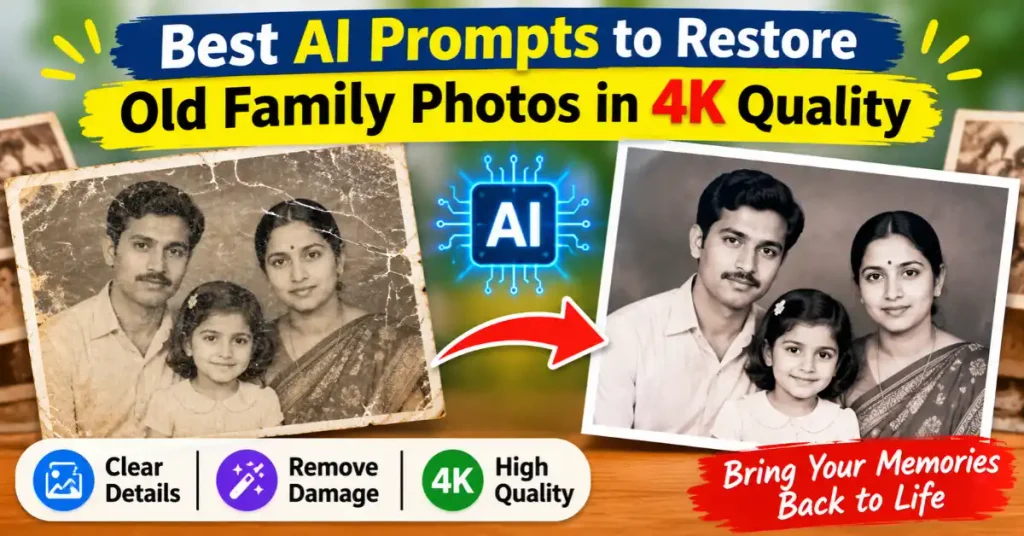
Best AI Prompts to Restore Old Family Photos in 4K Quality
How to use this prompt
- Press Copy prompt to copy the full prompt.
- Open ChatGPT and start a new image.
- Paste the prompt and set the aspect ratio to 1:1 (1024×1024).
- Generate, then adjust a few words to make it your own.
More prompts like this
How to Create a Cinematic Movie Poster in AI (opens in a new tab)
photoeditprompts.in
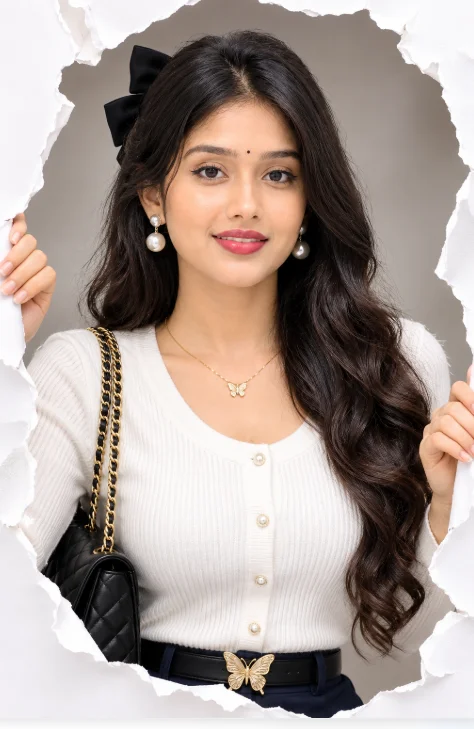
How to Create a 3D Paper Tear Effect Portrait in AI (opens in a new tab)
photoeditprompts.in
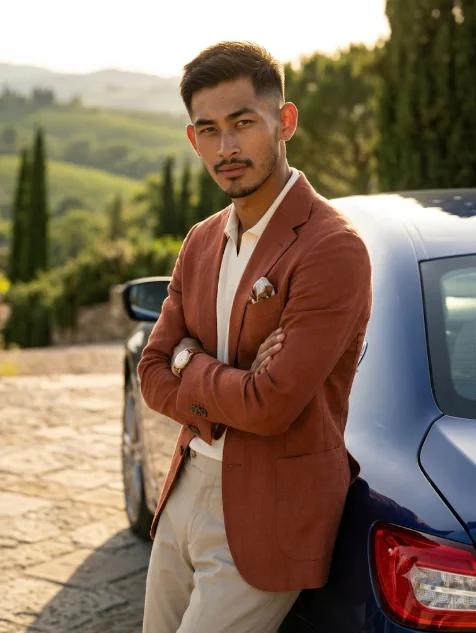
Italian Luxury Menswear Photoshoot Prompt with Maserati (opens in a new tab)
photoeditprompts.in
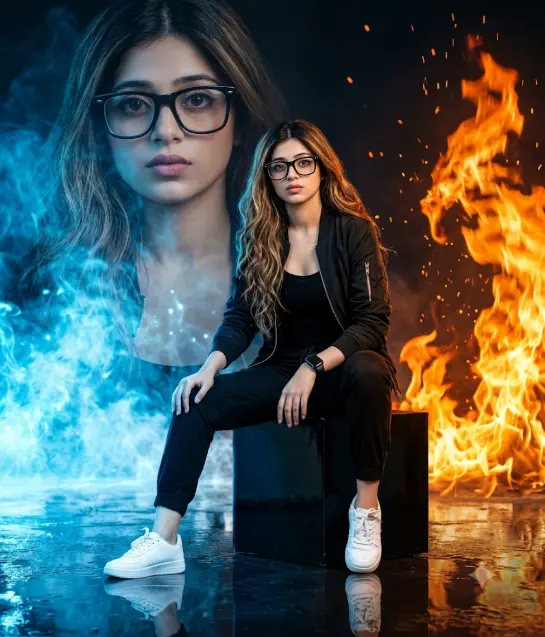
Girl’s cinematic digital composite artwork prompt (opens in a new tab)
photoeditprompts.in
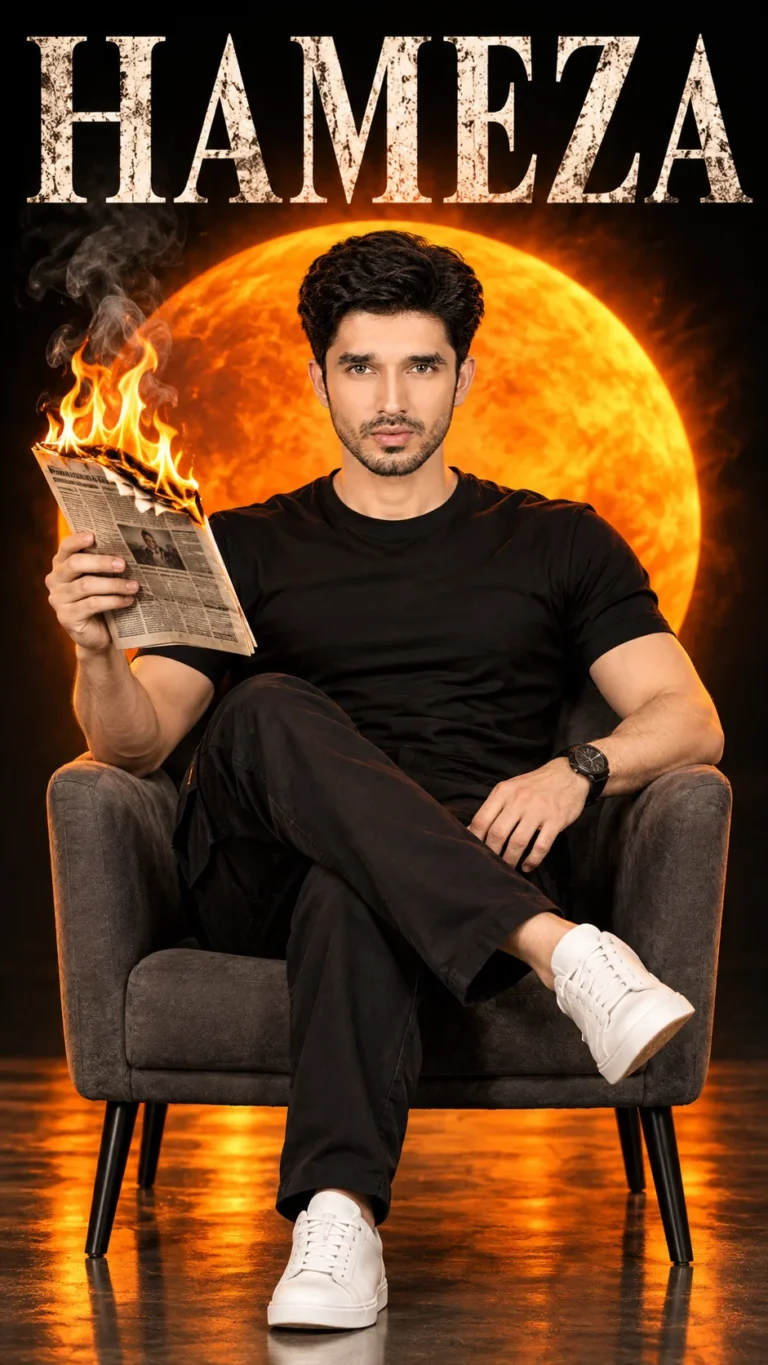
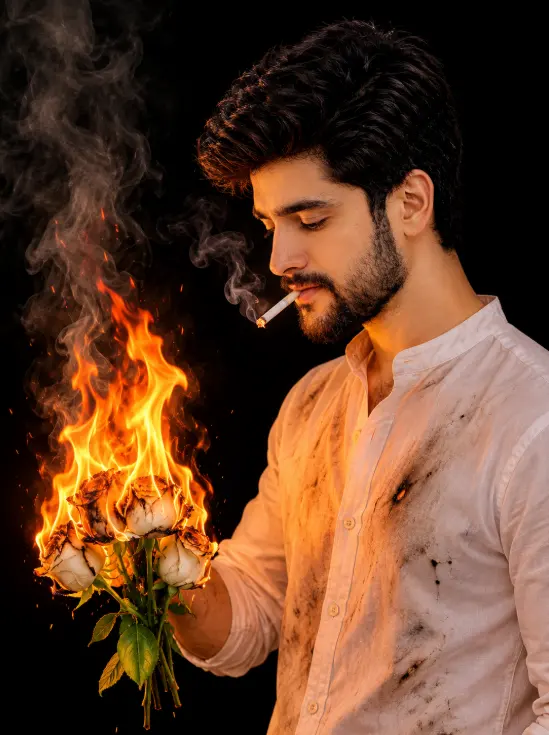
Burning White Roses Man Portrait Gemini AI Prompt (opens in a new tab)
photoeditprompts.in
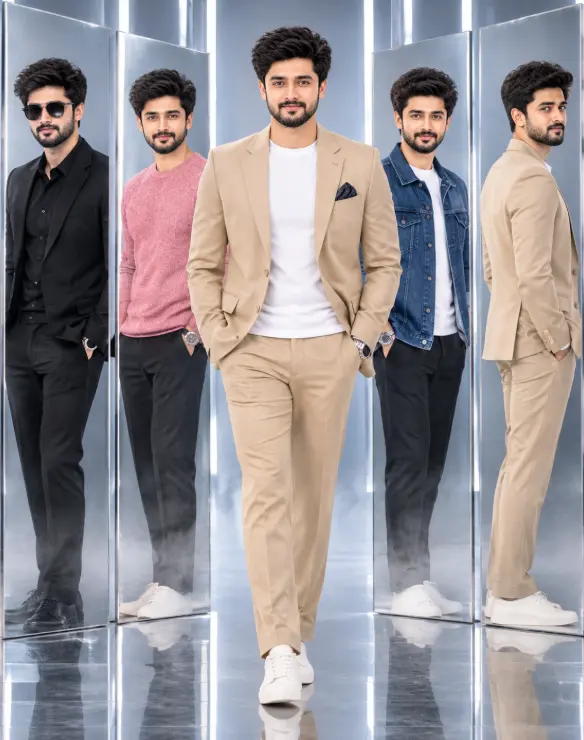
Premium 3D Fashion Editorial: One Identity, Five Looks – A Photorealistic Studio Concept (opens in a new tab)
photoeditprompts.in
Woman fine-art fashion portrait prompt (opens in a new tab)
photoeditprompts.in
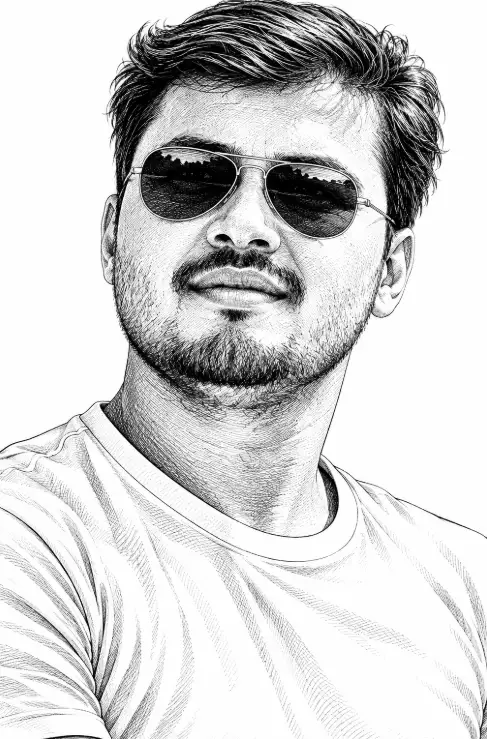
AI Black and White Engraving Portrait Prompt for Men with Aviator Sunglasses (opens in a new tab)
photoeditprompts.in