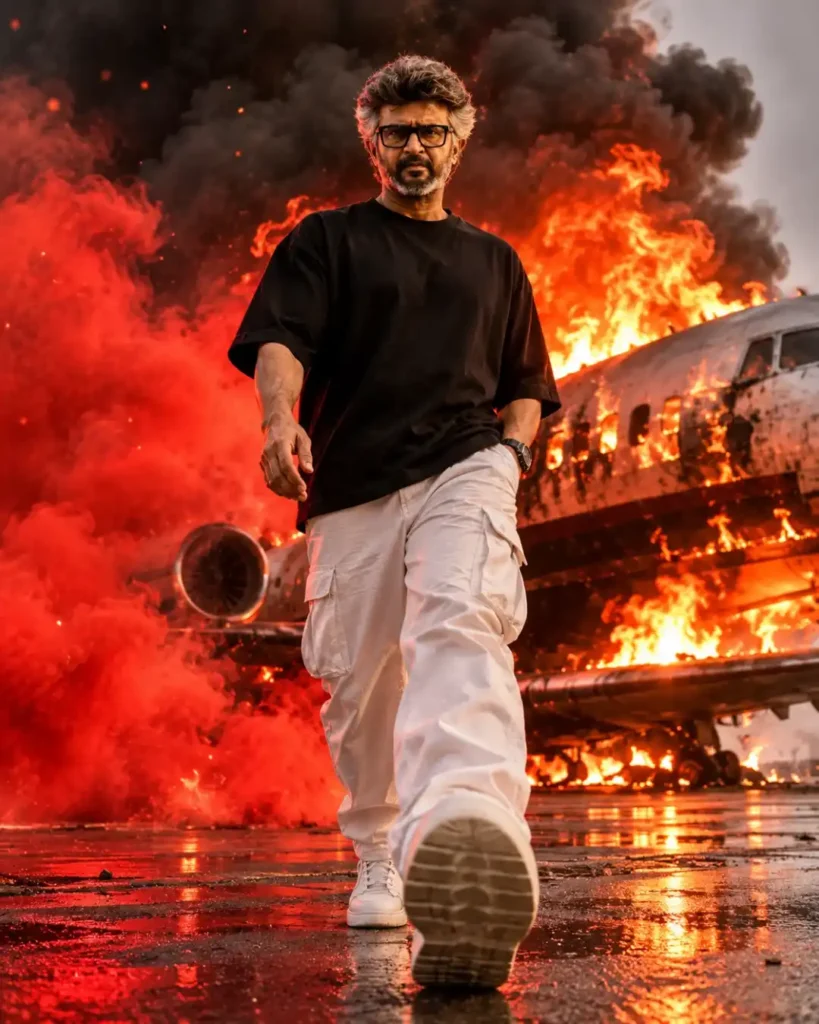
Cinematic Fire Explosion Man Portrait AI Photo Editing Prompt – 8K Realistic Action Poster
By photoeditprompts.in · Updated November 7, 2026
Prompt
0
A hyper-realistic, cinematic 8K photograph of a confident young man with brown hair, a light beard, and dark sunglasses. **Pose:** He is walking aggressively towards the camera with a dynamic low-angle shot (worm's-eye view). His right foot is stepping forward with the thick white sole of his sneaker dominating the extreme foreground. His right hand hangs naturally at his side, while his left hand is tucked into his pocket. He has a stoic, determined expression. **Dress:** He is wearing a loose black oversized t-shirt, baggy white cargo pants, and chunky white sneakers. **Environment:** The ground is wet asphalt with cinematic puddles reflecting red light. Behind him, dominating the background, is a massive private jet engulfed in roaring flames and thick black smoke, adding a chaotic, action-movie atmosphere. **Effects:** Plumes of intense, glowing red smoke and floating embers billow around his right side, as if he is walking away from the explosion. **Lighting:** Dramatic, high-contrast lighting. The intense fire from the burning jet casts a strong red rim light on his right shoulder and face, while the rest of the scene is moody and dark. Shot with an 85mm lens at f/1.8 for sharp focus on the foreground sneaker, the man, and the jet, with a highly detailed, photorealistic aesthetic. –ar 4:5 –style raw –v 6.0
Negative prompt
Meta Description (170–180 characters): Create a stunning 8K cinematic AI portrait of a stylish man walking away from a burning private jet, with dramatic red smoke, fire effects and an epic action-movie look.
Hashtags
- Aspect ratio
- 1:1 (1024×1024)1200×10001200×6281920×1080 (16:9)4:5 (1080×1350)9:16 (1080×1920)
- Quality
- 1080p4K8K
- Prompt type
- Direct prompt
You may also read
More articles →- AI Photo Edit
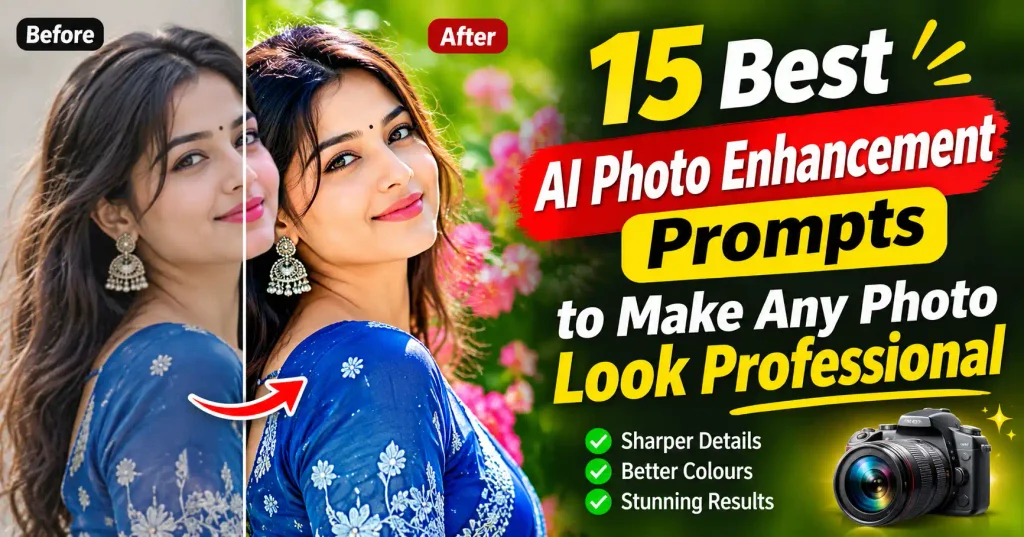
15 Best AI Photo Enhancement Prompts to Make Any Photo Look Professional
- AI Cineatic 8K Video Prompt
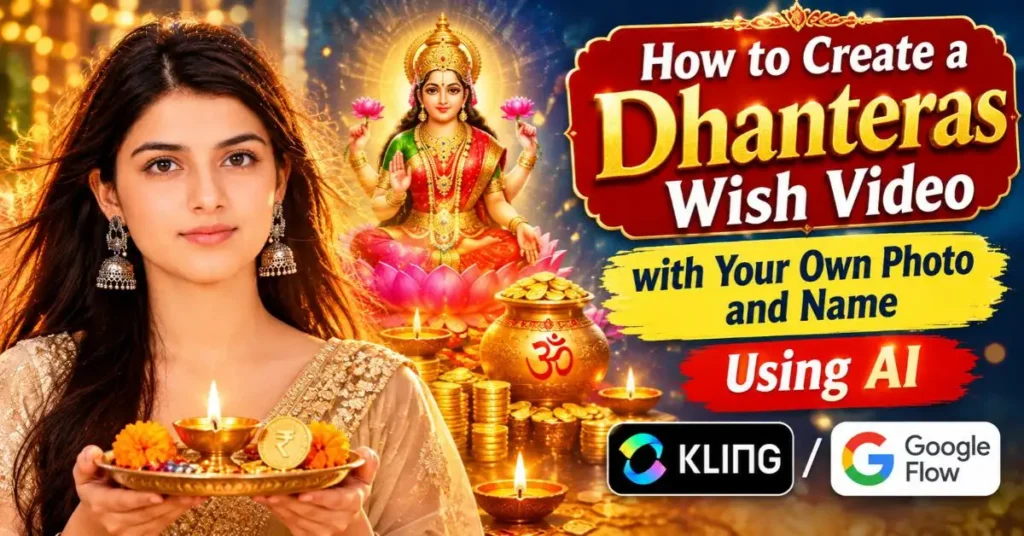
How to Create a Dhanteras Wish Video with Your Own Photo and Name Using AI
- AI Cineatic 8K Video Prompt
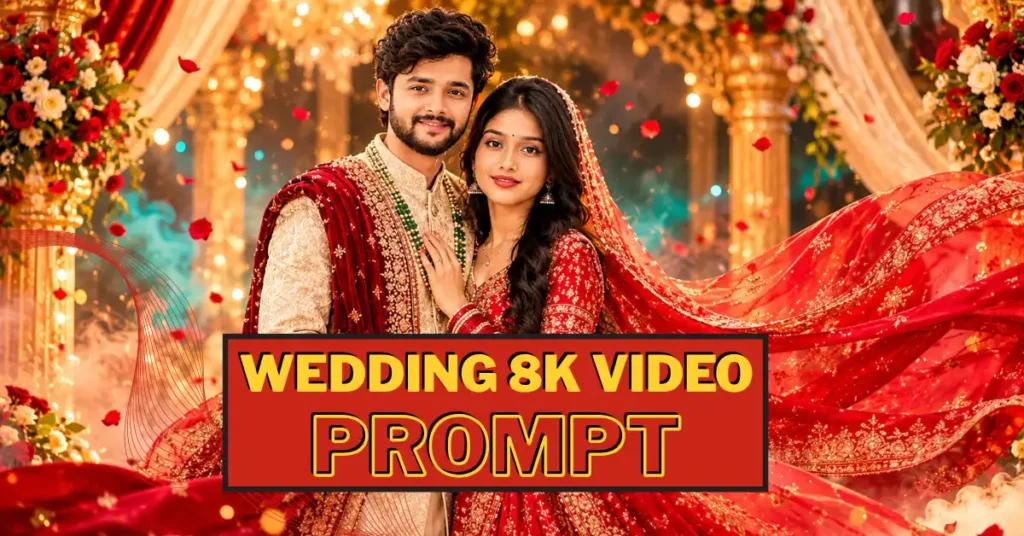
Wedding Cinematic 8K Video Prompt
- AI Mobile Wallpapers Free
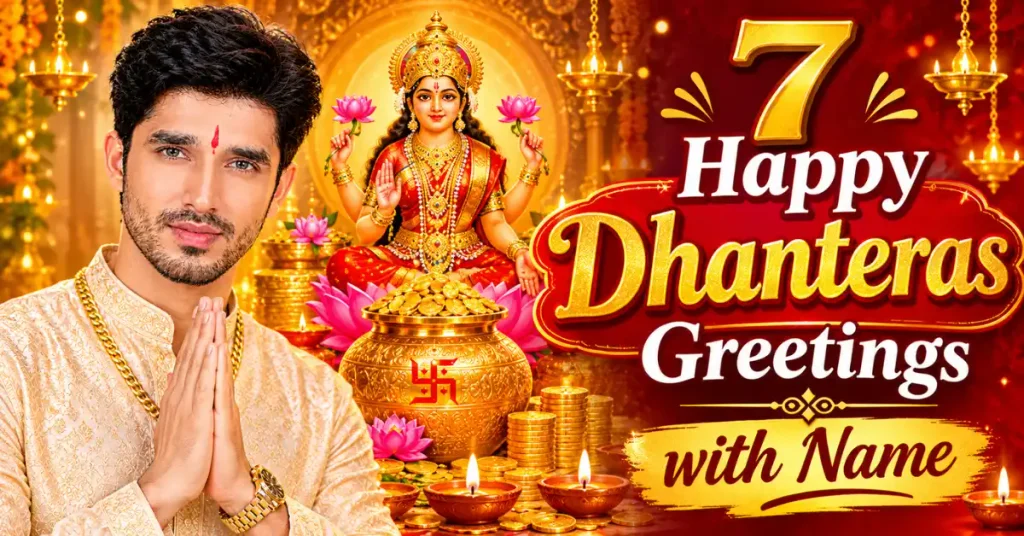
7 Happy dhanteras greetings with name
How to use this prompt
- Press Copy prompt to copy the full prompt.
- Open ChatGPT and start a new image.
- Paste the prompt and set the aspect ratio to 1:1 (1024×1024).
- Add the negative prompt in the negative prompt field, if your tool has one.
- Generate, then adjust a few words to make it your own.
More prompts like this
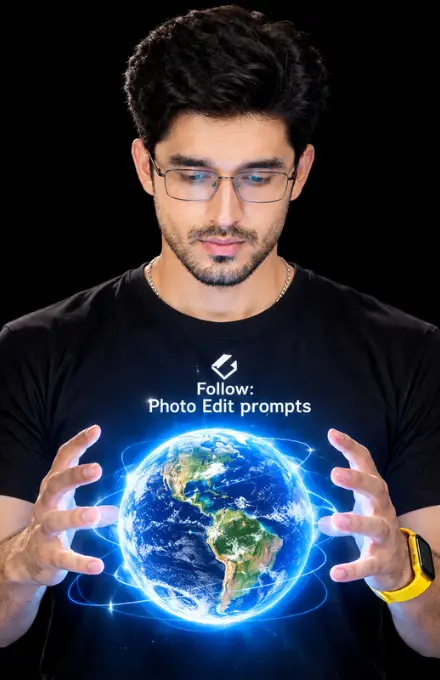
Glowing Holographic Earth AI Portrait Prompt (opens in a new tab)
photoeditprompts.in
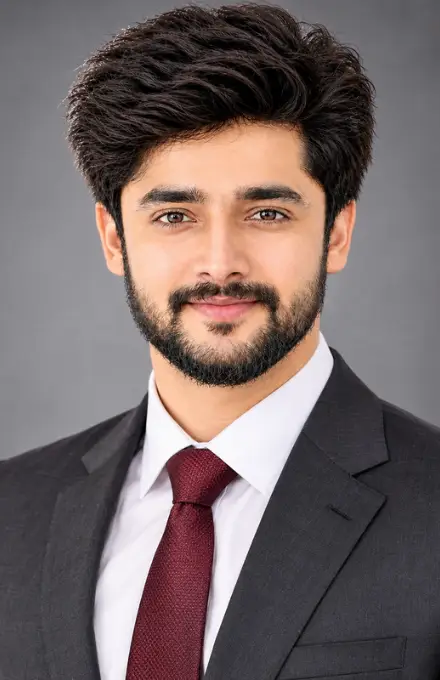
Ultra-Realistic Professional Corporate Headshot AI Photo Editing Prompt (opens in a new tab)
photoeditprompts.in
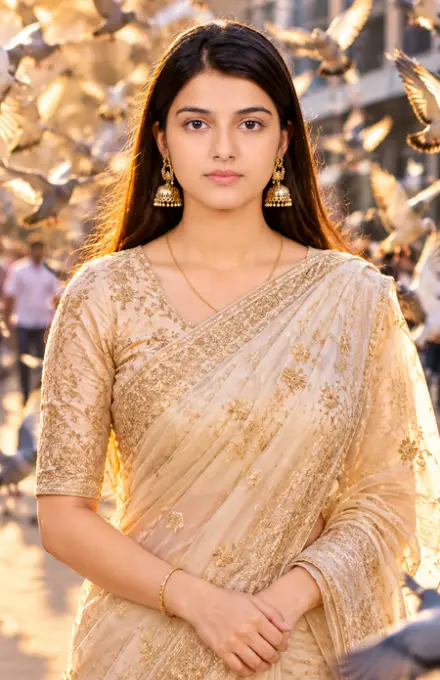
Woman outdoor cinematic photograph prompt (opens in a new tab)
photoeditprompts.in
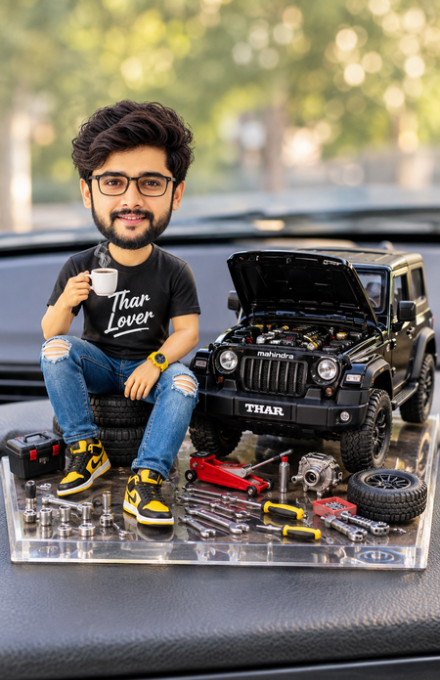
Create Your Own Miniature Mahindra Thar Lover Bobblehead Prompt (opens in a new tab)
photoeditprompts.in
Luxury Coastal Fashion AI Prompt (opens in a new tab)
photoeditprompts.in
Ultra-Cinematic Black & White Portrait AI Prompt (opens in a new tab)
photoeditprompts.in
Cinematic 4K Red Carpet Fashion AI Photo Editing Prompt (opens in a new tab)
photoeditprompts.in
Cinematic 4K AI Studio Portrait Prompt – Elegant Black Outfit (opens in a new tab)
photoeditprompts.in