- Attitude
- Cinematic
- Social Media
- ChatGPT
- Gemini
- Google Flow Ai
- Ideogram
- Kling
- Leonardo
- Midjourney
- Nano Banana
- Sora
Men medium-close-up studio portrait prompt
By photoeditprompts.in · Updated November 2, 2026
Prompt
0
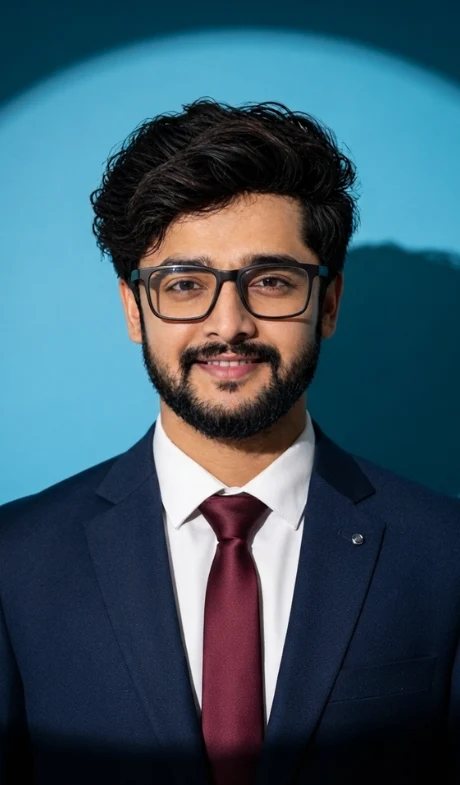
A photorealistic, high-resolution studio portrait captured with a full-frame DSLR camera (e.g., Canon EOS R5 with an 85mm f/1.4 lens), featuring a specific Caucasian male subject. He has medium-length, dark, wavy brown hair precisely styled. His face is clean-shaven, exhibiting a serious, intense, and neutral expression with a direct, unflinching gaze at the camera. He wears a specific pair of dark, thick-rimmed, rectangular eyeglasses. His attire consists of a flawlessly tailored, dark navy blue wool suit jacket over a crisp, brilliant white dress shirt, perfectly buttoned. A deep burgundy satin-finish tie is tied with a precise knot, and a small, polished silver lapel pin is visible on the left lapel of his suit jacket. The pose is frontal and centered, capturing his head and upper torso. The background is a solid, perfectly smooth, vibrant cyan-blue studio wall. The scene is illuminated by a single, dramatic, hard-light spotlight positioned directly above and slightly in front of the subject, creating a distinct, circular pool of light around him and casting a sharp, detailed silhouette of his head and shoulders onto the blue wall to the subject's right (viewer's left). The photograph has a shallow depth of field, with critical focus on the subject's eyes and glasses, showcasing fine skin textures and fabric weave. The overall lighting ratio is high-contrast and cinematic.
Hashtags
- Occasion
- AttitudeCinematicSocial Media
- Subject
- Men
- Aspect ratio
- 1:1 (1024×1024)1200×10001200×6281920×1080 (16:9)4:5 (1080×1350)9:16 (1080×1920)
- Quality
- 1080p4K8K
- Prompt type
- Direct prompt
You may also read
More articles →- AI Mobile Wallpapers Free
7 Happy dhanteras greetings with name
- AI Cineatic 8K Video Prompt
Create a Realistic AI Video of Hanuman Ji Free Guide
- Uncategorized
7 Realistic Cinematic Chhath Puja Images Prompts
- Action Picture Generate Prompts
11 Best Panchmukhi Hanuman Wallpaper 4K: Gemini AI Wallpaper Prompts
How to use this prompt
- Press Copy prompt to copy the full prompt.
- Open ChatGPT and start a new image.
- Paste the prompt and set the aspect ratio to 1:1 (1024×1024).
- Generate, then adjust a few words to make it your own.
More prompts like this
Happy dhanteras editorial portrait prompt for girl (opens in a new tab)
photoeditprompts.in
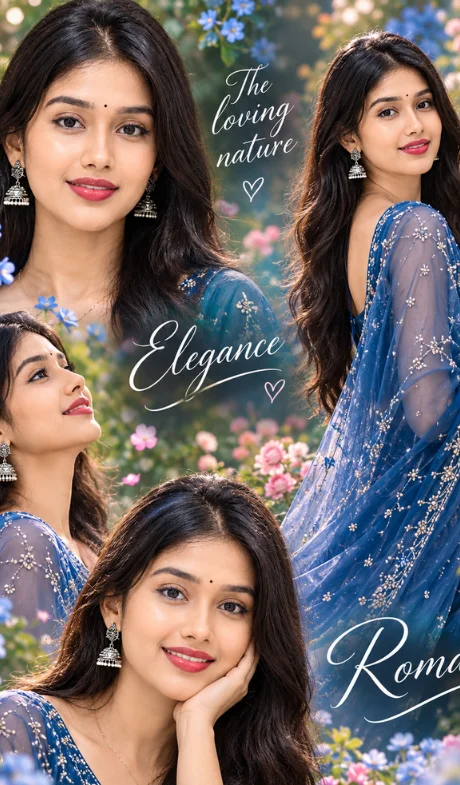
High-end photographic blended girl image (opens in a new tab)
photoeditprompts.in
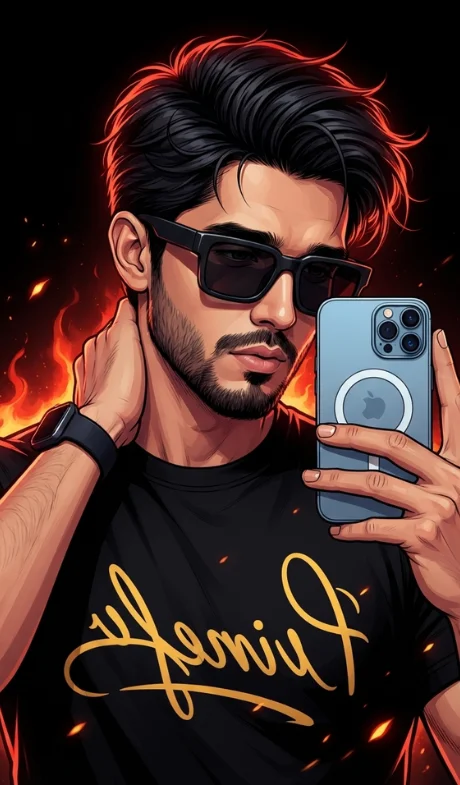
Digital illustration in a stylized comic-book art style prompt (opens in a new tab)
photoeditprompts.in
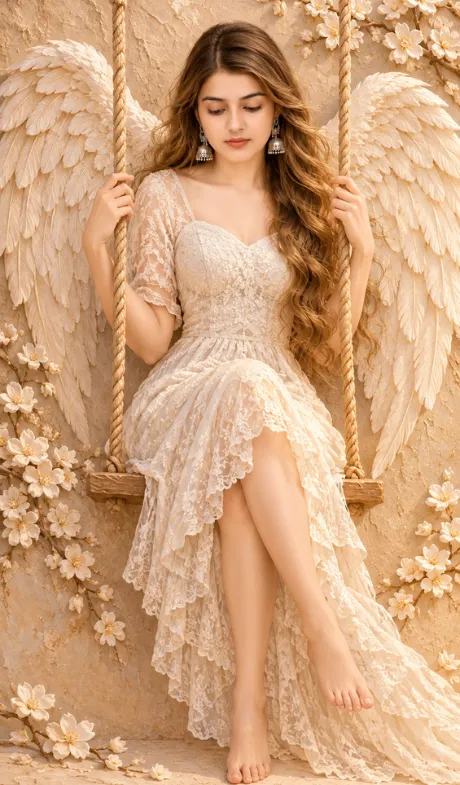
Ethereal artwork for gilr image prompt (opens in a new tab)
photoeditprompts.in
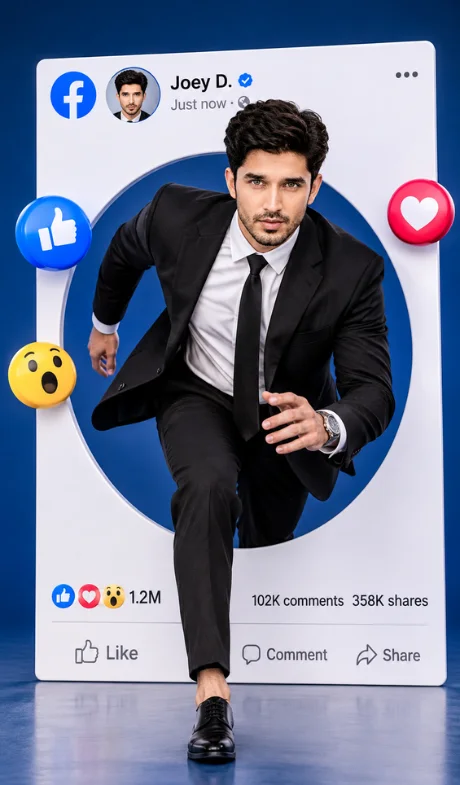
Facebook man’s profile realistic DSLR-style image (opens in a new tab)
photoeditprompts.in
DSLR fashion portrait of a handsome young man image (opens in a new tab)
photoeditprompts.in
Woman in an elegant three-quarter close-up portrait prompt (opens in a new tab)
photoeditprompts.in
Man highly detailed digital illustration prompt (opens in a new tab)
photoeditprompts.in