- Attitude
- Cinematic
- Social Media
- ChatGPT
- Gemini
- Google Flow Ai
- Ideogram
- Kling
- Leonardo
- Midjourney
- Nano Banana
- Sora
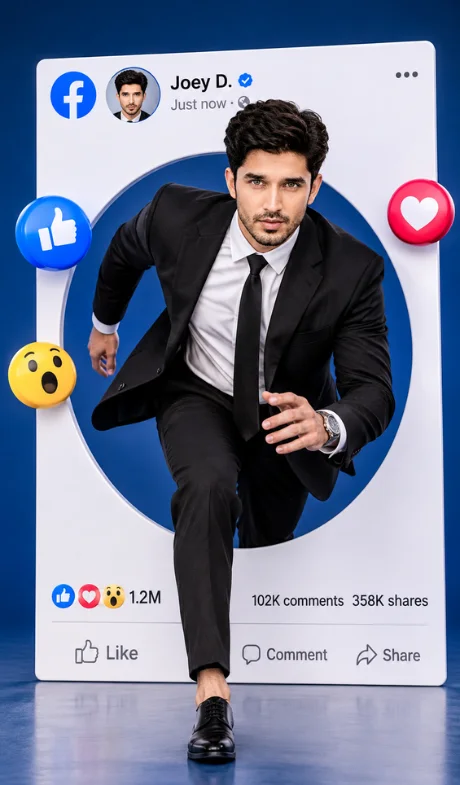
Facebook man’s profile realistic DSLR-style image
By photoeditprompts.in · Updated November 2, 2026
Prompt
0
Create a realistic DSLR-style image of a young man aged 20–30 emerging from a giant white Facebook profile card whose bottom edge rests directly on the floor. He is captured in a dynamic running-start pose—one leg stepping forward out of the card’s circular cutout, body leaning into motion, as though he is about to sprint—while wearing the same black tailored suit, crisp white dress shirt, black tie, and black dress shoes. Keep the identical Facebook layout and element placement: profile photo with “Joey D.” and verified badge, “Just now” timestamp, surrounding 3D reaction icons (blue thumbs-up, heart, wow), the circular cutout he steps through, and the bottom stats and buttons (1.2M reactions, 102K comments, 358K shares, Like/Comment/Share). Preserve the deep blue studio backdrop and lighting position. Render with photorealistic DSLR quality: natural skin texture, realistic fabric and shoe reflections, sharp focus, professional studio lighting, and high detail. Vertical composition matching the reference framing. Avoid: the card floating or not touching the floor; a static or non-running pose; changed outfit, shoes, or Facebook element positions; altered stats or text; missing verified badge; distorted anatomy; extra fingers; blurry details; oversaturation; cartoon, CGI, or illustration style; watermark.
Hashtags
- Occasion
- AttitudeCinematicSocial Media
- Aspect ratio
- 1:1 (1024×1024)4:5 (1080×1350)9:16 (1080×1920)
- Quality
- 1080p4K8K
- Prompt type
- Direct prompt
You may also read
More articles →- Uncategorized
7 Realistic Cinematic Chhath Puja Images Prompts
- Action Picture Generate Prompts
11 Best Panchmukhi Hanuman Wallpaper 4K: Gemini AI Wallpaper Prompts
- AI Photo Edit
Happy Dhanteras Gemini Prompt: Download 17+ Aesthetic Wish Messages
- AI Mobile Wallpapers Free
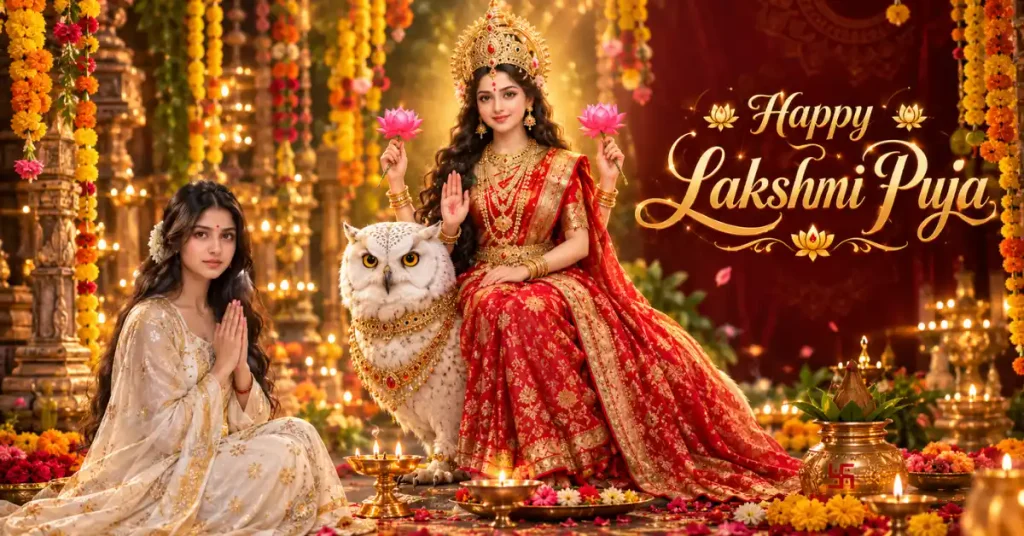
25 Best Laxmi Puja Images Prompts for Chatgpt
How to use this prompt
- Press Copy prompt to copy the full prompt.
- Open ChatGPT and start a new image.
- Paste the prompt and set the aspect ratio to 1:1 (1024×1024).
- Generate, then adjust a few words to make it your own.
More prompts like this
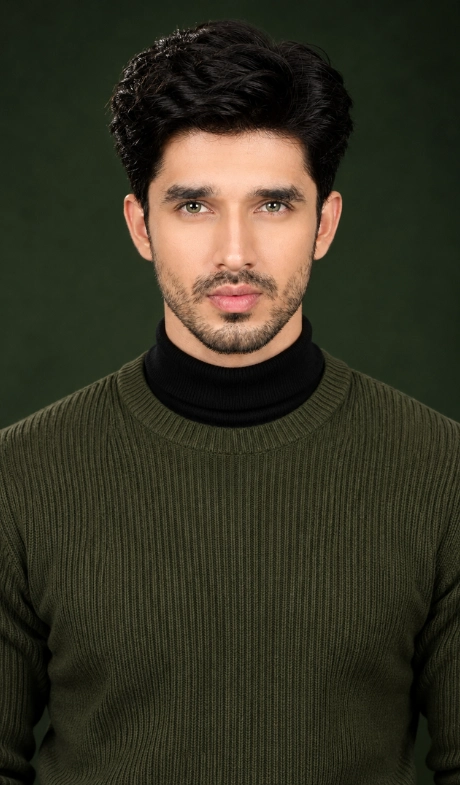
DSLR fashion portrait of a handsome young man image (opens in a new tab)
photoeditprompts.in
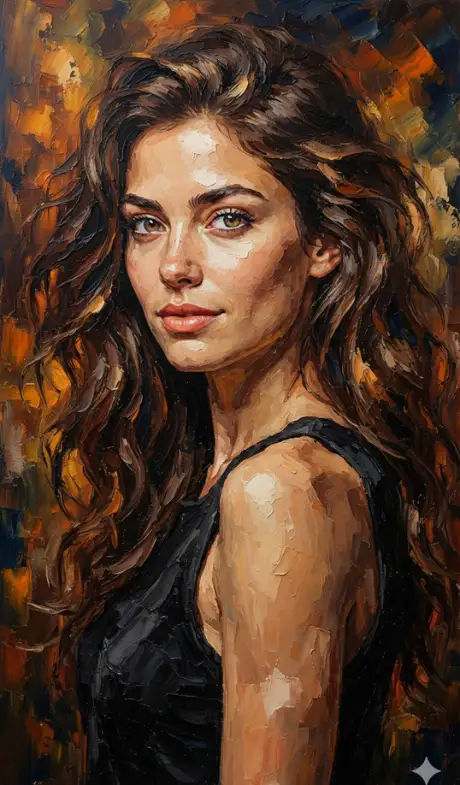
Woman in an elegant three-quarter close-up portrait prompt (opens in a new tab)
photoeditprompts.in
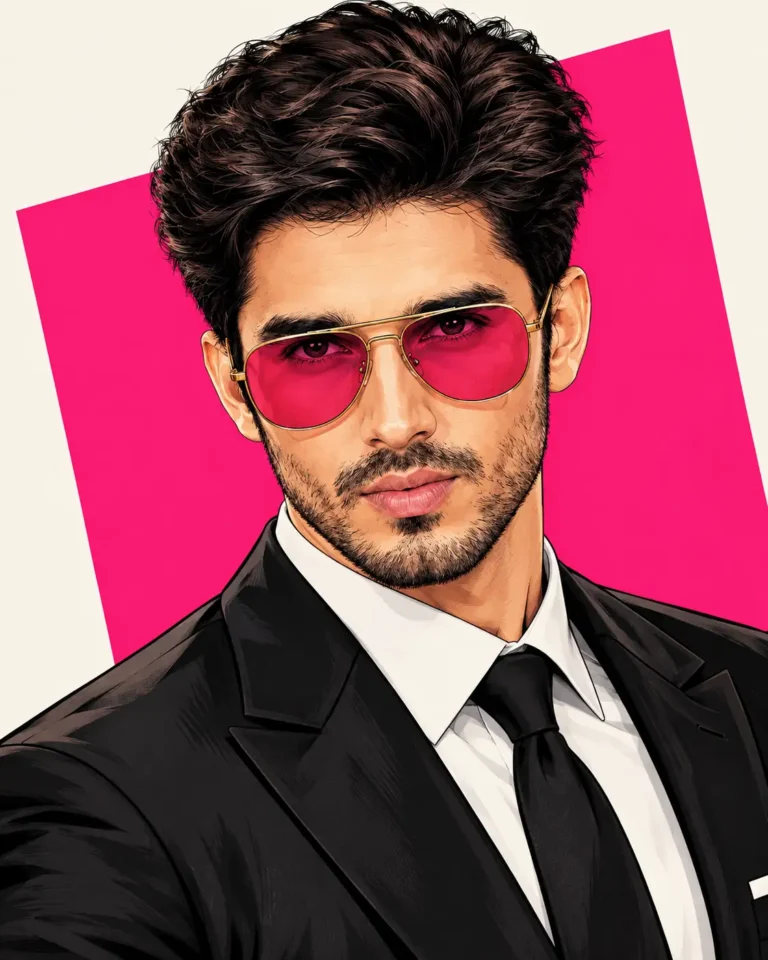
Man highly detailed digital illustration prompt (opens in a new tab)
photoeditprompts.in
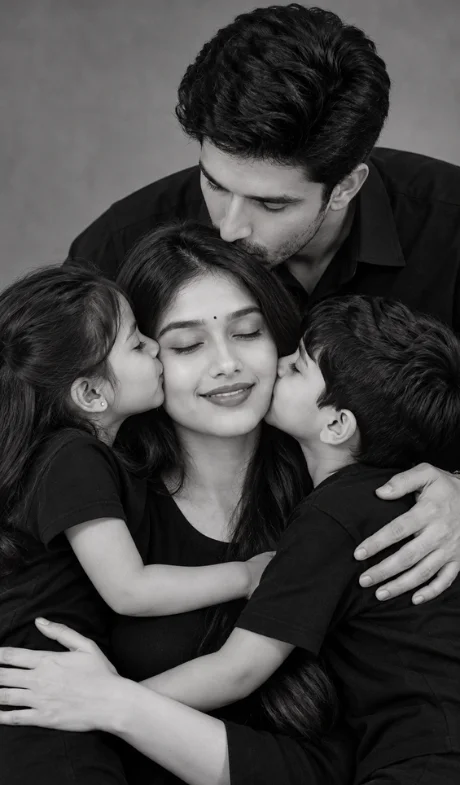
Hyper-realistic monochrome family portrait prompt (opens in a new tab)
photoeditprompts.in
Handsome man premium cinematic DSLR fashion photograph (opens in a new tab)
Welcome to photo editing prompts! Generate your own masterpiece
Professional fashion photography for girl (opens in a new tab)
photoeditprompts.in
Little girl with dog image prompt (opens in a new tab)
photoeditprompts.in
Romantic cinematic DSLR couple portrait (opens in a new tab)
photoeditprompts.in