- Attitude
- Cinematic
- Social Media
- ChatGPT
- Gemini
- Google Flow Ai
- Ideogram
- Kling
- Leonardo
- Midjourney
- Nano Banana
- Sora
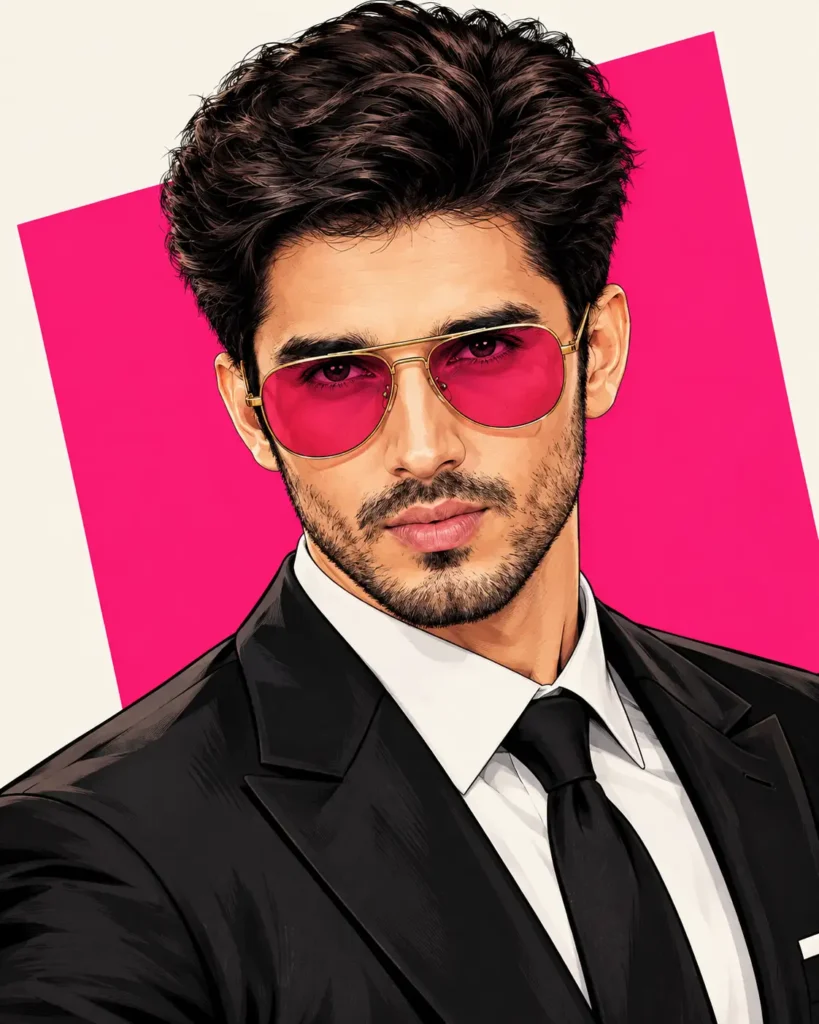
Man highly detailed digital illustration prompt
By photoeditprompts.in · Updated November 2, 2026
Prompt
0
Produce a highly detailed digital illustration of a charismatic, handsome man in his early 30s rendered in a modern comic book and graphic novel style. He has thick, voluminous, messy dark brown hair swept back, a neatly groomed full beard, strong masculine facial features, a sharp jawline, and a confident, slightly mysterious expression. He wears oversized gold-framed aviator sunglasses with vibrant translucent pink lenses, an elegant black tailored suit, a crisp white dress shirt, and a black tie. Show him in a three-quarter portrait with his face slightly angled, intense eye contact, and a sophisticated, effortlessly cool attitude. Use a premium semi-realistic vector illustration approach with modern pop art influences: bold black ink outlines, sharp clean linework, intricate hair detailing, smooth cel shading, dramatic angular shadows, vibrant saturated colors, warm golden skin tones, rich burgundy highlights, high contrast, polished digital painting, and sophisticated comic book aesthetics. Set him against a minimalist off-white background featuring a large tilted hot-pink geometric rectangle behind the character in a clean editorial composition. Ensure ultra-sharp details, professional character design, flawless illustration, crisp edges, striking visual impact, 4K quality, vertical portrait composition, and a 4:5 aspect ratio. Avoid: photorealism, 3D rendering, blurry details, watercolor, pencil sketch, grain, muted colors, distorted anatomy, asymmetrical eyes, text, logos, watermark.
Hashtags
- Occasion
- AttitudeCinematicSocial Media
- Aspect ratio
- 1:1 (1024×1024)1920×1080 (16:9)4:5 (1080×1350)9:16 (1080×1920)
- Quality
- 1080p4K8K
- Prompt type
- Direct prompt
You may also read
More articles →- Uncategorized
7 Realistic Cinematic Chhath Puja Images Prompts
- Action Picture Generate Prompts
11 Best Panchmukhi Hanuman Wallpaper 4K: Gemini AI Wallpaper Prompts
- AI Photo Edit
Happy Dhanteras Gemini Prompt: Download 17+ Aesthetic Wish Messages
- AI Mobile Wallpapers Free
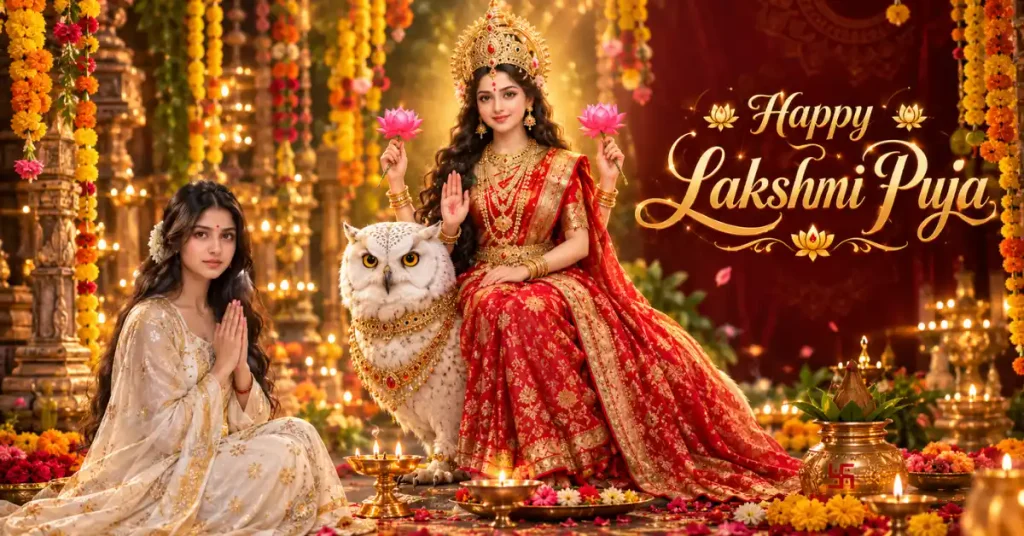
25 Best Laxmi Puja Images Prompts for Chatgpt
How to use this prompt
- Press Copy prompt to copy the full prompt.
- Open ChatGPT and start a new image.
- Paste the prompt and set the aspect ratio to 1:1 (1024×1024).
- Generate, then adjust a few words to make it your own.
More prompts like this
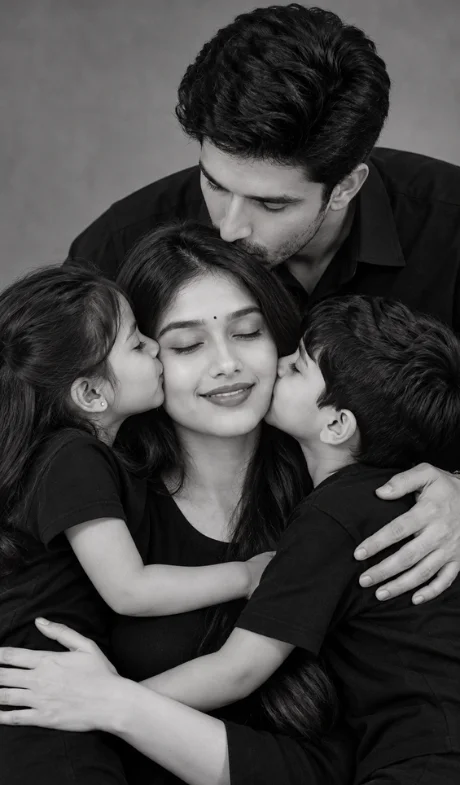
Hyper-realistic monochrome family portrait prompt (opens in a new tab)
photoeditprompts.in
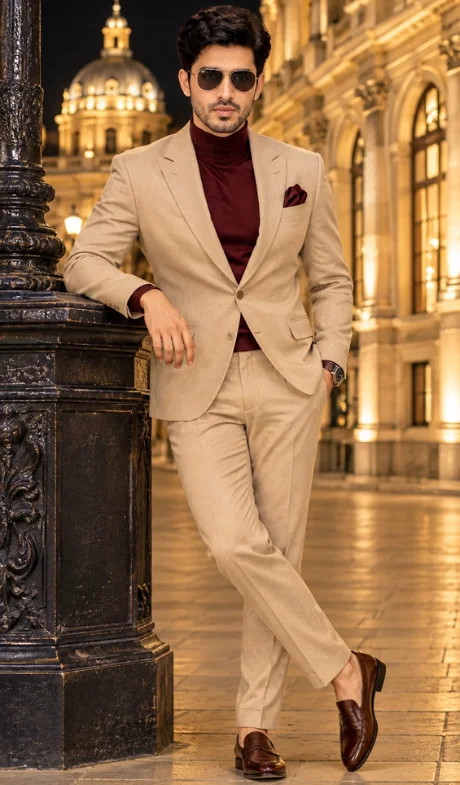
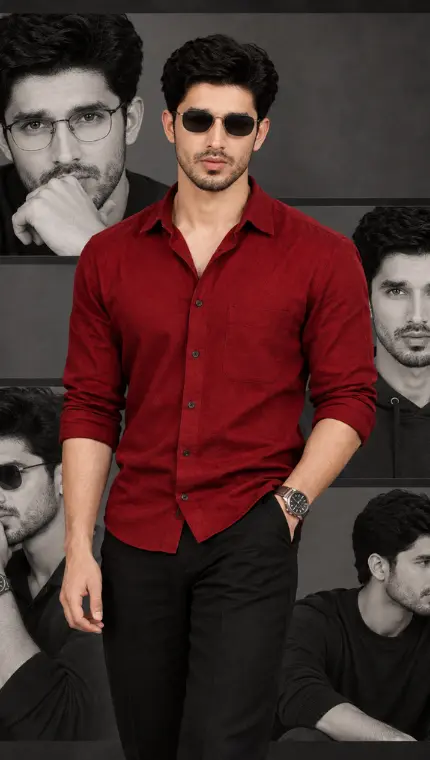
Handsome man premium cinematic DSLR fashion photograph (opens in a new tab)
Welcome to photo editing prompts! Generate your own masterpiece
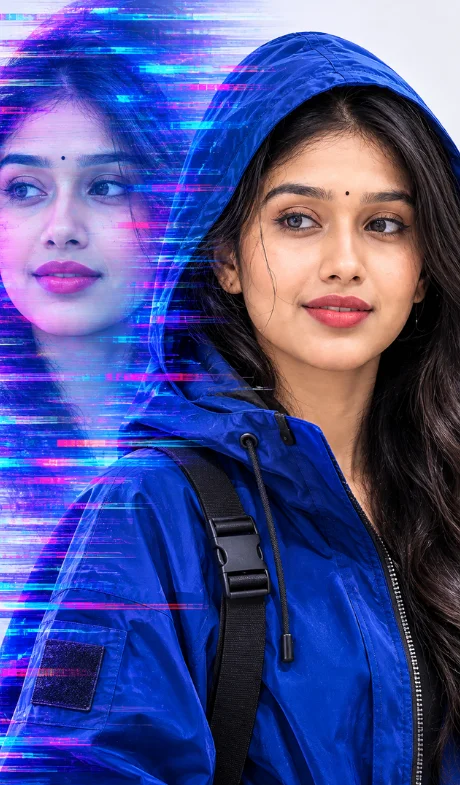
Professional fashion photography for girl (opens in a new tab)
photoeditprompts.in
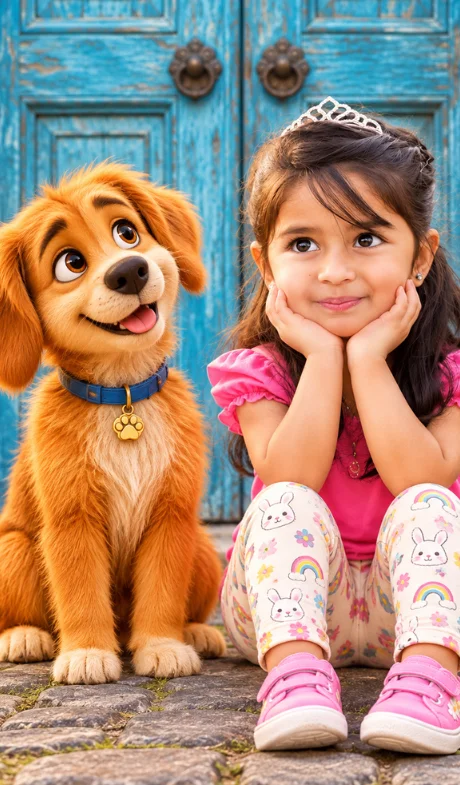
Little girl with dog image prompt (opens in a new tab)
photoeditprompts.in
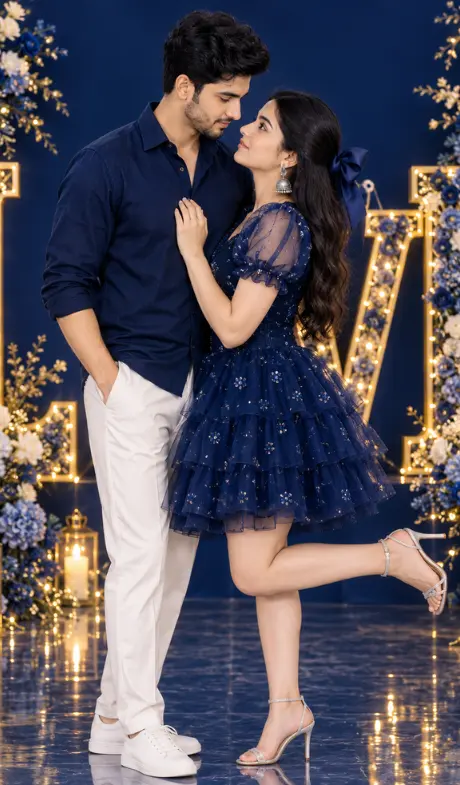
Romantic cinematic DSLR couple portrait (opens in a new tab)
photoeditprompts.in
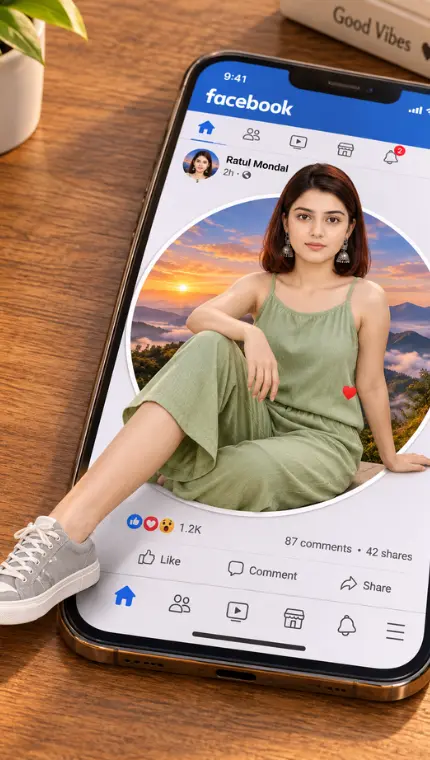
Fb ultra-realistic 3D optical illusion photograph (opens in a new tab)
Welcome to photo editing prompts! Generate your own masterpiece
The Ultimate Man AI Fashion Poster Prompt (opens in a new tab)
Welcome to photo editing prompts! Generate your own masterpiece
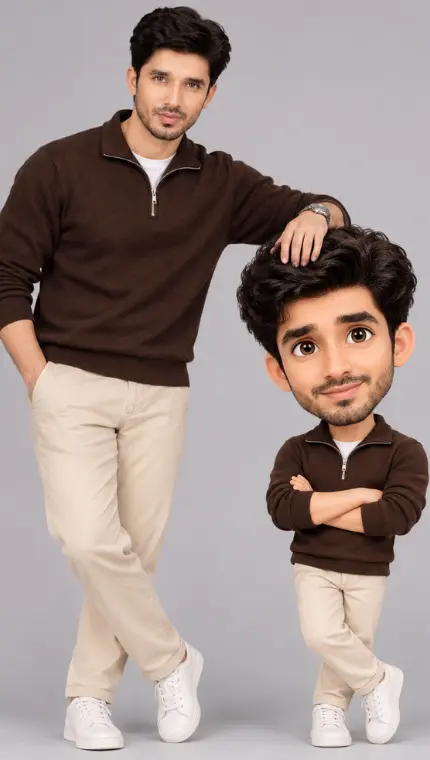
Real Me vs. Cartoon Me: Mastering the 3D Caricature AI Trend (opens in a new tab)
Welcome to photo editing prompts! Generate your own masterpiece