How to Create a 3D Letter Portrait with AI
By Welcome to photo editing prompts! Generate your own masterpiece · Updated November 5, 2026
Prompt
0
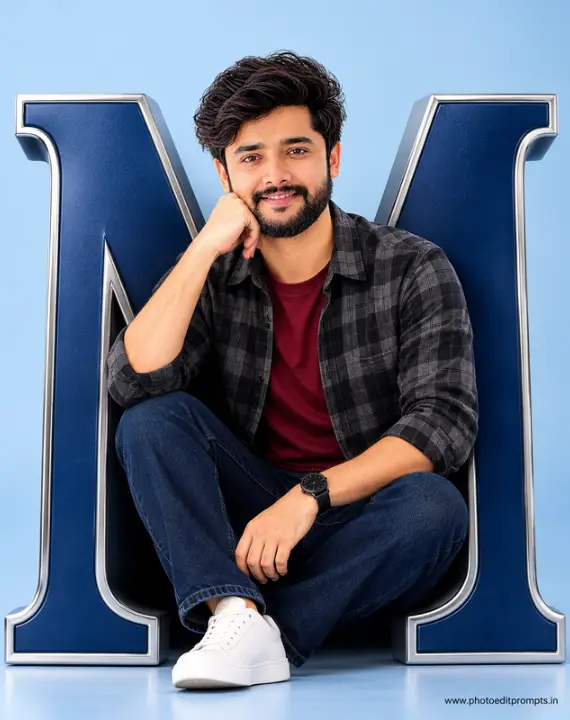
Create an ultra-realistic 3D cinematic portrait, exactly matching the reference image's composition and style. IDENTITY PRESERVATION – VERY IMPORTANT:
Use the uploaded personal photo as the ONLY facial identity reference. The man MUST be exactly the same person. Preserve 100% of his original facial features, face shape, eyes, nose, lips, eyebrows, beard, hairstyle, skin tone, and all unique characteristics. Absolutely NO facial modifications, beautification, or identity changes. Do not copy the face of the reference model. COMPOSITION:
Show the man sitting comfortably inside a giant, sculpted, uppercase 3D letter "M". The letter has a deep navy-blue metallic surface with elegant polished silver/chrome borders and realistic depth. POSE:
The man sits naturally inside the curved letter, smiling gently at the camera. One hand rests against his chin, while the other rests casually on his lap. His legs are comfortably bent. CLOTHING:
A dark gray and black plaid shirt worn open over a burgundy red T-shirt, dark navy jeans, and a black wristwatch. BACKGROUND:
Minimalist light powder-blue studio background with a matching floor, soft shadows, and elegant professional lighting. QUALITY:
Ultra-realistic 3D rendering, photorealistic skin texture, detailed fabrics, realistic metallic reflections, professional studio photography, sharp focus, premium advertising aesthetic, vertical 4:5 composition, 8K quality. TEXT ELEMENT:
Include a small, subtle text at the bottom right corner of the image that reads exactly: "www.photoeditprompts.in".
Hashtags
- Occasion
- Cinematic
- Aspect ratio
- 1:1 (1024×1024)1200×10001920×1080 (16:9)4:5 (1080×1350)9:16 (1080×1920)
- Quality
- 1080p4K8K
- Prompt type
- Direct prompt
You may also read
More articles →- AI Cineatic 8K Video Prompt
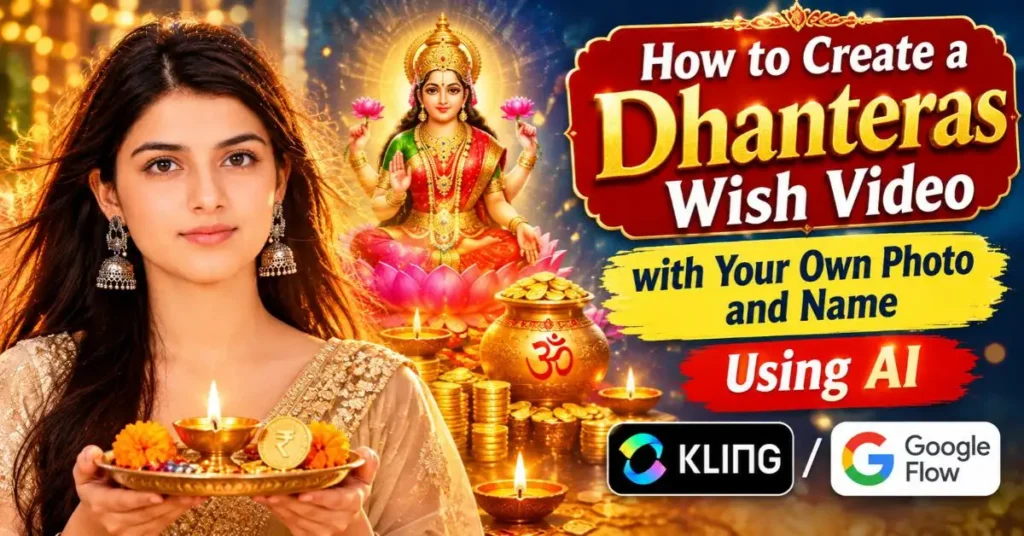
How to Create a Dhanteras Wish Video with Your Own Photo and Name Using AI
- AI Cineatic 8K Video Prompt
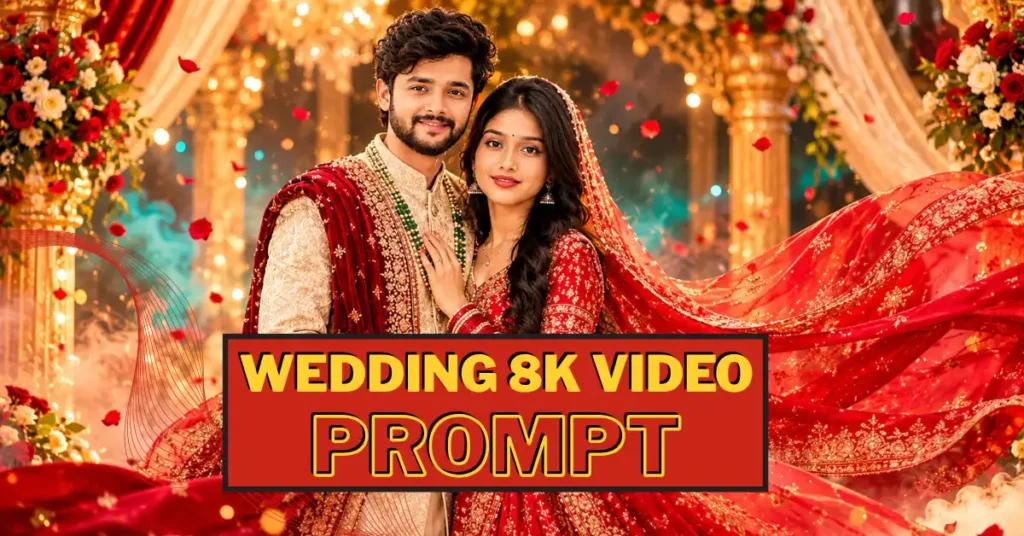
Wedding Cinematic 8K Video Prompt
- AI Mobile Wallpapers Free
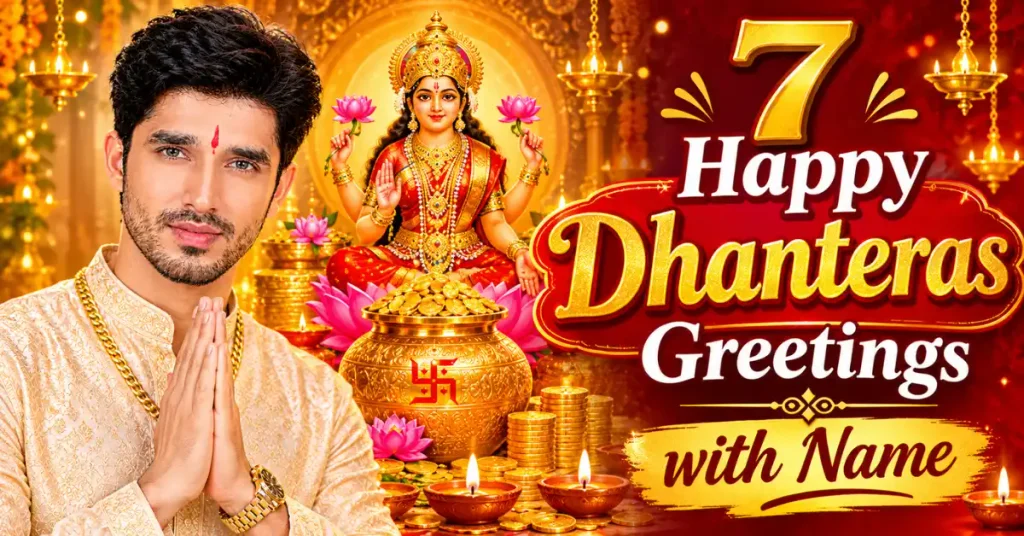
7 Happy dhanteras greetings with name
- AI Cineatic 8K Video Prompt
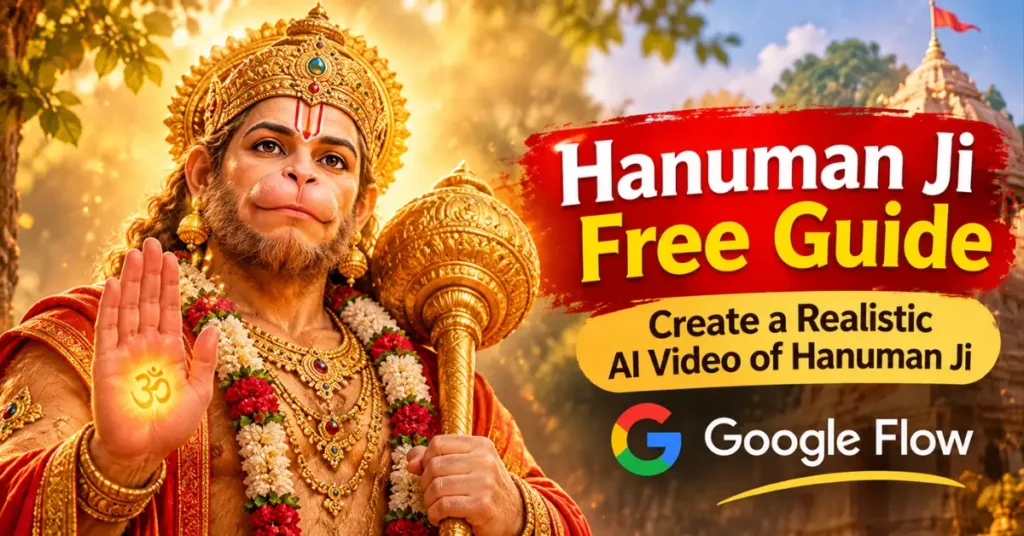
Create a Realistic AI Video of Hanuman Ji Free Guide
How to use this prompt
- Press Copy prompt to copy the full prompt.
- Open ChatGPT and start a new image.
- Paste the prompt and set the aspect ratio to 1:1 (1024×1024).
- Generate, then adjust a few words to make it your own.
More prompts like this
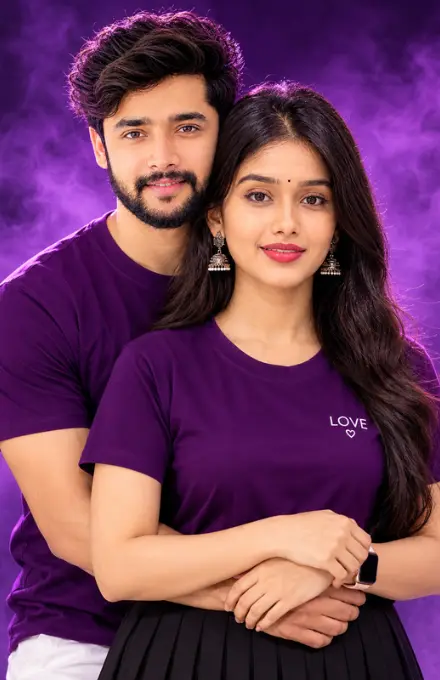
Couple photorealistic portrait prompt (opens in a new tab)
photoeditprompts.in
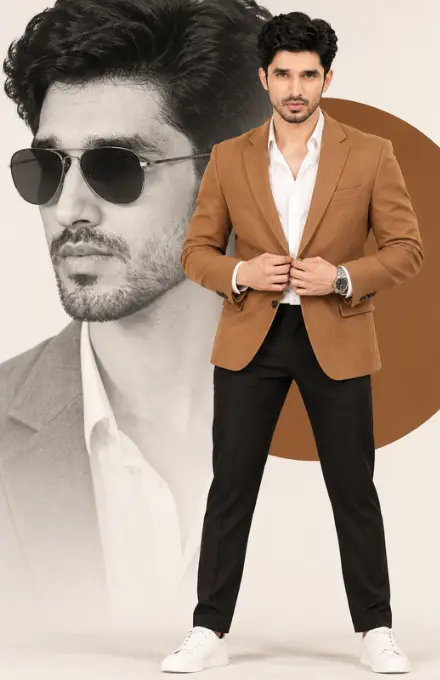
How to Recreate a High-End Fashion Composite with AI (opens in a new tab)
photoeditprompts.in
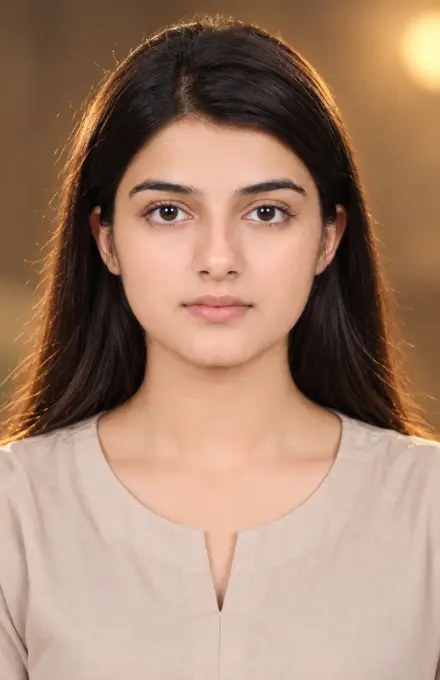
Decent woman dslr look image prompt (opens in a new tab)
photoeditprompts.in
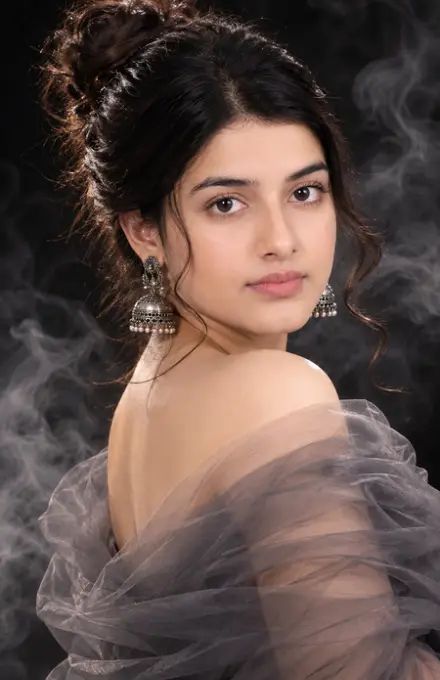
Cinematic fine-art beautiful girl prompt (opens in a new tab)
photoeditprompts.in
Woman cinematic close-up portrait prompt (opens in a new tab)
photoeditprompts.in
Man photorealistic artistic prompt (opens in a new tab)
photoeditprompts.in
Instagram-style split-screen portrait prompt (opens in a new tab)
photoeditprompts.in
3D Cartoon Character AI Photo Editing Prompt (opens in a new tab)
photoeditprompts.in