Couple photorealistic portrait prompt
By photoeditprompts.in · Updated November 5, 2026
Prompt
0
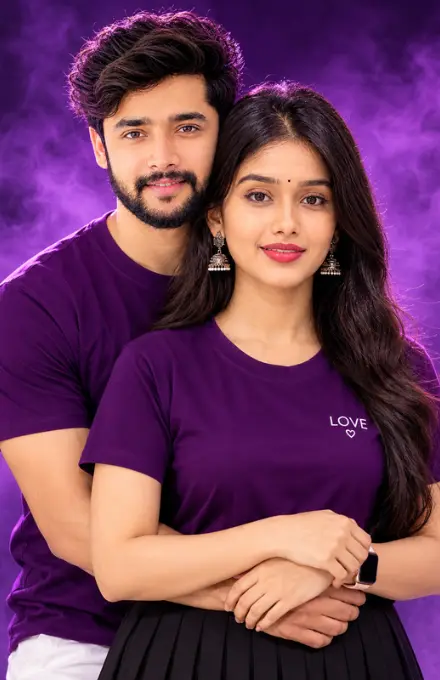
Photorealistic portrait of a young couple standing in an intimate embrace. The man is standing behind the woman, wrapping his arms around her waist, with his hands clasped over her stomach. The woman is holding his hands with hers crossed over them. Subjects: The man has thick, messy dark brown hair, a light stubble beard, and a serious, calm expression looking directly at the camera. The woman has long, straight dark hair parted in the middle, a soft, subtle smile, and is looking directly at the camera. They are both wearing matching deep purple t-shirts. The woman's shirt has the word "LOVE" in small white text with a tiny heart below it on the left chest. She is wearing a black pleated skirt. The man is wearing white pants (partially visible). Lighting & Environment: The background is a solid, dark purple color filled with swirling, ethereal purple smoke or fog. The lighting is dramatic studio lighting with a strong rim light (hair light) on the top of their heads and shoulders, highlighting the texture of their hair. There are soft light reflections on their skin and the fabric of their shirts. Camera & Style: Shot on 85mm lens, f/1.8, sharp focus on the faces, soft focus on the background smoke, high contrast, cinematic color grading, 8k resolution, ultra-detailed, hyper-realistic.
Hashtags
- Occasion
- CinematicSocial Media
- Aspect ratio
- 1:1 (1024×1024)4:5 (1080×1350)9:16 (1080×1920)
- Quality
- 1080p4K8K
- Prompt type
- Direct prompt
You may also read
More articles →- AI Cineatic 8K Video Prompt
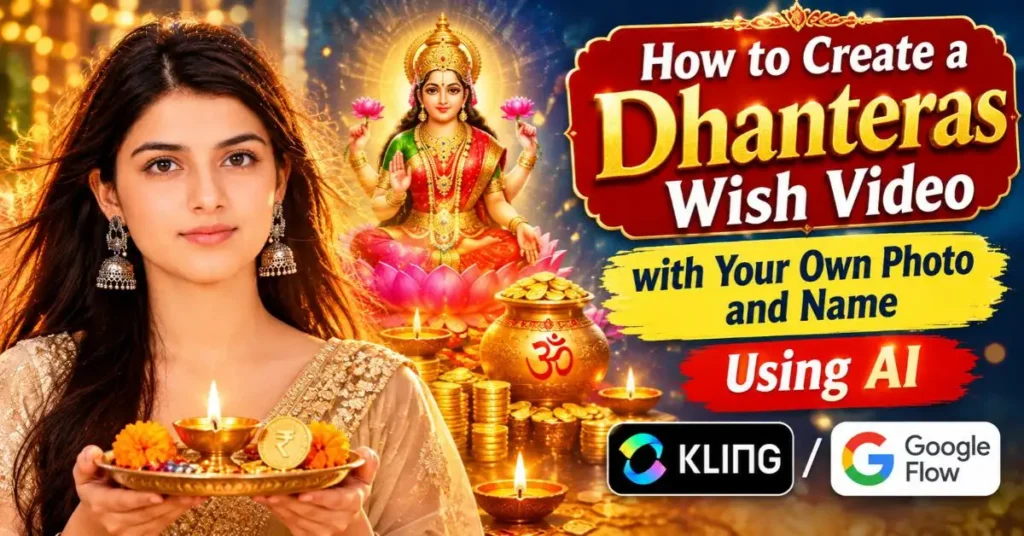
How to Create a Dhanteras Wish Video with Your Own Photo and Name Using AI
- AI Cineatic 8K Video Prompt
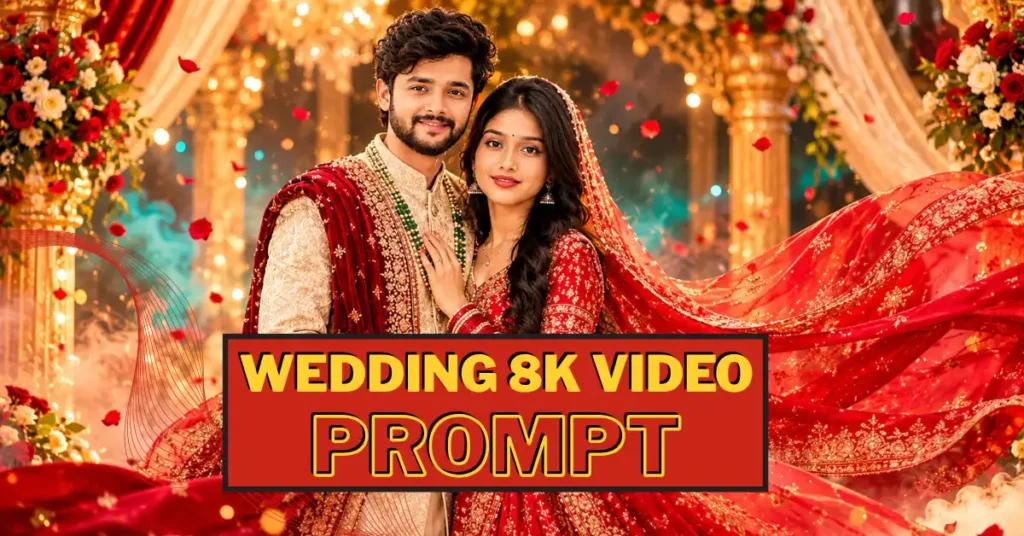
Wedding Cinematic 8K Video Prompt
- AI Mobile Wallpapers Free
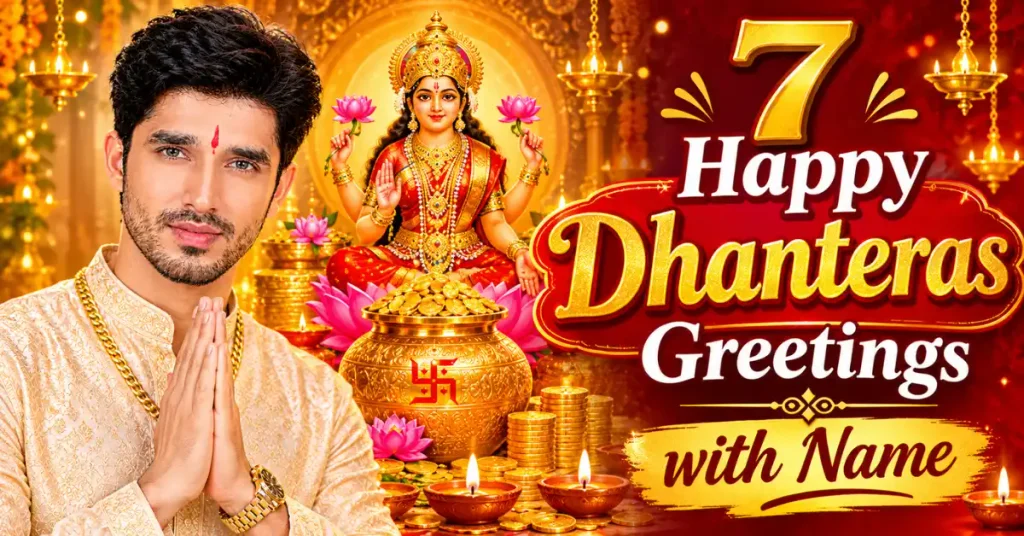
7 Happy dhanteras greetings with name
- AI Cineatic 8K Video Prompt
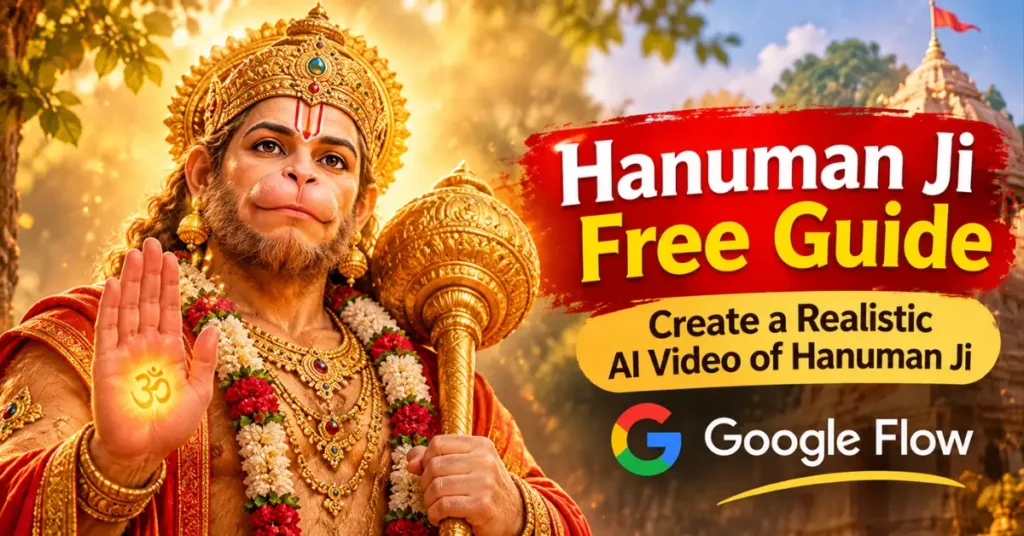
Create a Realistic AI Video of Hanuman Ji Free Guide
How to use this prompt
- Press Copy prompt to copy the full prompt.
- Open ChatGPT and start a new image.
- Paste the prompt and set the aspect ratio to 1:1 (1024×1024).
- Generate, then adjust a few words to make it your own.
More prompts like this
How to Recreate a High-End Fashion Composite with AI (opens in a new tab)
photoeditprompts.in
Decent woman dslr look image prompt (opens in a new tab)
photoeditprompts.in
Cinematic fine-art beautiful girl prompt (opens in a new tab)
photoeditprompts.in
Woman cinematic close-up portrait prompt (opens in a new tab)
photoeditprompts.in
Man photorealistic artistic prompt (opens in a new tab)
photoeditprompts.in
Instagram-style split-screen portrait prompt (opens in a new tab)
photoeditprompts.in
3D Cartoon Character AI Photo Editing Prompt (opens in a new tab)
photoeditprompts.in
New Year 2027 AI Photo Editing Prompt (opens in a new tab)
photoeditprompts.in