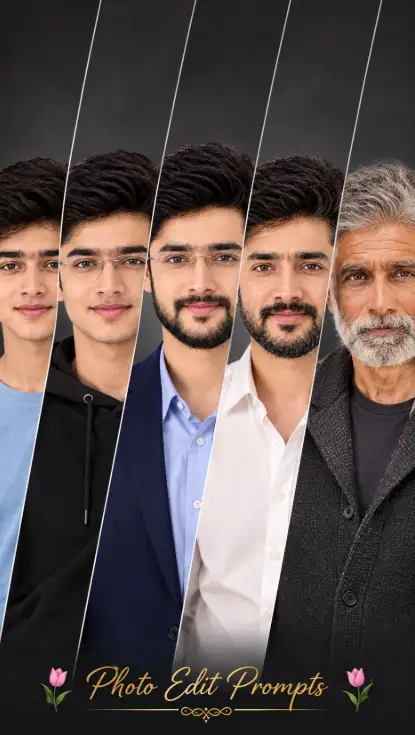
AI Age Progression Photo Prompt
By photoeditprompts.in · Updated November 26, 2026
Prompt
0
Create a photorealistic, premium age-progression portrait collage using the uploaded reference photo as the identity reference. Show the same person at five different stages of life, from a younger version to a mature older version, while maintaining consistent facial identity, eye shape, nose, lips, face structure, and recognizable features. COMPOSITION:
Create a vertical 9:16 poster divided into five tall, narrow portrait panels. Each panel is separated by a clean, thin, diagonal white divider. The dividers lean at the same angle, creating a dynamic slanted layout. All five portraits are positioned side by side, with the faces aligned naturally across the middle of the composition. AGE PROGRESSION:
Panel 1: A youthful version of the same person, clean-shaven, wearing a light blue casual T-shirt, with youthful facial features and neatly styled black hair. Panel 2: A slightly older version, wearing a black hoodie, thin-framed eyeglasses, and neatly styled dark hair. Clean-shaven face. Panel 3: A mature version wearing a dark navy formal suit, light blue shirt, and thin-framed glasses. Calm, confident expression, professionally styled hair. Panel 4: A middle-aged version wearing a white collared shirt, slightly mature facial features, subtle facial hair beginning to appear, and a natural serious expression. Panel 5: An older version with gray hair, a salt-and-pepper beard and moustache, wearing a charcoal-gray textured cardigan over a dark gray T-shirt. Natural wrinkles and realistic signs of aging. FACE & IDENTITY:
All five portraits must look like the same individual at different ages. Preserve the reference person's facial identity and recognizable features as closely as possible. Use realistic age changes, natural skin texture, believable facial proportions, and consistent eye shape. Avoid making the five portraits look like different people. POSE & FRAMING:
All five subjects are facing forward with their heads slightly turned naturally toward the camera. Use closely matched head positions, similar shoulder framing, and consistent portrait scale. Show the head, shoulders, and upper torso. Each panel should have a slightly different age and outfit but the same overall portrait composition. BACKGROUND:
Use a simple dark charcoal-gray studio background with a subtle smooth gradient. Keep the upper area mostly empty and clean. No distracting scenery, objects, or colorful backgrounds. LIGHTING:
Use soft professional studio lighting with gentle highlights on the face, realistic shadows, balanced exposure, and subtle light falloff. Maintain consistent lighting direction across all five panels. The image should be crisp, detailed, and photorealistic. COLOR GRADING:
Use a sophisticated neutral color palette. Dark charcoal background, natural skin tones, black clothing, navy blue, light blue, white, and gray. Apply subtle cinematic contrast without excessive saturation or HDR. Keep the final look clean, premium, and realistic. BOTTOM SIGNATURE:
At the bottom center, add elegant gold handwritten script text reading exactly:
“Photo Edit Prompts” Place a small pink tulip flower on the left side of the text and another matching pink tulip on the right. Add a thin gold decorative line underneath the text with a small ornamental flourish in the center. Keep the signature small, elegant, and unobtrusive. STYLE:
Ultra-realistic age progression photography, premium portrait collage, five-stage life transformation, diagonal split-panel layout, natural aging, consistent identity, professional studio photography, cinematic neutral grading, realistic skin texture, high-detail 4K portrait. FORMAT:
Vertical 9:16 composition. Do not add extra text. Do not change the signature. Do not use horizontal panels. Do not use straight vertical dividers. Do not distort faces. Do not create different identities. Keep all five diagonal portrait panels clearly visible and evenly arranged.
Hashtags
- Occasion
- CinematicSocial Media
- Aspect ratio
- 1:1 (1024×1024)1200×10001200×6281920×1080 (16:9)4:5 (1080×1350)9:16 (1080×1920)
- Quality
- 1080p4K8K
- Prompt type
- Direct prompt
You may also read
More articles →- AI Cineatic 8K Video Prompt
Girlfriend happy birthday video editing
- AI Cineatic 8K Video Prompt
Image to 4k Video Converter Prompt Free
- AI Mobile Wallpapers Free
5 Realistic Men’s Winter Image Prompts for ChatGPT (Free & Easy)
- Action Picture Generate Prompts
7 Ultimate Tips for Creating the Perfect New Photo Image Prompt for Men
How to use this prompt
- Press Copy prompt to copy the full prompt.
- Open ChatGPT and start a new image.
- Paste the prompt and set the aspect ratio to 1:1 (1024×1024).
- Generate, then adjust a few words to make it your own.
More prompts like this
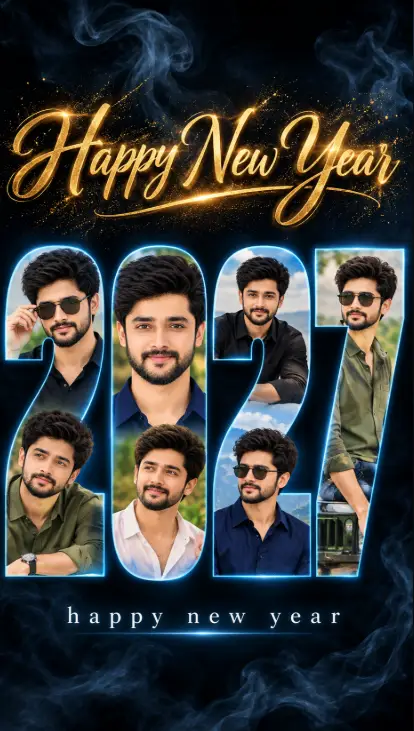
Prompt for ultra-realistic premium cinematic photo collage poster (opens in a new tab)
photoeditprompts.in
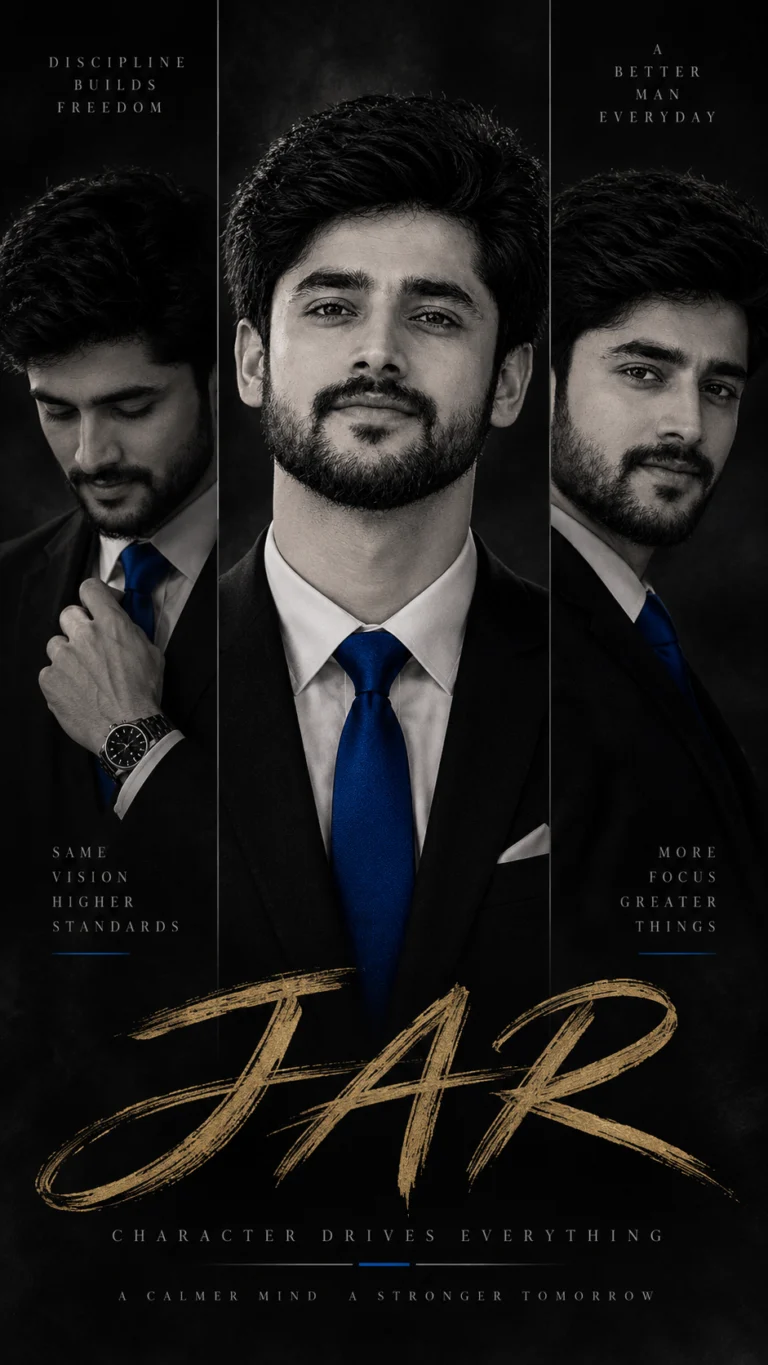
Discipline Motivational Poster Prompt for Gemini AI (opens in a new tab)
photoeditprompts.in
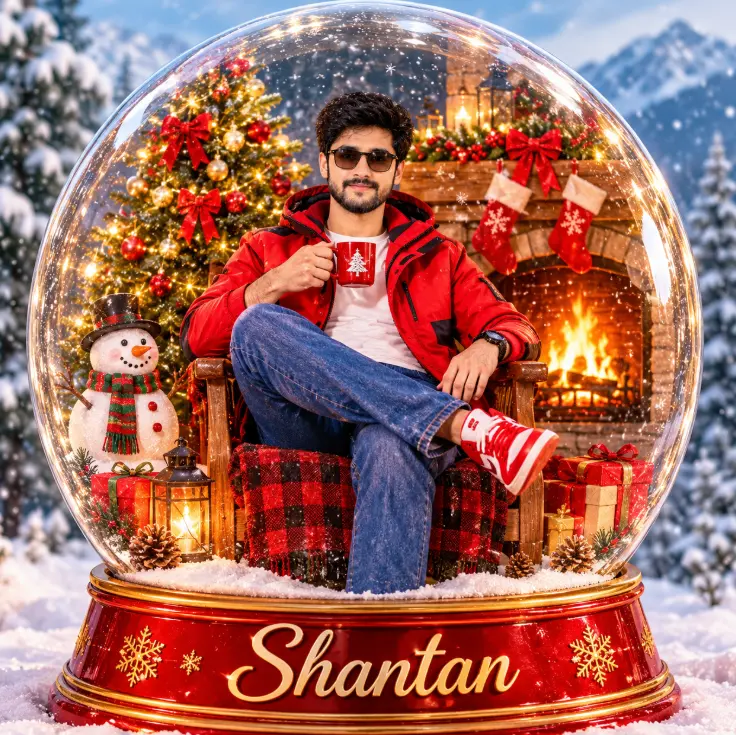
Christmas Snow Globe AI Prompt with Name | Gemini Christmas Portrait (opens in a new tab)
photoeditprompts.in
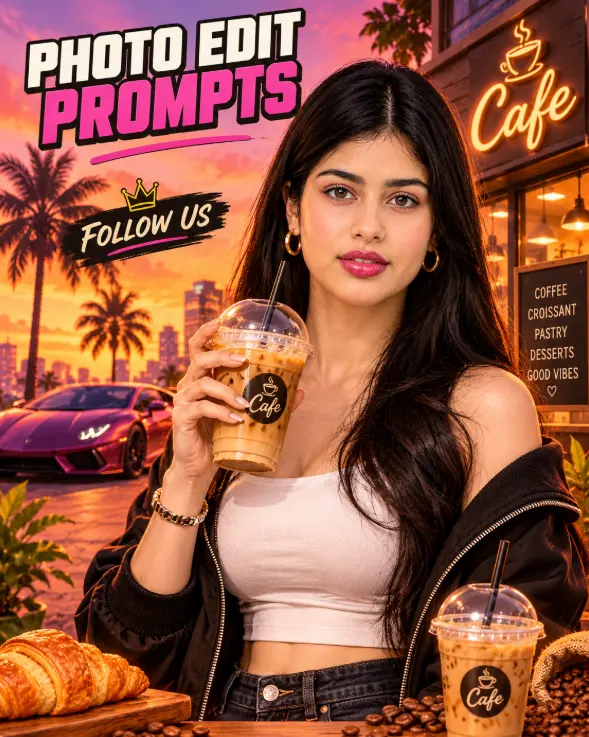
GTA 6 Style Cafe Poster Prompt one click download (opens in a new tab)
photoeditprompts.in
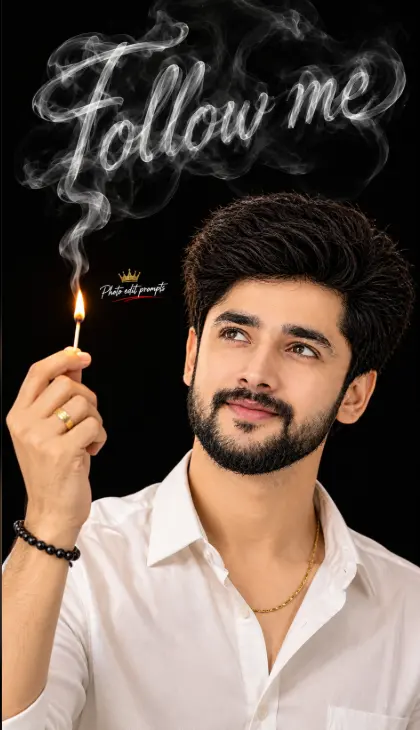
Cinematic 4K Smoke Name Portrait Prompt for Gemini AI (opens in a new tab)
photoeditprompts.in
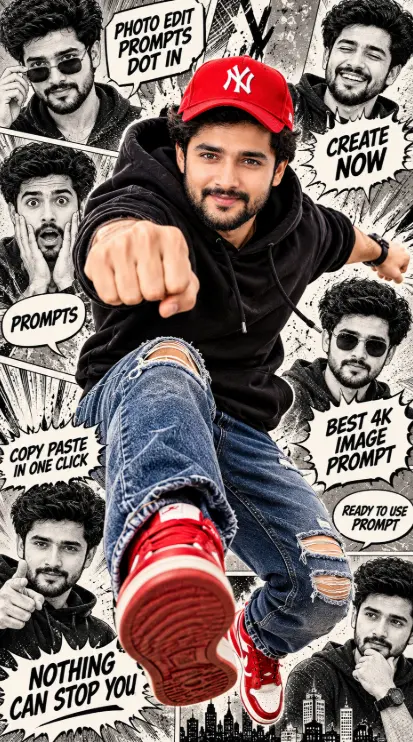
Manga Comic Action Portrait Prompt for Gemini AI (opens in a new tab)
photoeditprompts.in
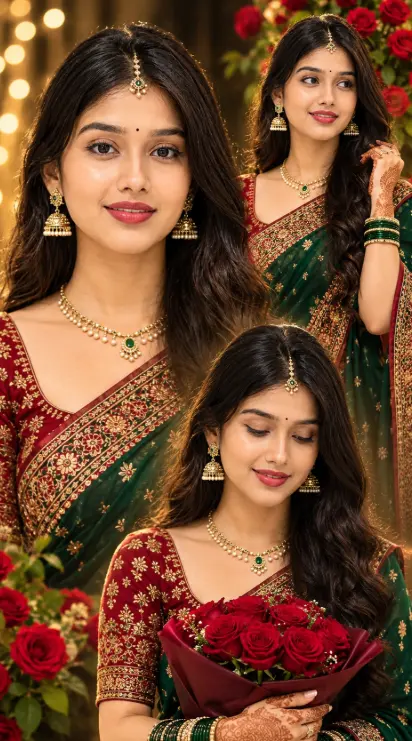
AI Bridal Portrait Collage Prompt for Gemini (opens in a new tab)
photoeditprompts.in
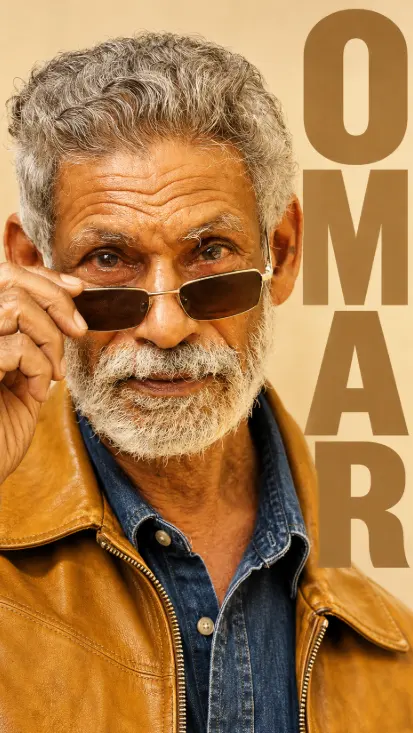
Omar Stylish Portrait Prompt for Gemini AI (opens in a new tab)
photoeditprompts.in