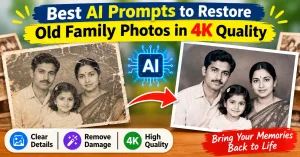
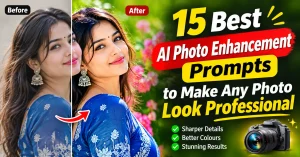
How to Increase Image Clarity Without Artifacts in ChatGPT: If you are looking to enhance your photo 4k, then this blog post is for you.
Ever uploaded a photo to ChatGPT and got back something a bit… off?
Maybe it’s a bit blurry or the edges are weirdly soft? You’re not alone.
A lot of users want to increase image clarity without artifacts in ChatGPT, especially when editing portraits or generating cleaner visuals.
Now, You can get sharper, and create a high-quality images in ChatGPT. Only you just need the right prompt and a few simple rules.
Stick around, because we’re breaking it down in plain English — no confusing tech talk.
Want to increase image clarity without artifacts in ChatGPT? Use a clean, focused prompt, avoid vague terms,
and stick to clarity-enhancing edits like “sharpen edges,” “retain fine details,” or “high resolution.”
Download ChatGPT Image Clarity-Focused Prompt Template
Before you dive into editing, grab our ChatGPT image clarity-focused prompt template — it’s the shortcut pros wish they had sooner.
This template simplifies the process and helps you tell ChatGPT exactly what to do.
Here’s the golden rule: be specific. Don’t say “make it better.” Say things like “increase facial sharpness,”
“remove background blur,” or “enhance details in hair and clothing.”
In fact, clarity comes from structure. Always mention what you want to keep sharp and
what you want clean — like “keep subject’s edges crisp” and “remove any halo or artifact.”
To summarize, a good photo editing prompt should:
- Focus on one task per prompt
- Use clear verbs: sharpen, enhance, remove
- Avoid buzzwords like “make beautiful” (ChatGPT doesn’t guess style)
Finally, after applying the right prompt, review the results. If needed, tweak and re-run. It’s that simple.
We believe this blog post prompt will sort out your question-How to increase clarity without artifacts?