- Attitude
- Cinematic
- Social Media
- ChatGPT
- Gemini
- Google Flow Ai
- Ideogram
- Kling
- Leonardo
- Midjourney
- Nano Banana
- Sora
Red Black Smoke Effect Photo Editing Prompt for Men
By photoeditprompts.in · Updated November 28, 2026
Prompt
0
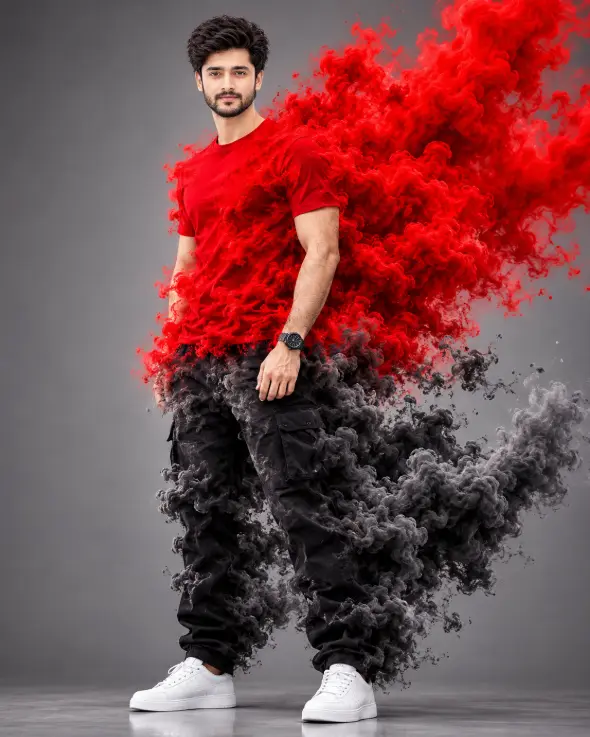
Create an ultra-realistic, premium cinematic DSLR fashion portrait in a strict vertical 4:5 aspect ratio (1088×1360). Recreate the uploaded reference image as closely as possible, preserving the exact composition, standing pose, camera perspective, dramatic smoke effects, clothing colors, lighting, background, and overall visual atmosphere. STRICT IDENTITY & FACE PRESERVATION:\
Use my separately uploaded personal photograph as the ONLY facial identity reference. Replace the original model with me while preserving 100% of my real facial identity, including face shape, eyes, eyebrows, nose, lips, jawline, skin tone, hairstyle, hairline, beard, and natural facial proportions. Do not beautify, modify, or reinterpret my face. POSE & BODY POSITION:\
A young adult man standing confidently in a relaxed, slightly angled full-body pose, positioned slightly left of the center. His body faces slightly toward the right while his face turns directly toward the camera. His head is held naturally upright, shoulders relaxed, and arms resting naturally at his sides. One arm hangs straight down with the hand relaxed beside the thigh. Maintain the exact standing posture, leg positioning, body orientation, and overall silhouette of the reference image. FACIAL EXPRESSION:\
Maintain the same serious, confident, intense expression. Slightly furrowed eyebrows, relaxed closed lips, focused eyes looking directly into the camera, and a strong editorial fashion-model appearance. No smile. CLOTHING & ACCESSORIES: – Bright, solid, vibrant red short-sleeve fitted T-shirt with realistic fabric texture.
– Dark charcoal-black loose-fit cargo trousers with natural folds and realistic fabric details.
– Clean white low-top sneakers with white soles.
– Black wristwatch on the left wrist, clearly visible, matching the reference.
– No additional accessories, jewelry, logos, or unnecessary clothing details. DRAMATIC RED & BLACK SMOKE EFFECTS:\
Recreate the spectacular artistic smoke-disintegration effect exactly like the reference. The upper body and red T-shirt appear to dissolve into massive, thick, voluminous clouds of intensely vibrant crimson-red smoke. The red smoke emerges from the shoulders, back, waist, and right side of the body, spreading dramatically toward the upper-right and right edges of the frame. The lower body and black trousers gradually dissolve into dense charcoal-black and dark-grey smoke. Thick swirling black smoke surrounds both legs, expands outward around the thighs and knees, and blends naturally with the trousers. Create realistic volumetric smoke with intricate swirling patterns, layered translucent edges, rich density, organic curls, and fine atmospheric particles. The red and black smoke must remain visually distinct, with a natural transition between the two colors around the waist. Keep the face, neck, arms, wristwatch, and hands completely realistic, sharp, and naturally connected to the body. The smoke should create a dramatic fashion-art effect without obscuring the face. BACKGROUND & ENVIRONMENT:\
A completely clean, seamless neutral medium-grey studio background with a subtle gradient. Smooth grey studio floor with a faint realistic reflection beneath the shoes. No furniture, no objects, no decorations, and no additional subjects. LIGHTING & COLOR GRADING:\
Professional cinematic studio lighting with soft directional illumination from the front-left. Balanced highlights on the face and arms, subtle shadows around the clothing, and realistic illumination on the red smoke. Maintain rich crimson-red smoke, deep charcoal-black smoke, neutral grey surroundings, and natural skin tones. High-end editorial photography with dramatic contrast, controlled exposure, subtle atmospheric depth, and premium cinematic color grading. CAMERA & COMPOSITION:\
Full-body portrait, straight-on camera perspective with a very subtle low-angle look. The camera is positioned approximately at the subject's waist-to-chest level. Maintain the exact perspective, subject scale, framing, and proportions of the reference image. Professional full-frame DSLR photography, 85mm portrait lens, f/4, sharp facial focus, detailed clothing texture, realistic smoke depth, and high-resolution photographic clarity. Keep the complete figure visible from head to toe, including both white sneakers. Position the subject slightly left of center, leaving sufficient space on the right for the expanding red and black smoke. STRICT REFERENCE MATCH:\
Reproduce the same red T-shirt, black cargo trousers, white sneakers, black wristwatch, standing pose, serious facial expression, red upper-body smoke, black lower-body smoke, neutral grey studio background, cinematic lighting, camera angle, and overall composition. Do not change the smoke direction, smoke colors, body posture, clothing colors, facial expression, or scene layout. NEGATIVE PROMPT:\
No smiling, no different pose, no sitting, no walking, no crossed arms, no hands in pockets, no additional people, no extra limbs, no distorted hands, no missing fingers, no cropped feet, no different clothing colors, no blue smoke, no colorful background, no fire, no flames, no text, no watermark, no logos, no cartoon appearance, no artificial CGI skin, and no excessive image sharpening. Ultra-realistic cinematic smoke fashion photography, premium editorial quality, highly detailed volumetric smoke, photorealistic DSLR finish. \–ar 4:5
Hashtags
- Occasion
- AttitudeCinematicSocial Media
- Aspect ratio
- 1:1 (1024×1024)1200×10001200×6281920×1080 (16:9)4:5 (1080×1350)9:16 (1080×1920)
- Quality
- 1080p4K8K
- Prompt type
- Direct prompt
You may also read
More articles →- AI Cineatic 8K Video Prompt
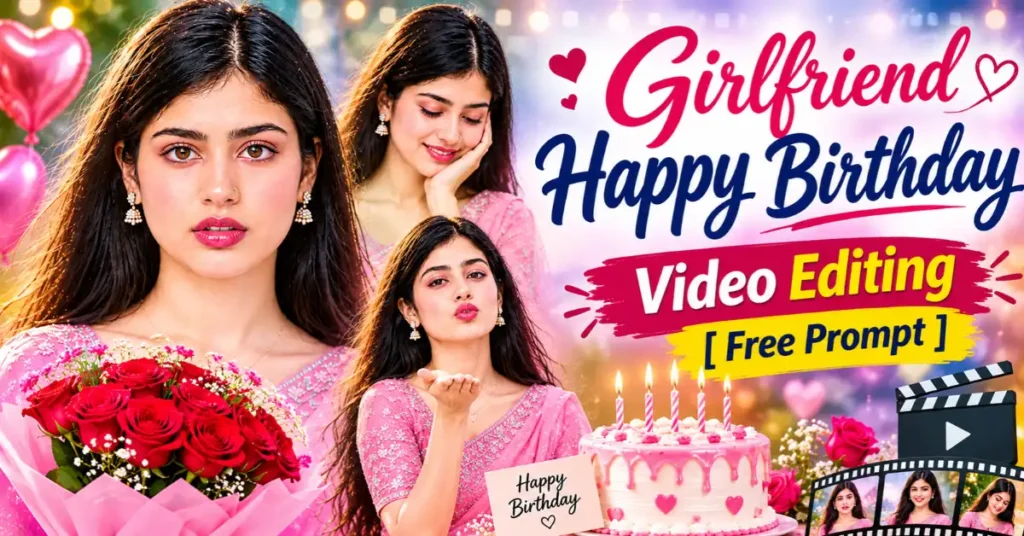
Girlfriend happy birthday video editing
- AI Cineatic 8K Video Prompt
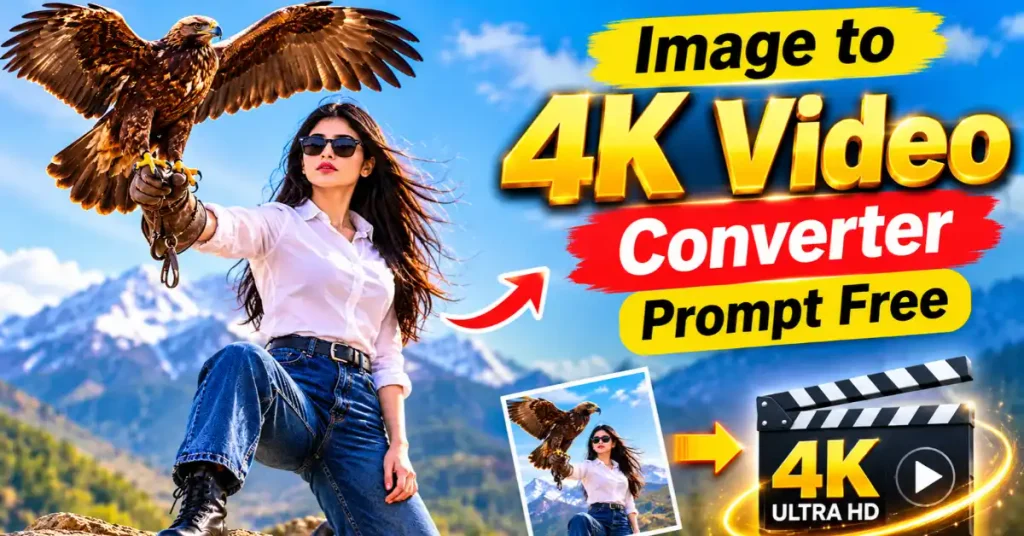
Image to 4k Video Converter Prompt Free
- AI Mobile Wallpapers Free
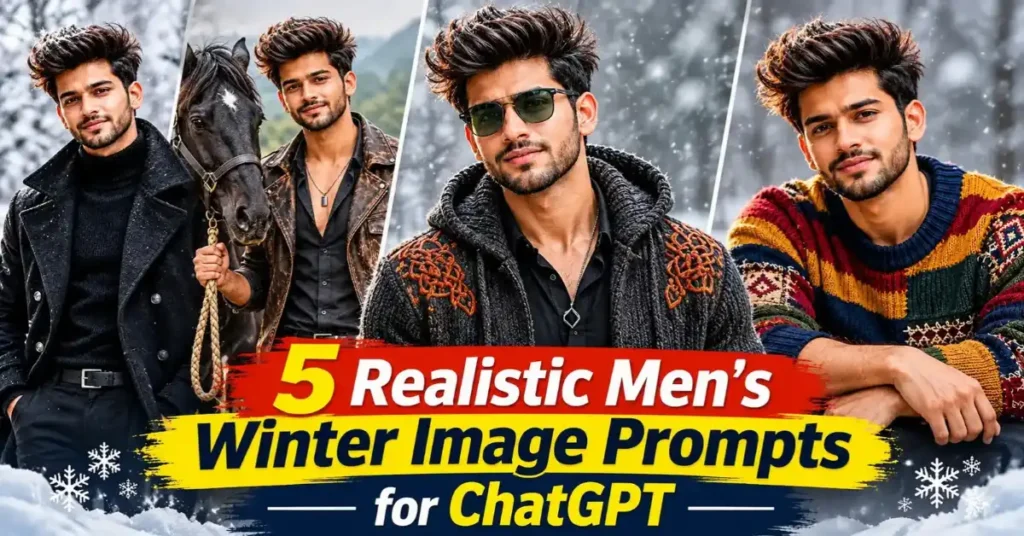
5 Realistic Men’s Winter Image Prompts for ChatGPT (Free & Easy)
- Action Picture Generate Prompts
7 Ultimate Tips for Creating the Perfect New Photo Image Prompt for Men
How to use this prompt
- Press Copy prompt to copy the full prompt.
- Open ChatGPT and start a new image.
- Paste the prompt and set the aspect ratio to 1:1 (1024×1024).
- Generate, then adjust a few words to make it your own.
More prompts like this
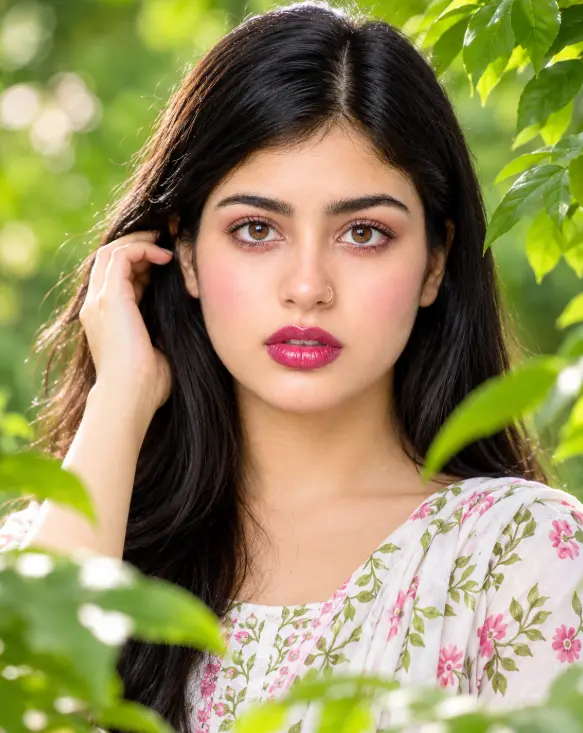
Girl ultra-realistic DSLR portrait prompt (opens in a new tab)
photoeditprompts.in
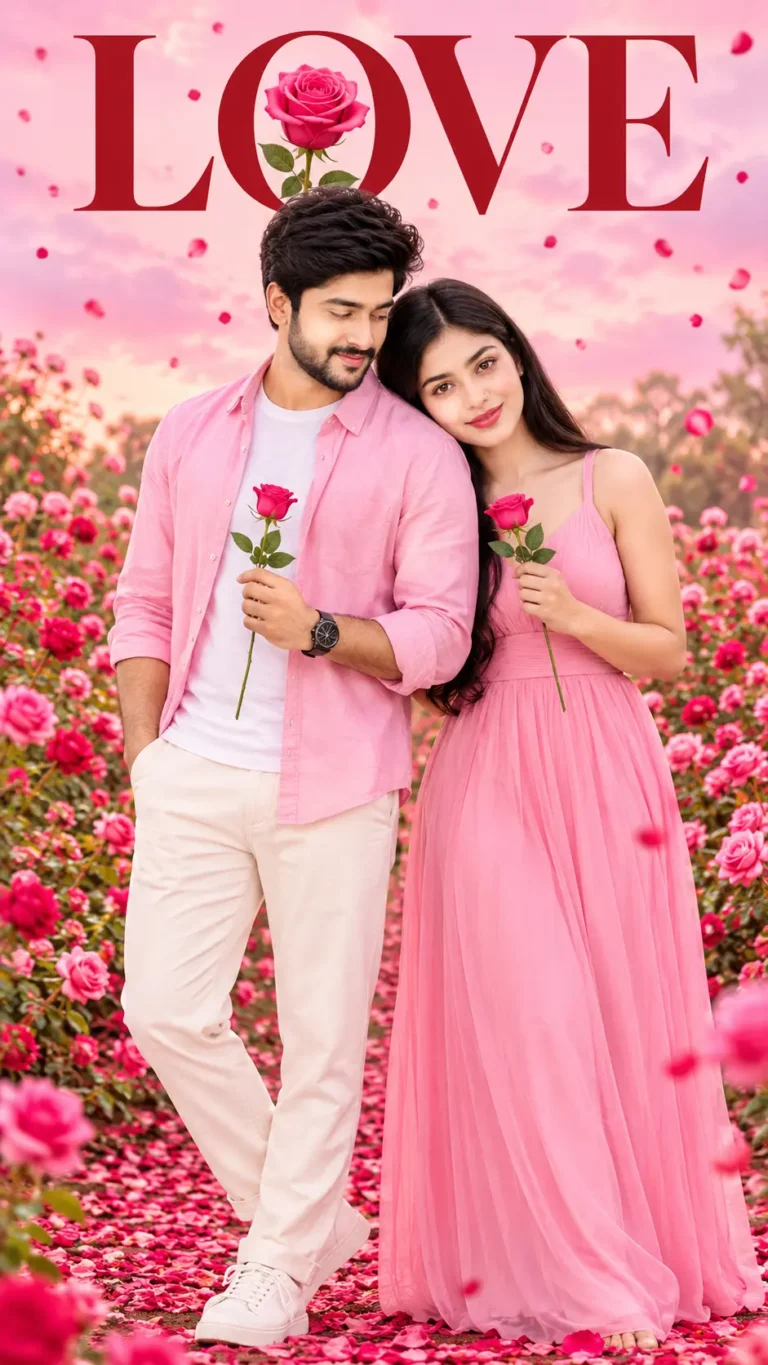
Romantic Pink Rose Garden Couple Photo Editing Prompt (opens in a new tab)
photoeditprompts.in
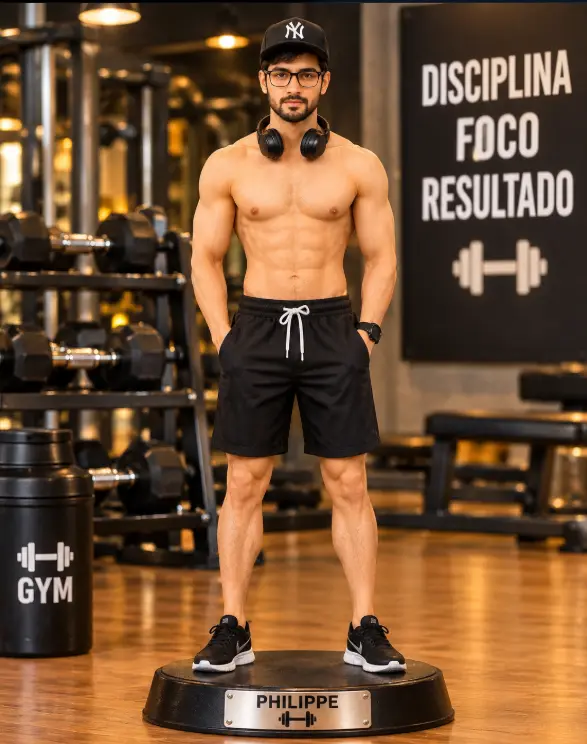
Gym Miniature Figurine AI Photo Prompt (opens in a new tab)
photoeditprompts.in
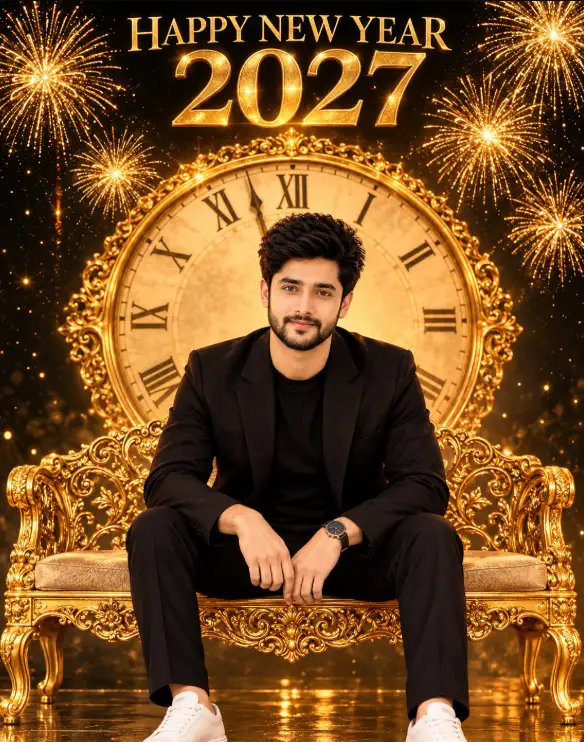
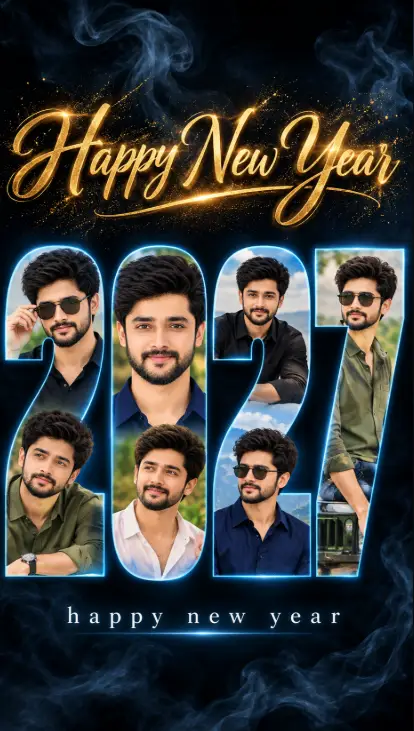
New Year 2027 AI Photo Prompt (opens in a new tab)
photoeditprompts.in
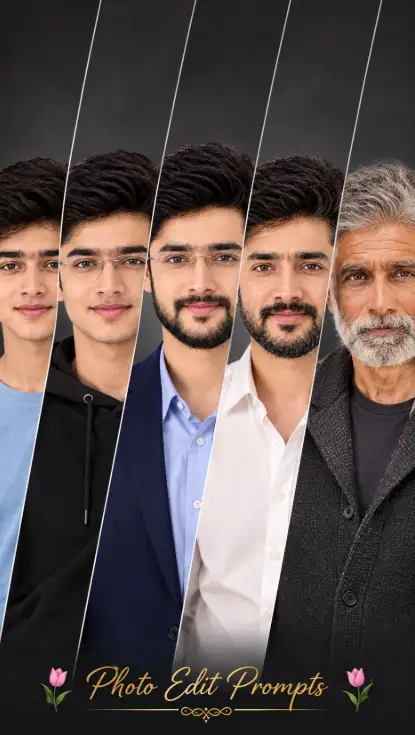
AI Age Progression Photo Prompt (opens in a new tab)
photoeditprompts.in
Prompt for ultra-realistic premium cinematic photo collage poster (opens in a new tab)
photoeditprompts.in
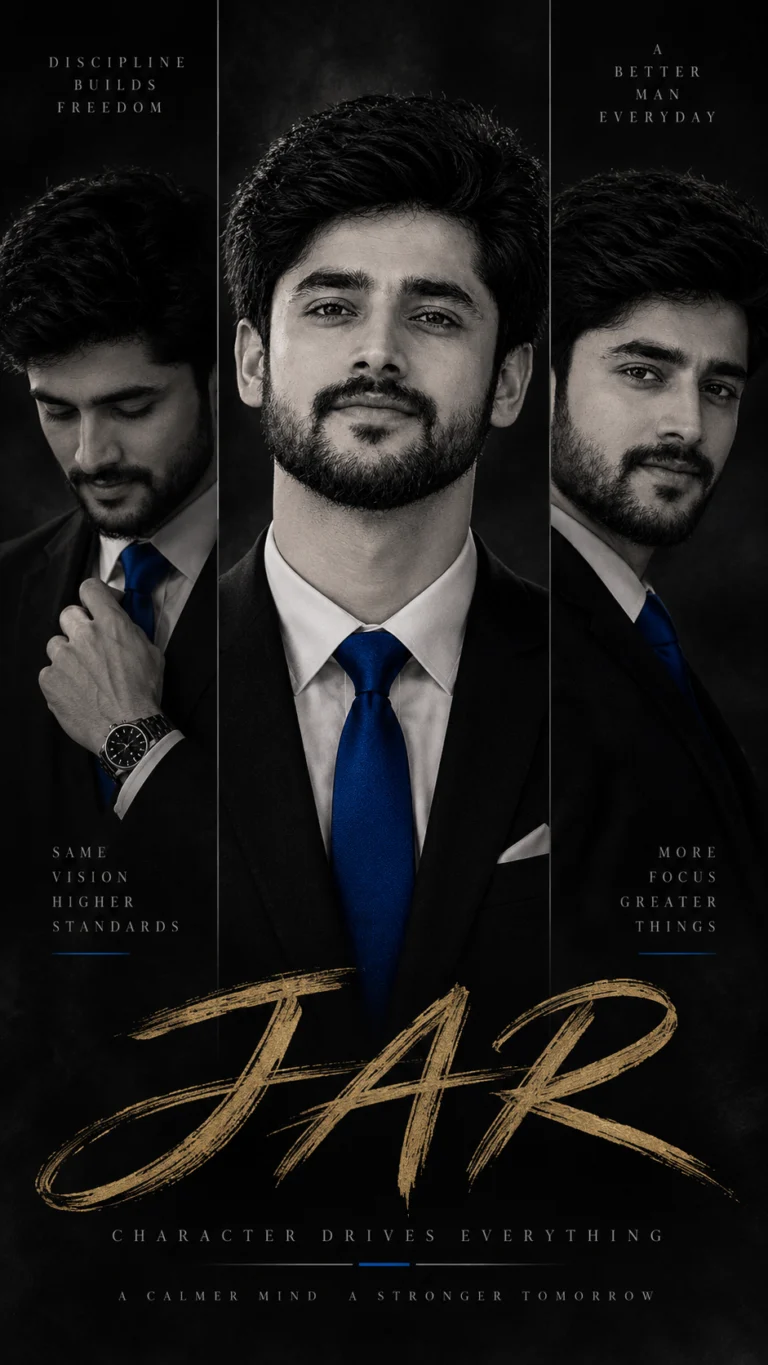
Discipline Motivational Poster Prompt for Gemini AI (opens in a new tab)
photoeditprompts.in
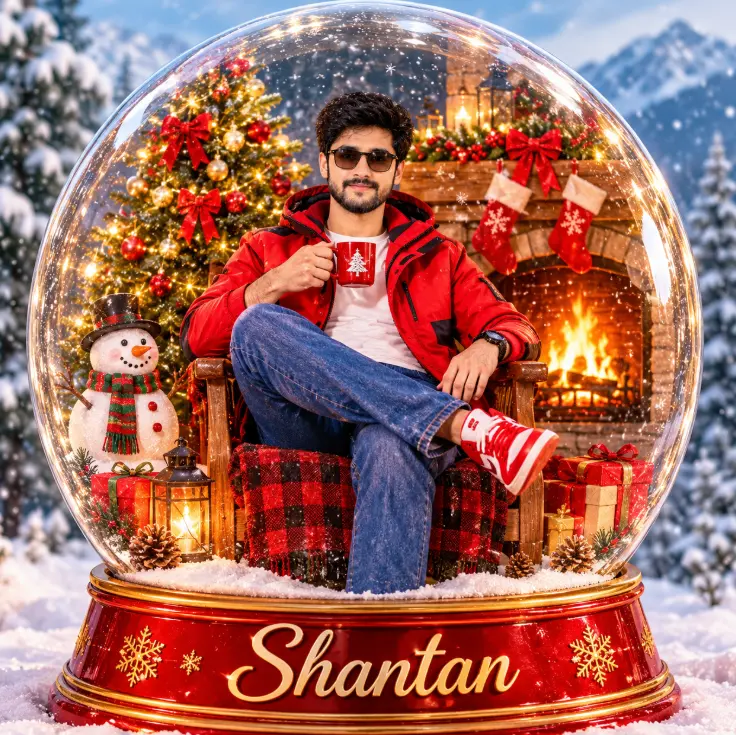
Christmas Snow Globe AI Prompt with Name | Gemini Christmas Portrait (opens in a new tab)
photoeditprompts.in