Create Drone Shot Movie Using Grok Ai Video Creator (8K Cinematic Guide)
Grok Ai Video Creator: Have you ever imagine-you want to create drone shot realistic 8K movie,
but you don’t have a drone, or a big budget and your’s plan get stopped here.
But Using Grok Ai Video Creator, anyone can create the hyper-realistic videos within 1 minutes.
Are you ready for aerial shooting or experience the new video editing skills like a pro videographer.
Well, here’s the twist—you don’t need any expensive camera to buy or buy a video editing course.
Thanks to the rising wave of AI filmmaking, and your cinematic dreams are now in your finger tips.
Let’s drive into the real world of Grok video creation and grab the attention in social media without ultra HD videos.
How to Create 8K Drone Shot Movie Using Grok Ai Video Creator?
Nowadays, Grok HD Video Creator has changed the techniques of cinematography and the drone-style filmmaking is more easy for everyone.
Let’s now craft visually stunning, and artistically real cinematic videos within a few seconds.
It’s powered by AI that’s blended with precision and creatively enhanced for next-level realism.
Professional filmmakers and digital creators are using the Grok Ai and they never going to reveal the prompts or the technique of writing the prompts with anyone.
But this blog will reveal the prompt and the steps one by one that will give you the perfect drone shot video without paying zero money.
Prompt
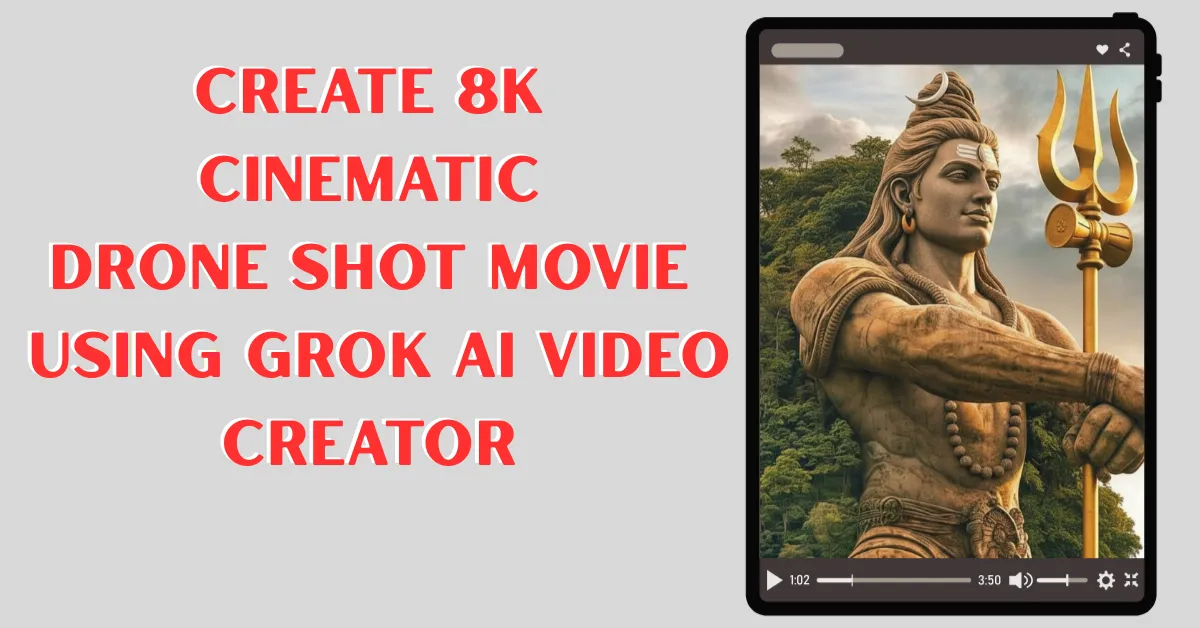
Ultra-realistic, cinematic FPV flying through the ancient India old temple racing over waterfall and plains, diving through fortified gates, weaving past sandstone temples, bustling markets, elephants, and palace courtyards, then spiraling above massive citadels and get camera stable in front of statue of Shiva ( given as reference and do not change the facial features).Fast-paced, golden light, rich textures, dust in the air, epic scale, 4K aesthetic
Tips for Grok Ai Video Creator
From a creator’s lens, the ability to shoot “impossible” scenes gives unmatched freedom.
By comparison, using real drones requires permits, weather stability, batteries, and added costs.
- First of all open the Grok website.
- Now login with gmail account
- Click on Image Create button
- After that, from this page copy the prompt and paste it Grok website on prompt area
- Click on run button and the Grok will create the drone or FPV video shoot within a few seconds.
- Download and edit in VN editor with music
- Finally, you video is ready to boom in social media or youtube.
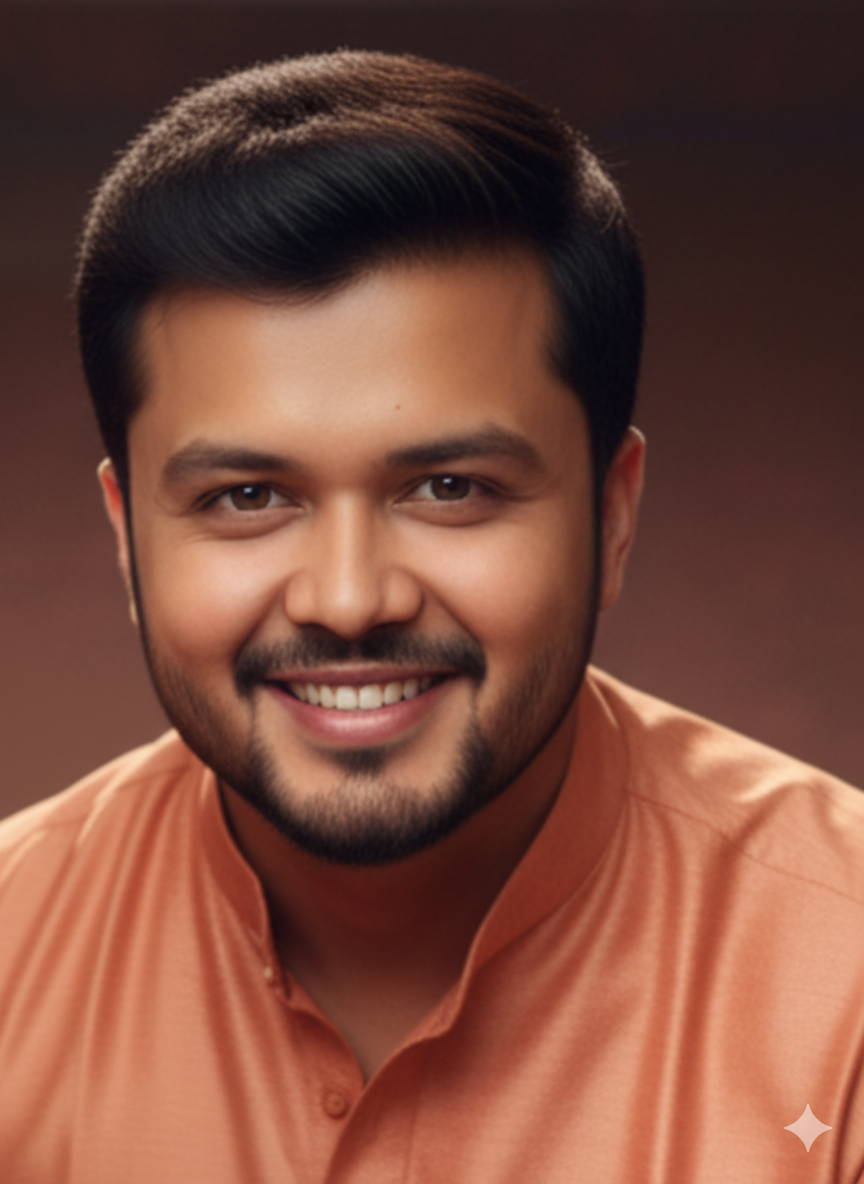
Note that, you need a image for create the “Grok Ai Video” and you get that from the given group.
On the bright side, Grok AI is built for extremely high-quality rendering.
Needless to say, 8K is the sweet spot for YouTube, films, and promos.
Conclusion
Finally, we can wrap this blog with a new drone movie making ai ideas and now, you want to Create Drone Shot Movie Using Grok Ai Video Creator (Realistic 8K).
This blog is the gateway of unlimited creative possibilities and more engagement visuals making tips.
Hope now you can do the artistically crafted videos using Grok and Gemini Ai.
The story doesn’t end here. And beyond that, every new prompt you write brings another cinematic world to life.
If you’re ready to transform your filmmaking journey, Grok Ai Video Creator is your new secret weapon.
FAQs
Can Grok Video Creator make drone-style videos without a real drone?
Yes, it can generate realistic drone-style shots using AI.
Is the output really 8K quality?
Absolutely—Grok AI supports ultra-high-resolution rendering.
Can beginners use Grok Ai Video Creator?
Yes, it’s designed to be user-friendly and fast for everyone.
How long does it take to create a drone movie?
Usually just a few seconds to a few minutes, depending on length.
Is Grok Ai Video Creator good for YouTube videos?
Yes, creators use it for intros, cinematic cuts, and short films.

Leave a Reply