- Attitude
- Cinematic
- Social Media
- ChatGPT
- Gemini
- Google Flow Ai
- Ideogram
- Kling
- Leonardo
- Midjourney
- Nano Banana
- Sora
LEO Style Snow Cinematic AI Prompt
By photoeditprompts.in · Updated November 23, 2026
Prompt
0
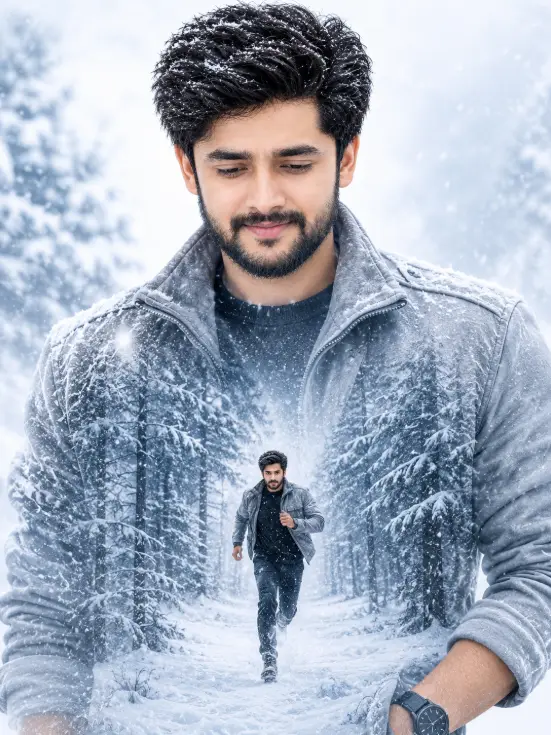
Create an ultra-realistic, high-resolution cinematic poster in the style of LEO. A man with messy, slightly long black hair and a trimmed beard looks down calmly, standing in a cold snowy environment. He is wearing a light gray winter jacket with his sleeves slightly rolled up, and one hand casually placed in his pocket while the other is partly visible. His face and hair have a frosty touch, as if dusted with snow. The background is bright white with soft blue-gray shadows, giving a cold and peaceful tone. A double exposure effect merges his torso with a snowy forest pathway where a smaller version of him is seen running through the trees. No red wax logo or any text at the bottom. The entire composition should be ultra-detailed, cinematic, realistic, and atmospheric — perfectly balanced lighting, soft tones, and sharp textures exactly like a professional movie poster. Make sure the 100% face of Uploaded image.
Hashtags
- Occasion
- AttitudeCinematicSocial Media
- Aspect ratio
- 1:1 (1024×1024)1200×10001200×6281920×1080 (16:9)4:5 (1080×1350)9:16 (1080×1920)
- Quality
- 1080p4K8K
- Prompt type
- Direct prompt
You may also read
More articles →- AI Cineatic 8K Video Prompt
Image to 4k Video Converter Prompt Free
- AI Mobile Wallpapers Free
5 Realistic Men’s Winter Image Prompts for ChatGPT (Free & Easy)
- Action Picture Generate Prompts
7 Ultimate Tips for Creating the Perfect New Photo Image Prompt for Men
- AI Photo Edit
5 Best New Year 2027 Image Prompts for Man
How to use this prompt
- Press Copy prompt to copy the full prompt.
- Open ChatGPT and start a new image.
- Paste the prompt and set the aspect ratio to 1:1 (1024×1024).
- Generate, then adjust a few words to make it your own.
More prompts like this
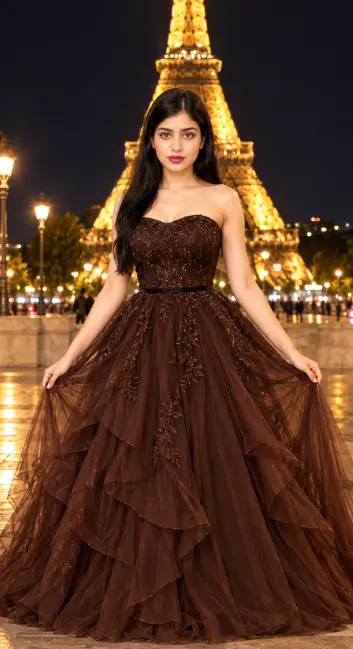
Eiffel Tower Night Photoshoot AI Prompt in 4K DSLR Realistic Style (opens in a new tab)
photoeditprompts.in
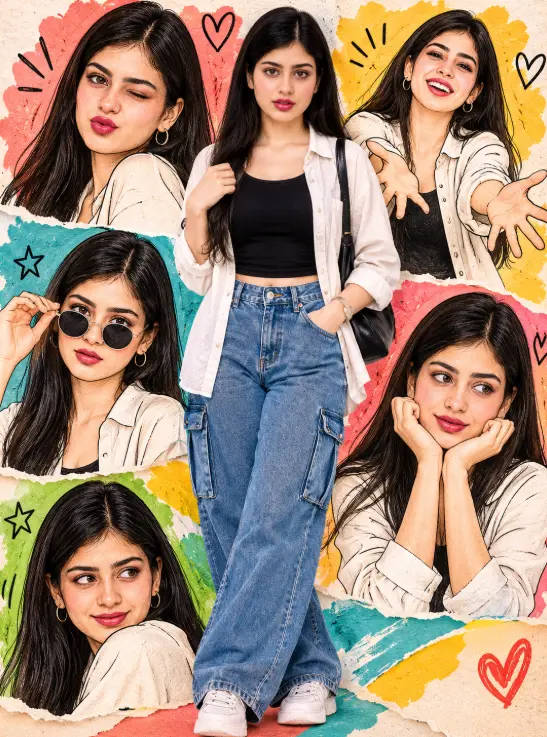
AI Scrapbook Portrait Prompt (opens in a new tab)
photoeditprompts.in
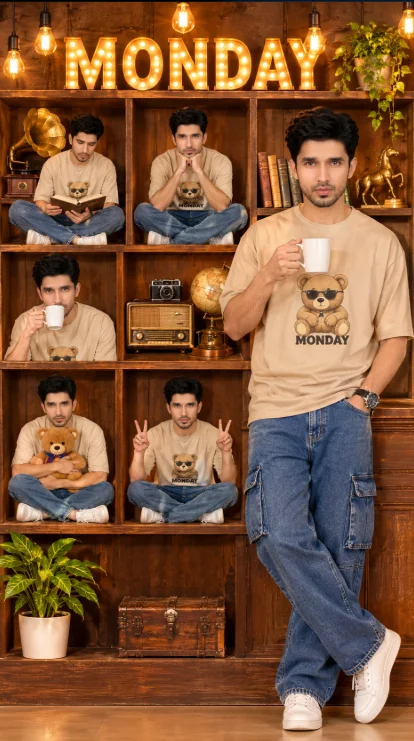
Monday Teddy Bear Café AI Photo Prompt (opens in a new tab)
photoeditprompts.in
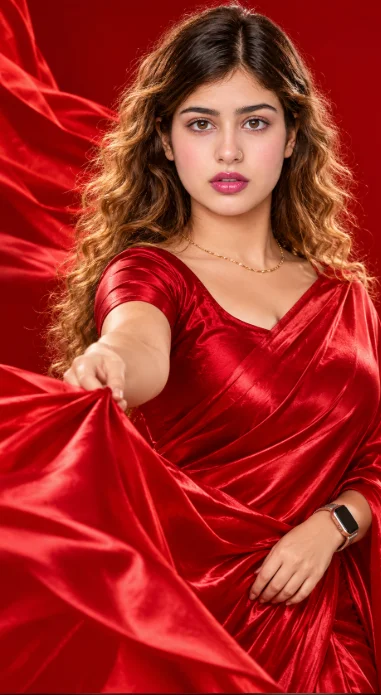
Crimson Elegance: A Cinematic Red Saree Portrait with Modern Flair (opens in a new tab)
photoeditprompts.in
Krishna Name Art in 3D Golden Calligraphy Prompt (opens in a new tab)
photoeditprompts.in
Cinematic Graphic Novel Portrait Prompt for AI Photo Editing (opens in a new tab)
photoeditprompts.in
Man cinematic composition winter image prompt (opens in a new tab)
photoeditprompts.in
Movie-poster style man image prompt (opens in a new tab)
photoeditprompts.in