- Attitude
- Cinematic
- Social Media
- ChatGPT
- Gemini
- Google Flow Ai
- Ideogram
- Kling
- Leonardo
- Midjourney
- Nano Banana
- Sora
Cinematic Graphic Novel Portrait Prompt for AI Photo Editing
By photoeditprompts.in · Updated November 20, 2026
Prompt
0
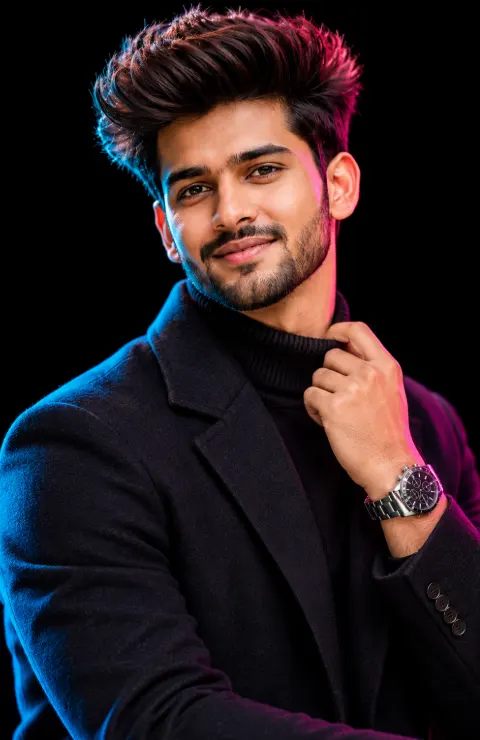
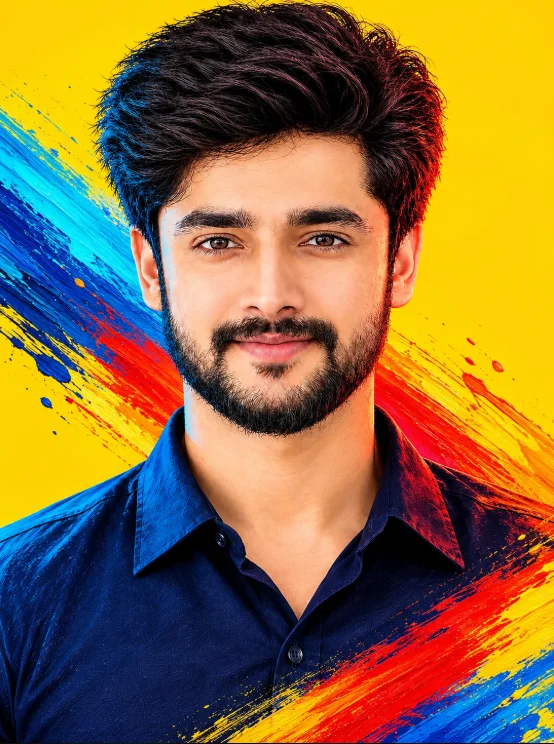
Create an ultra-realistic, cinematic mixed-media portrait using the attached photograph as the exact identity reference. Transform the image into a premium contemporary graphic-novel artwork while maintaining realistic human features, natural skin texture, and a sophisticated cinematic photographic appearance. IDENTITY PRESERVATION:\
Preserve the person's exact recognizable facial identity, facial structure, natural skin tone, hairstyle, facial hair, age, expression, and defining characteristics. Do not reshape, beautify, or artificially alter the face. Maintain natural human proportions and realistic facial details. ARTISTIC STYLE:\
Create a striking fusion of ultra-realistic cinematic portrait photography and expressive contemporary comic-book painting. – Highly realistic facial anatomy and natural skin texture.
– Fine, sharp ink-inspired outlines around selected facial and clothing details.
– Subtle painterly brush textures blended naturally into the portrait.
– Rich, saturated colors with realistic tonal depth.
– Sophisticated graphic-novel illustration influences without making the face look cartoonish.
– Cinematic contrast with deep shadows and controlled highlights.
– Premium editorial artwork with a realistic, handcrafted finish. CINEMATIC LIGHTING & COLOR:\
Use dramatic cinematic lighting with subtle electric-red highlights on one side and vivid cyan-blue reflections on the opposite side. Maintain natural skin tones beneath the colored lighting. Add dimensional shadows, realistic light falloff, and subtle atmospheric color reflections. COMPOSITION:\
Create a dramatic close-up portrait from a slightly low camera angle. The subject should look directly towards the camera with a confident, commanding expression. Keep the head and upper torso prominently framed with natural proportions. WARDROBE & DETAILS:\
Preserve the original clothing and accessories from the reference photograph unless otherwise specified. Add realistic fabric texture, natural folds, fine details, and subtle cinematic light reflections. BACKGROUND:\
Maintain a perfectly clean, uncluttered, solid golden-yellow background. Keep the background bright, smooth, and consistent without patterns, objects, scenery, or unnecessary visual elements. **DYNAMIC COLOR PAINTBRUSH EFFECT:**\
Introduce a dramatic, artistic paintbrush stroke sweeping diagonally across the composition from the bottom-right corner towards the top-left corner. – Make it look like real thick acrylic paint dragged across a smooth surface using a wide artist's brush.
– Use vibrant electric blue, cyan, vivid red, orange, and subtle golden-yellow paint tones.
– Create visible individual brush bristles, textured paint ridges, layered pigment, and naturally uneven edges.
– Let the paint appear freshly dragged, with realistic streaks, fine splatters, and subtle paint separation.
– Blend the brushstroke naturally into the overall composition while maintaining a strong diagonal movement.
– Keep the person's face completely unobstructed and clearly visible.
– Preserve the clean golden-yellow background in all areas not covered by the brushstroke. FINAL QUALITY:\
Ultra-realistic cinematic digital artwork, premium graphic-novel editorial aesthetic, professional color grading, realistic skin details, expressive painterly textures, dramatic lighting, sharp focus, rich tonal depth, 4K-quality finish. No text, no lettering, no typography, no watermarks, no logos.
Hashtags
- Occasion
- AttitudeCinematicSocial Media
- Aspect ratio
- 1:1 (1024×1024)1200×10001200×6281920×1080 (16:9)4:5 (1080×1350)9:16 (1080×1920)
- Quality
- 1080p4K8K
- Prompt type
- Direct prompt
You may also read
More articles →- AI Cineatic 8K Video Prompt
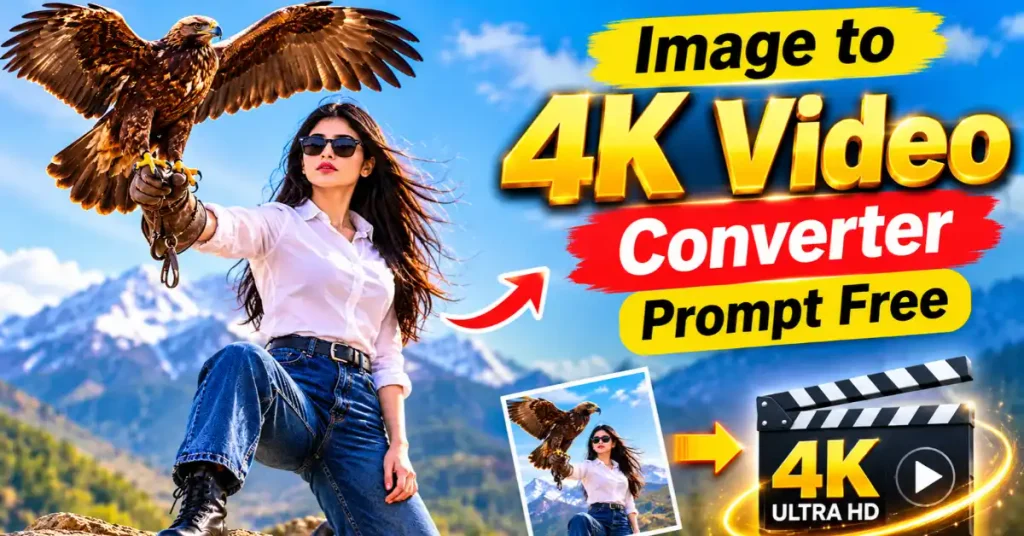
Image to 4k Video Converter Prompt Free
- AI Mobile Wallpapers Free
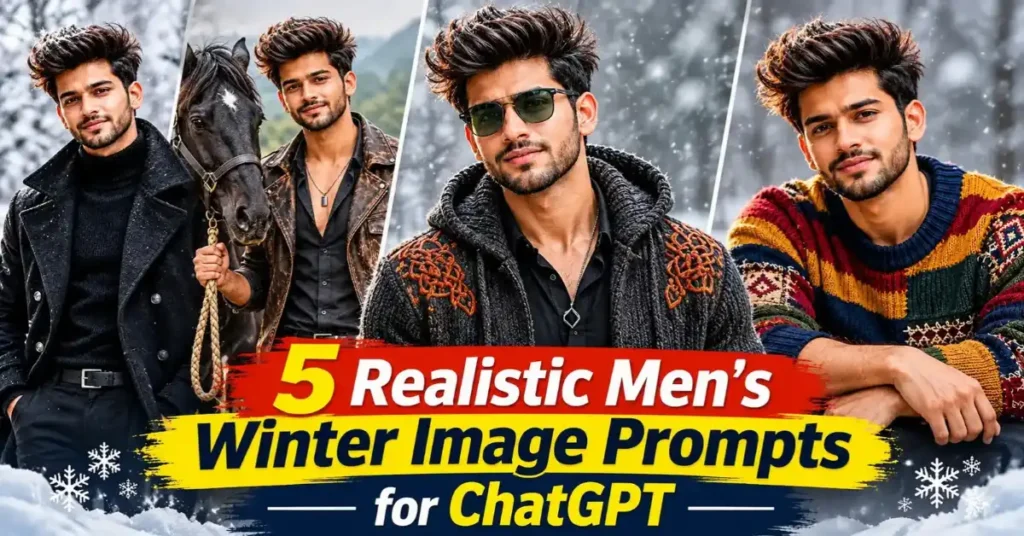
5 Realistic Men’s Winter Image Prompts for ChatGPT (Free & Easy)
- Action Picture Generate Prompts
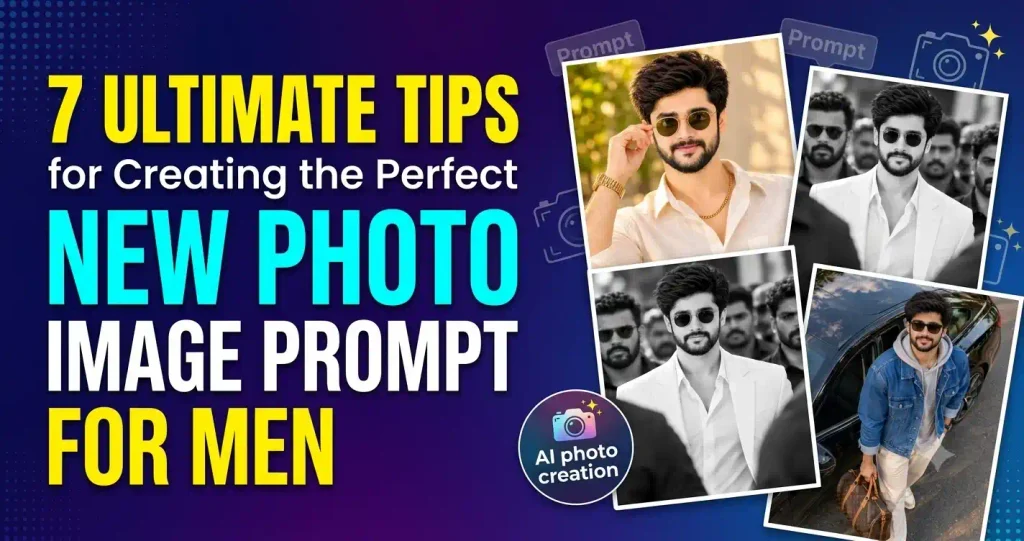
7 Ultimate Tips for Creating the Perfect New Photo Image Prompt for Men
- AI Photo Edit
5 Best New Year 2027 Image Prompts for Man
How to use this prompt
- Press Copy prompt to copy the full prompt.
- Open ChatGPT and start a new image.
- Paste the prompt and set the aspect ratio to 1:1 (1024×1024).
- Generate, then adjust a few words to make it your own.
More prompts like this
Man cinematic composition winter image prompt (opens in a new tab)
photoeditprompts.in
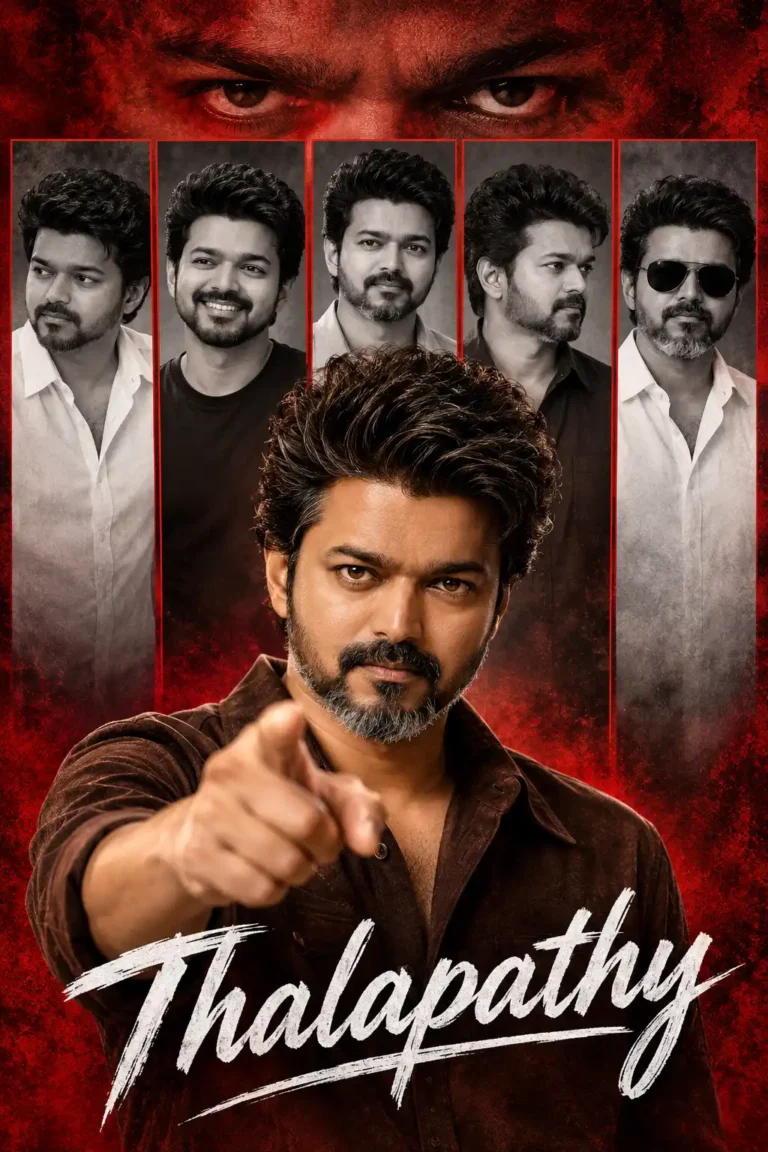
Movie-poster style man image prompt (opens in a new tab)
photoeditprompts.in
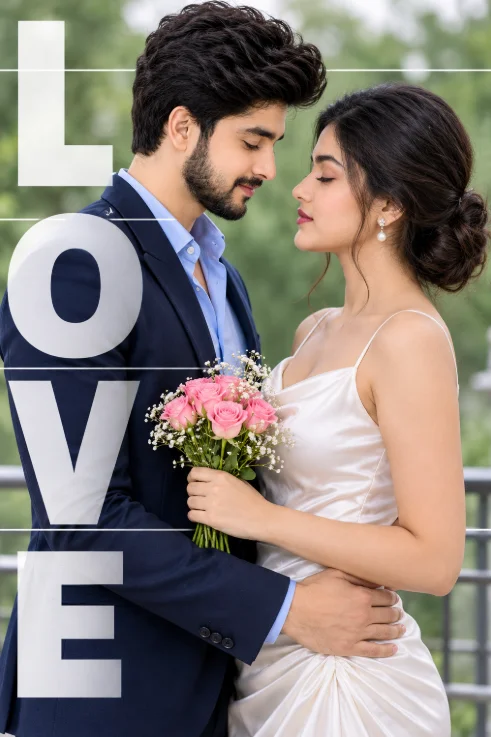
Romantic Couple AI Photo Prompt for a Cinematic LOVE Portrait (opens in a new tab)
photoeditprompts.in
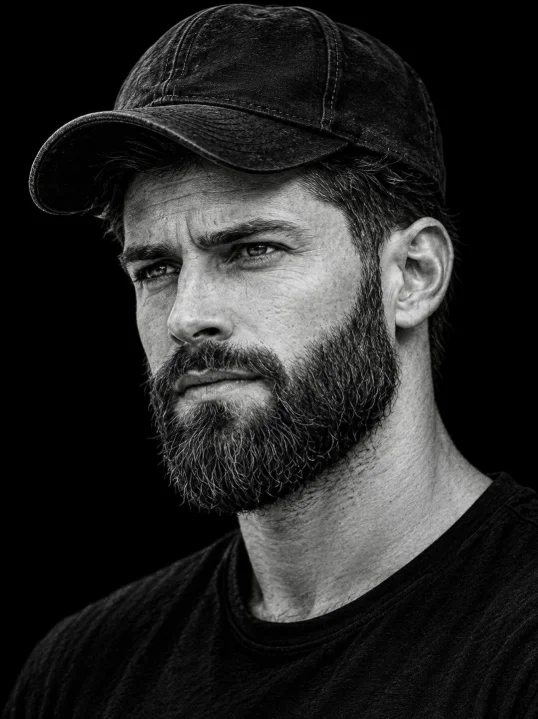
Rugged B&W Portrait Prompt (opens in a new tab)
photoeditprompts.in
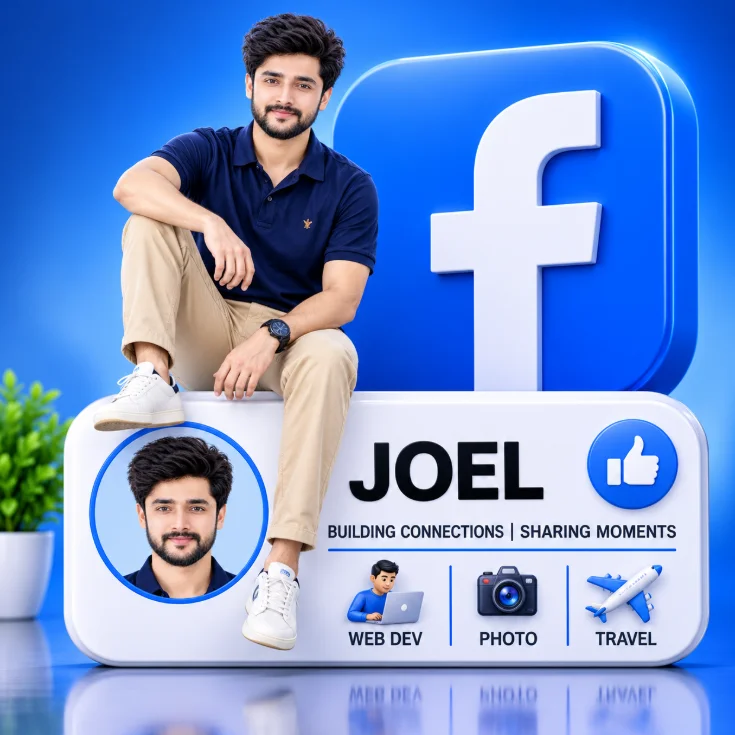
Man 3D rendered social media profile prompt (opens in a new tab)
photoeditprompts.in
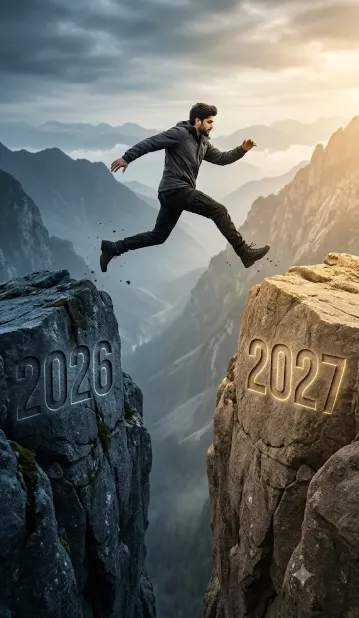
Man hyper-realistic cinematic action photograph 2027 (opens in a new tab)
photoeditprompts.in
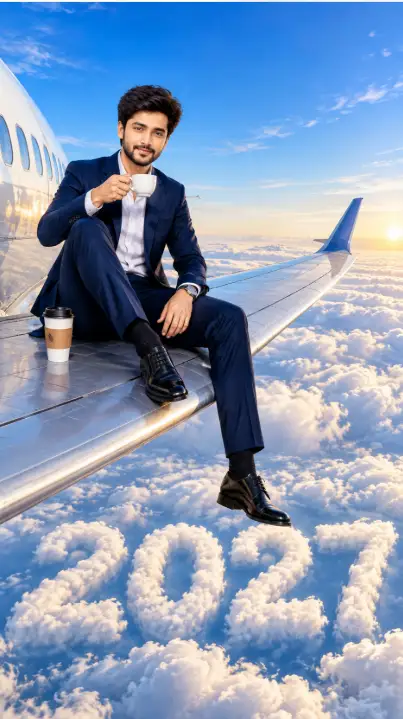
Businessman’s Morning Coffee Meets the Clouds of 2027 (opens in a new tab)
photoeditprompts.in
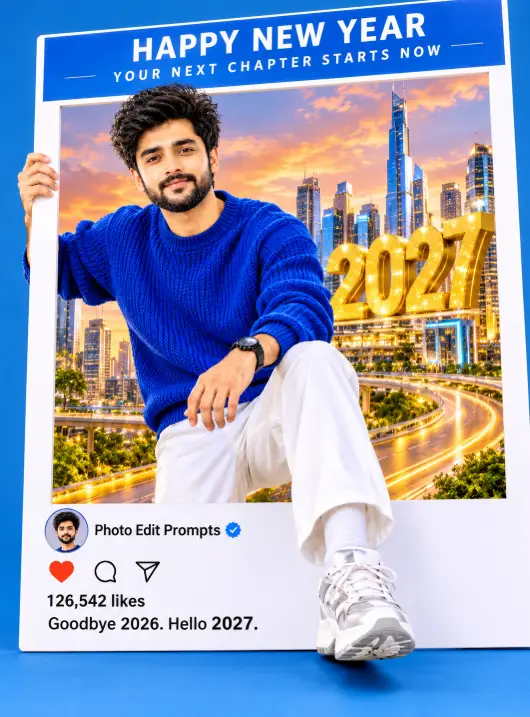
New Year 2027: Surreal Fashion Editorial & Blue Sweater Style (opens in a new tab)
photoeditprompts.in