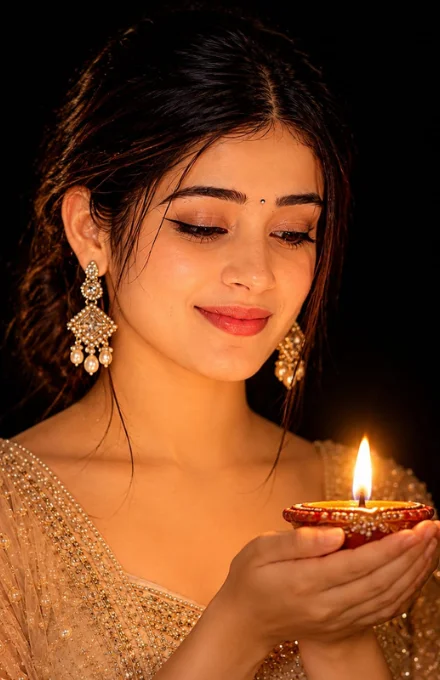
Girl’s diwali image prompt
By photoeditprompts.in · Updated November 7, 2026
Prompt
0
Use the uploaded reference image as the exact facial reference. Preserve the girl's face exactly as it is, without changing her facial features, identity, skin texture, expression, or natural appearance. Create a realistic side-angle portrait of the same girl, with both hands gently held together while holding a traditional, burning Diwali diya. She should be looking down towards the diya with a natural, peaceful expression. The warm golden light emitted by the burning diya should illuminate her face beautifully, making her facial features clearly visible and naturally glowing. The diya light should be the only light source in the scene. Keep the girl's body, clothing, and the entire background almost completely dark, with deep black shadows. No additional lighting, bright background elements, or distracting objects. Create a dramatic contrast between the softly illuminated face and the surrounding darkness. Photography style: Ultra-realistic natural photography, authentic diya flame, realistic warm light reflections on the face, detailed facial texture, natural shadows, cinematic low-key lighting, and professional portrait photography. Important: Do not alter the original face. Maintain the same facial identity. The final image must look like a genuine photograph, not an AI-generated or digitally painted image.
Hashtags
- Aspect ratio
- 1:1 (1024×1024)1200×6281920×1080 (16:9)4:5 (1080×1350)9:16 (1080×1920)
- Quality
- 1080p4K8K
- Prompt type
- Direct prompt
You may also read
More articles →- AI Cineatic 8K Video Prompt
Image to 4k Video Converter Prompt Free
- AI Mobile Wallpapers Free
5 Realistic Men’s Winter Image Prompts for ChatGPT (Free & Easy)
- Action Picture Generate Prompts
7 Ultimate Tips for Creating the Perfect New Photo Image Prompt for Men
- AI Photo Edit
5 Best New Year 2027 Image Prompts for Man
How to use this prompt
- Press Copy prompt to copy the full prompt.
- Open ChatGPT and start a new image.
- Paste the prompt and set the aspect ratio to 1:1 (1024×1024).
- Generate, then adjust a few words to make it your own.
More prompts like this
Cinematic Graphic Novel Portrait Prompt for AI Photo Editing (opens in a new tab)
photoeditprompts.in
Man cinematic composition winter image prompt (opens in a new tab)
photoeditprompts.in
Movie-poster style man image prompt (opens in a new tab)
photoeditprompts.in
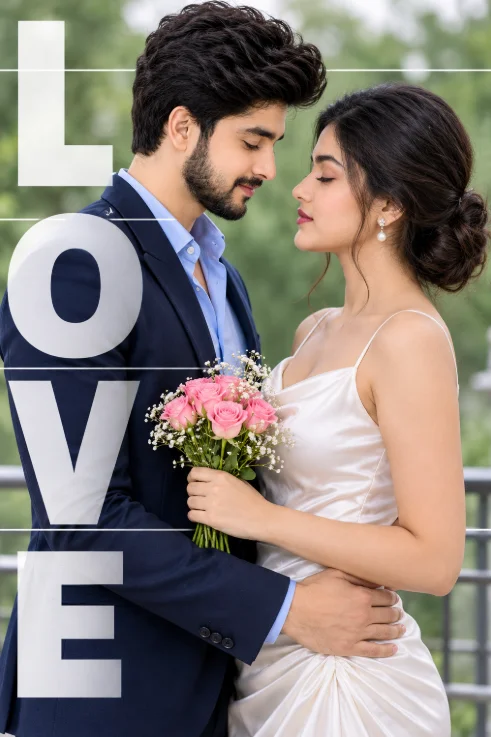
Romantic Couple AI Photo Prompt for a Cinematic LOVE Portrait (opens in a new tab)
photoeditprompts.in
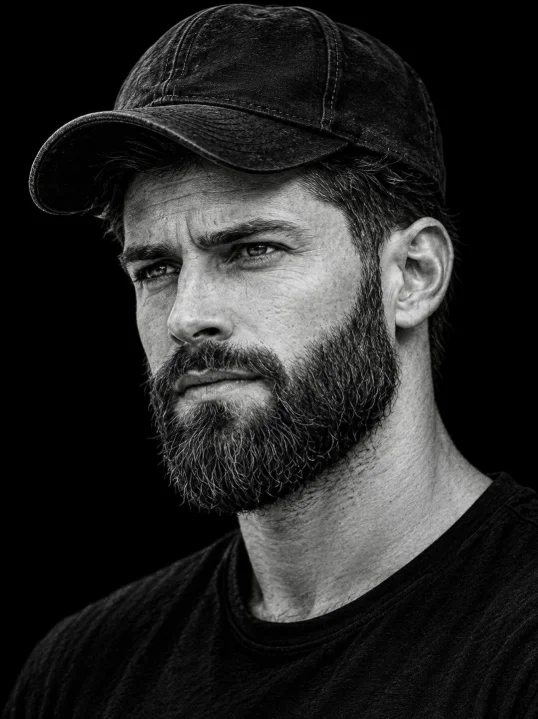
Rugged B&W Portrait Prompt (opens in a new tab)
photoeditprompts.in
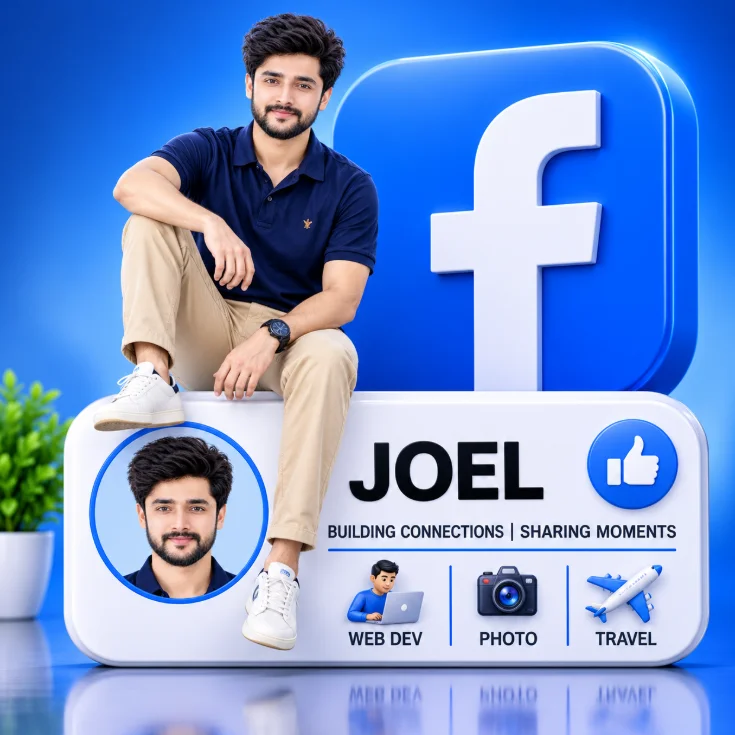
Man 3D rendered social media profile prompt (opens in a new tab)
photoeditprompts.in
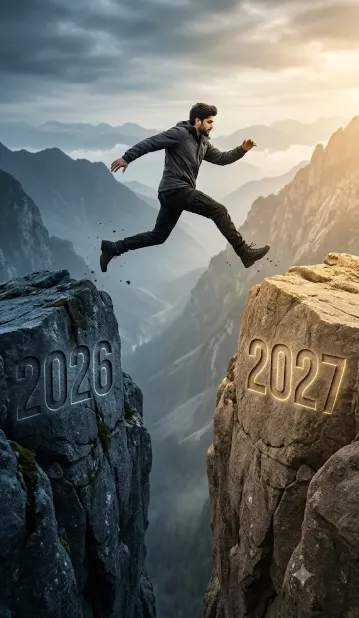
Man hyper-realistic cinematic action photograph 2027 (opens in a new tab)
photoeditprompts.in
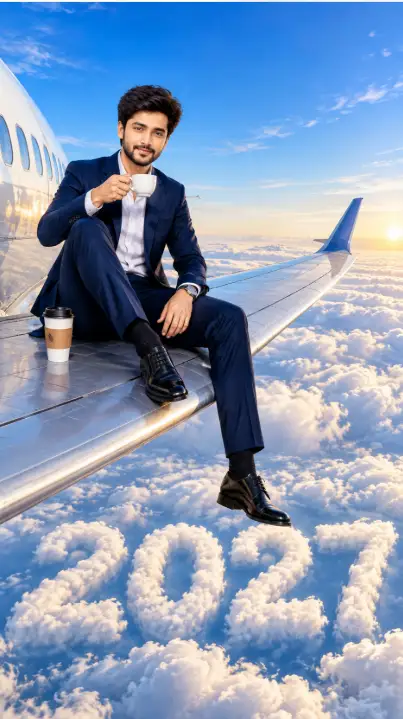
Businessman’s Morning Coffee Meets the Clouds of 2027 (opens in a new tab)
photoeditprompts.in