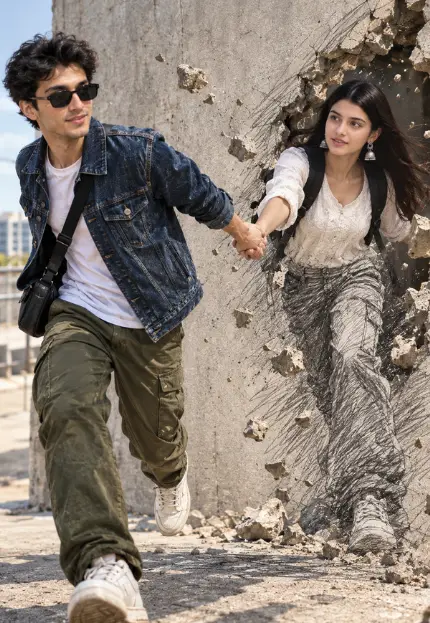
3D Art Pencil Sketch Girlfriend Coming to Life Prompt
By photoeditprompts.in · Updated October 28, 2026
Prompt
0
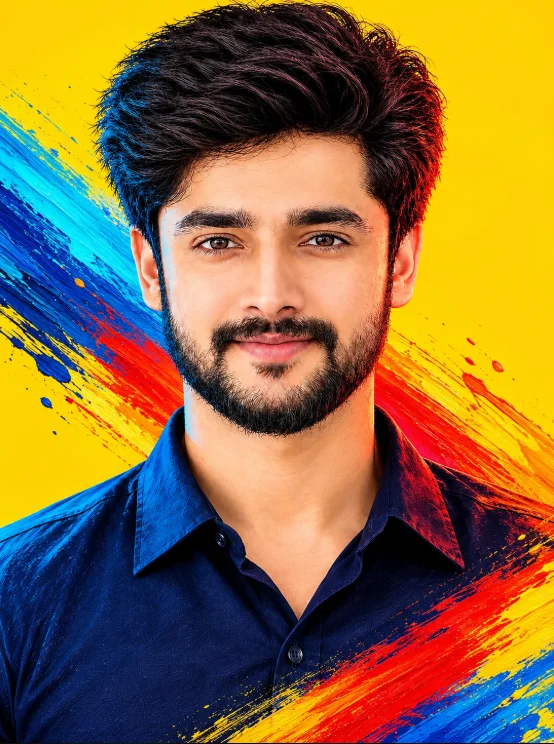
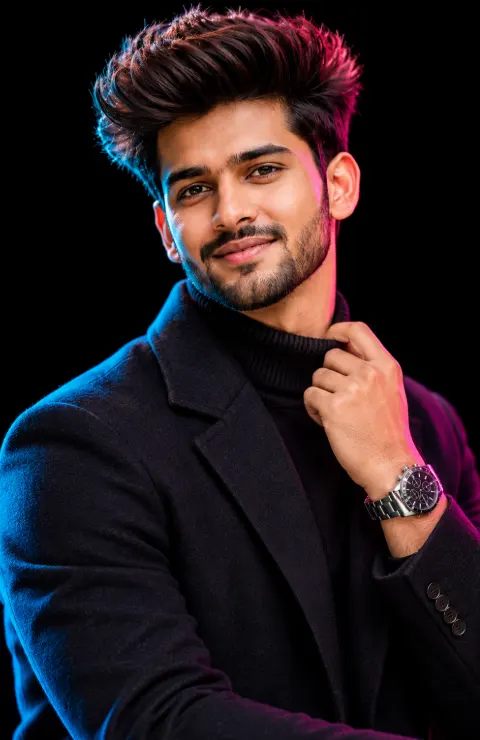
**A hyper-realistic, cinematic shot of a young man (100% same facial features from this image 1) on the left side of the frame, stepping out of a concrete wall. He has messy dark hair, a light stubble beard, and is wearing black rectangular sunglasses. He is moving forward dynamically toward the left, looking back over his left shoulder toward the right, and extending his right arm backward to naturally catch and hold the hand of a girl (100% same facial features from this image 2). He is wearing a dark blue denim jacket over a white t-shirt, olive green cargo pants, white sneakers, and a black crossbody bag. On the right side of the frame, the second figure is his girlfriend, emerging from a jagged, broken hole in the concrete wall, showing a surreal transition from a pencil sketch into real life. Her lower body and legs are a highly detailed graphite and charcoal pencil drawing, but from her face down to her breast area, she is already fully converted into hyper-realistic, natural DSLR photography with real skin textures, wearing a matching casual outfit. The girlfriend is holding the real man's hand naturally, with one foot stepping out of the wall, breaking the fourth wall. Pieces of concrete rubble are flying in the air around the hole. Visible pencil cross-hatching and sketch lines radiate from her lower drawn body onto the wall, with a clear visual transition line where the pencil art turns into real-life photography. Bright natural daylight, sharp shadows on the ground, highly detailed, photorealistic mixed with 2D pencil art, 8k resolution. –ar 3:4**
Hashtags
- Occasion
- ArtLife Style
- Aspect ratio
- 1:1 (1024×1024)1200×10001200×6281920×1080 (16:9)4:5 (1080×1350)9:16 (1080×1920)
- Prompt type
- Direct prompt
You may also read
More articles →- AI Cineatic 8K Video Prompt
Image to 4k Video Converter Prompt Free
- AI Mobile Wallpapers Free
5 Realistic Men’s Winter Image Prompts for ChatGPT (Free & Easy)
- Action Picture Generate Prompts
7 Ultimate Tips for Creating the Perfect New Photo Image Prompt for Men
- AI Photo Edit
5 Best New Year 2027 Image Prompts for Man
How to use this prompt
- Press Copy prompt to copy the full prompt.
- Open ChatGPT and start a new image.
- Paste the prompt and set the aspect ratio to 1:1 (1024×1024).
- Generate, then adjust a few words to make it your own.
More prompts like this
Cinematic Graphic Novel Portrait Prompt for AI Photo Editing (opens in a new tab)
photoeditprompts.in
Man cinematic composition winter image prompt (opens in a new tab)
photoeditprompts.in
Movie-poster style man image prompt (opens in a new tab)
photoeditprompts.in
Romantic Couple AI Photo Prompt for a Cinematic LOVE Portrait (opens in a new tab)
photoeditprompts.in
Rugged B&W Portrait Prompt (opens in a new tab)
photoeditprompts.in
Man 3D rendered social media profile prompt (opens in a new tab)
photoeditprompts.in
Man hyper-realistic cinematic action photograph 2027 (opens in a new tab)
photoeditprompts.in
Businessman’s Morning Coffee Meets the Clouds of 2027 (opens in a new tab)
photoeditprompts.in