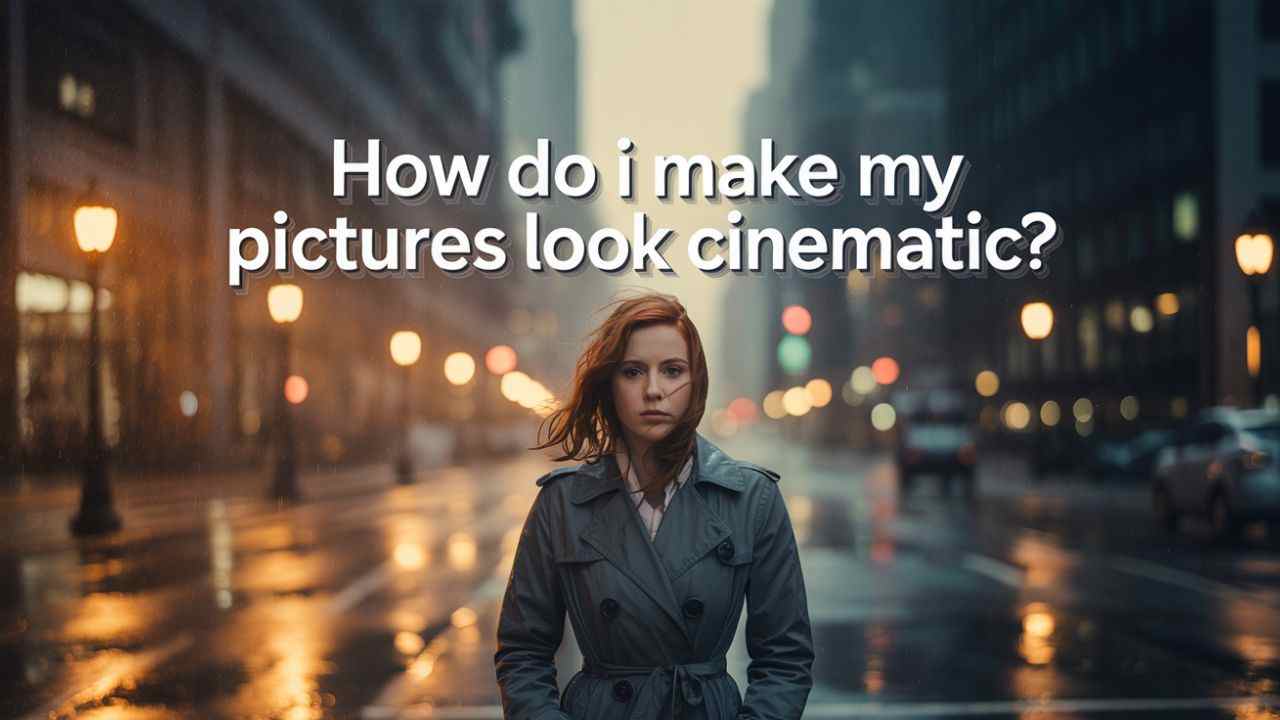
If you’re thinking only a professional photographer can answer “How do I make my pictures look cinematic?”—you’re asking the wrong question.
Nowadays, AI can give you the complete solution without needing expensive gear or editing skills.
A bundle of AI apps and websites can generate realistic masterpieces in seconds.
To be honest, platforms like ChatGPT and Sora AI are creating mind-blowing cinematic designs with just a few prompts.
All you need is a systematic, well-structured prompt—and you’re set!
So, let’s reveal the secrets of cinematic photography prompts—no purchases or complex editing apps required.
Quick Summary
✔ Use ChatGPT cinematic prompts for instant AI-generated cinematic effects.
✔ Apply cinematic photo editing tips (contrast, lighting, color grading).
✔ Try Sora AI for ultra-HD, movie-like visuals.
✔ No expensive tools—just smart AI photo editing techniques.
Also read
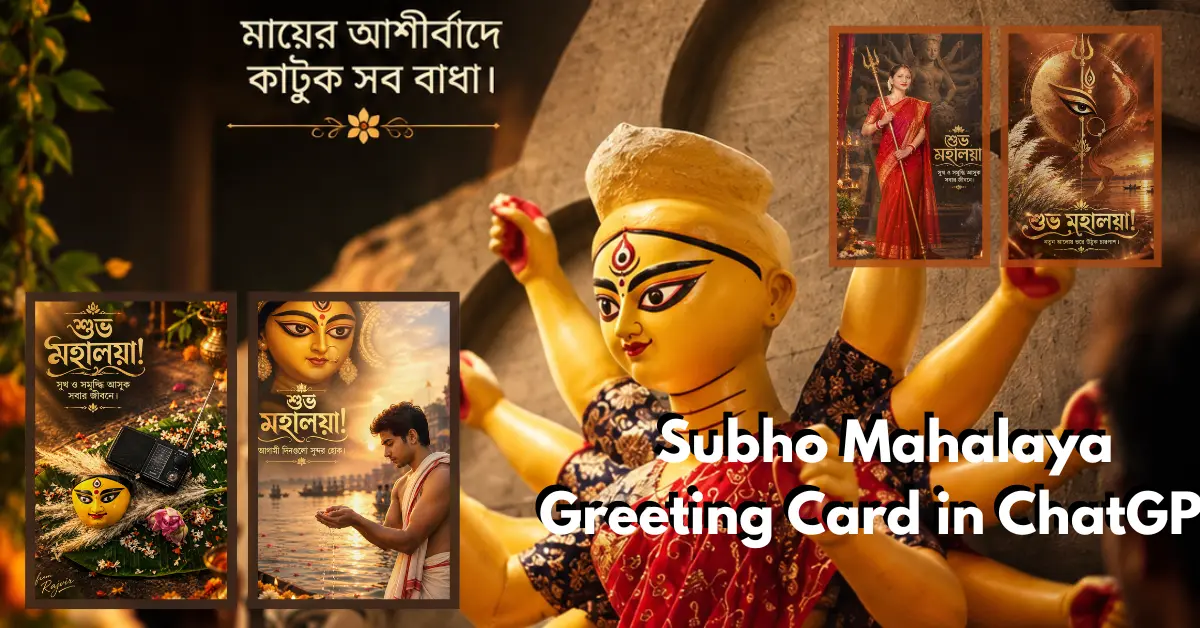
Subho Mahalaya Greeting Card in ChatGPT: Bengali Message Text Prompts (opens in a new tab)
Mahalaya is not an ordinary day, it is a special day, and it is incomplete without a Subho Mahalaya Greeting…
Create Pictures Look Cinematic Using ChatGPT
ChatGPT-5 is coming with even more powerful AI-generated visuals, letting you create viral, cinematic images in minutes.
If you want ultra-HD, hyper-realistic results, feed your prompts into Sora AI—this platform never disappoints.
Many famous YouTubers and content creators use these tools to keep up with social media trends.
Much like a Hollywood color grader, AI can now apply cinematic filters, dynamic lighting, and dramatic shadows with just a text command.
Best ChatGPT Cinematic Prompts to Try:
These editing cinematic photos prompts work like magic, transforming ordinary shots into film-worthy masterpieces.
Cinematic Photo Editing Tips
While AI does the heavy lifting, a few manual tweaks can elevate your images further:
1. Use High Contrast & Shadows
Cinematic visuals thrive on deep blacks and bright highlights—adjust curves for a dramatic look.
2. Apply Color Grading
Warm tones (oranges/teals) mimic Hollywood films. Use split toning in Lightroom for a pro effect.
3. Add Motion Blur (For Dynamic Shots)
If your subject is moving (e.g., a running car), slight motion blur enhances realism.
4. Shoot in Low Light With Soft Sources
Harsh light kills the cinematic feel—use diffused lighting for a natural film look.
5. Crop for a Widescreen Effect
A 2.35:1 aspect ratio (like in movies) instantly makes photos feel cinematic.
Conclusion
As a final thought, the answer to “How do I make my pictures look cinematic?” comes down to smart AI prompts and subtle editing tricks.

Also read
This blog post reveals 20+ Mahalaya poster design prompts for boys and girls’ images on a single page, and you…
Whether you use ChatGPT cinematic images prompts or manual photo enhancement techniques, the key is visual storytelling.