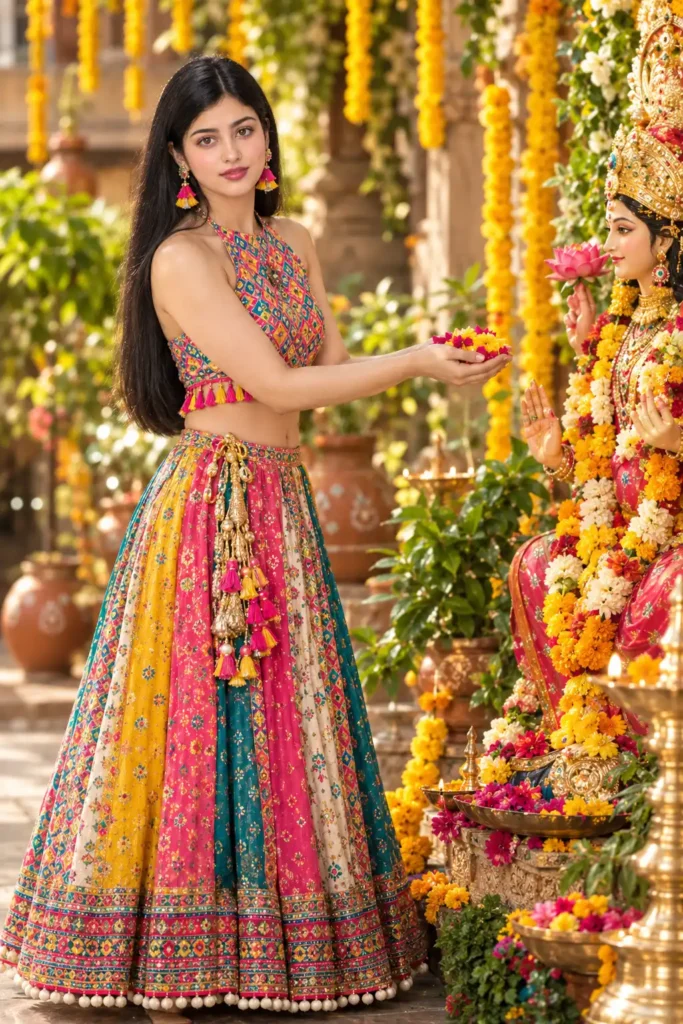
Laxmi Puja Cinematic Girl Image Prompt
By Welcome to photo editing prompts! Generate your own masterpiece · Updated October 22, 2026
Prompt
A cinematic, ultra-realistic, 8K resolution poster. A beautiful 22-24 year old woman is standing gracefully, smiling warmly while offering a handful of fresh flowers toward a divine Goddess Laxmi statue. She has 100% same facial features from the reference image, a natural skin tone, and soft pores. She is wearing a stunning, highly detailed multi-colored lehenga. The top is a sleeveless halter-neck top covered in a dense, multi-colored geometric print (vibrant blues, pinks, and yellows) with a playful fringe of bright pink and yellow tassels at the hem. Her skirt is a patchwork of vibrant, wide vertical panels in mustard yellow, bright pink, teal, and cream, heavily decorated with intricate floral and geometric patterns, featuring a thick, ornate patterned border at the bottom lined with white pom-poms. A heavy gold, pearl, and pink tassel belt hangs elegantly at her waist. She is wearing bright pink and yellow earrings. The background is a beautifully decorated festive courtyard, filled with hanging yellow marigold garlands, terracotta pots, and lush green plants. The lighting is warm and cinematic, shot on an 85mm lens with a very shallow depth of field (f/1.4) to create a creamy DSLR bokeh, natural raw photography feel, color-graded in Lightroom, masterpiece.
- Platform
- ChatGPT, Gemini, Ideogram, Leonardo, Midjourney
- Occasion
- Laxmi Puja
- Aspect ratio
- 9:16 (1080×1920)
- Quality
- 1080p, 4K
- Prompt type
- Direct prompt
You may also read
More articles →- Action Picture Generate Prompts
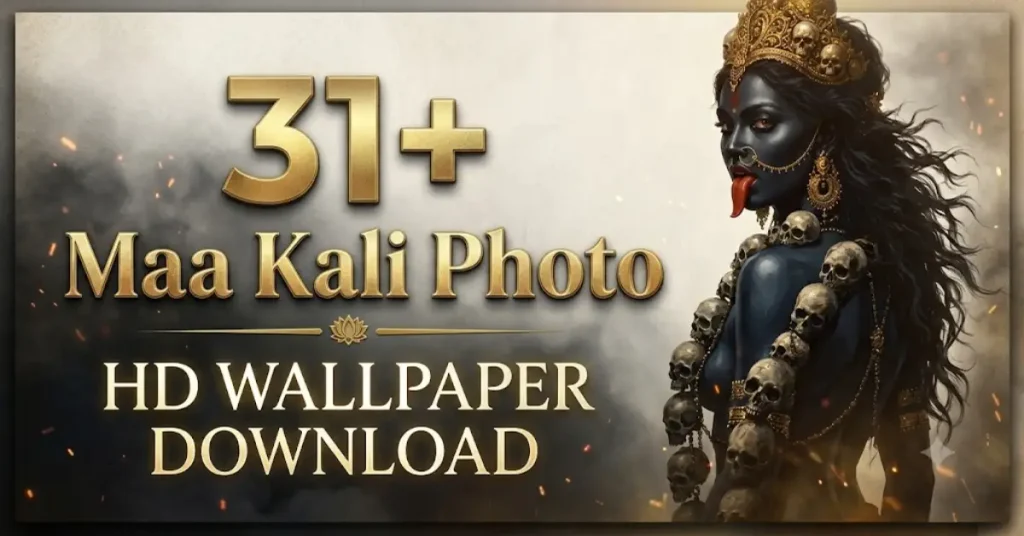
31+ Maa Kali Photo HD Wallpaper Download: Best ChatGPT Prompts
- AI Cineatic 8K Video Prompt
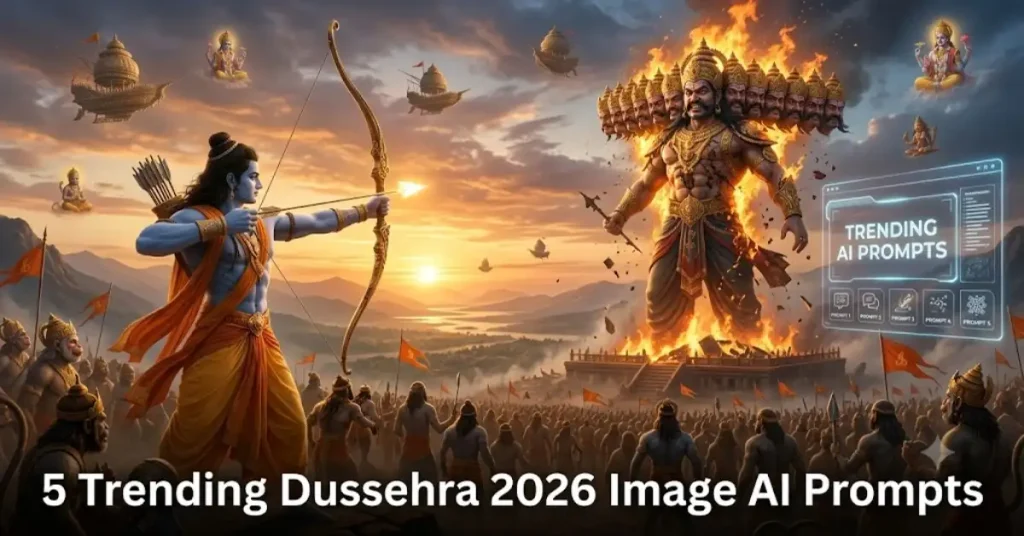
5 Trending Dussehra 2026 Image AI Prompts
- AI Mobile Wallpapers Free
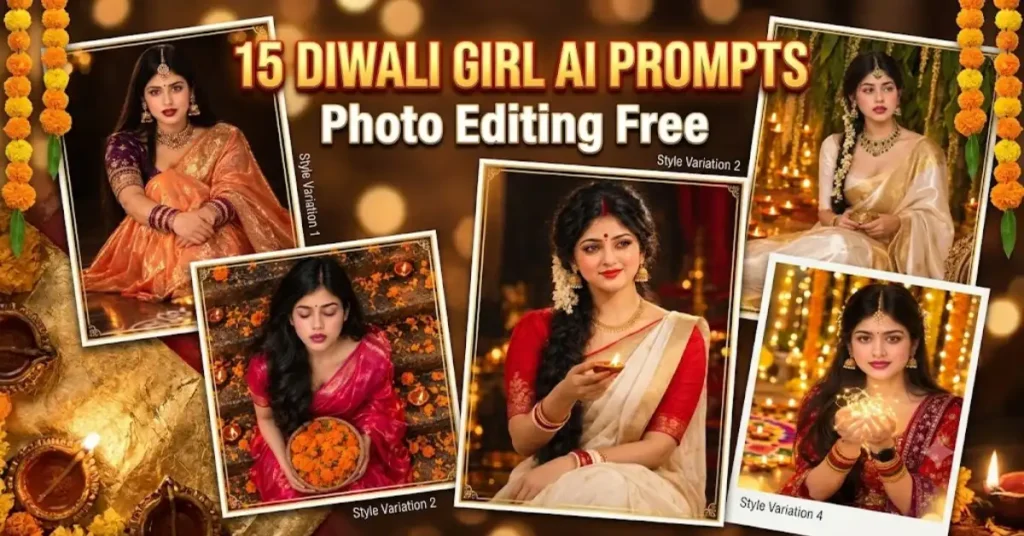
15 Diwali Girl Ai Prompt Photo Editing Free
- AI Cineatic 8K Video Prompt
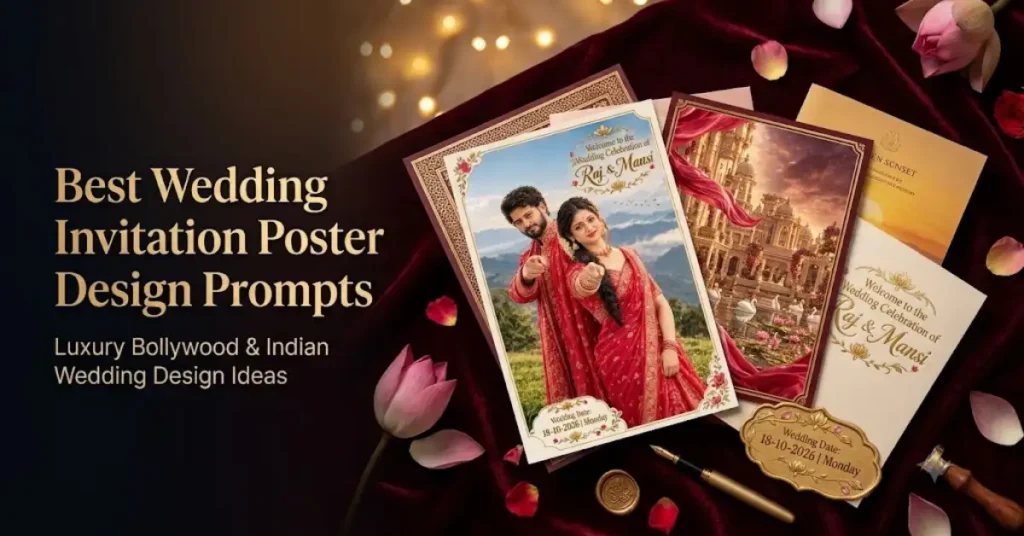
Best Wedding Invitation Poster Design Prompts: Easy Copy-Paste Luxury Wedding AI Prompts
How to use this prompt
- Press Copy prompt to copy the full prompt.
- Open ChatGPT and start a new image.
- Paste the prompt and set the aspect ratio to 9:16 (1080×1920).
- Generate, then adjust a few words to make it your own.
More prompts like this
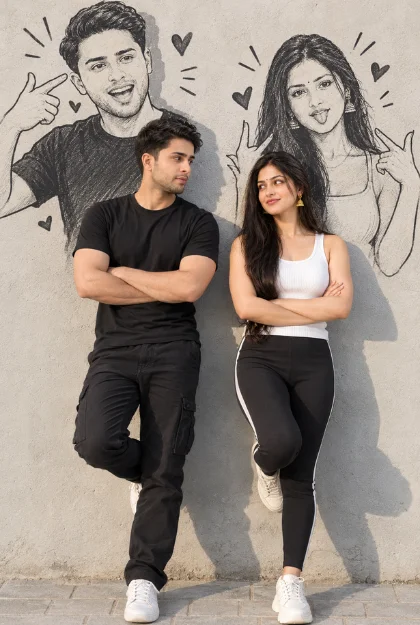
Doodle shadow couple image prompt (opens in a new tab)
photoeditprompts.in
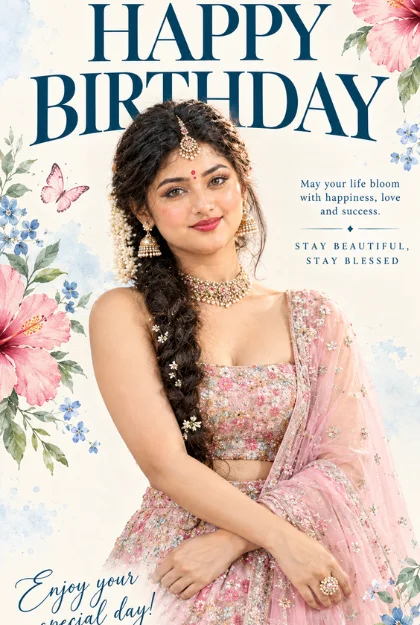
Happy birthday wishes images prompt (opens in a new tab)
Welcome to photo editing prompts! Generate your own masterpiece
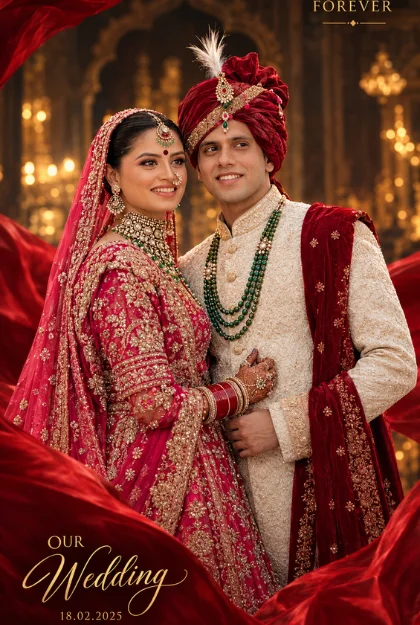
Wedding poster design ai prompt (opens in a new tab)
Welcome to photo editing prompts! Generate your own masterpiece
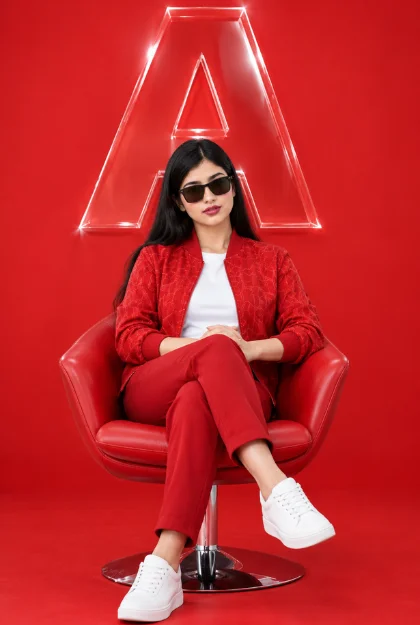
8K studio portrait for woman (opens in a new tab)
Welcome to photo editing prompts! Generate your own masterpiece