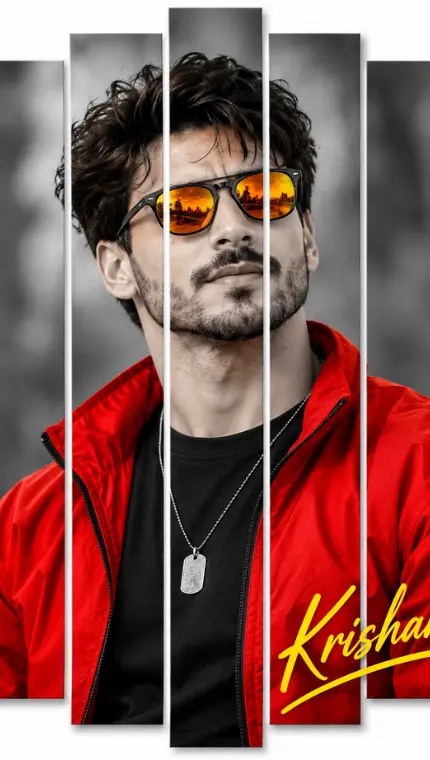
How to Create a Split-Panel Selective Color Portrait
By photoeditprompts.in · Updated November 1, 2026
Prompt
0
Create an ultra-realistic, stylized portrait of a handsome man with a rugged, stubbled jawline and textured, messy dark hair. The image must be designed as a multi-panel collage, featuring vertical slices of the portrait separated by white gaps with subtle drop shadows to create a 3D floating effect. SUBJECT & POSE: The man is positioned in a profile/three-quarter view, looking upwards and towards the right side of the frame. He has a serious, confident expression. He is wearing a bright, vibrant red windbreaker jacket over a plain black crew-neck t-shirt, with a silver dog tag necklace resting on his chest. He is wearing classic black-framed sunglasses with striking, highly reflective golden-orange lenses. ART STYLE & COLOR GRADING (KEY DETAILS): The image uses a dramatic selective color technique. The background, the man's skin, hair, and black t-shirt are completely desaturated, rendered in rich black and white with high contrast and cinematic lighting. However, the red jacket and the orange-gold lenses of the sunglasses remain in full, vivid color, making them pop dramatically against the monochrome. THE PANEL EFFECT: The composition is sliced vertically into five distinct rectangular panels. The gaps between the panels are pure white, and each panel has a soft, realistic drop shadow along its edge, giving the illusion that the slices are floating above a white background. The vertical slices cut through his face and body, but the features align perfectly to form the complete portrait. TEXT & GRAPHICS: In the bottom right corner, overlapping the red jacket and the white space, there is a stylized, bold, cursive signature text that reads "Krishan" in vibrant yellow, with a matching yellow underline swoosh. PHOTOGRAPHY & TEXTURE: Shot with professional DSLR quality, 85mm lens, sharp focus on the face and sunglasses. The skin must have highly detailed pores and realistic stubble texture. The red jacket should look like authentic, slightly wrinkled nylon fabric. Aspect Ratio: 2:3 vertical portrait.
Hashtags
- Aspect ratio
- 1:1 (1024×1024)1200×10001200×6281920×1080 (16:9)4:5 (1080×1350)9:16 (1080×1920)
- Quality
- 1080p4K8K
- Prompt type
- Direct prompt
You may also read
More articles →- Uncategorized
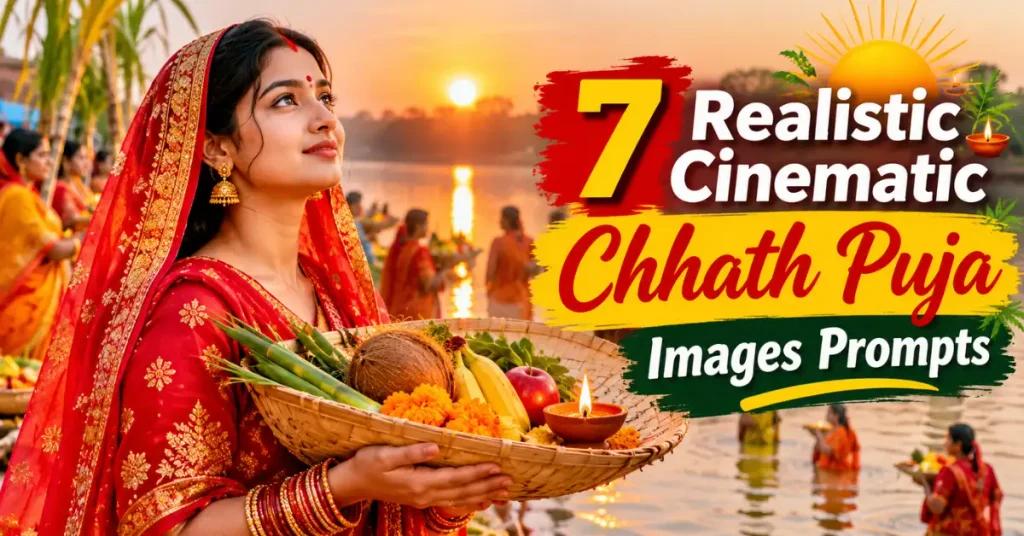
7 Realistic Cinematic Chhath Puja Images Prompts
- Action Picture Generate Prompts
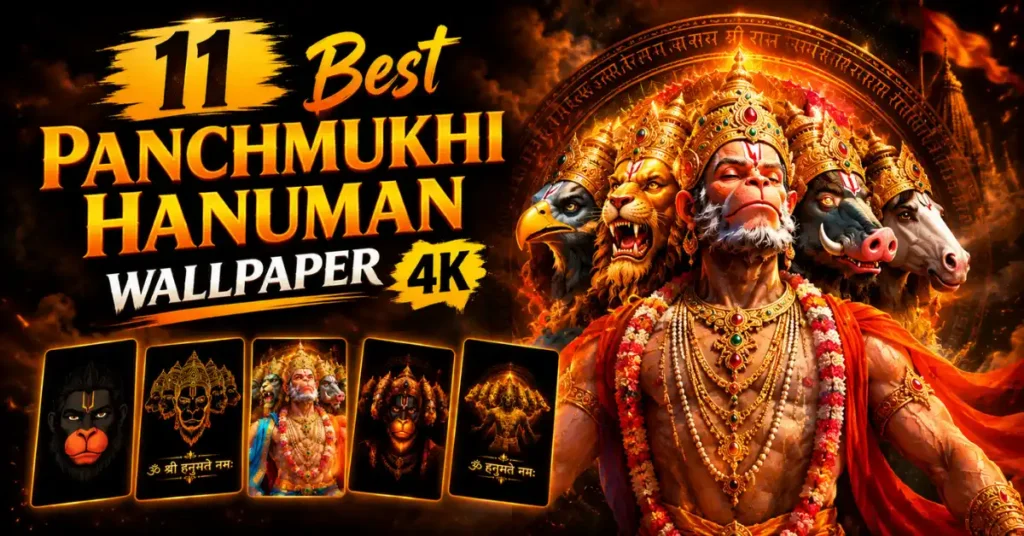
11 Best Panchmukhi Hanuman Wallpaper 4K: Gemini AI Wallpaper Prompts
- AI Photo Edit
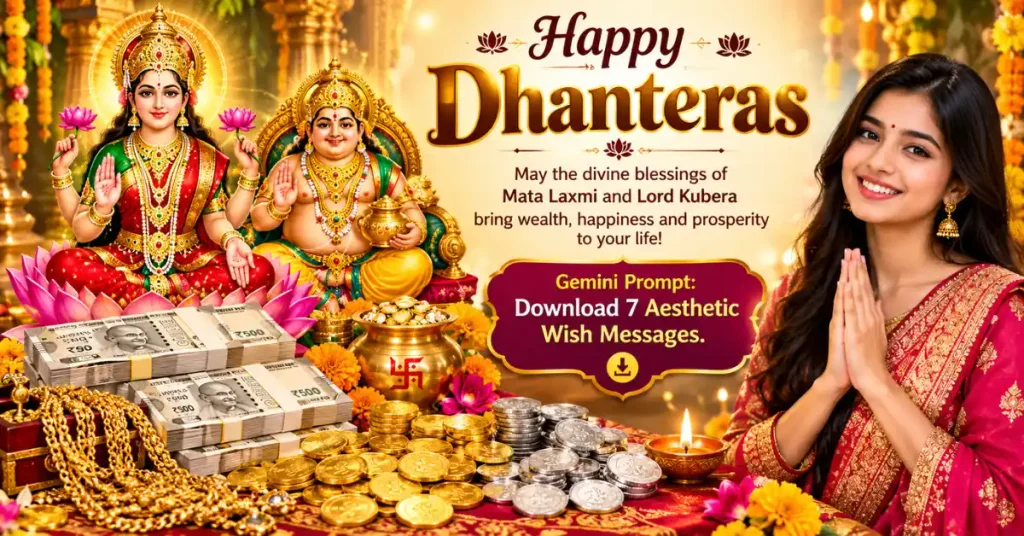
Happy Dhanteras Gemini Prompt: Download 17+ Aesthetic Wish Messages
- AI Mobile Wallpapers Free
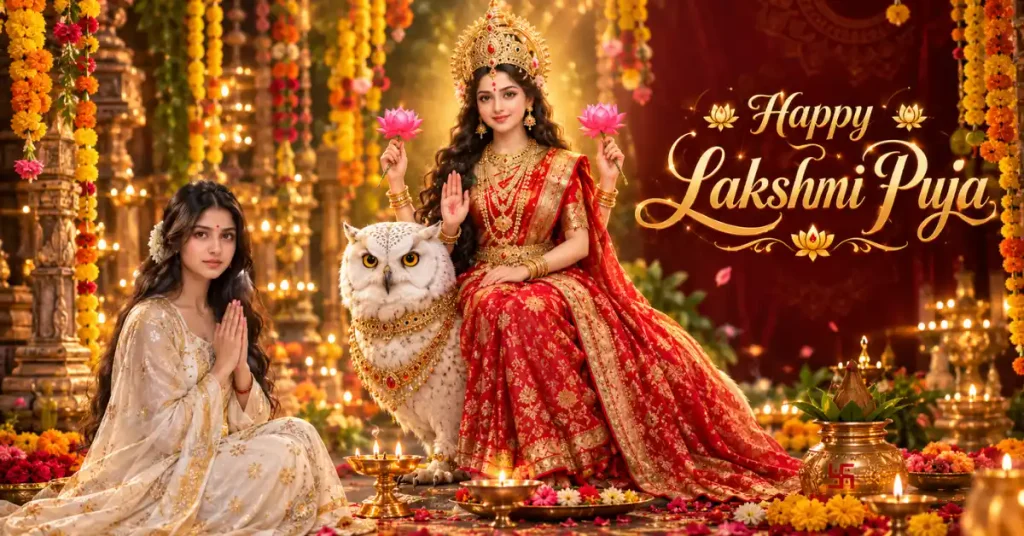
25 Best Laxmi Puja Images Prompts for Chatgpt
How to use this prompt
- Press Copy prompt to copy the full prompt.
- Open ChatGPT and start a new image.
- Paste the prompt and set the aspect ratio to 1:1 (1024×1024).
- Generate, then adjust a few words to make it your own.
More prompts like this
Cinematic Teal Saree Portrait Prompt (opens in a new tab)
photoeditprompts.in
Expressive digital painting prompt for man (opens in a new tab)
photoeditprompts.in
Cinematic double-exposure fashion portrait for man (opens in a new tab)
photoeditprompts.in
Ultra-Luxurious Cinematic Movie Poster AI Prompt (opens in a new tab)
photoeditprompts.in
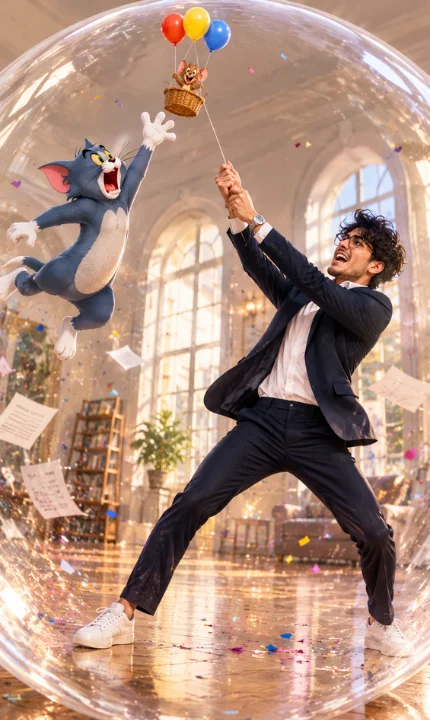
Hyper-Realistic Man & 3D Tom and Jerry Action Scene (opens in a new tab)
photoeditprompts.in
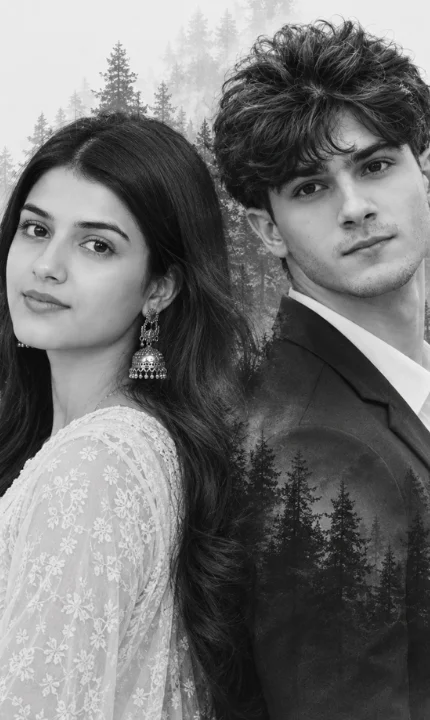
Love couple double-exposure portrait prompt (opens in a new tab)
photoeditprompts.in
Dreamy ethereal portrait for girl (opens in a new tab)
photoeditprompts.in
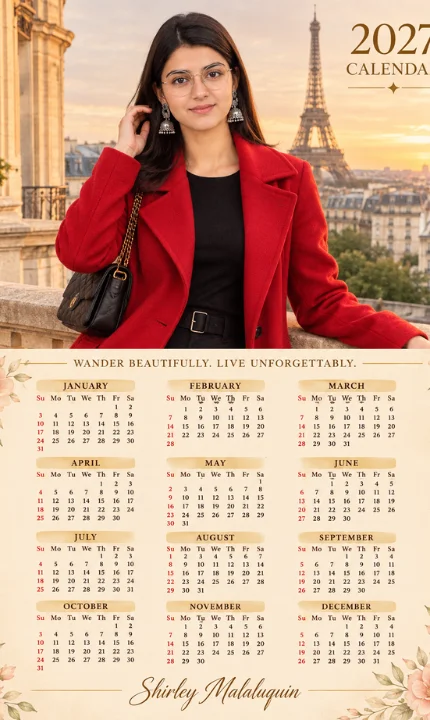
Prompt for elegant 2027 calendar design (opens in a new tab)
Welcome to photo editing prompts! Generate your own masterpiece