- Attitude
- Cinematic
- Social Media
- ChatGPT
- Gemini
- Google Flow Ai
- Ideogram
- Kling
- Leonardo
- Midjourney
- Nano Banana
- Sora
3D social media promotional portrait prompt
By Welcome to photo editing prompts! Generate your own masterpiece · Updated October 31, 2026
Prompt
0
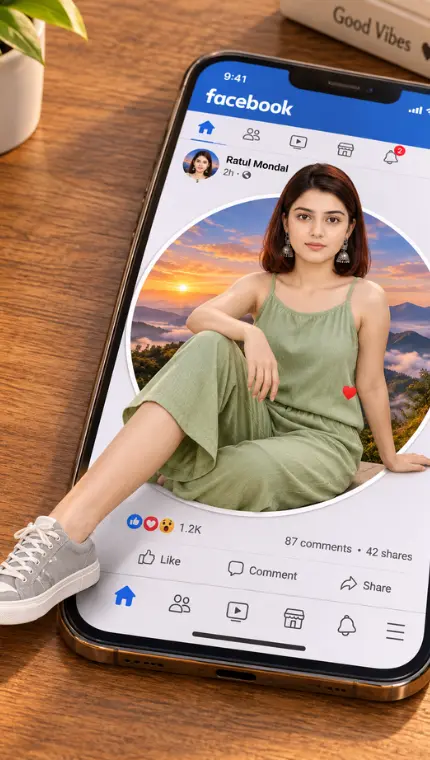
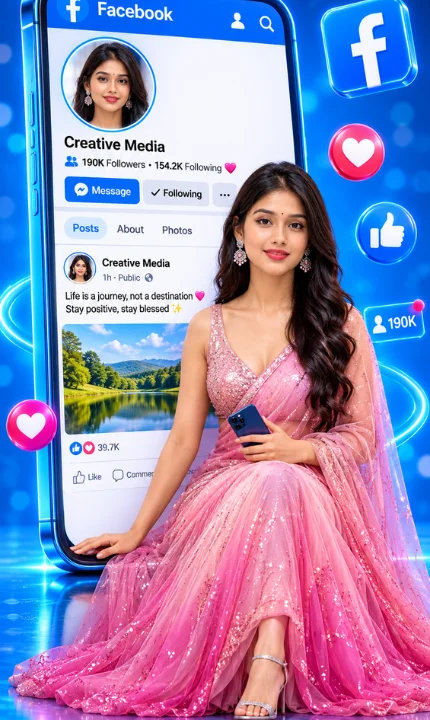
Create an ultra-realistic, premium-quality 3D social media promotional portrait in a vertical 9:16 aspect ratio. The composition features a beautiful young Indian woman seated elegantly inside the giant illuminated Facebook profile interface, positioned directly beneath the profile information and post section, acting as a 3D pop-out element from the screen. SUBJECT & WARDROBE: The woman has voluminous, long, wavy dark-brown hair, expressive eyes, natural facial features, and a gentle, confident smile. She is wearing an elegant, floor-length, sleeveless blush-pink shinning silky evening Saree with a deep V-neckline, fitted waist, and a flowing, multilayered sheer tulle skirt that transitions from soft pastel pink to a richer rose-pink at the bottom. She wears delicate high-heeled shoes and dangling earrings. POSE: She is seated gracefully within the boundaries of the phone screen, right below the profile header and post preview. Her upper body is upright with a relaxed posture. One hand rests naturally on the white inner edge of the smartphone screen, while the other holds a modern dark-blue smartphone near her waist. Her legs are elegantly arranged, with the voluminous pink gown spreading naturally across the glossy digital floor of the interface. She looks directly at the camera. GIANT FACEBOOK SMARTPHONE: An enormous, slightly tilted vertical smartphone with a metallic-blue frame, rounded corners, 3D depth, and bright cyan neon edges dominates the background. The screen displays a clean, realistic Facebook interface: Header: Blue circular FB icon with white "f", the word "Facebook" in white, and small profile/search icons. Profile Section: A large circular profile photo of the same woman with white/electric-blue illuminated borders. Below it, text reads: "Creative Media", "190K Followers • 154.2K Following" with a blue user icon and pink heart. Buttons: Blue "Message" button, light-grey "Following" button, and a three-dot options button. Navigation: Posts | About | Photos (Posts highlighted in soft-blue). Post Preview: A miniature profile photo, page name "Creative Media", timestamp "1h · Public", and text: "Life is a journey, not a destination 💗 Stay positive, stay blessed ✨" with a rectangular nature photo preview. Engagement: Blue Like and pink Love icons, "39.7K" count, and Like/Comment controls at the bottom. (The woman is seated on/inside this lower section of the screen). FLOATING 3D ELEMENTS: Glossy 3D social media decorations surround the phone: a large blue Facebook logo tile (upper-right), a pink heart reaction (right), a blue thumbs-up (right), a pink heart (lower-left), and a glowing horizontal notification bar. These have glass-like surfaces, reflections, and cyan outlines. ENVIRONMENT & LIGHTING: Vibrant electric-blue and royal-blue studio background with glowing bokeh circles, particles, and neon curves. A glossy reflective blue floor beneath the subject. Premium cinematic studio lighting with soft frontal light on her face, warm hair highlights, and cyan rim lighting on the phone. Slightly elevated, straight-on three-quarter camera perspective. RENDERING: Ultra-photorealistic 3D commercial advertising photography, physically accurate fabric simulation, realistic skin texture, 8K resolution, sharp facial details, vibrant color grading. AVOID: Cartoon appearance, distorted hands, extra fingers, incorrect body proportions, unreadable or misspelled interface text, excessive decorations, flat lighting, watermarks.
Hashtags
- Occasion
- AttitudeCinematicSocial Media
- Aspect ratio
- 1:1 (1024×1024)4:5 (1080×1350)9:16 (1080×1920)
- Quality
- 1080p4K8K
- Prompt type
- Direct prompt
You may also read
More articles →- Uncategorized
7 Realistic Cinematic Chhath Puja Images Prompts
- Action Picture Generate Prompts
11 Best Panchmukhi Hanuman Wallpaper 4K: Gemini AI Wallpaper Prompts
- AI Photo Edit
Happy Dhanteras Gemini Prompt: Download 17+ Aesthetic Wish Messages
- AI Mobile Wallpapers Free
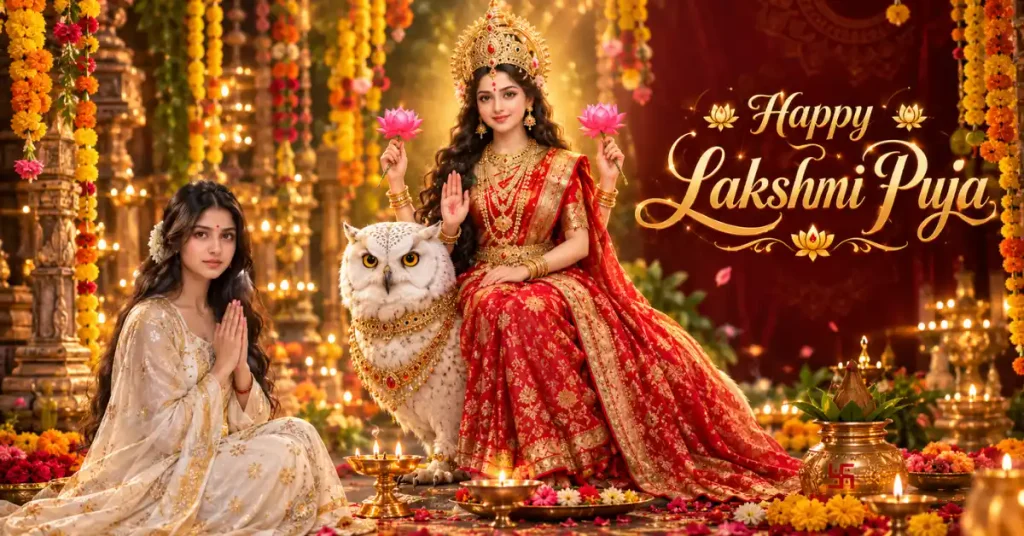
25 Best Laxmi Puja Images Prompts for Chatgpt
How to use this prompt
- Press Copy prompt to copy the full prompt.
- Open ChatGPT and start a new image.
- Paste the prompt and set the aspect ratio to 1:1 (1024×1024).
- Generate, then adjust a few words to make it your own.
More prompts like this
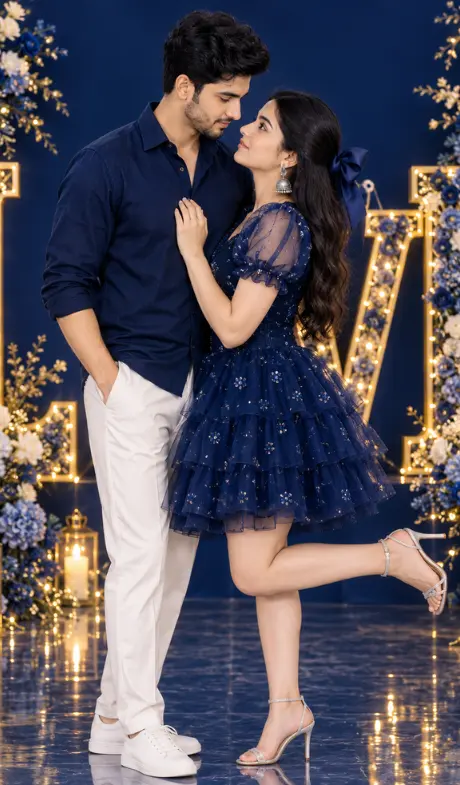
Romantic cinematic DSLR couple portrait (opens in a new tab)
photoeditprompts.in
Fb ultra-realistic 3D optical illusion photograph (opens in a new tab)
Welcome to photo editing prompts! Generate your own masterpiece
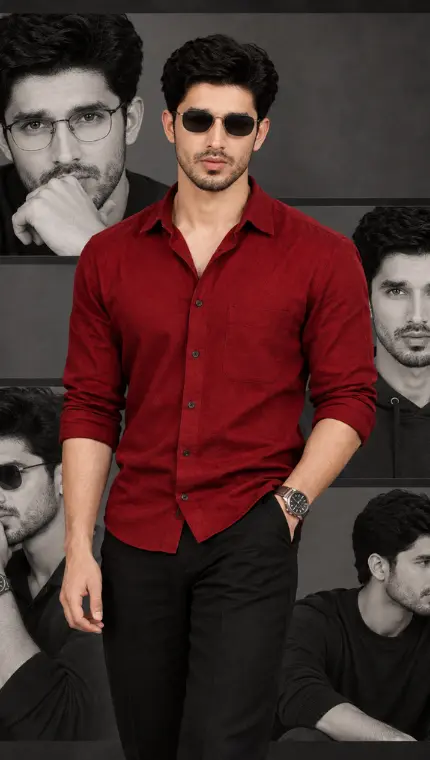
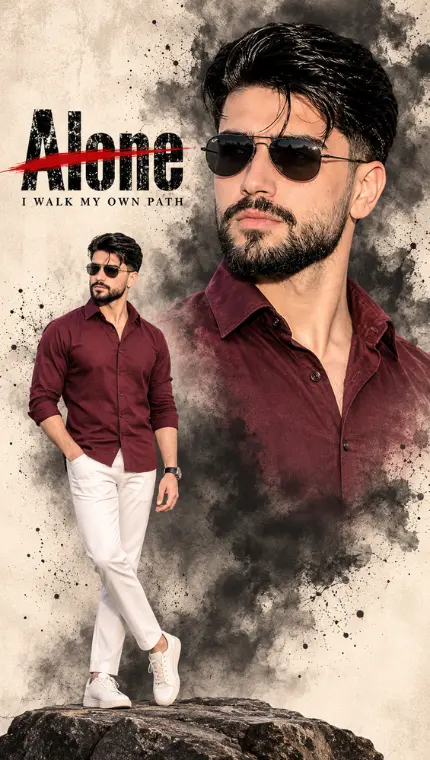
The Ultimate Man AI Fashion Poster Prompt (opens in a new tab)
Welcome to photo editing prompts! Generate your own masterpiece
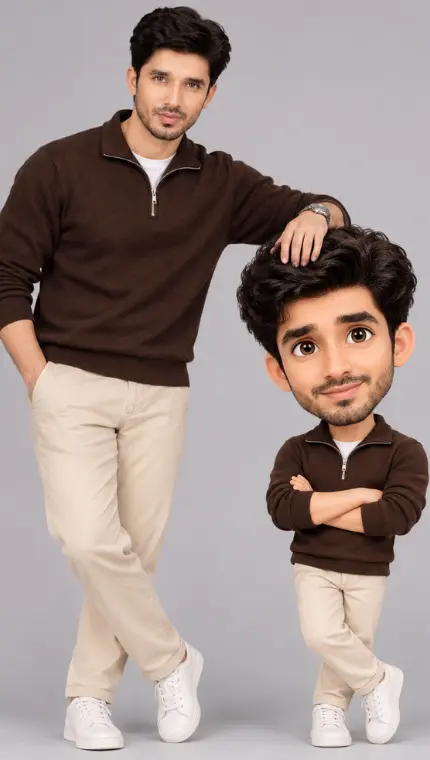
Real Me vs. Cartoon Me: Mastering the 3D Caricature AI Trend (opens in a new tab)
Welcome to photo editing prompts! Generate your own masterpiece
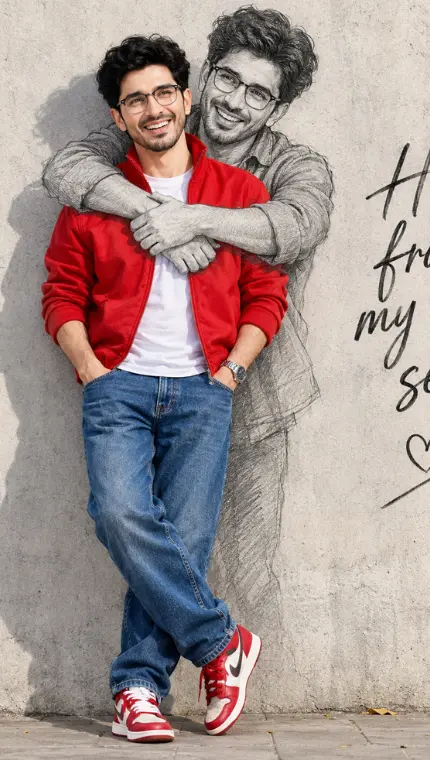
Hug from my own self prompt (opens in a new tab)
photoeditprompts.in
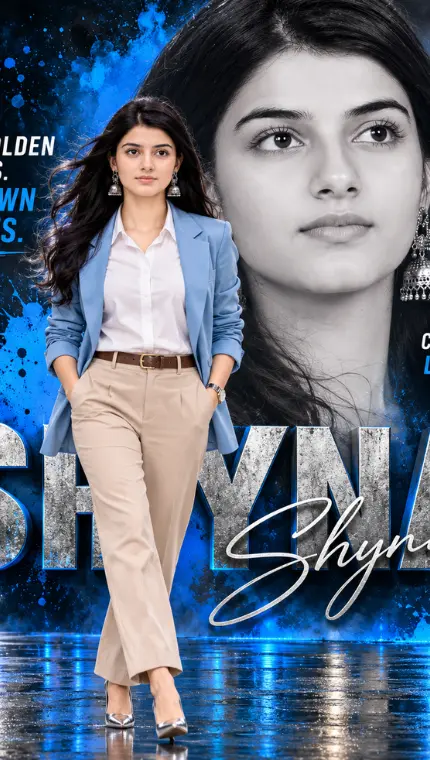
Woman double-exposure portrait poster (opens in a new tab)
photoeditprompts.in
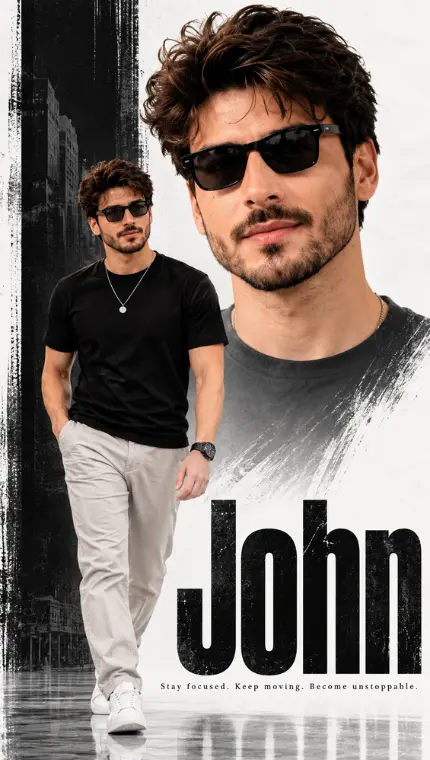
Men premium cinematic magazine-cover aesthetic (opens in a new tab)
Welcome to photo editing prompts! Generate your own masterpiece
Free cinematic fashion poster image (opens in a new tab)
Welcome to photo editing prompts! Generate your own masterpiece